Skip to product information
1 of 7

Magic Wet Paint-Pulling Photoshop Mixer Brushes + Exclusive Tutorial

Magic Wet Paint-Pulling Photoshop Mixer Brushes + Exclusive Tutorial

Regular price $ 8.00 USD
Regular price Sale price $ 8.00 USD
Sale Sold out

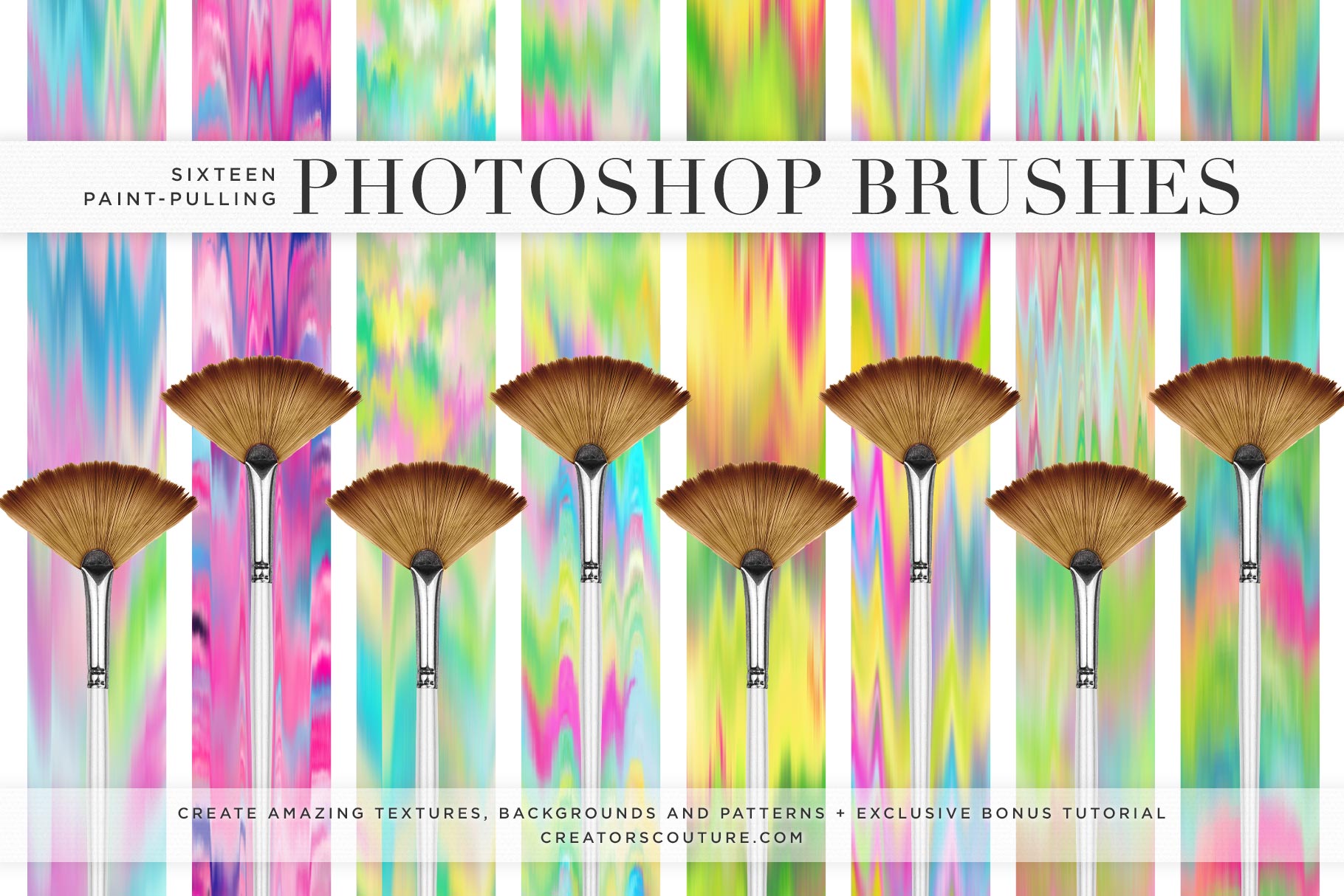
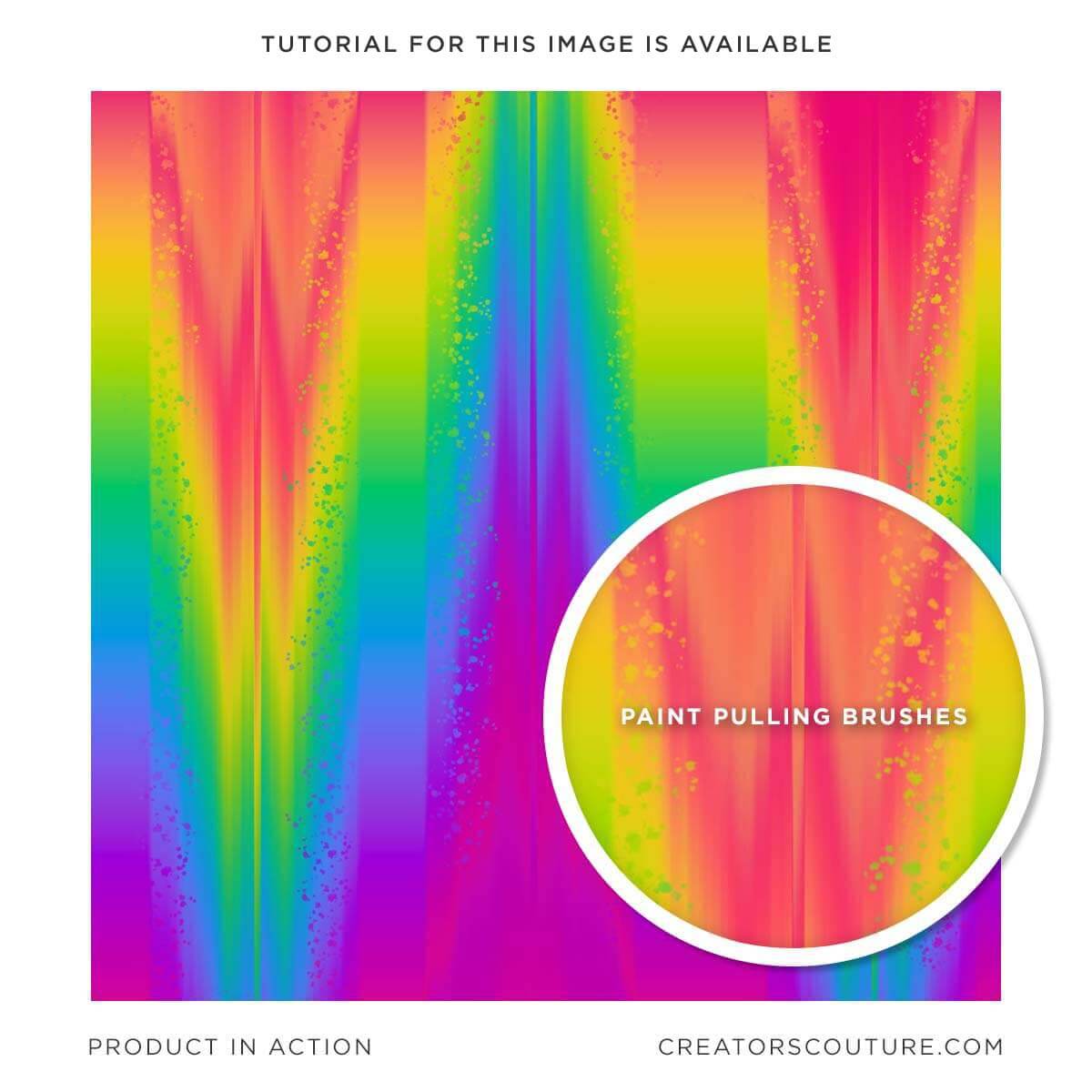
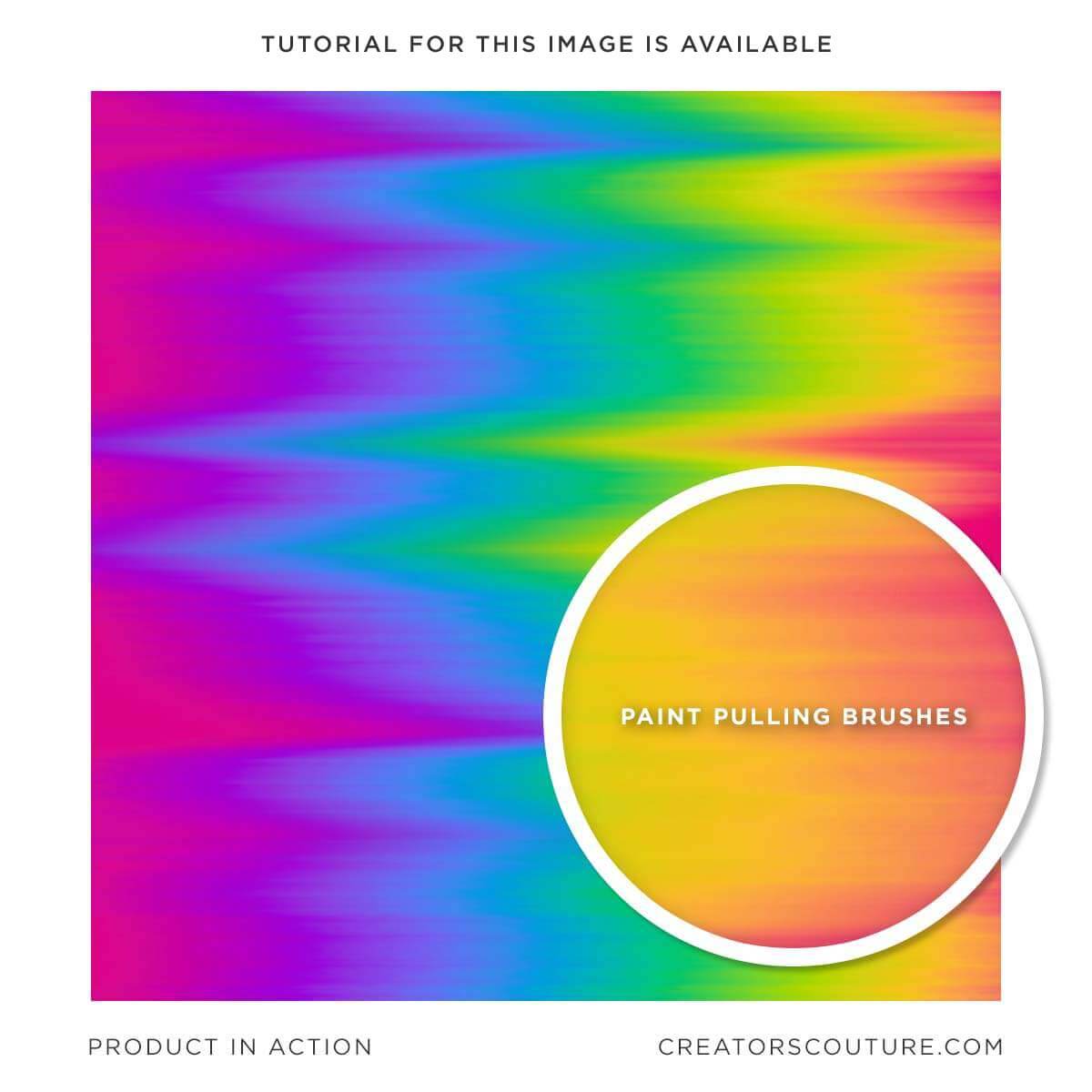
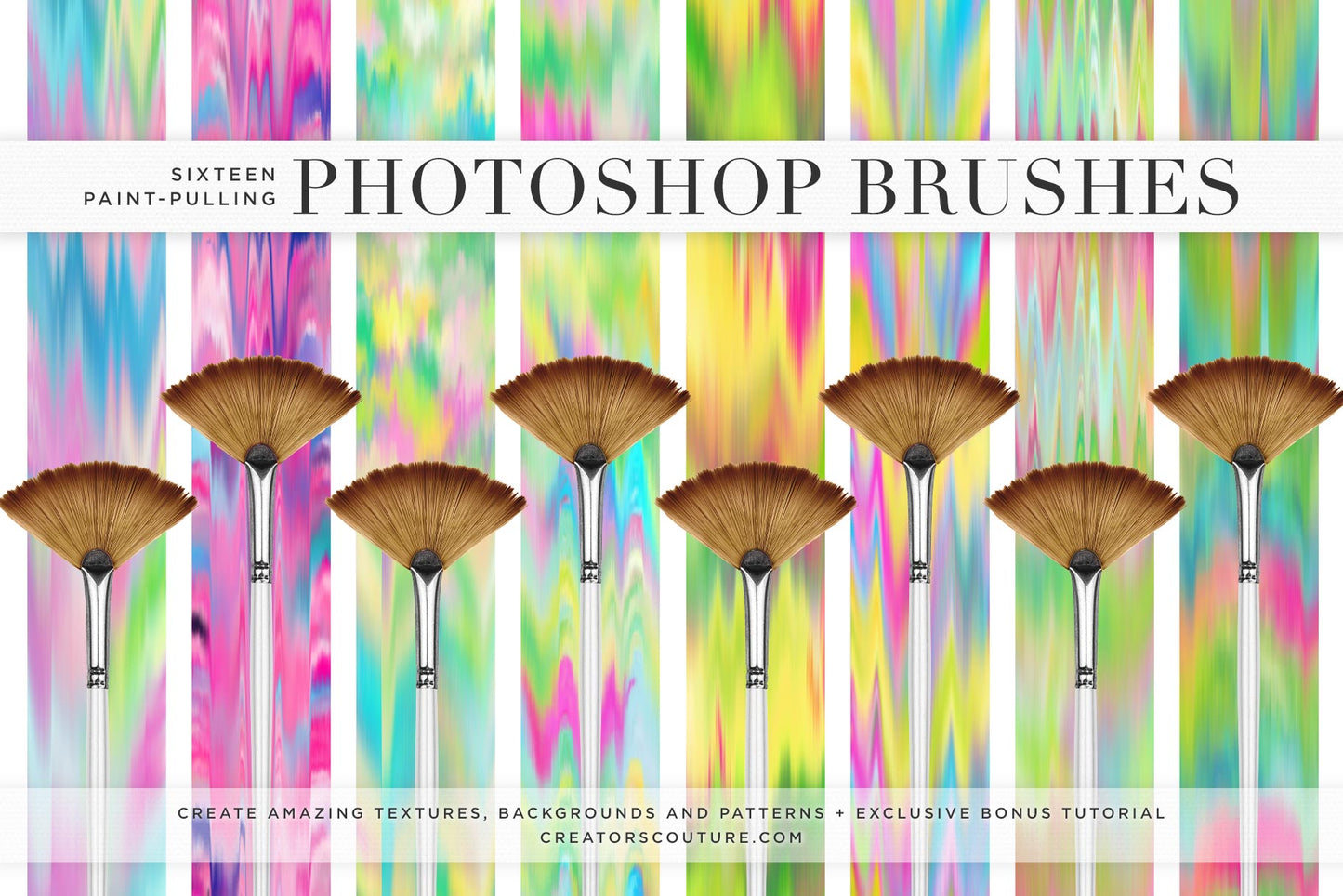
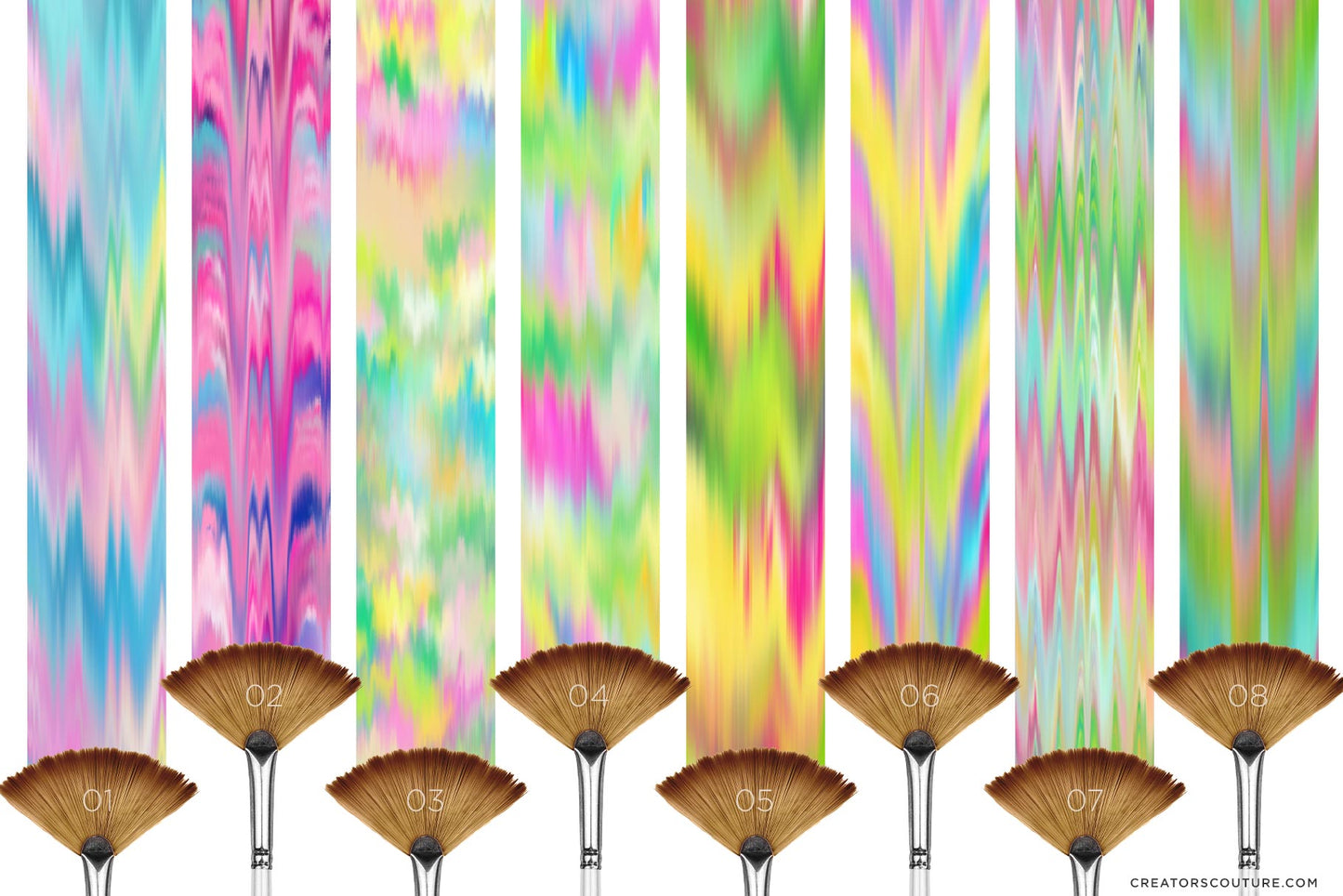
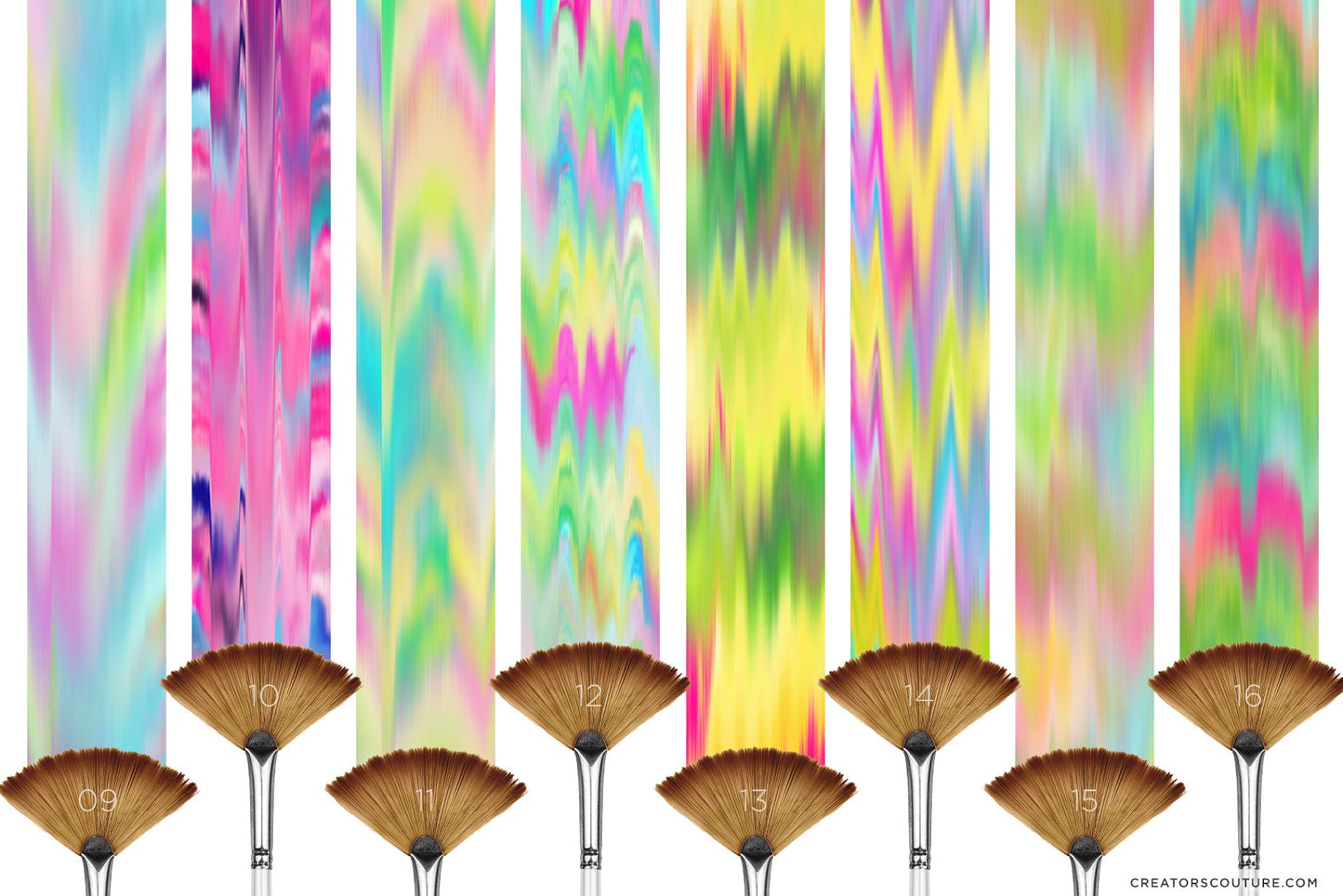
Quickly create incredible textures, backgrounds and patterns with these amazing paint-pulling Photoshop Mixer brushes and exclusive tutorial. In the special tutorial, I show you how to create bold and bright, ikat-inspired digital backgrounds for all your design and illustration projects!  

After lots of time and experimentation, I've turned my secret technique into a set of brushes that creators of ANY level can use, accompanied by an in-depth, yet easy to follow tutorial to show you how to create your own interesting textures and patterns!

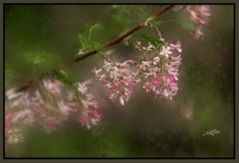
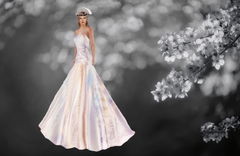
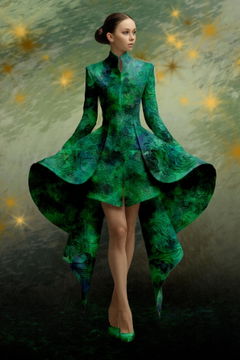
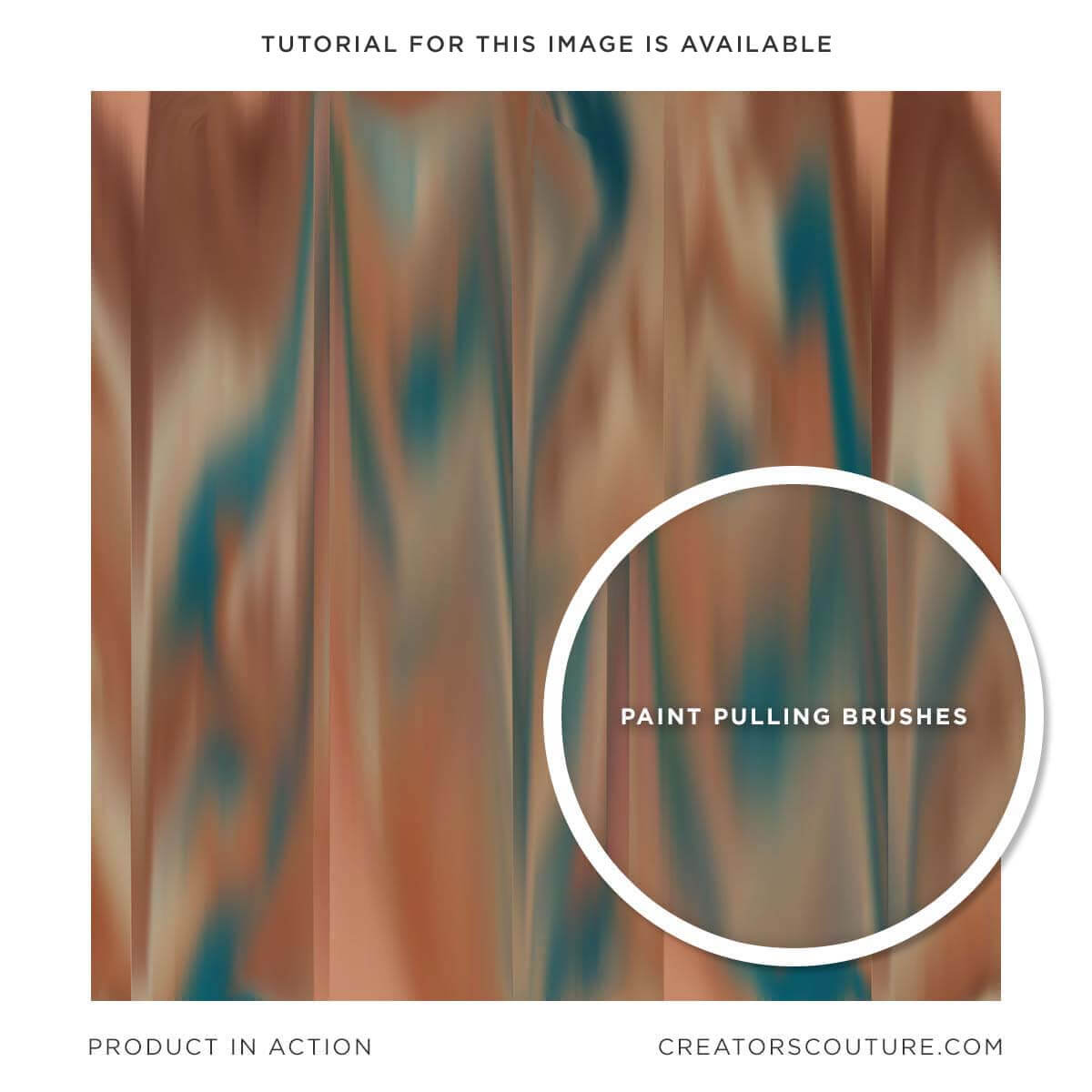
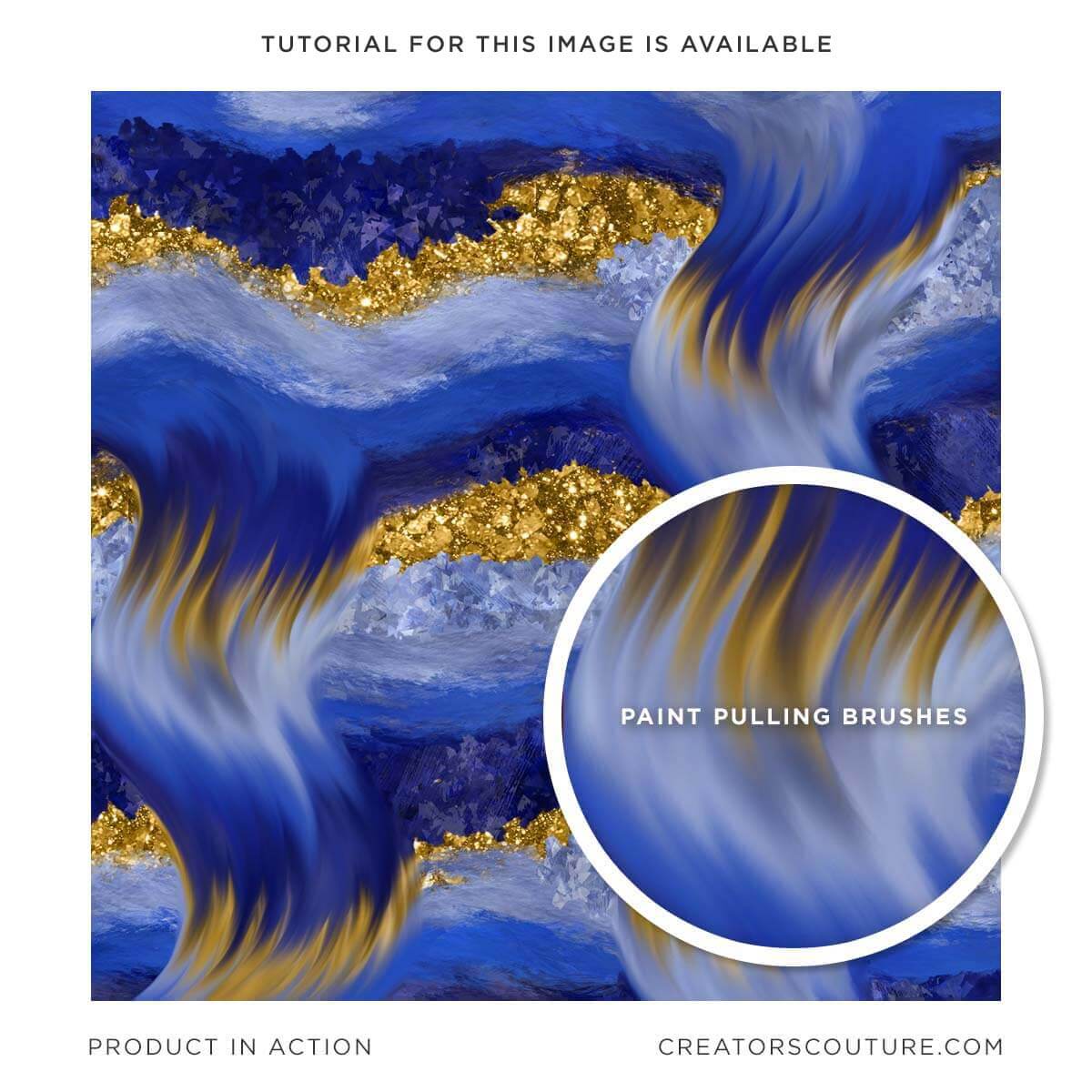
Be sure to watch the EXCLUSIVE tutorial to show you my very special technique on how I create beautiful wet paint backgrounds such as these using these specially designed brushes. Create items for sale that are uniquely your own! 

The instant download of wet paint Photoshop brushes contains...

  • A link to the exclusive tutorial, which is key for using the brushes
  • An ABR file, with the wet settings already applied. You can use this if you are on a newer version of Photoshop.
  • A TPL file, which is the brushes saved with the wet settings. These are exactly the same as the ABR brushes, but saved as a TPL for older versions of Photoshop or if you just prefer to use these as TOOLS rather than brushes. 
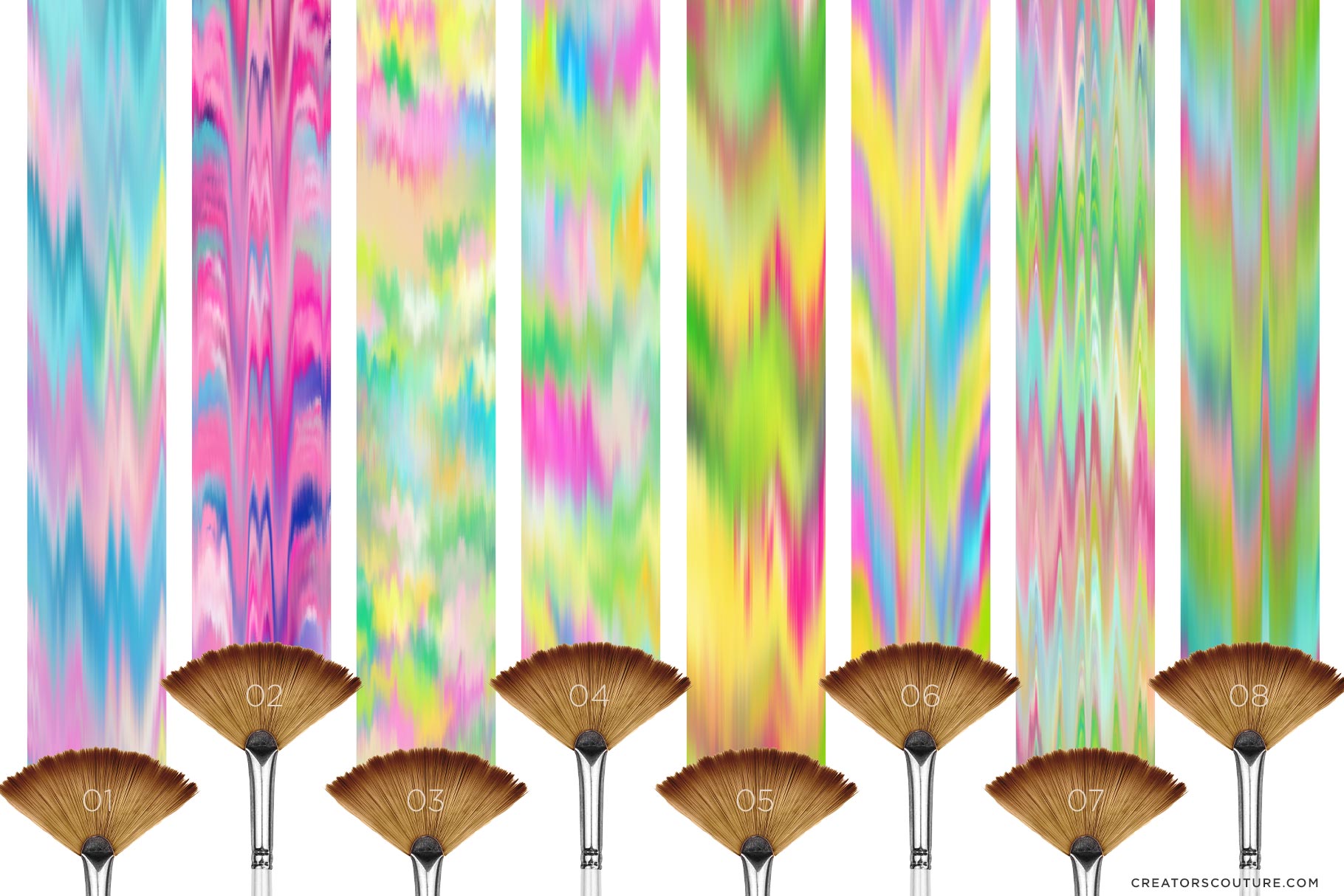
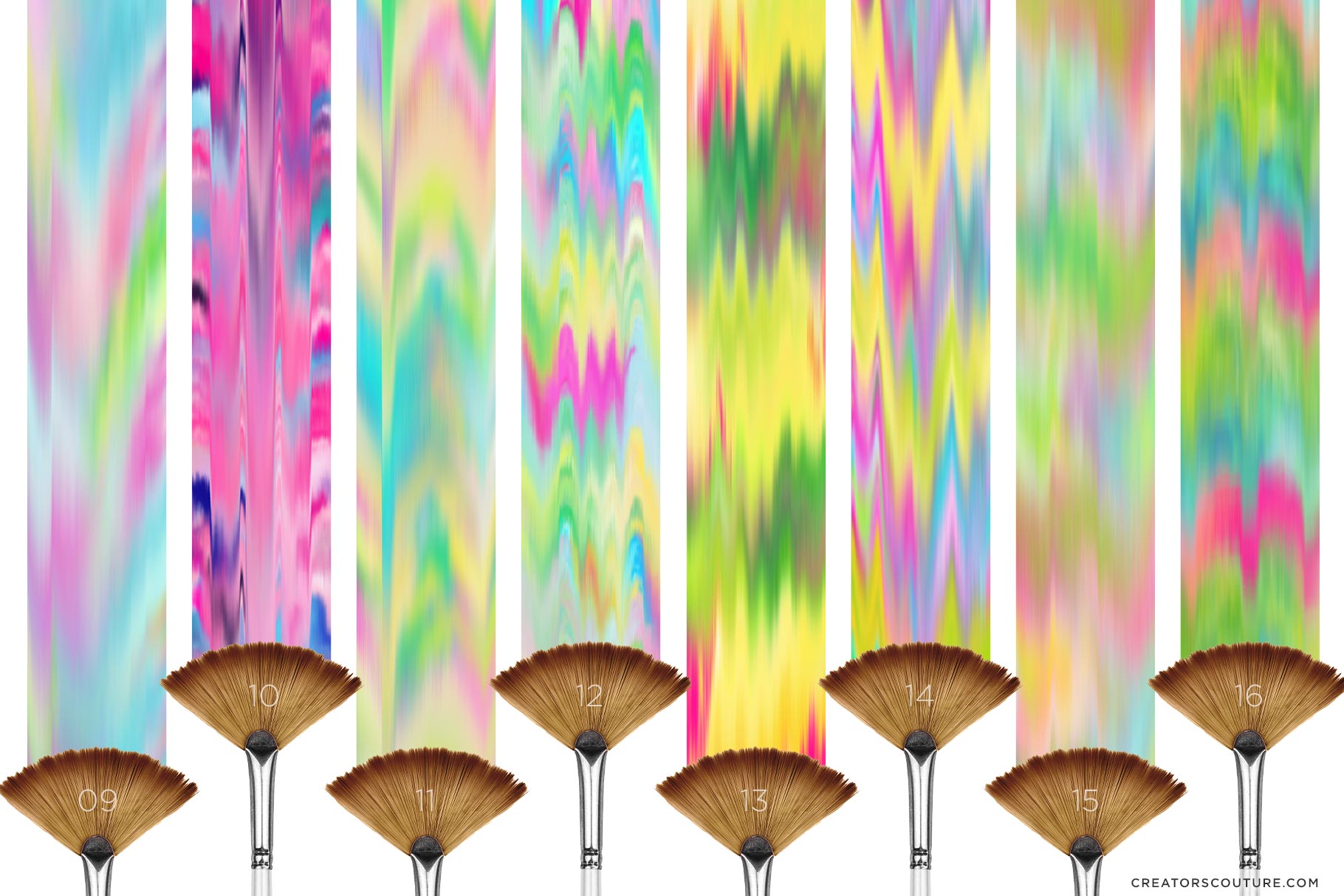
  • Reference sheets of the brush styles.
  • Double click the ABR or TPL files to load them instantly or consult my youtube channel for a video on loading Photoshop Brushes and Tools. 

Ways you can use the special Paint Pulling Photoshop brushes:

  • Create gorgeous Ikat inspired digital backgrounds
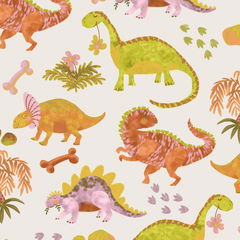
  • Surface Pattern Designs
  • Social Media Backgrounds
  • The list is endless... for more ideas, subscribe to my Youtube, and follow me on Instagram!

Generous Extended Use LicenseSee the easy license page for a few common sense guidelines about creating items for sale!

Have a question? Send me a message!

Product Download Includes

Software Compatibility

These brushes are designed for Photoshop CS6+

The multicolor pattern stamp technique is only available on Photoshop desktop, not Adobe Fresco or Photoshop for Ipad.

Sadly, Procreate does not have the brush engine capabilities for the multicolor effect. If you want to enjoy my brushes in Procreate, let them know HERE!

Product Tutorial

Product Support

If you have a question about using your product, first consult the product tutorial. Product tutorials can be found via the Tutorials tab on the project page, as well as HERE.

If you need further product support after consulting the tutorial, please leave me a direct message via the chat box at the bottom of the page, or CLICK HERE to leave me a message via the Contact page!

Ideas For Use

Check out my TUTORIAL CATALOG for lots of ideas for what to do with your new brushes!

My multicolor Photoshop brushes are used by all types of creatives - both professional designers and illustrators, as well as hobbyists of all levels! Some ideas for use:

  • Digital illustrations
  • Graphic design projects
  • Surface pattern designs
  • Social media & blog graphics
  • Creative photography edits
  • Digital collage

Product License

Generous Extended Use License!

As BRUSHES, these are one of the most versatile products with a generous extended use license! You can use these for your client work, personal projects, branding and design projects, printables, etc. You can create physical items for sale such as mugs, t-shirts and posters. You can even use these if you create digital products such as illustrations, patterns and templates for sale.

CLICK HERE for the Full License Overview

View full details