
Skip to product information
1 of 9

Illustrator Thread Brushes for a Hand-Embroidered Illustration Effect

Illustrator Thread Brushes for a Hand-Embroidered Illustration Effect

Digital embroidery 🧵 magic for Adobe Illustrator! 😱

Regular price $ 17.99 USD
Regular price Sale price $ 17.99 USD
Sale Sold out
  • ❤️ Buy with confidence - 30 day money back guarantee! Learn more

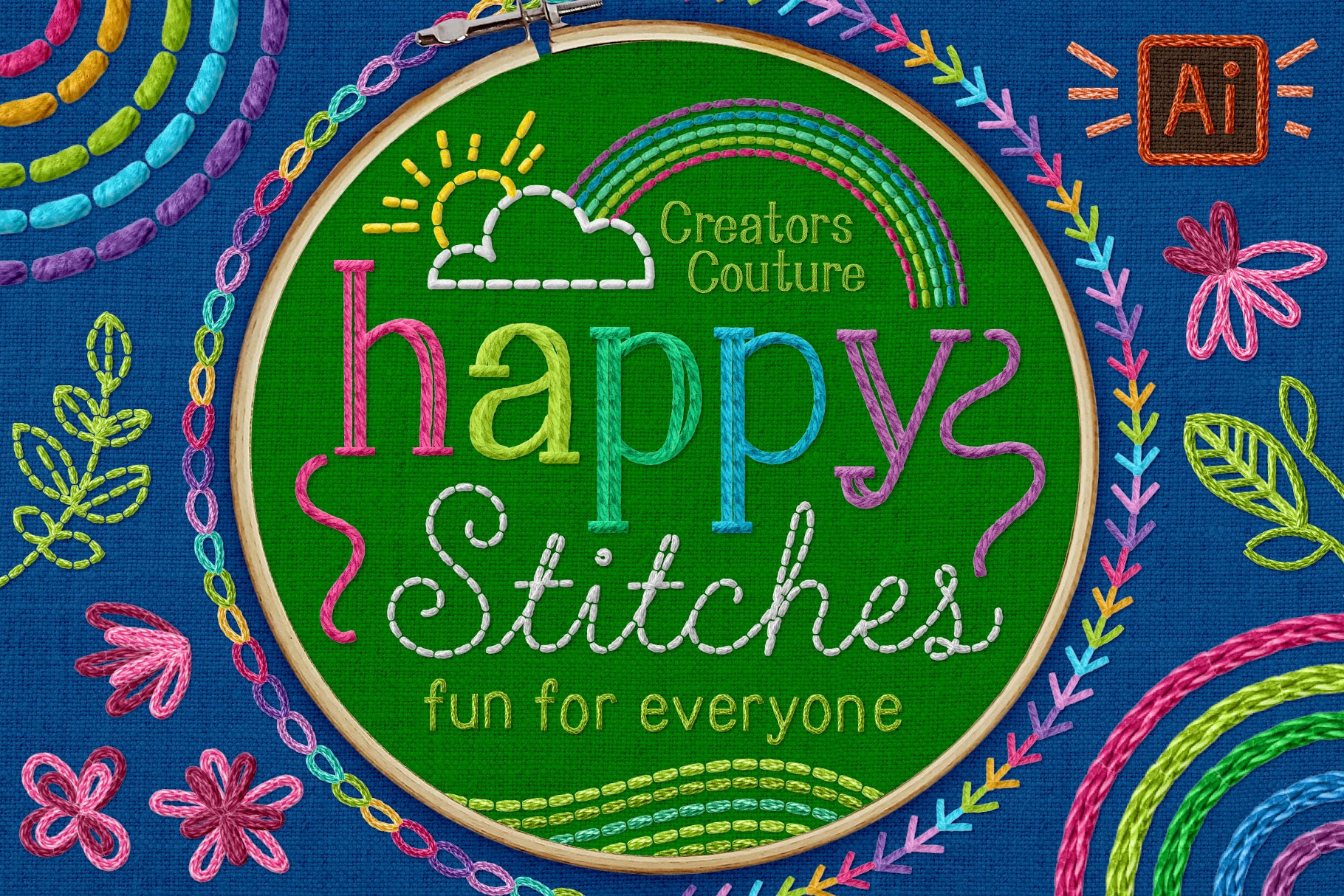
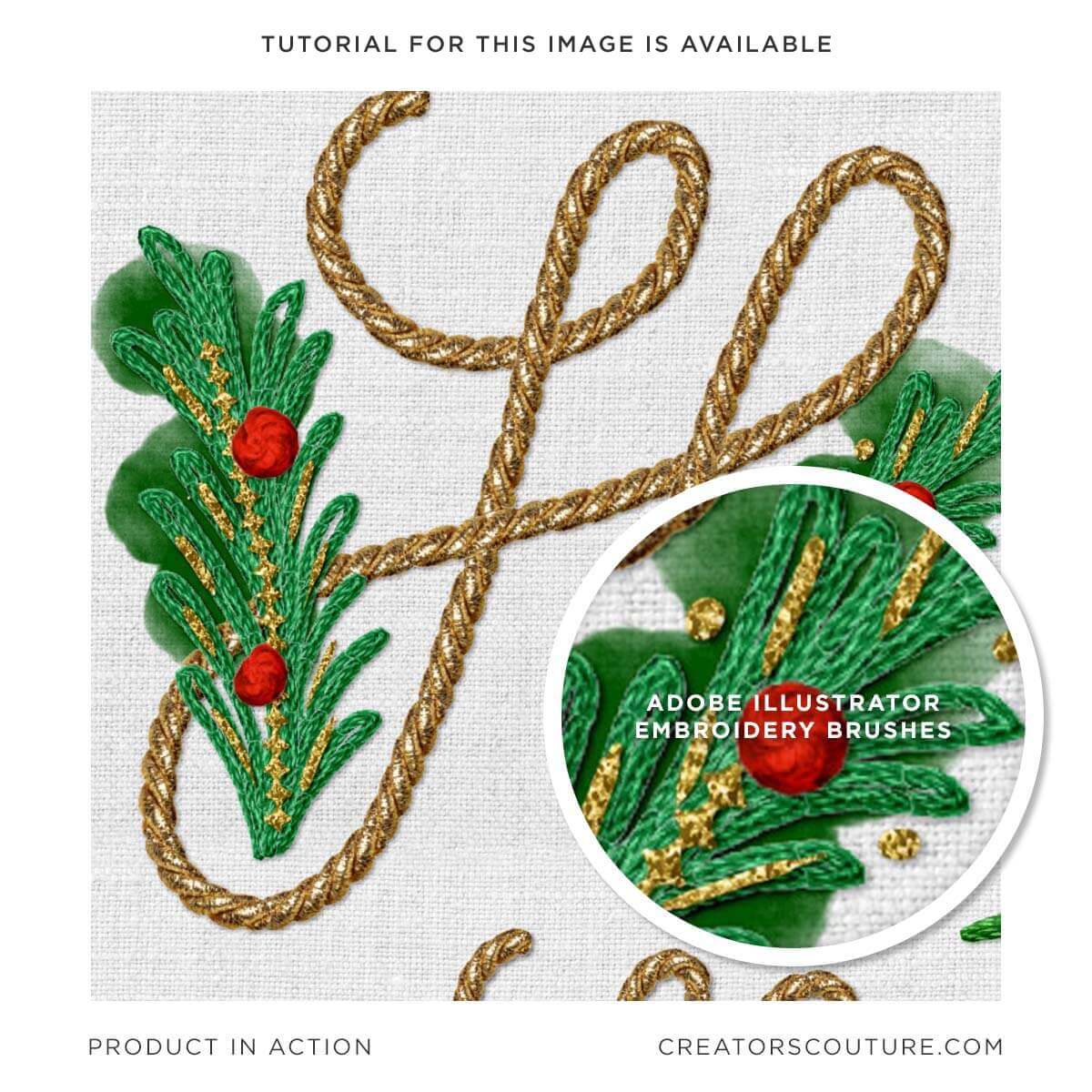
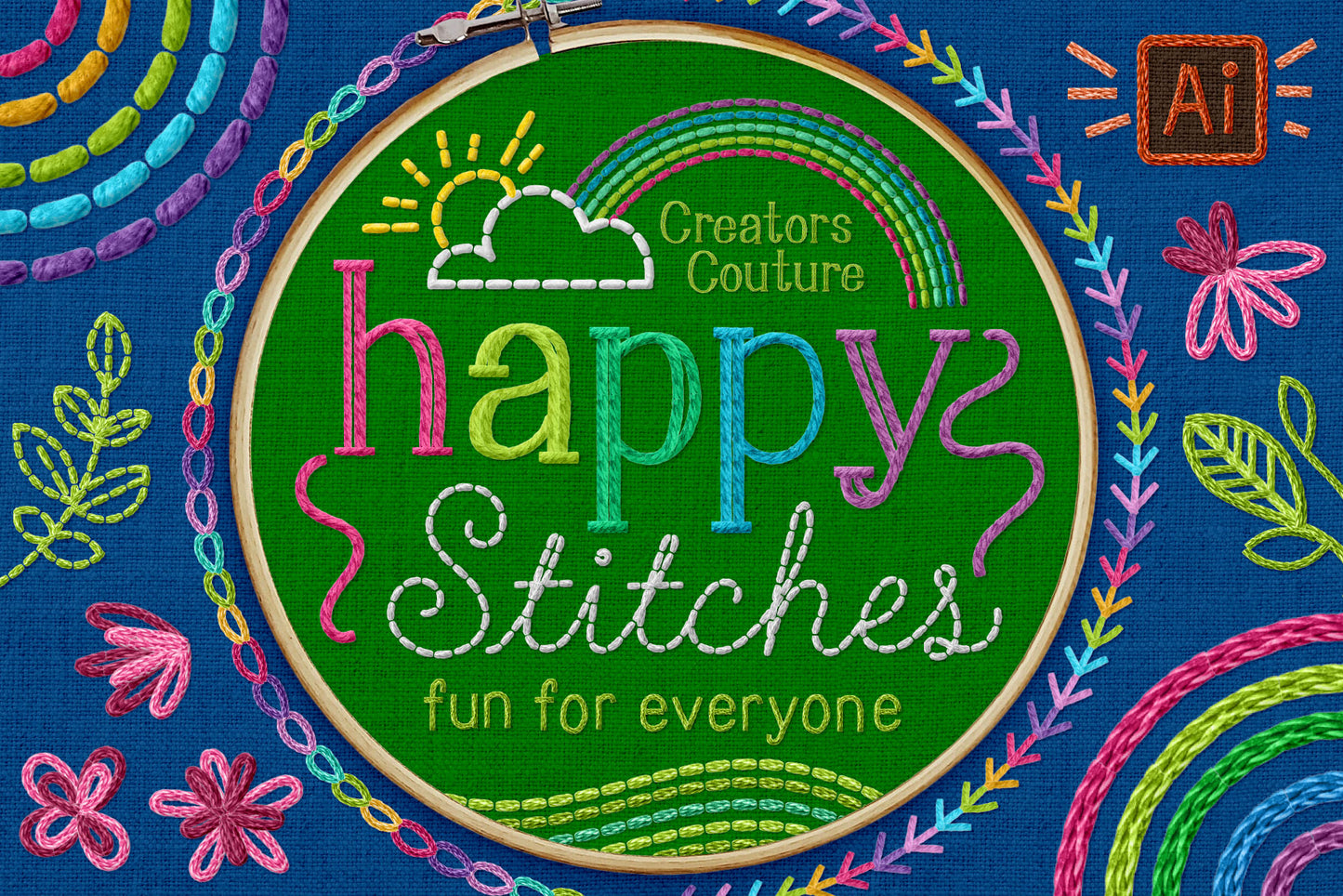
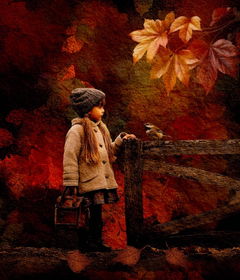
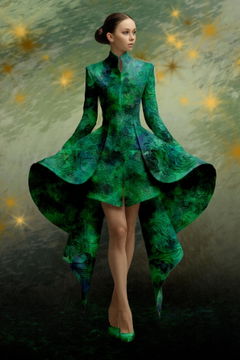
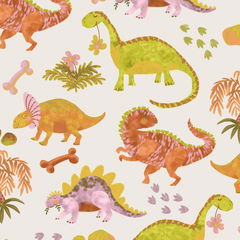
These revolutionary digital embroidery brushes for Adobe Illustrator allow you to EASILY create realistic and dimension embroidery and thread inspired artwork! Nothing like it has been seen in Illustrator!

Join the thousands of other illustrator users creating embroidery brush magic with these brushes that took months of trial and error and development! I will never fully share how tedious this work was to create this whole brush system - all so that Illustrator users of all levels can just pick up a brush and start creating and playing! 

Create embroidery inspired artwork you've only dreamed of with these one of a kind brushes!

  • A comprehensive creative kit for Adobe Illustrator that includes not only pre-colored brushes for effortless illustration, but also ready-made backgrounds and digital 'hoops', and realistic layer styles to add the final realistic touch to your designs
  • Easy step by step tutorial playlist for Illustrator users of all levels - Even if Illustrator is not your main program, you can create amazing designs with ease! 
  • Download a free brush sampler HERE

Product Download Includes

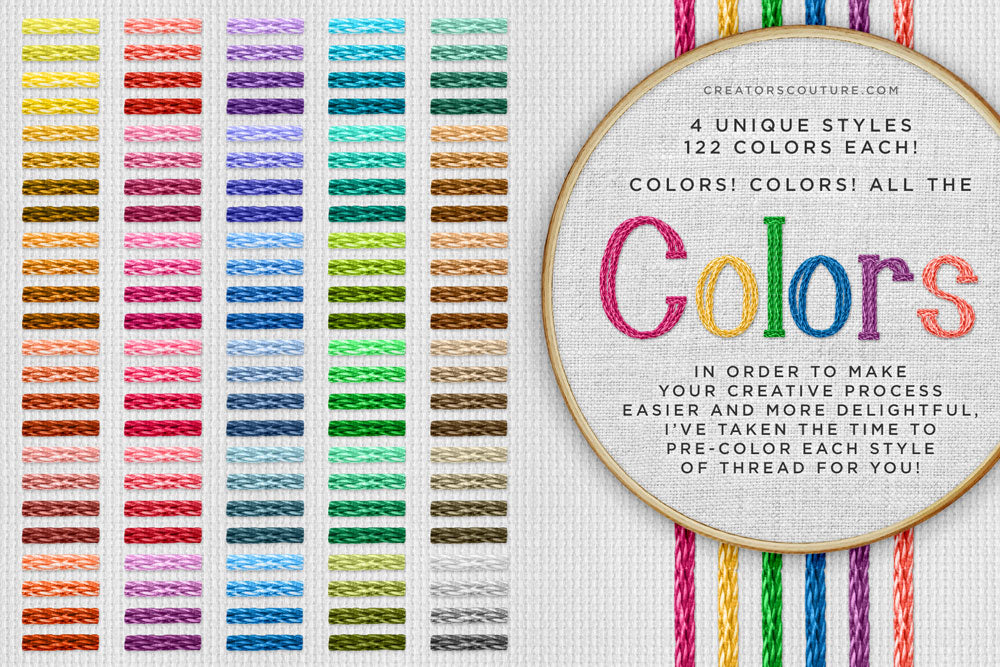
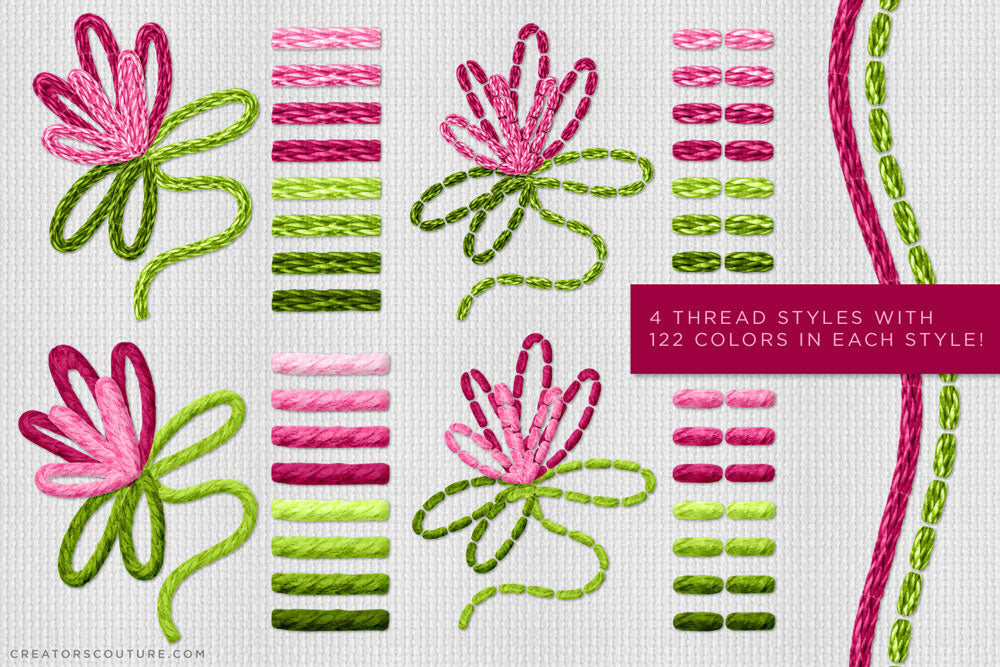
Adobe Illustrator CC Brush Libraries: The 4 unique embroidery stitch / thread styles include 122 pre-colored thread brushes EACH to cover all of your needs. Not only that, I've included a color overlay stitch that you can use in Illustrator (along with a tutorial on how to do so) to re-color any stitch if you need a slightly different color. 

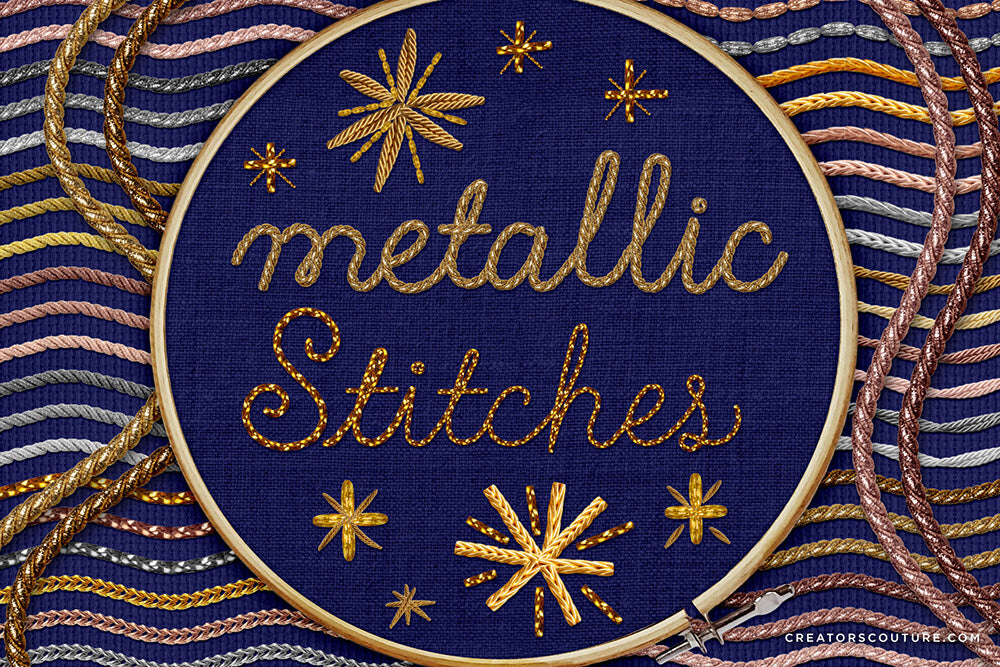
Metallic Brush Collection: 7 different styles of metallic stitches, in various shades of gold, silver and rose gold, for a total of 39 different metallic stitches!

Copy and Paste Brush Charts / Art-boards: I have set up and organized copy and paste brush charts with all of the pre-colored brushes already applied to a sample stroke, as well as one for the fabric background styles for Illustrator!

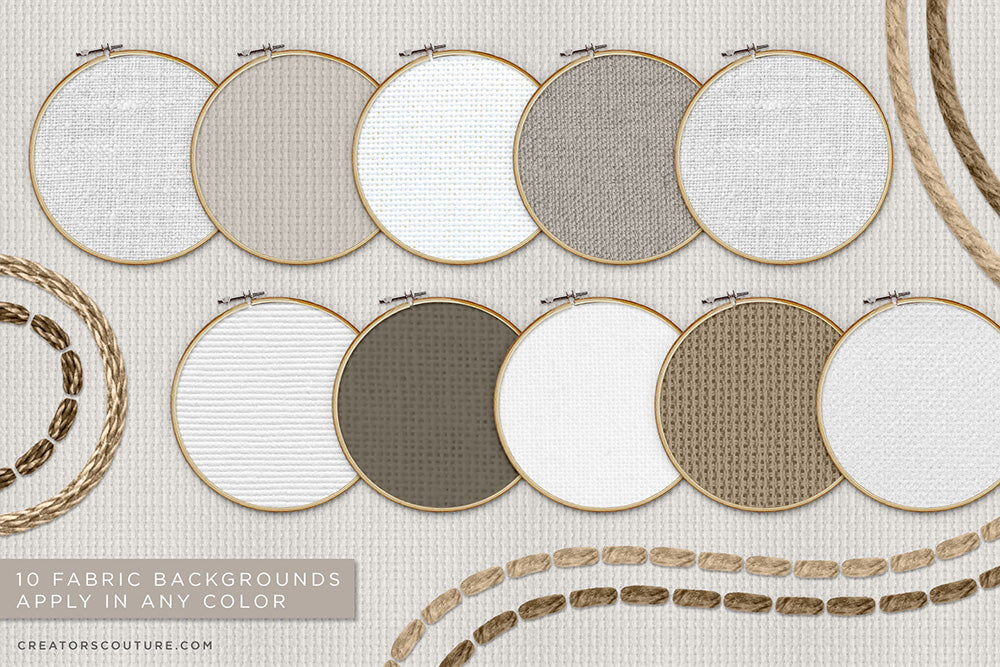
READY-MADE Backgrounds for Adobe Illustrator: 20 neutral fabric and hoop backgrounds all ready to go, so that you can dive into your digital embroidery journey without having to set anything up! 

Thread styles for Adobe Illustrator: I've created subtle drop shadow styles for illustrator so that you can have EXTRA realism as you work. It's really a game changer!

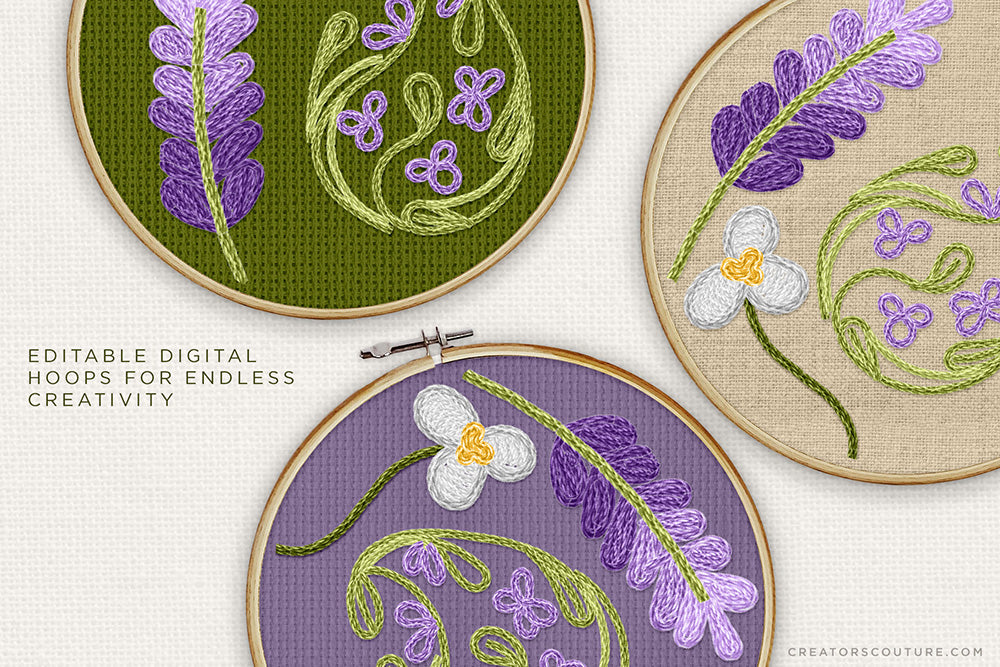
Editable Digital Hoop: I've included 2 Photoshop files, which include an editable digital hoop where you can change the fabric color and style, as well as the fabric and color of the background to create your perfect 'digital' embroidery background!

Photoshop Bonus Styles: For the times when you might want to finish off a design in Photoshop, or combine it with other artwork for a mixed media piece, I've created special layer styles for the thread and stitches to give you an extra boost of realism via a subtle bevel and emboss and drop shadow! I've also created the fabric backgrounds as a layer style, which you can apply to any color to create a fabric in that color!

Software Compatibility

What version of Adobe Illustrator do I need to use the embroidery thread brushes?

You MUST have Illustrator CC to use these brushes, as they use the image brush technology.

Don't have Illustrator CC? You can download a FREE TRIAL HERE!

If you have an iPad, you can stream/connect your iPad screen to your computer via Astropad app (universal) and Sidecar (mac).

Product Tutorial

Adobe Illustrator Embroidery Brush Tutorial Playlist

I took the time to make a step by step tutorial playlist to walk you through all the aspects of working with the new Embroidery brushes. There are 9 videos included, and I give you all kinds of tips and tricks for getting the most out of these revolutionary new brushes! The playlist is organized and ordered so that you can jump in with the basics or go more advanced!

Product Support

If you have a question about using your product, first consult the product tutorial. Product tutorials can be found via the Tutorials tab on THIS product page, as well as HERE.

If you need further product support after consulting the tutorial, please leave me a direct message via the chat box at the bottom of the page, or CLICK HERE to leave me a message via the Contact page!

Ideas For Use

Check out my TUTORIAL CATALOG for lots of ideas for what to do with your new brushes!

My multicolor Photoshop brushes are used by all types of creatives - both professional designers and illustrators, as well as hobbyists of all levels! Some ideas for use:

  • Digital illustrations
  • Graphic design projects
  • Surface pattern designs
  • Social media & blog graphics
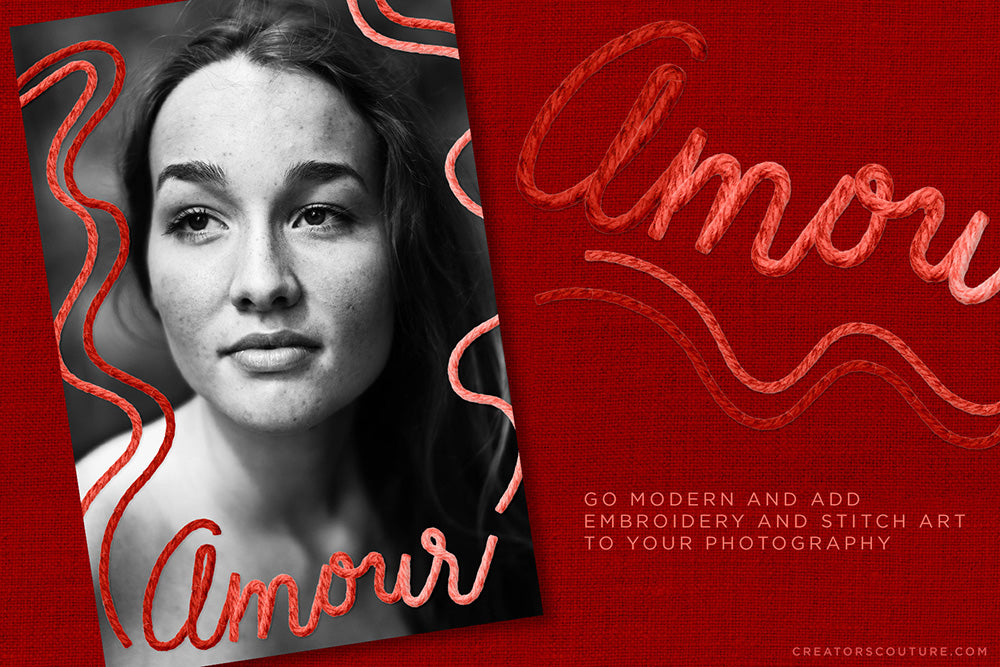
  • Creative photography edits
  • Digital collage

Product License

Generous Extended Use License!

As BRUSHES, these are one of the most versatile products with a generous extended use license! You can use these for your client work, personal projects, branding and design projects, printables, etc. You can create physical items for sale such as mugs, t-shirts and posters. You can even use these if you create digital products such as illustrations, patterns and templates for sale.

CLICK HERE for the Full License Overview

View full details