
Skip to product information
1 of 7

Floral & Lace Multi-Color Photoshop Brushes - Feminine & Wedding Designs

Floral & Lace Multi-Color Photoshop Brushes - Feminine & Wedding Designs

Regular price $ 9.00 USD
Regular price Sale price $ 9.00 USD
Sale Sold out

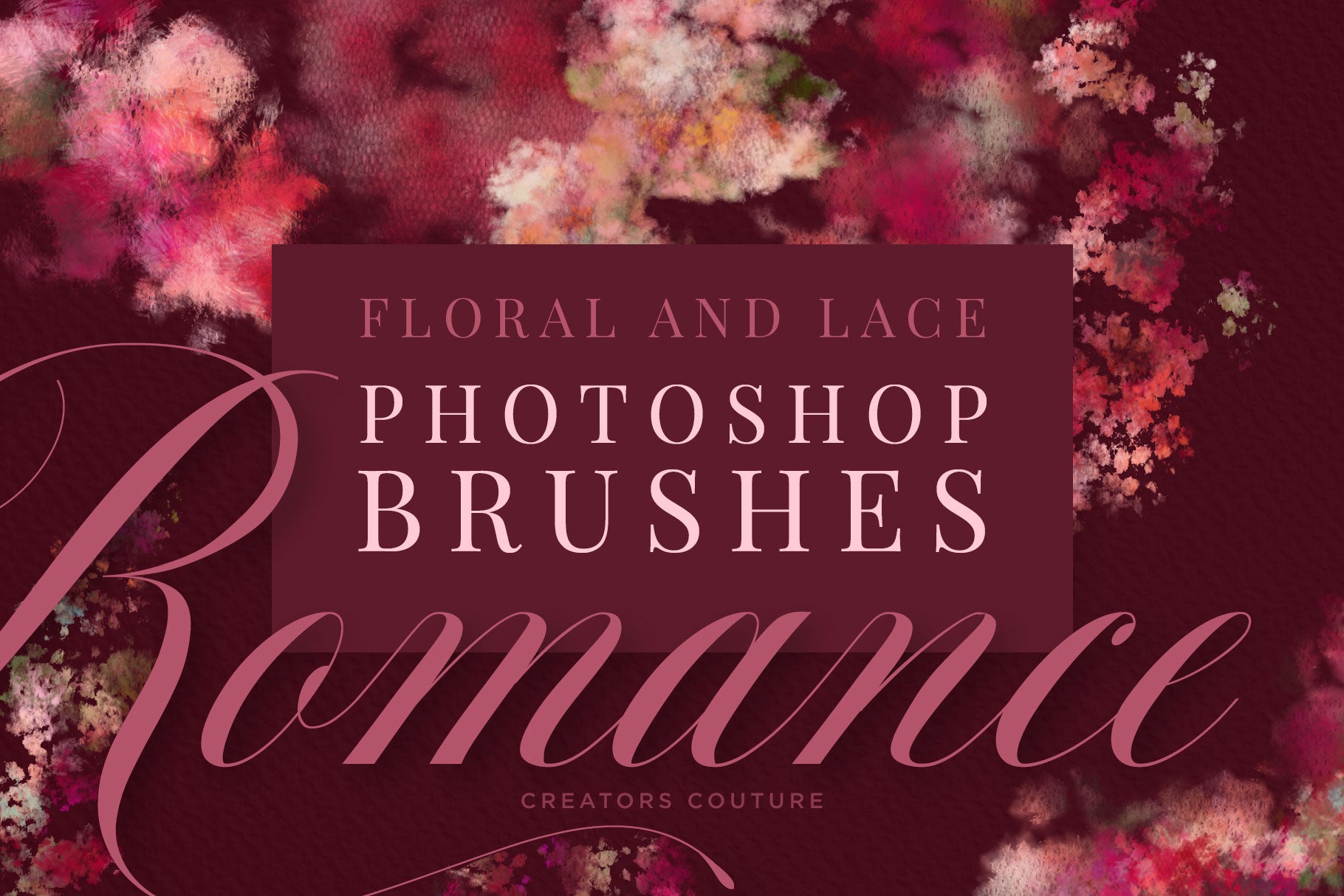
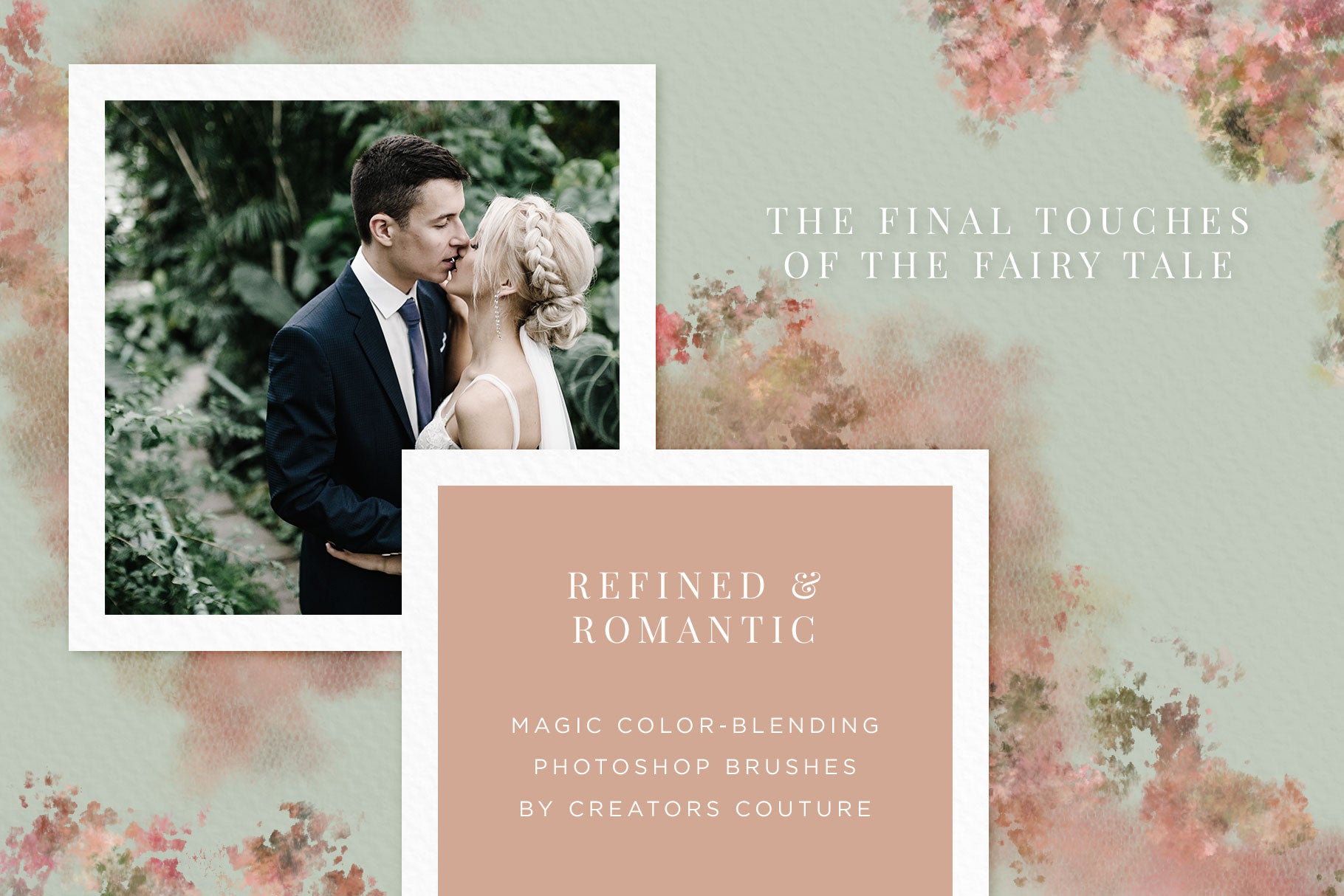
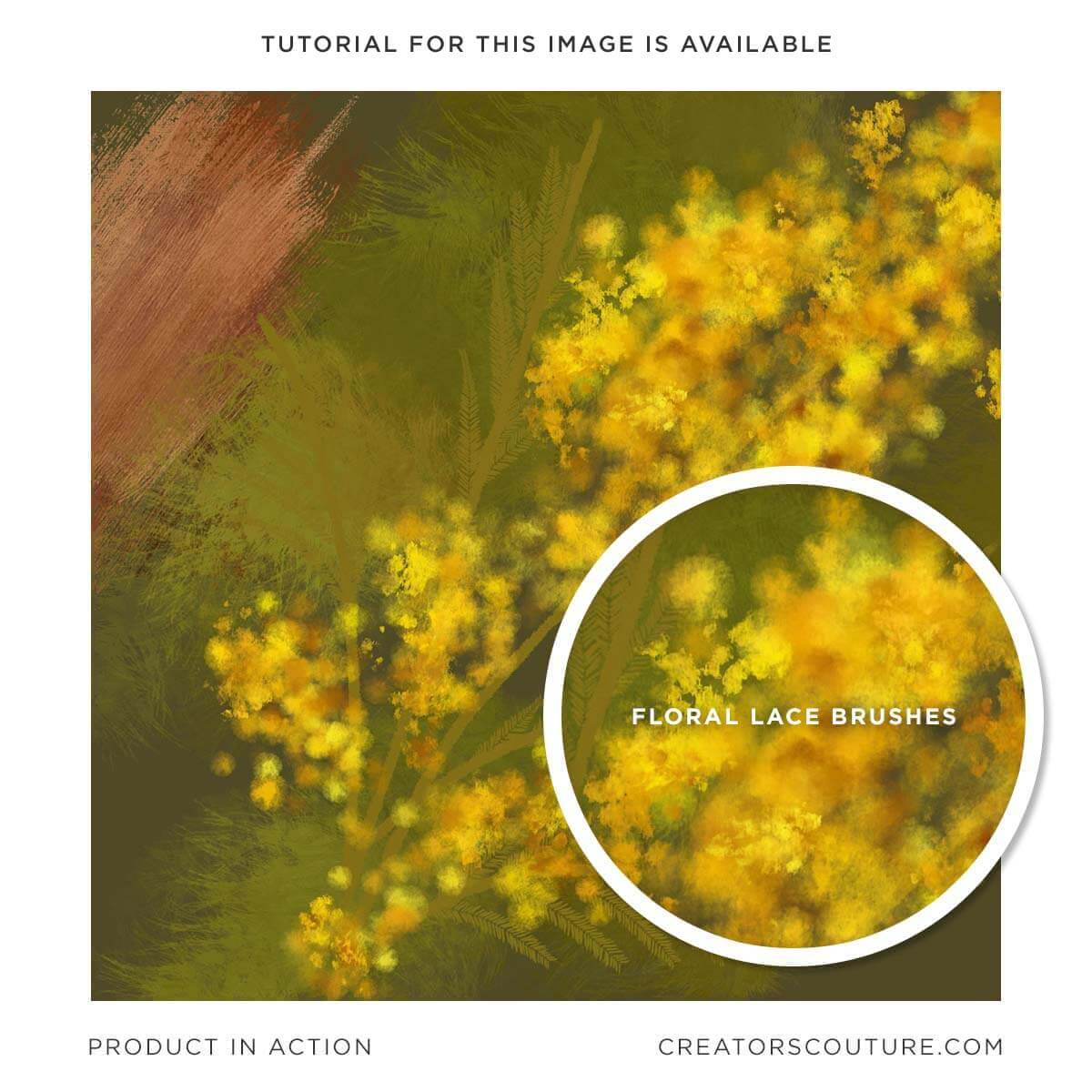
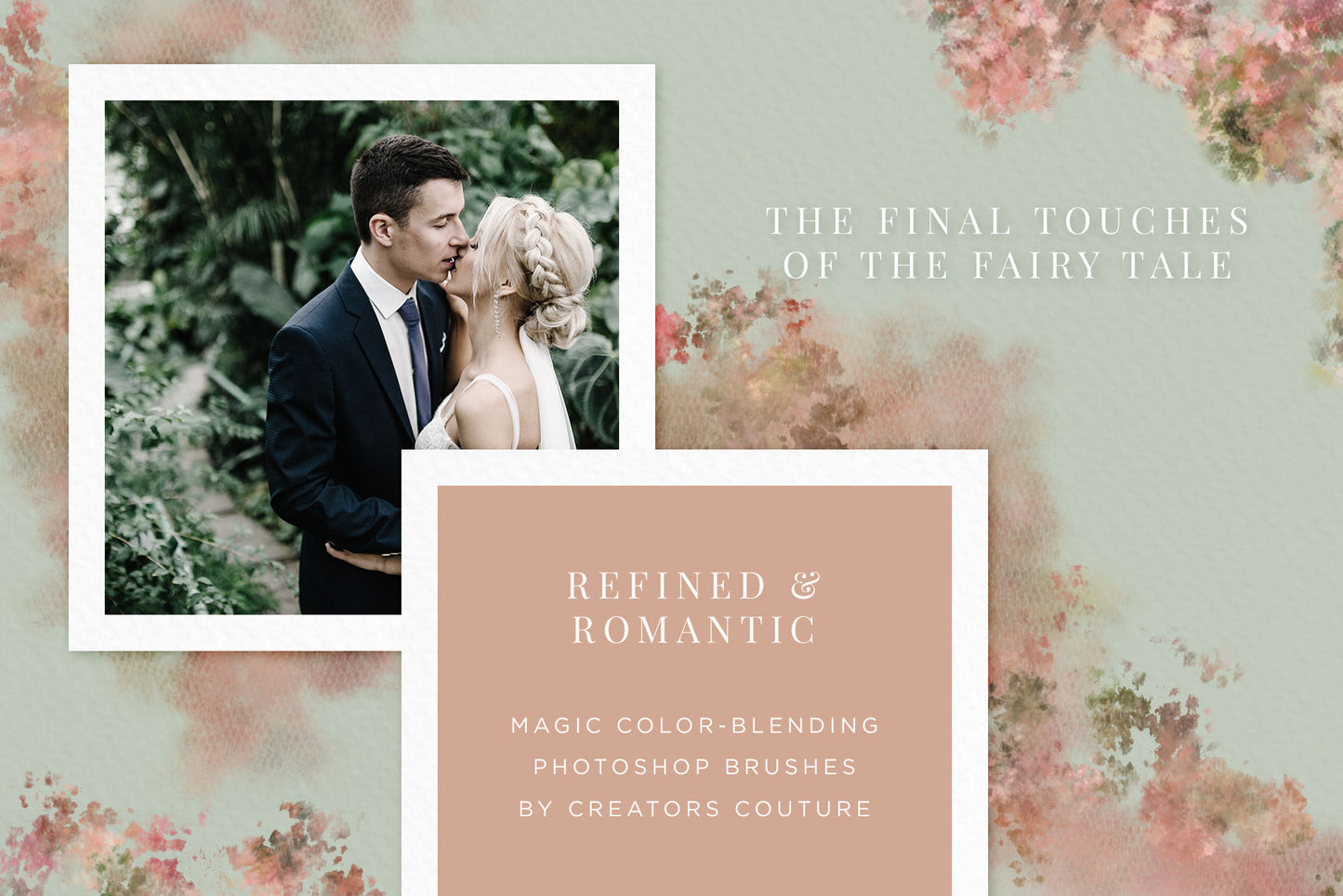
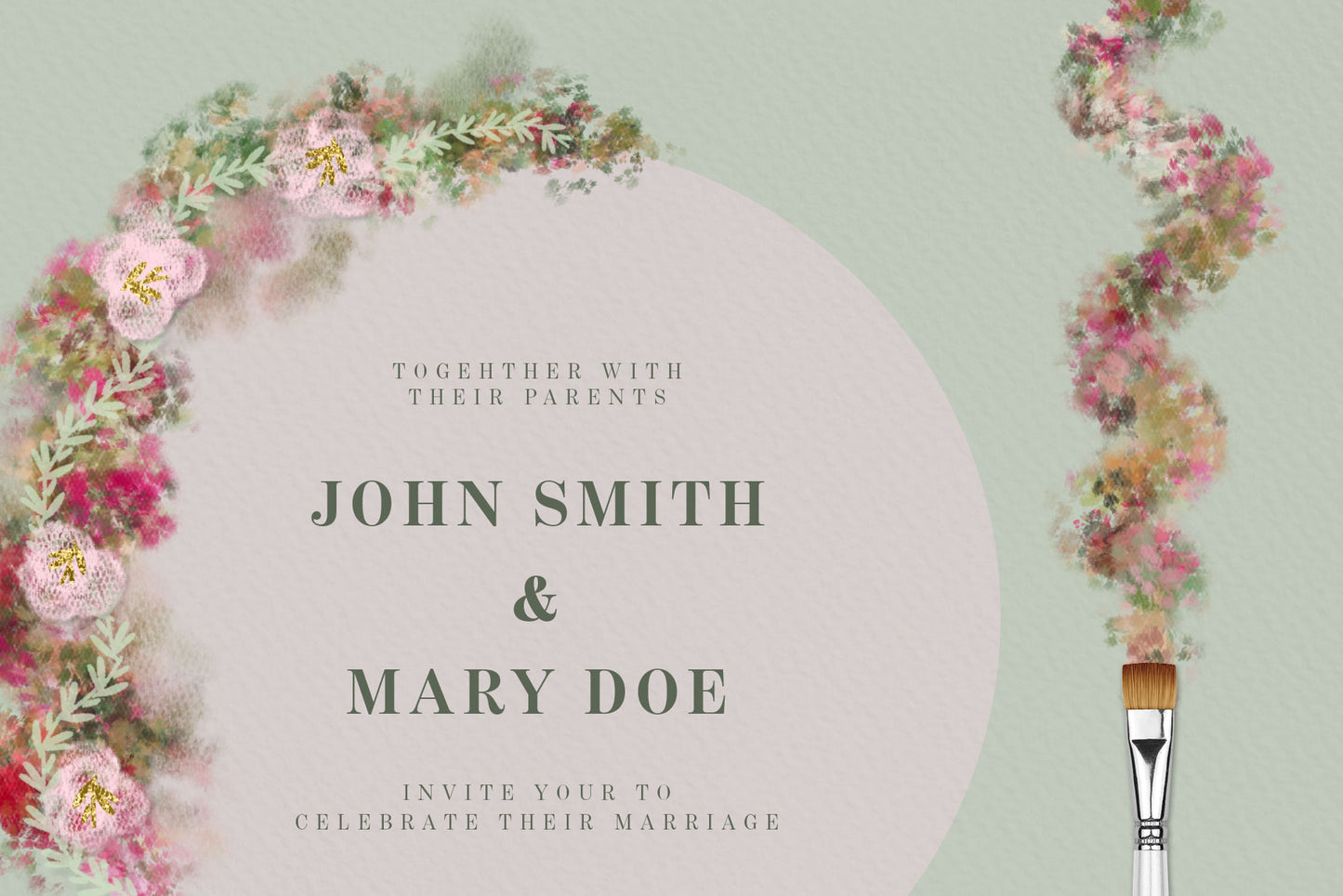
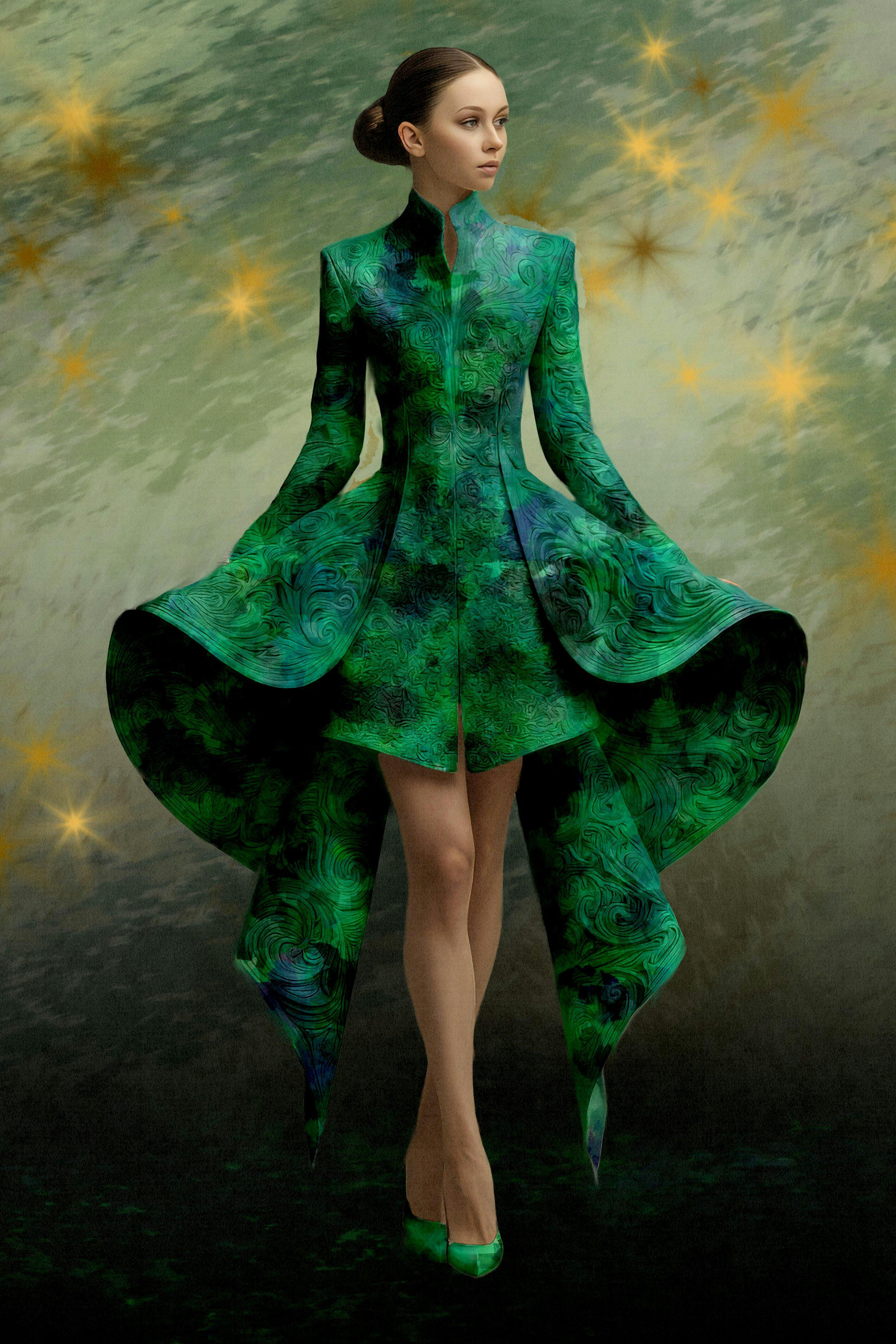
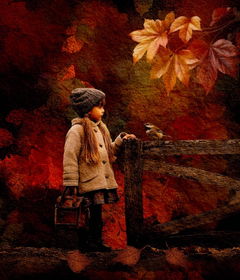
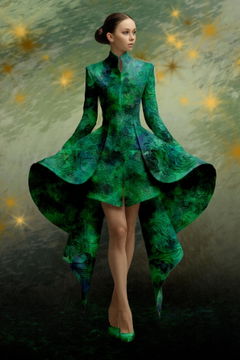
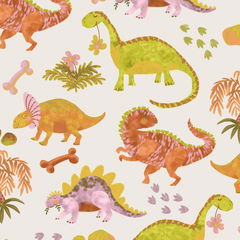
Create MAGICAL floral, feminine, and wedding designs with these color-blending photoshop brushes inspired by FLORAL AND LACE! These brushes use my revolutionary color-blending technique that has been featured TWICE on Adobe Create

After creating my latest collection of tulle and lace brushes, I was having a little play and had this idea to combine florals and tulle and lace to create an ethereal, magical photoshop brush collection using my revolutionary hack to blend colors and you paint in Photoshop! It was difficult to get just the result I was looking for, but after many experiments, I was able to create the gauzy, romantic effect I was looking for. These brushes would be great for accenting feminine, floral, spring and wedding designs! Stay tuned for new tutorials and ideas on what to create with your photoshop brushes! 

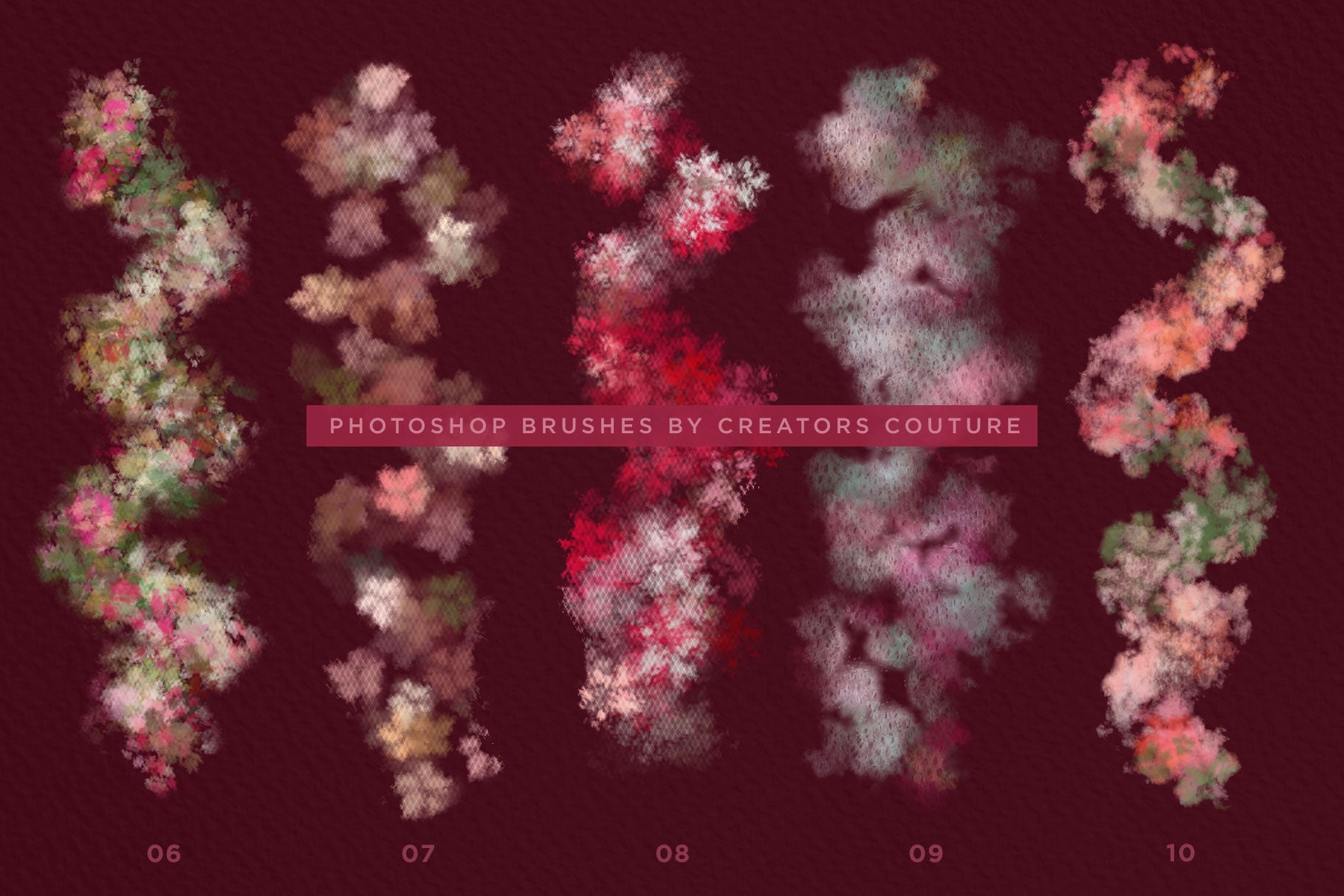
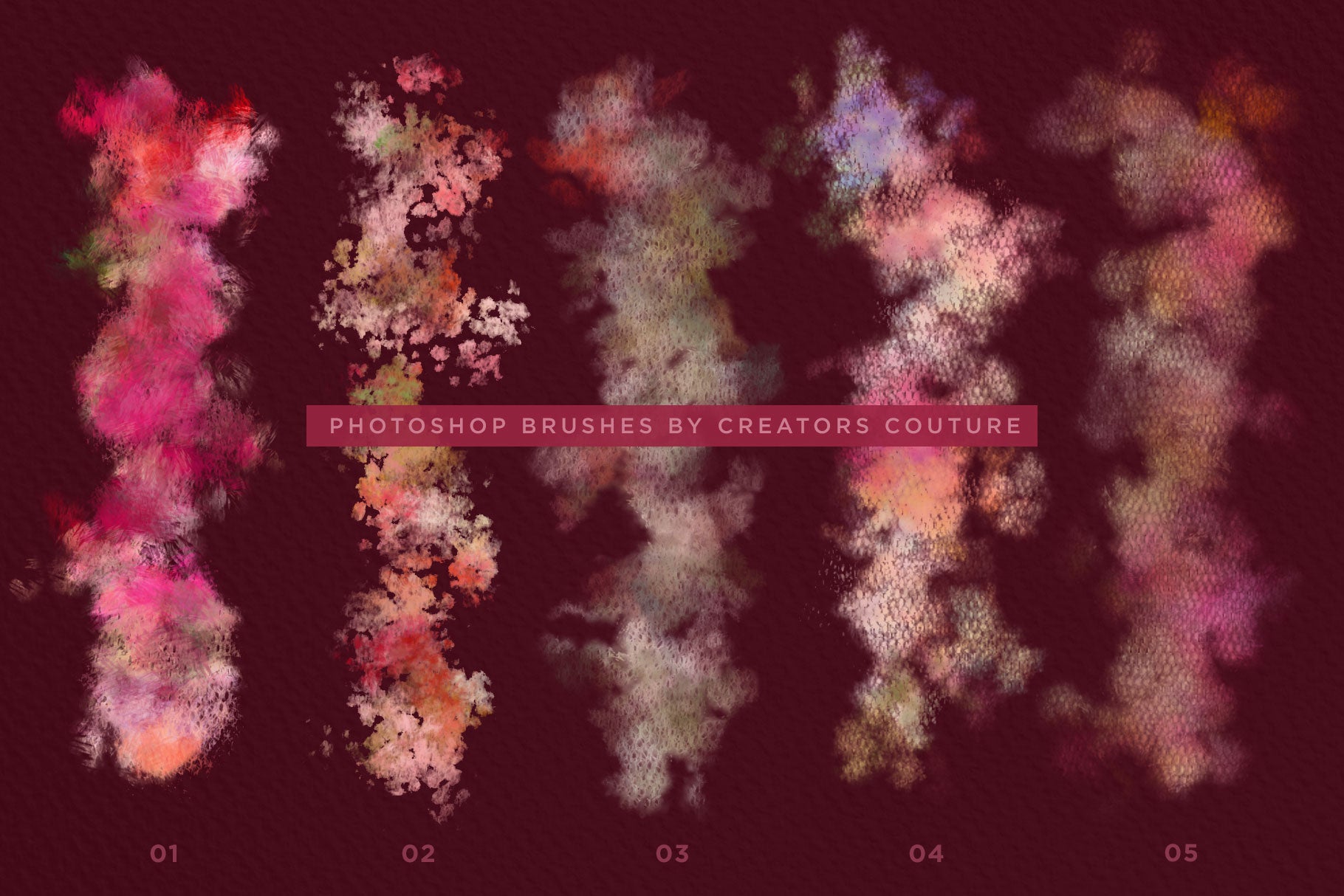
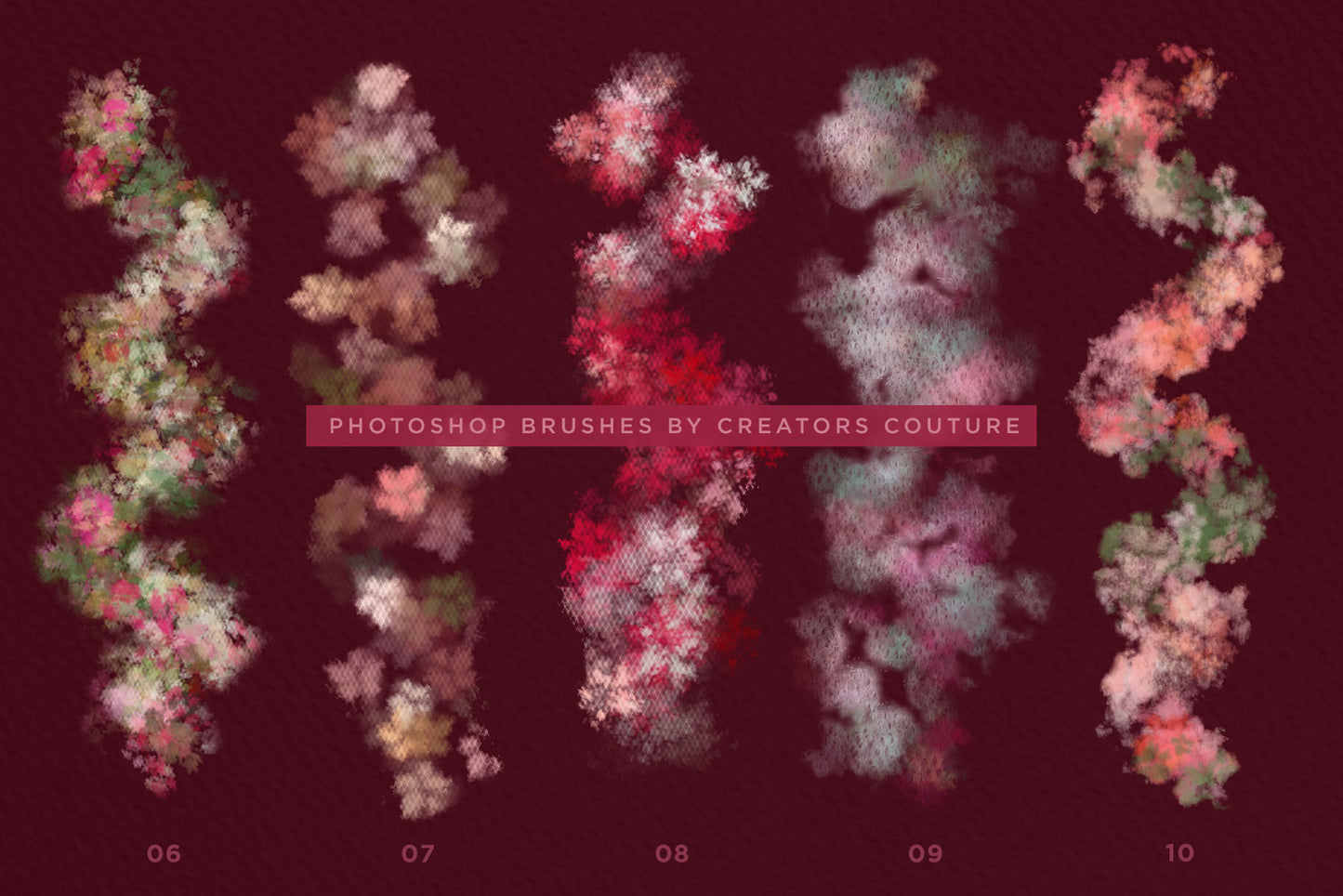
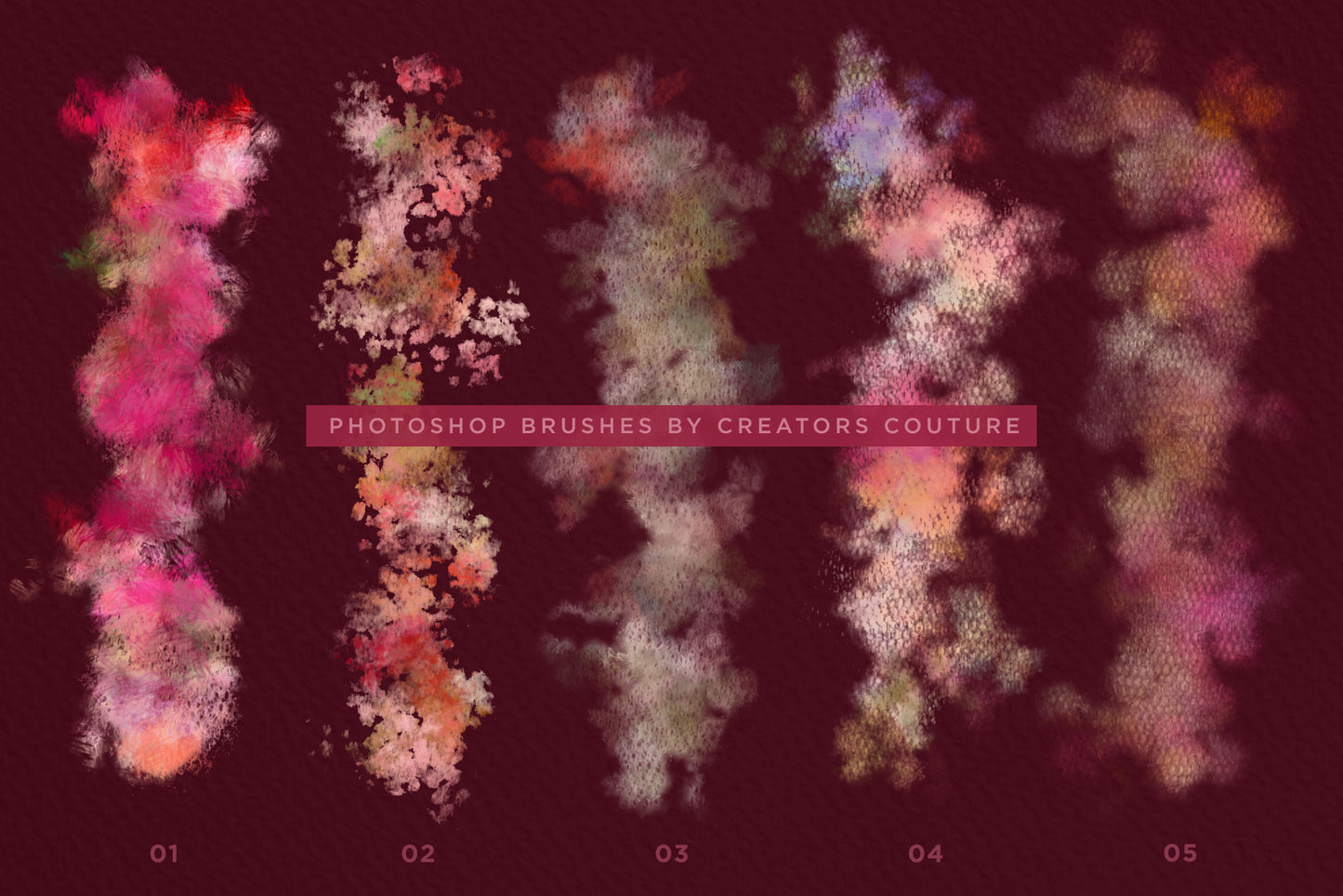
  • 10 color-blending brushes (ABR Photoshop Brushes)
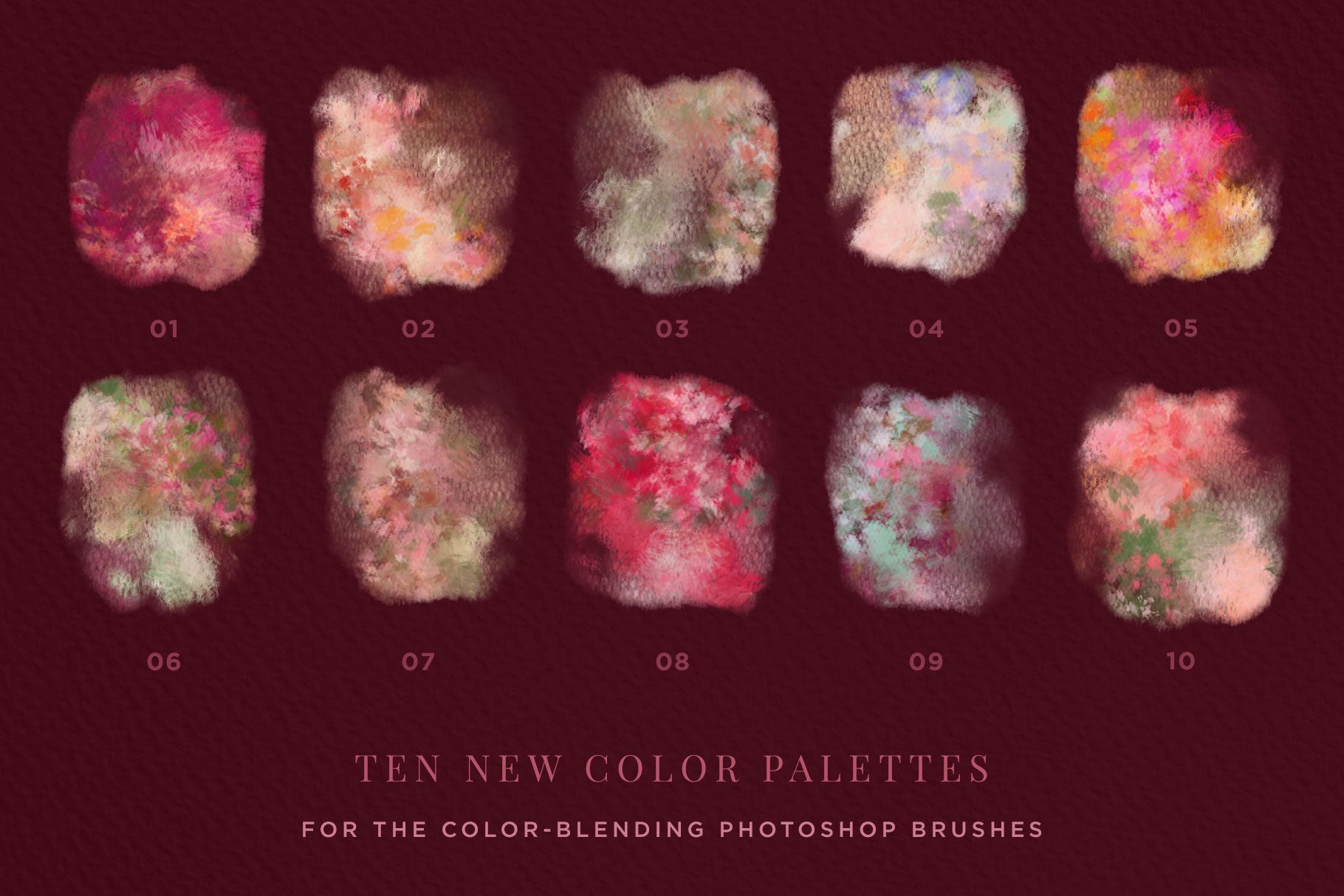
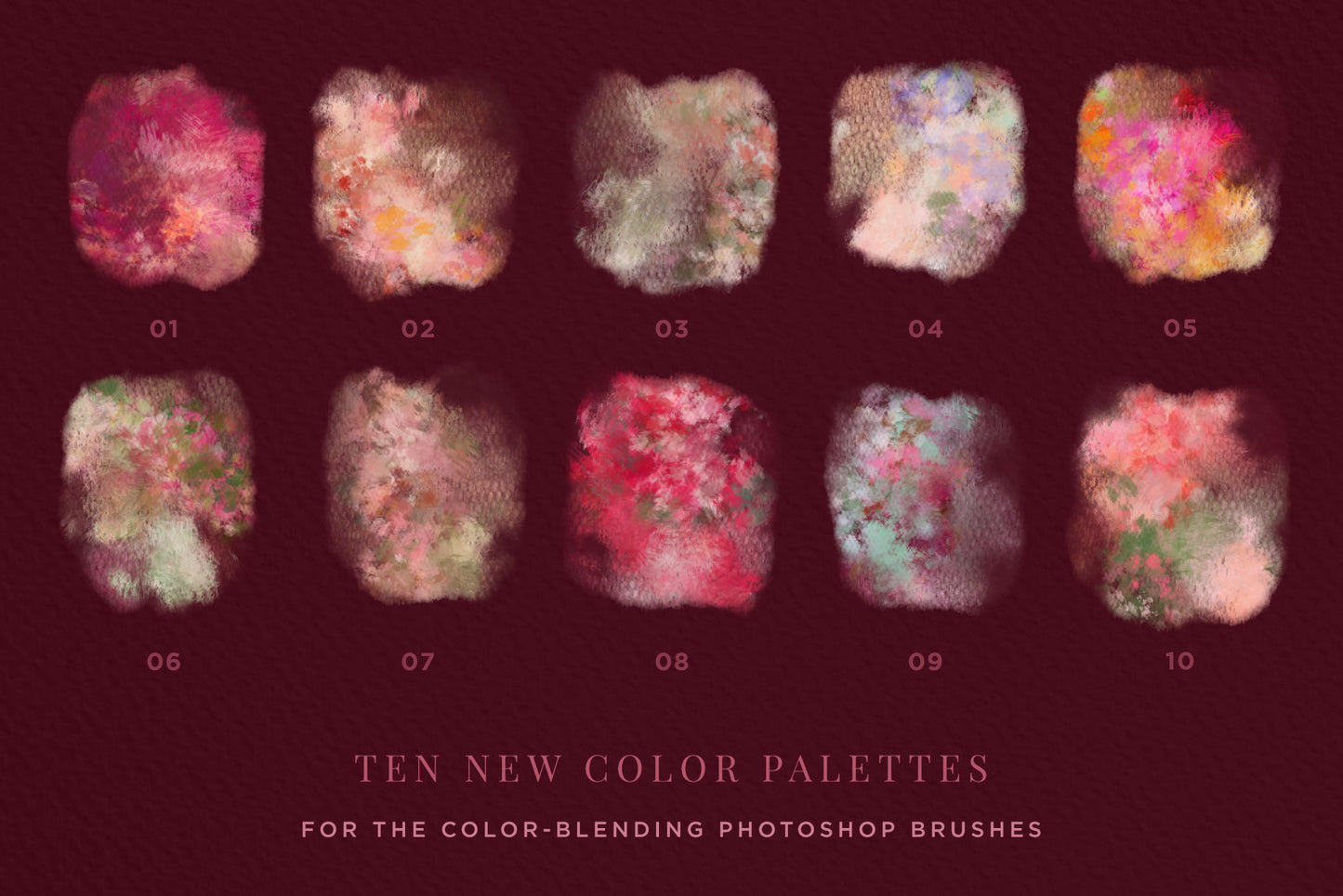
  • 10 Pre-Fab Color Blends
  • The brushes and color palettes can be interchanged and used with ANY of the Impressionist Brush Collections!

A Photoshop BRUSH REVOLUTION that will forever change the way you paint in Photoshop!

After discovering a NEW way to harness a little used Photoshop tool for my own illustration work, I created this REVOLUTIONARY NEW SYSTEM of Color Mixing Pattern Brushes and PreFAB Color Blends! Whether you are a print designer, web designer, illustrator or hobbyist, this BRUSH SYSTEM will revolutionize the way you BRUSH AND PAINT in Photoshop!

The Floral and Lace Romance Brush Studio contains:

10 Color Mixing Pattern Brushes
Carefully tuned Photoshop Brushes saved as a Pattern Stamp Tool Preset, so you are ready to pick up your brush and START PLAYING. These finely crafted brushes are designed to blend the PreFAB Color Blends in beautiful and different ways, each brush is different and versatile!

10 Pre-FAB Color Blends
I’ve spent so much time creating and fine-tuning these pre-blended color mixes, so that you can just pick a palette and start playing and painting in gorgeous blended colors. No MIXING required!

Video Tutorial 
There’s really no learning curve to use these brushes. You simply load them up, along with the patterns and start PLAYING. However, there is an exclusive tutorial for those who might not be familiar with loading brushes and patterns.

Reference Charts:
Handy labeled and organized JPEG charts with all of the brush strokes and color blends

Product REQUIREMENTS:
I recommend having Photoshop CS6+, CS5+ is the minimum requirement. I also highly recommend using these brushes with a graphics tablet such as a Wacom for maximum versatility. If you use a mouse, they will work just fine, but you won’t be able to get the thick to thin strokes on some of the brushes.

Ideas for Use:

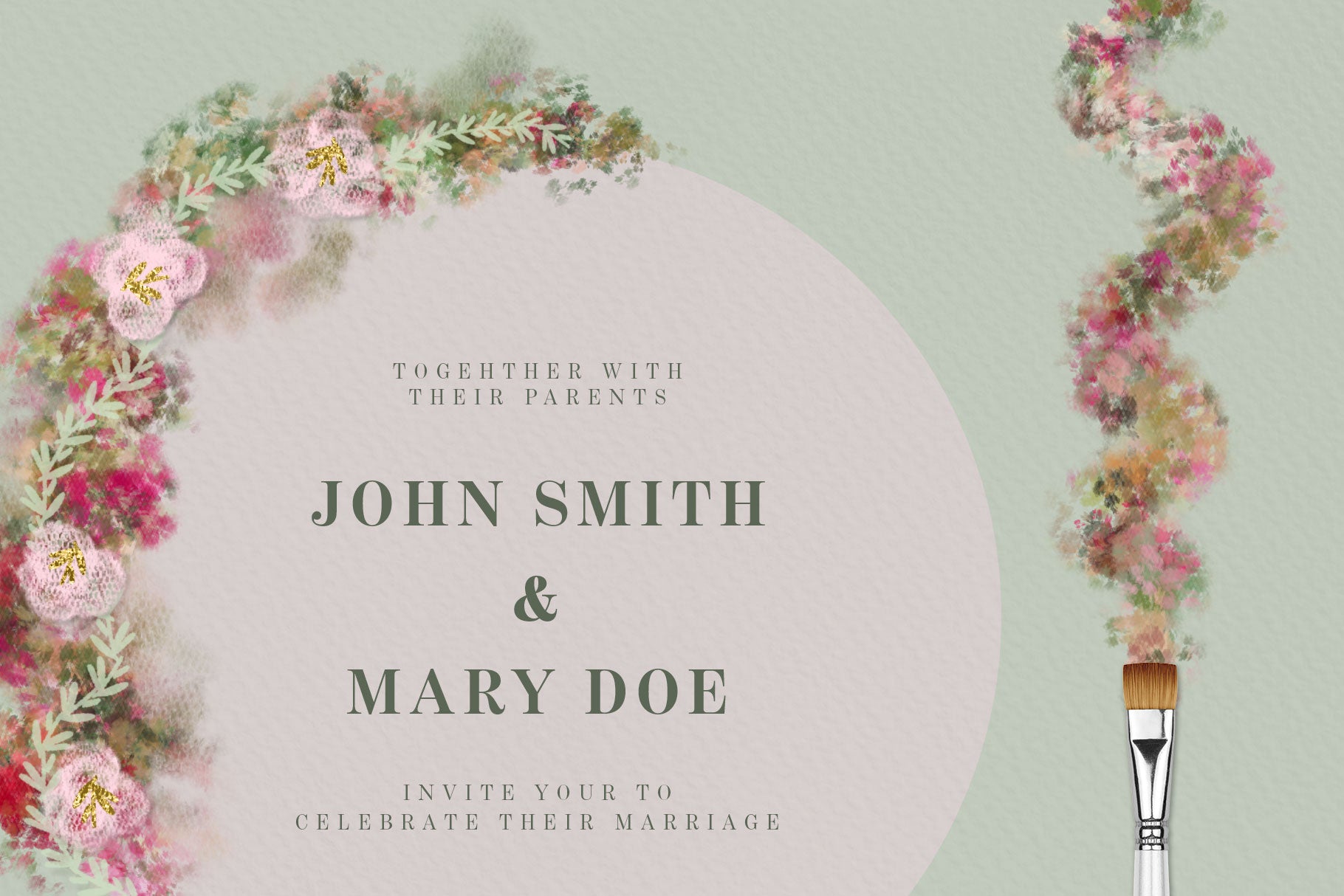
  • Wedding Card designs
  • Save the Date cards
  • Feminine social media graphics
  • Digital papers for sale
  • The list is endless... for more ideas, subscribe to my Youtube, and follow me on Instagram!

Generous Extended Use LicenseSee the easy license page for a few common sense guidelines about creating items for sale!

Have a question? Send me a message!

Product Download Includes

Software Compatibility

These brushes are designed for Photoshop CS6+

The multicolor pattern stamp technique is only available on Photoshop desktop, not Adobe Fresco or Photoshop for Ipad.

Sadly, Procreate does not have the brush engine capabilities for the multicolor effect. If you want to enjoy my brushes in Procreate, let them know HERE!

Product Tutorial

These brushes use my innovative multicolor pattern stamp tool technique. If you are new to this technique, click the link below to see how to load and use your new multicolor Photoshop brushes!

Multicolor Impressionist Photoshop Brush Technique Tutorial

Product Support

If you have a question about using your product, first consult the product tutorial. Product tutorials can be found via the Tutorials tab on the project page, as well as HERE.

If you need further product support after consulting the tutorial, please leave me a direct message via the chat box at the bottom of the page, or CLICK HERE to leave me a message via the Contact page!

Ideas For Use

Check out my TUTORIAL CATALOG for lots of ideas for what to do with your new brushes!

My multicolor Photoshop brushes are used by all types of creatives - both professional designers and illustrators, as well as hobbyists of all levels! Some ideas for use:

  • Digital illustrations
  • Graphic design projects
  • Surface pattern designs
  • Social media & blog graphics
  • Creative photography edits
  • Digital collage

Product License

Generous Extended Use License!

As BRUSHES, these are one of the most versatile products with a generous extended use license! You can use these for your client work, personal projects, branding and design projects, printables, etc. You can create physical items for sale such as mugs, t-shirts and posters. You can even use these if you create digital products such as illustrations, patterns and templates for sale.

CLICK HERE for the Full License Overview

View full details