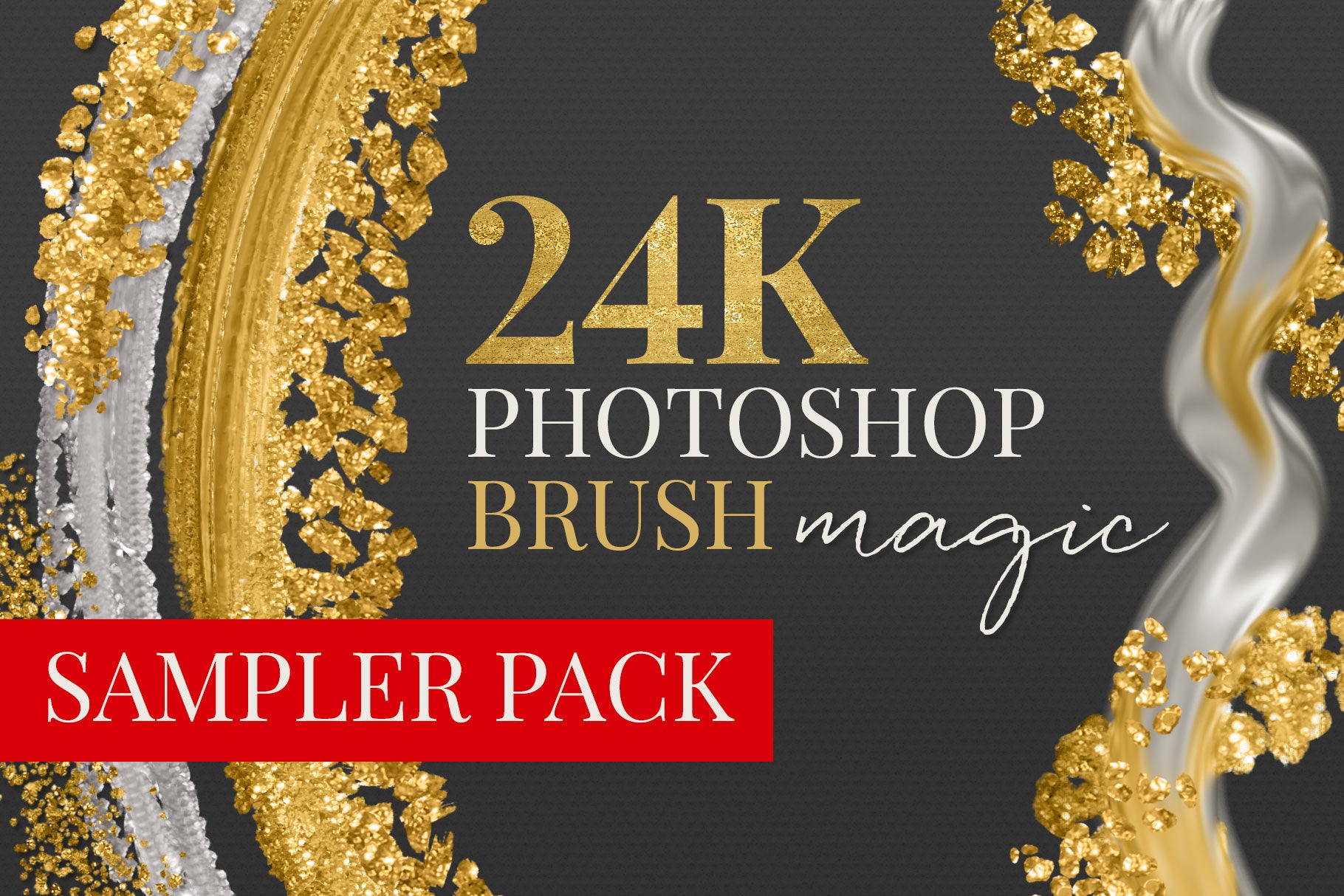
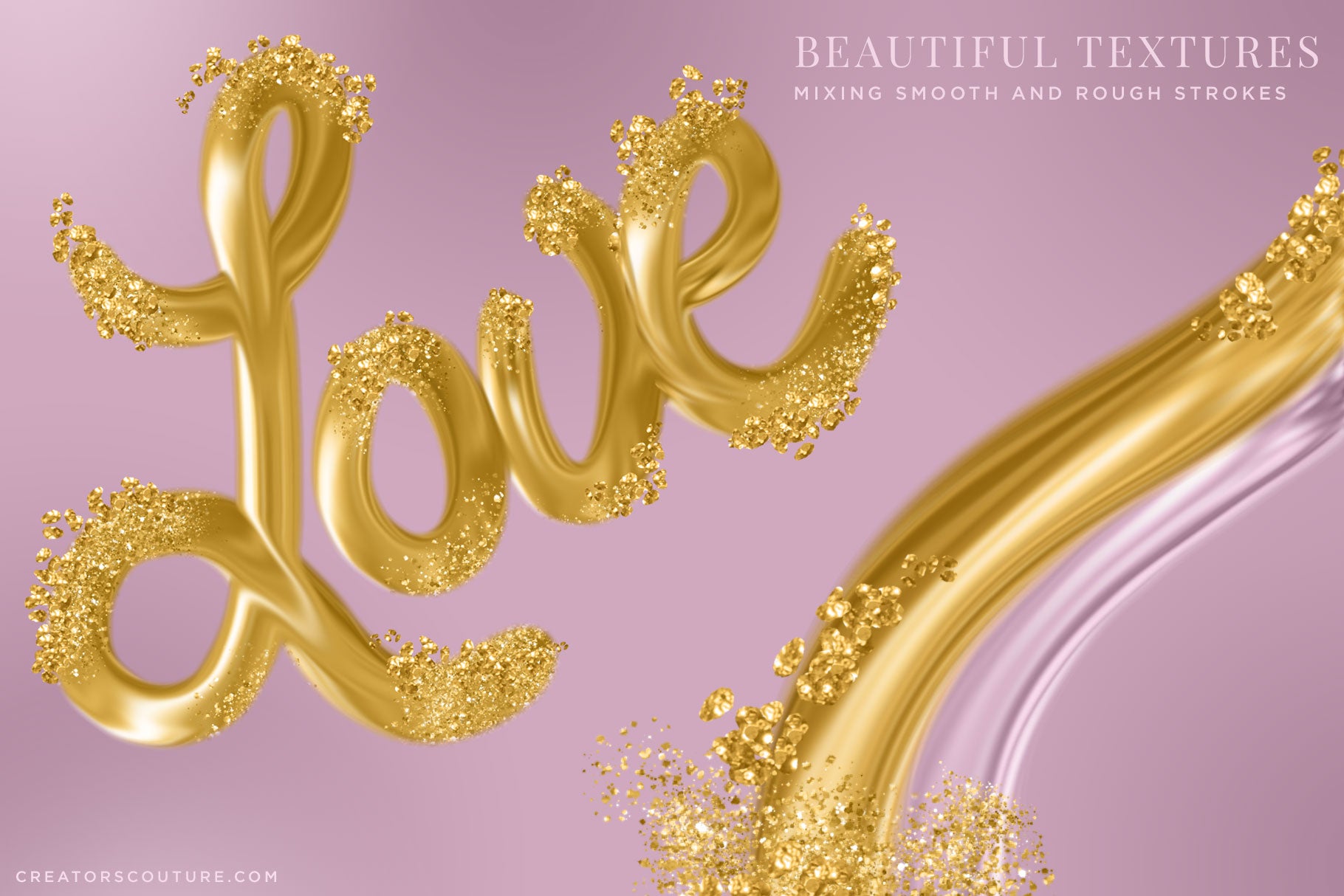
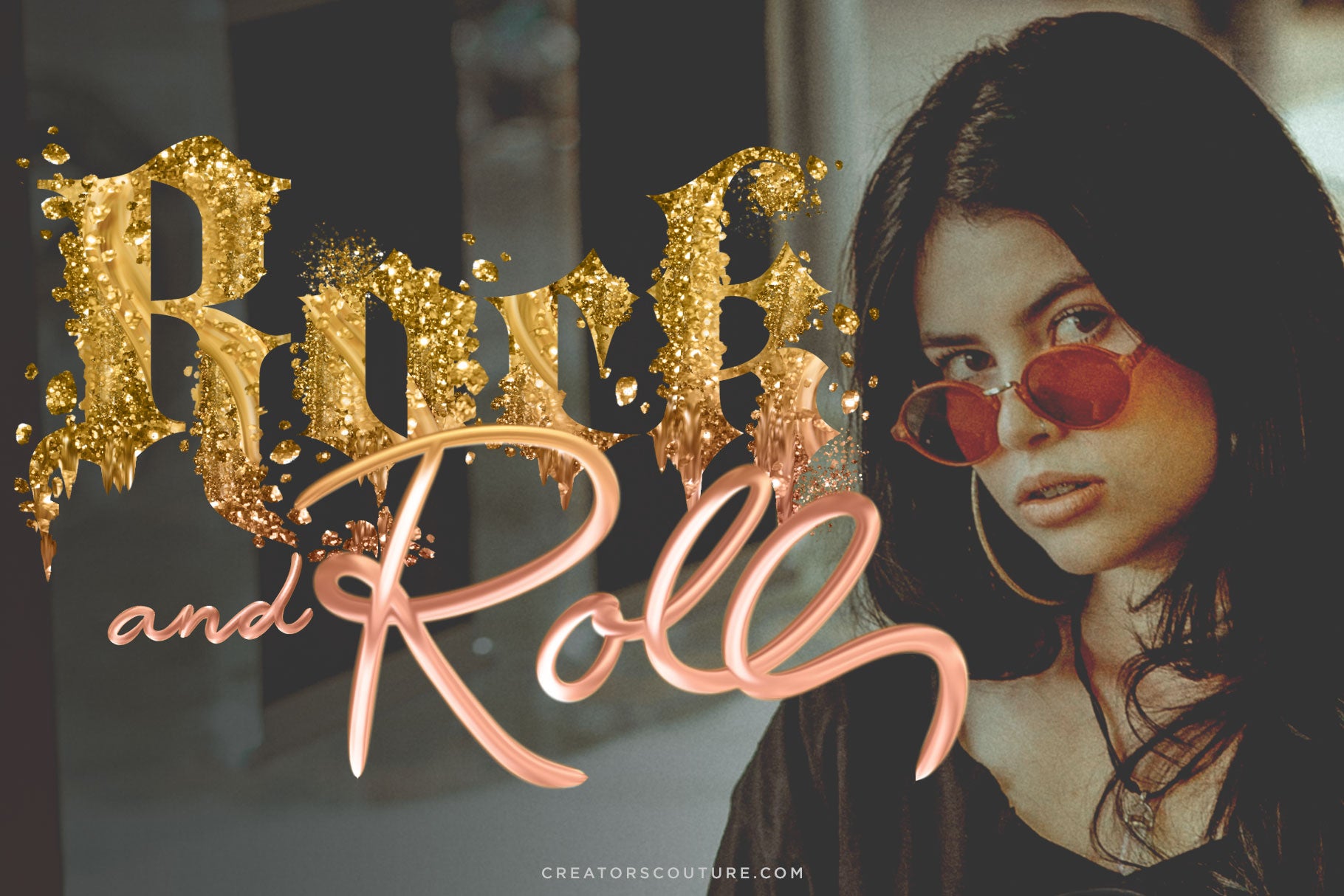
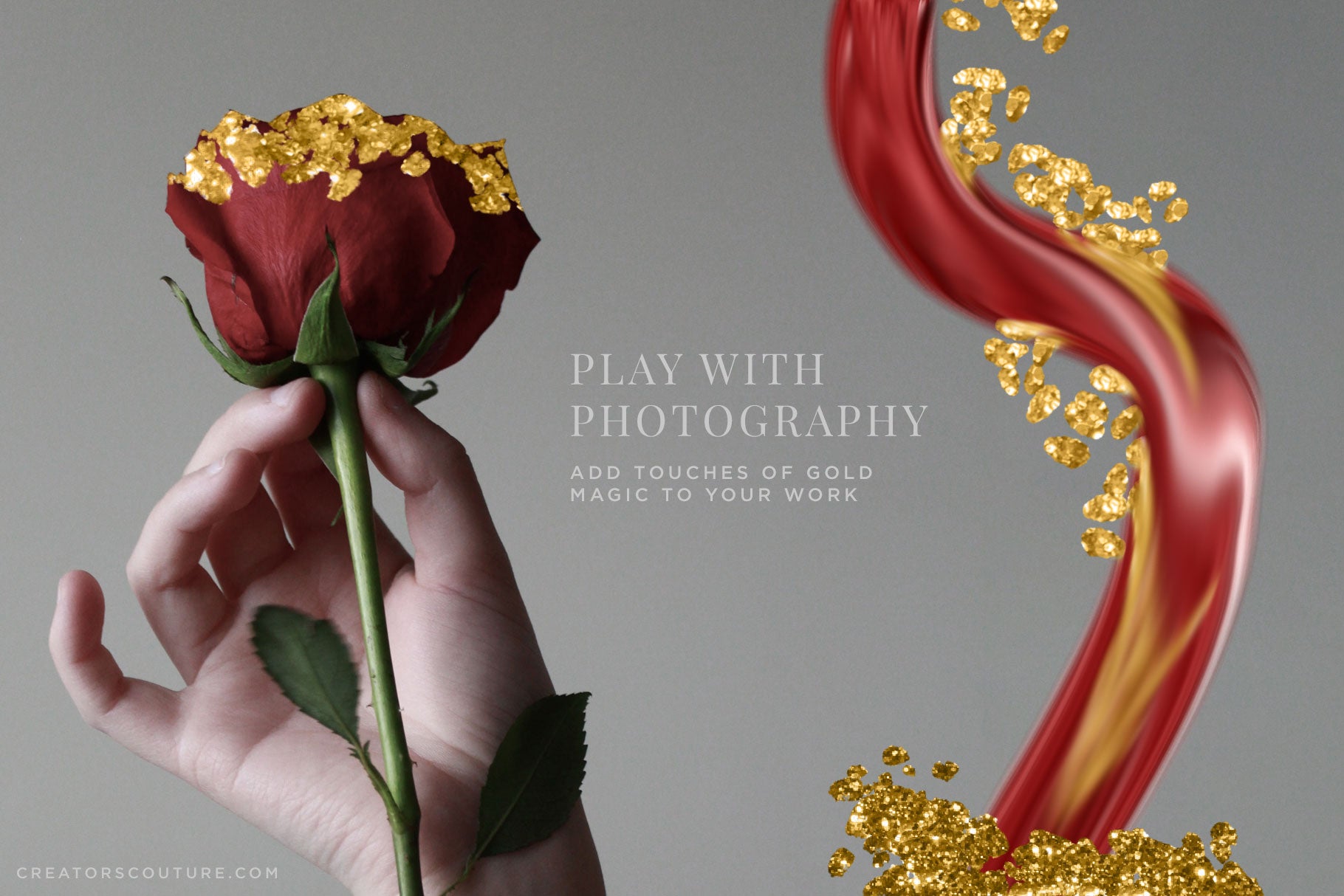
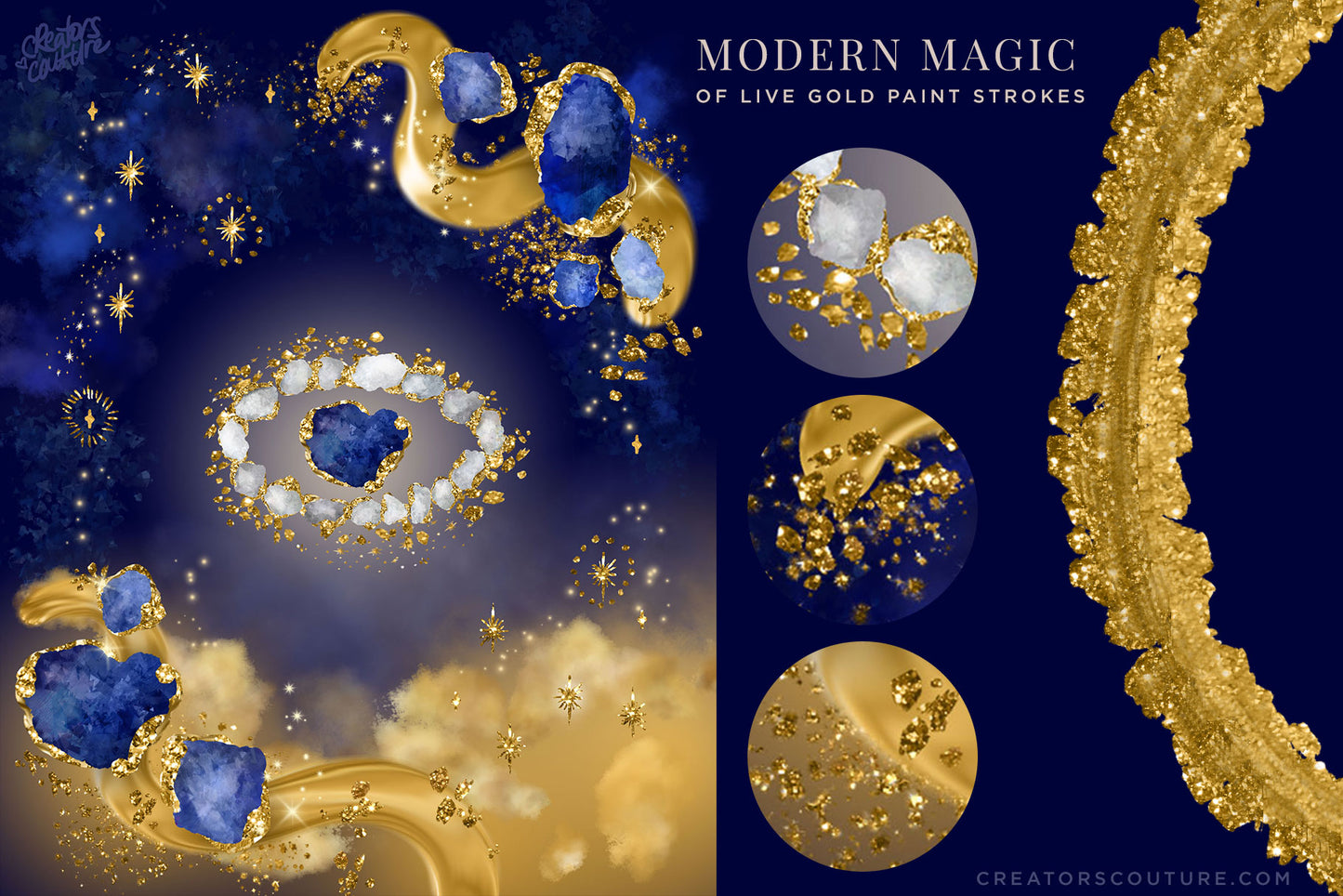
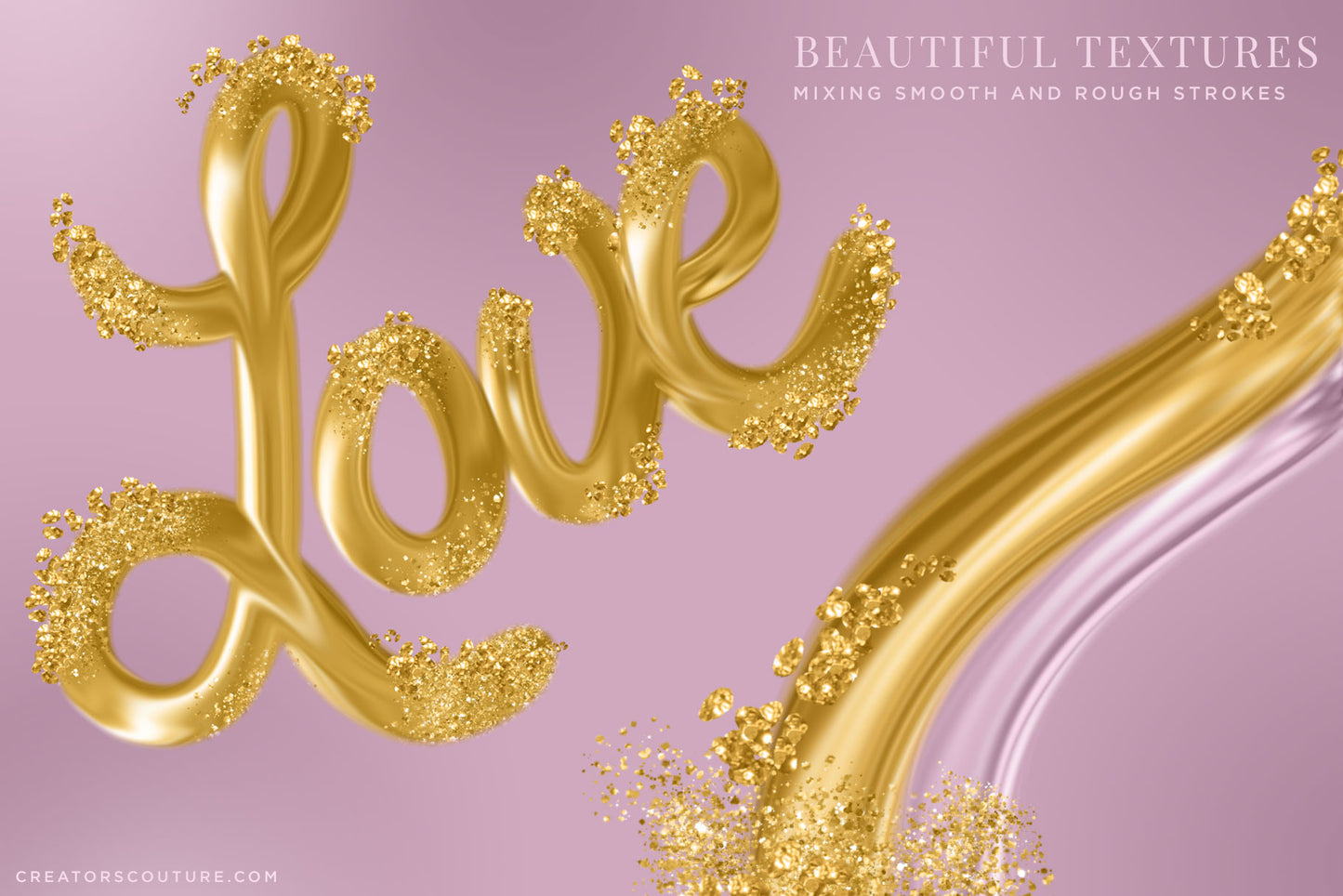
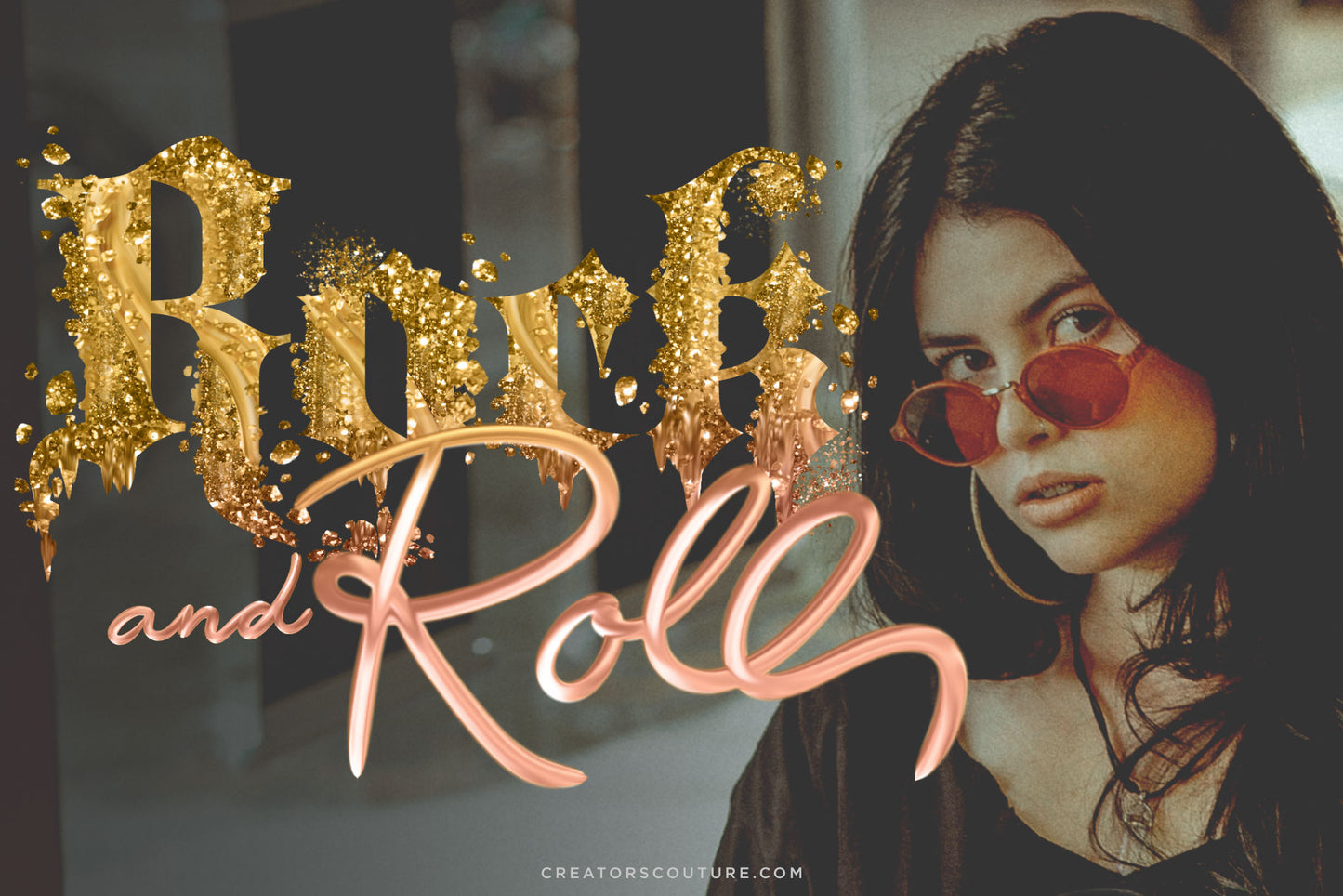
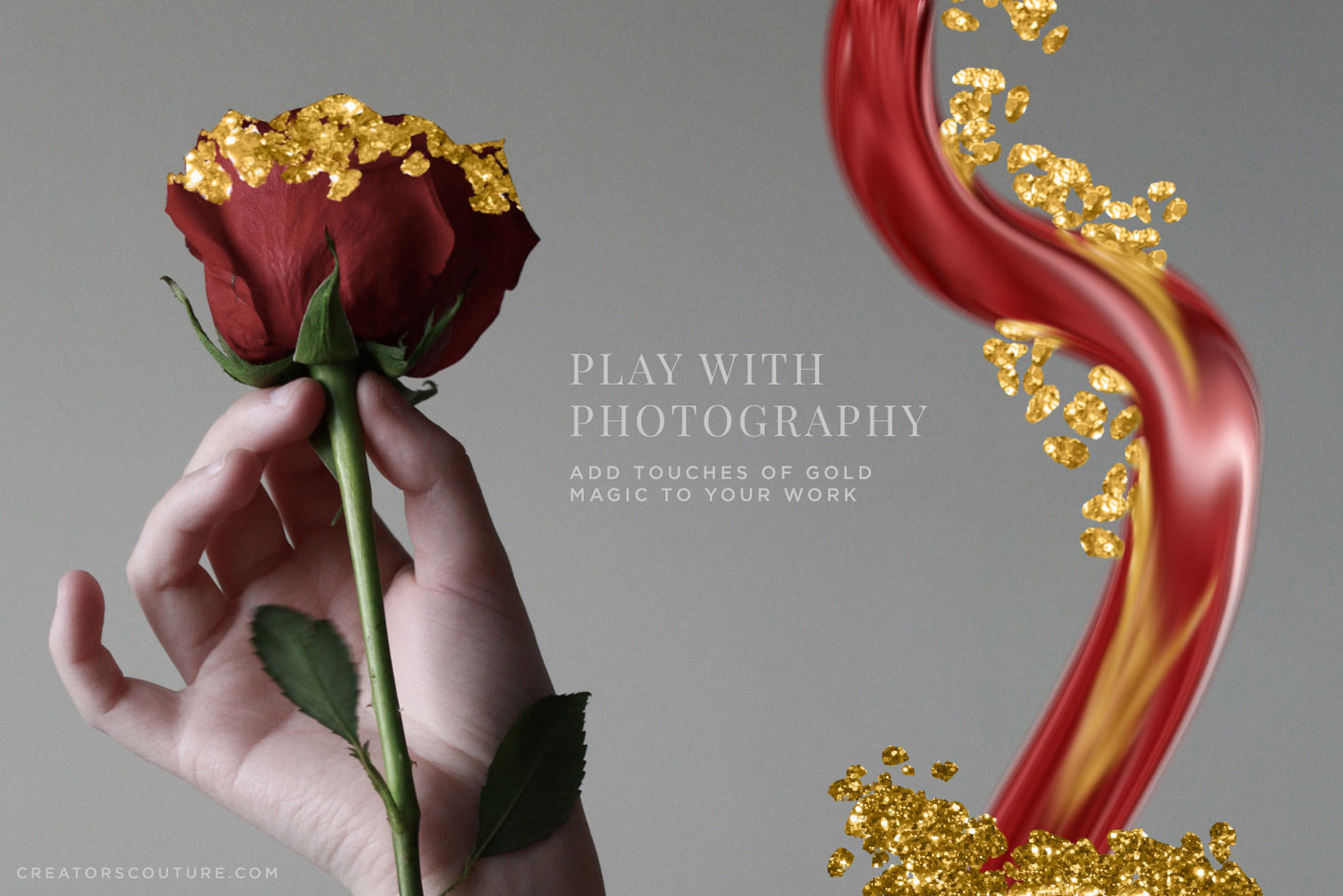
24K Liquid Gold Brush Strokes like you've never seen before in Photoshop!Instantly paint in ‘live’ gold and create textural and dimensional metallic brush strokes effortlessly! 24K Liquid Gold Brush Strokes like you've never seen before in Photoshop! Add touches of gold and glam to your designs like never before! Dip your toes in this Sampler Collection and create liquid gold brush magic! Sampler Collection For Photoshop CS6+
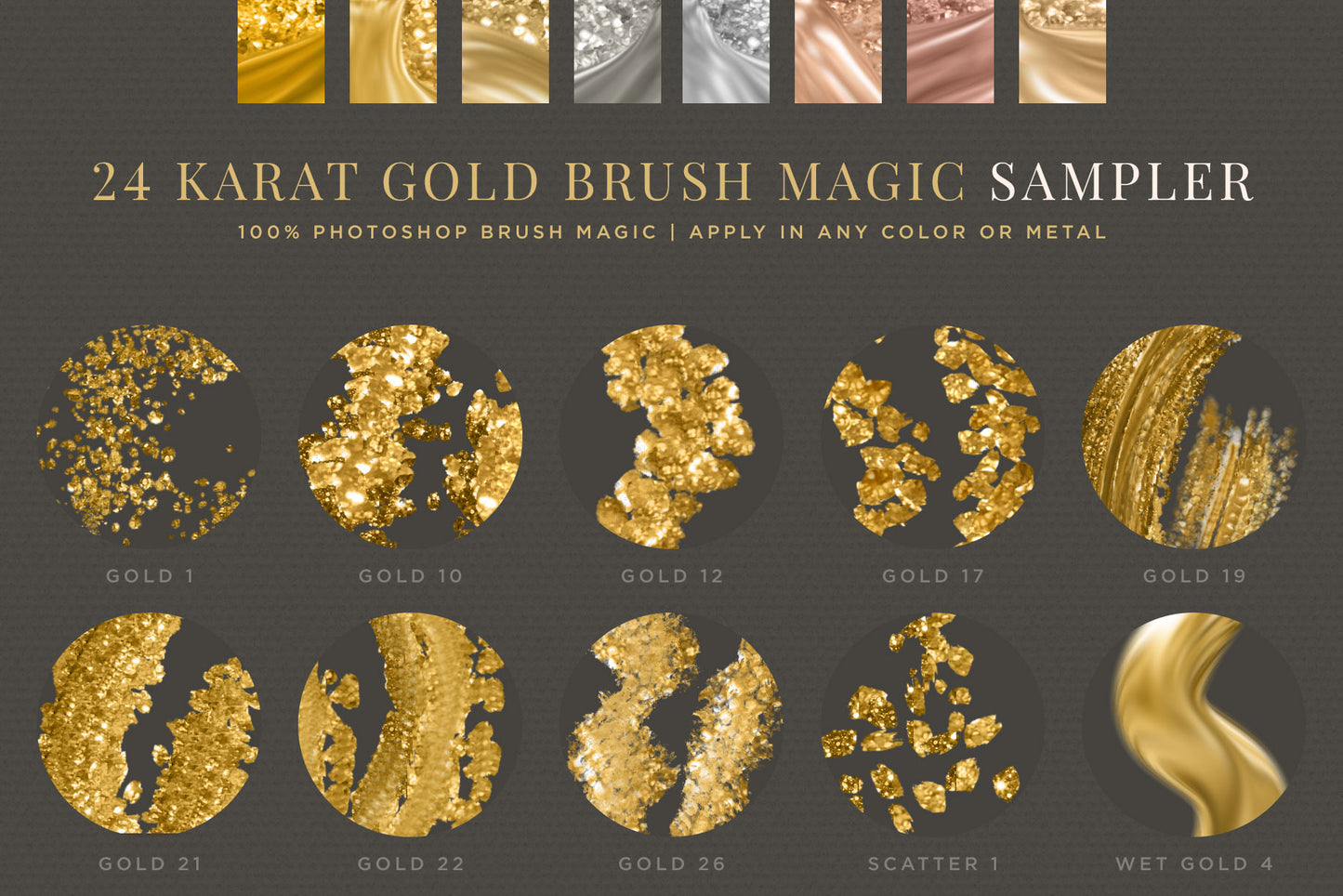
After putting my blood, sweat and tears into the 24K Gold Brush magic collection, which ended up being around 60 magical brushes, I wanted to create a sampler collection to ensure EVERYONE who wanted to had a chance to experience the 24K gold brush magic! I know a lot of us (myself included) are on a budget, so here is a SAMPLER collection of my favorite brushes that I've hand-picked from my master collection. You've got a little bit of everything, I made sure to pick a great selection of brushes for you who may want to just dip your toe into gold brushes, or are on a budget!
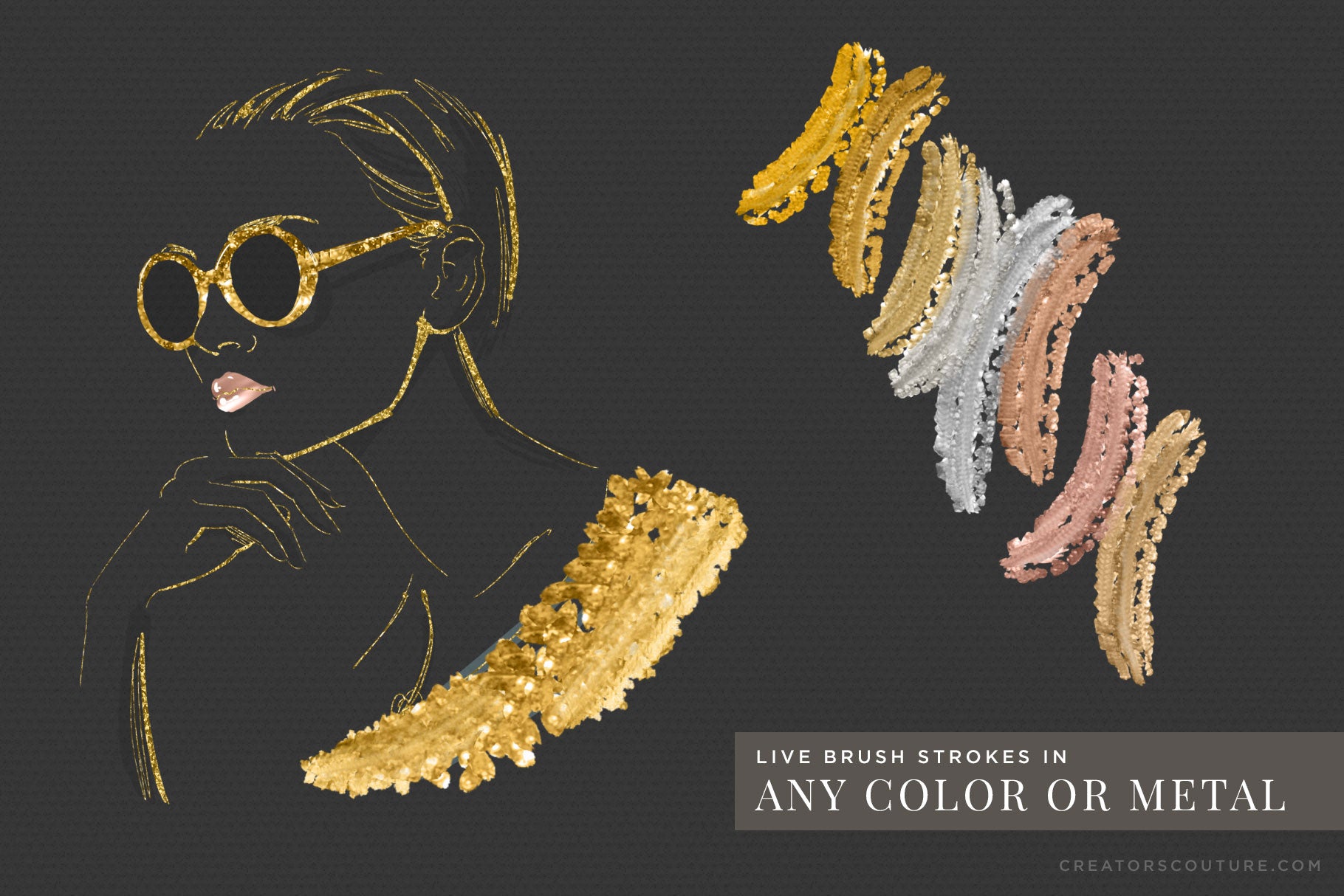
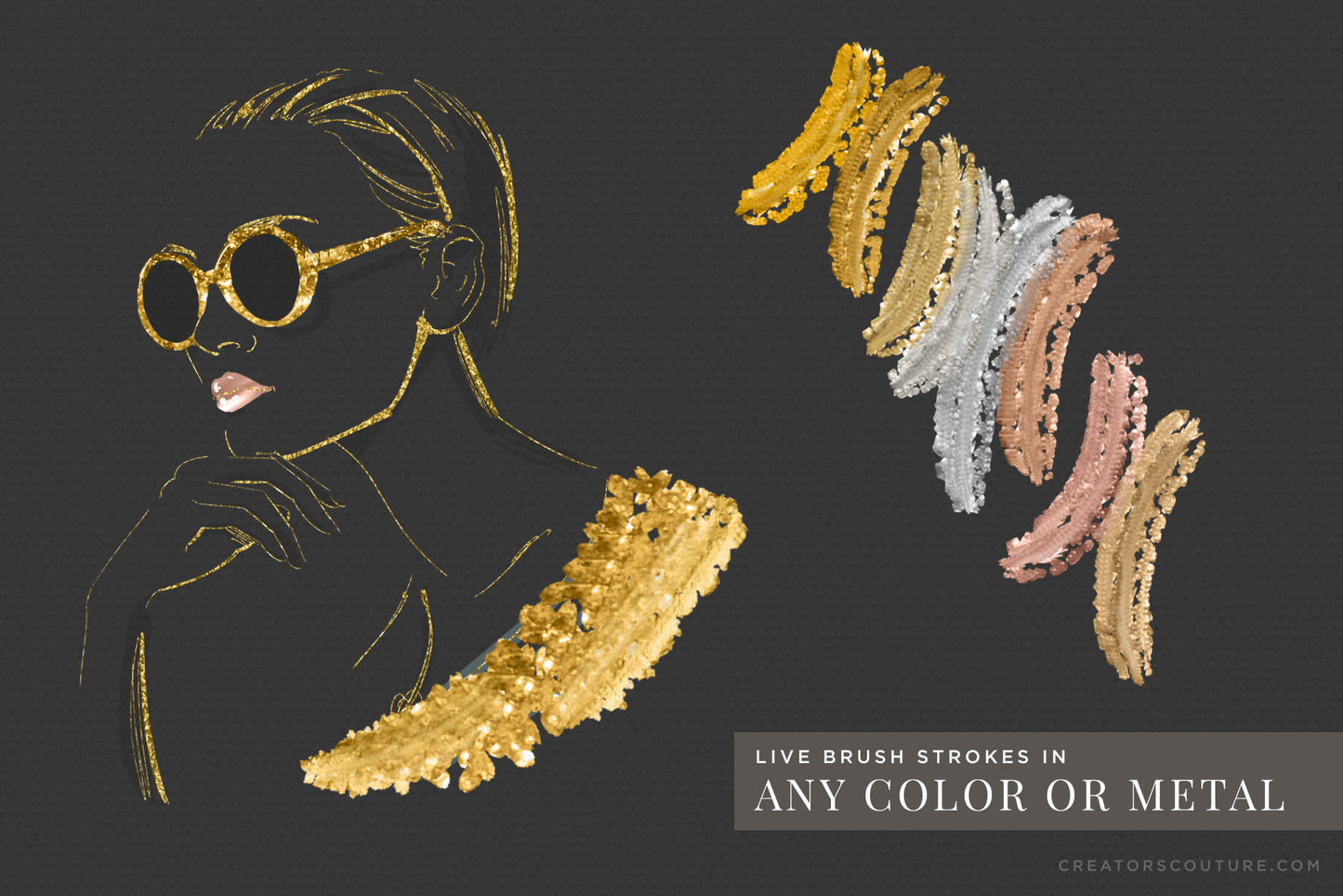
This incredibly refined collection of brushes allows you to create gorgeous, textured gold paint strokes right within Photoshop! Gold layer styles are SO last season… this is LIVE GOLD that you can paint, mix and blend magically in Photoshop. You can finally create those gorgeous metallic gold DIRECTIONAL brush strokes you’ve always dreamed of! Not only that, many of the brushes have wet settings that let you blend the strokes in with the rest of your artwork… just like real life… except WAY BETTER!
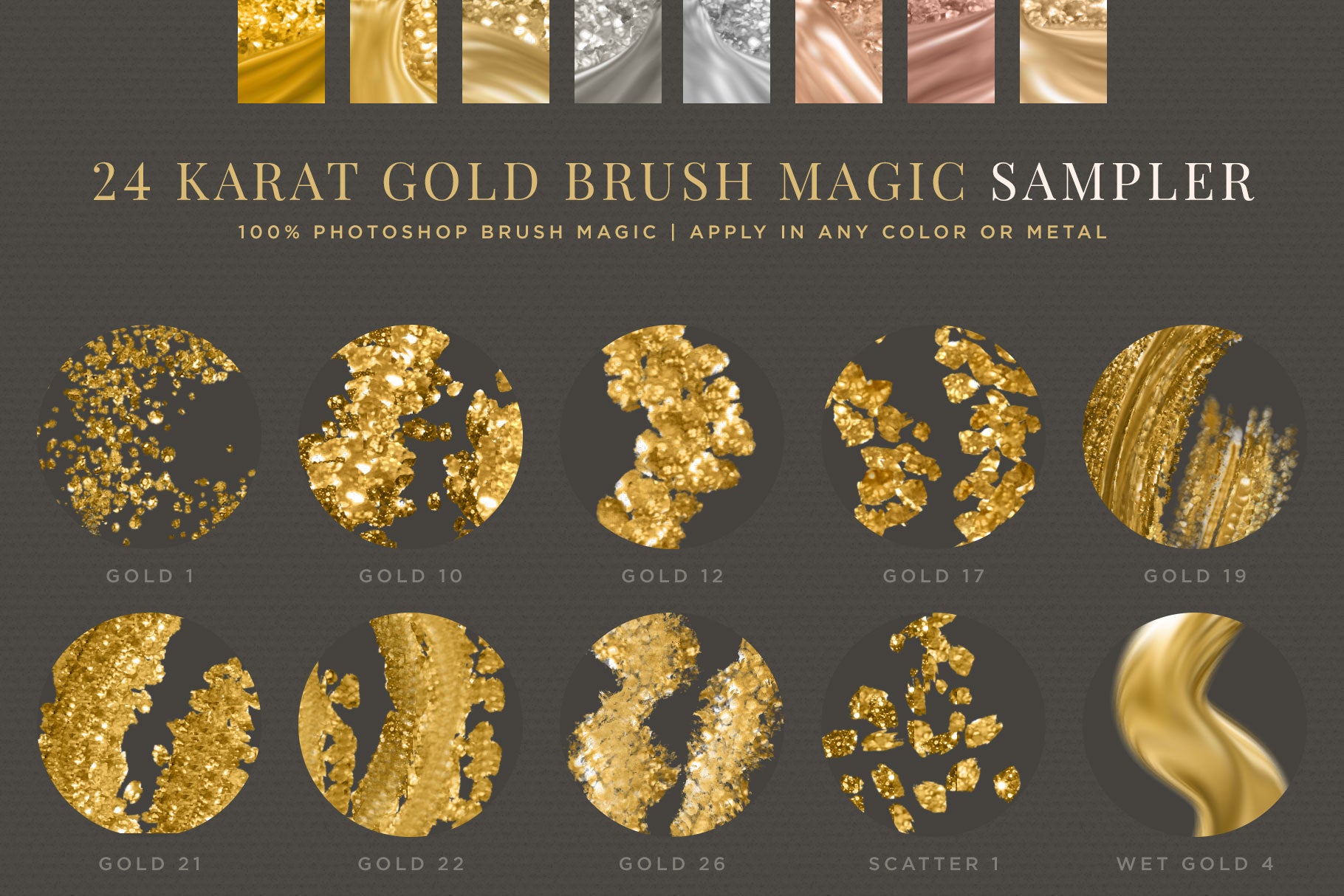
I’ve created a specially designed palette to work from, which lets you give the brush strokes the look of raw gold nugget, gold glitter, gold foil, metallic gold paint, rough gold texture and more! Paint in classic gold, saturated gold, dark gold, desaturated gold, warm silver, cool silver, 2 tones of rose gold, copper — or create your own metallic color palette in ANY COLOR!
This product features a thorough tutorial playlistHERE!
Product requirements: To use this product, you need Adobe Photoshop CS6 or NEWER. If you want to take advantage of the pressure sensitive brush settings to achieve thick to thin brush strokes, you need a wacom tablet or similar, but you can absolutely use the brushes with only a mouse as well!
Included in the download is...
- 1 'base' rough gold drawing brush
- 8 magic gold brushes
- 1 scatter brush
- 1 liquid gold wet brush
- 3 blending brushes (not previewed)
- The same specially created sidebar 'palette' to sample from as the main collection
- Brush set provided as ABR for newer Photoshop users, and in TPL format for older Photoshop users (CS6+)
- Brush reference charts: Handy labeled and organized JPEG charts with all of the brush strokes
- An in-depth youtube tutorial playlist to get you started, no matter what your level of Photoshop
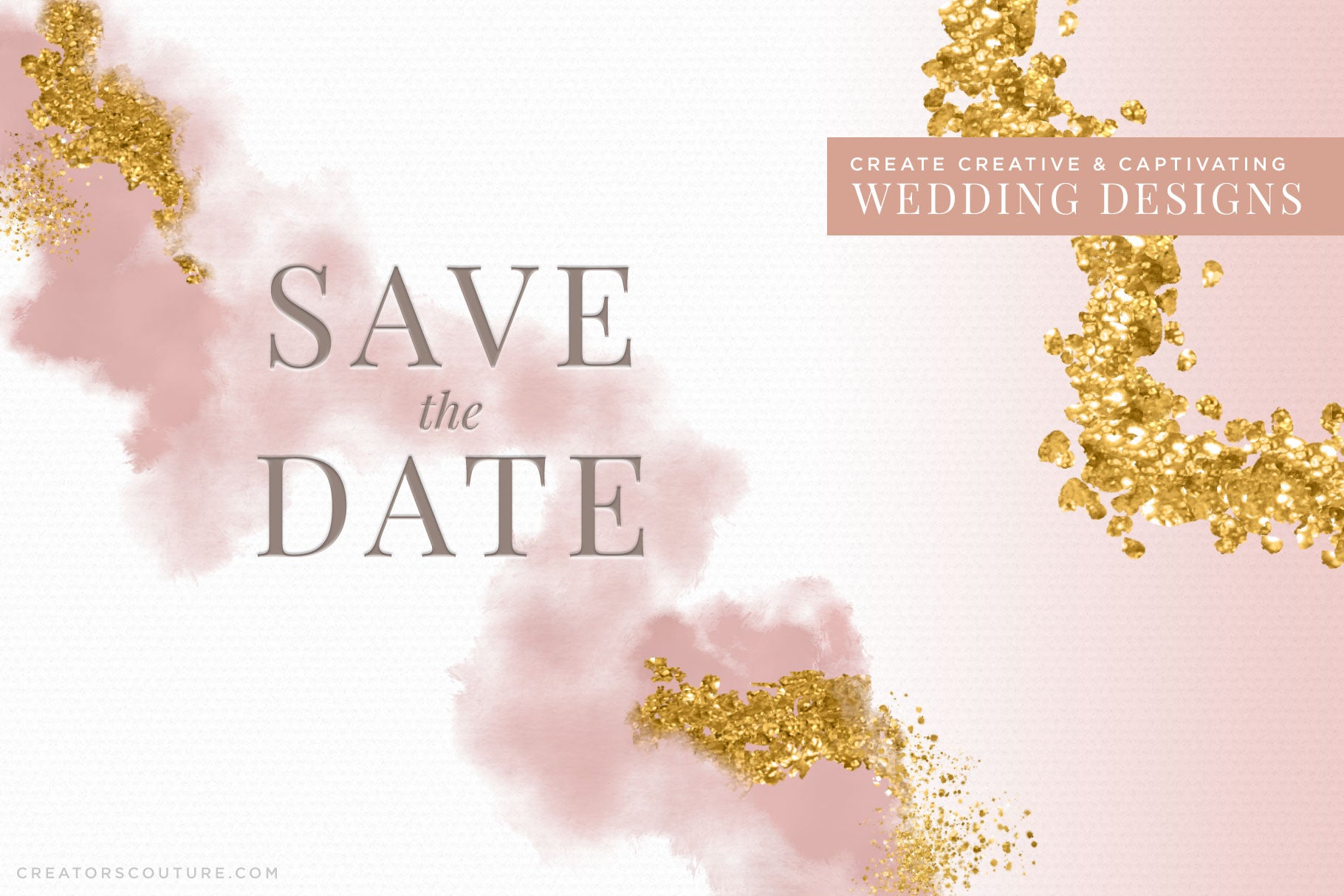
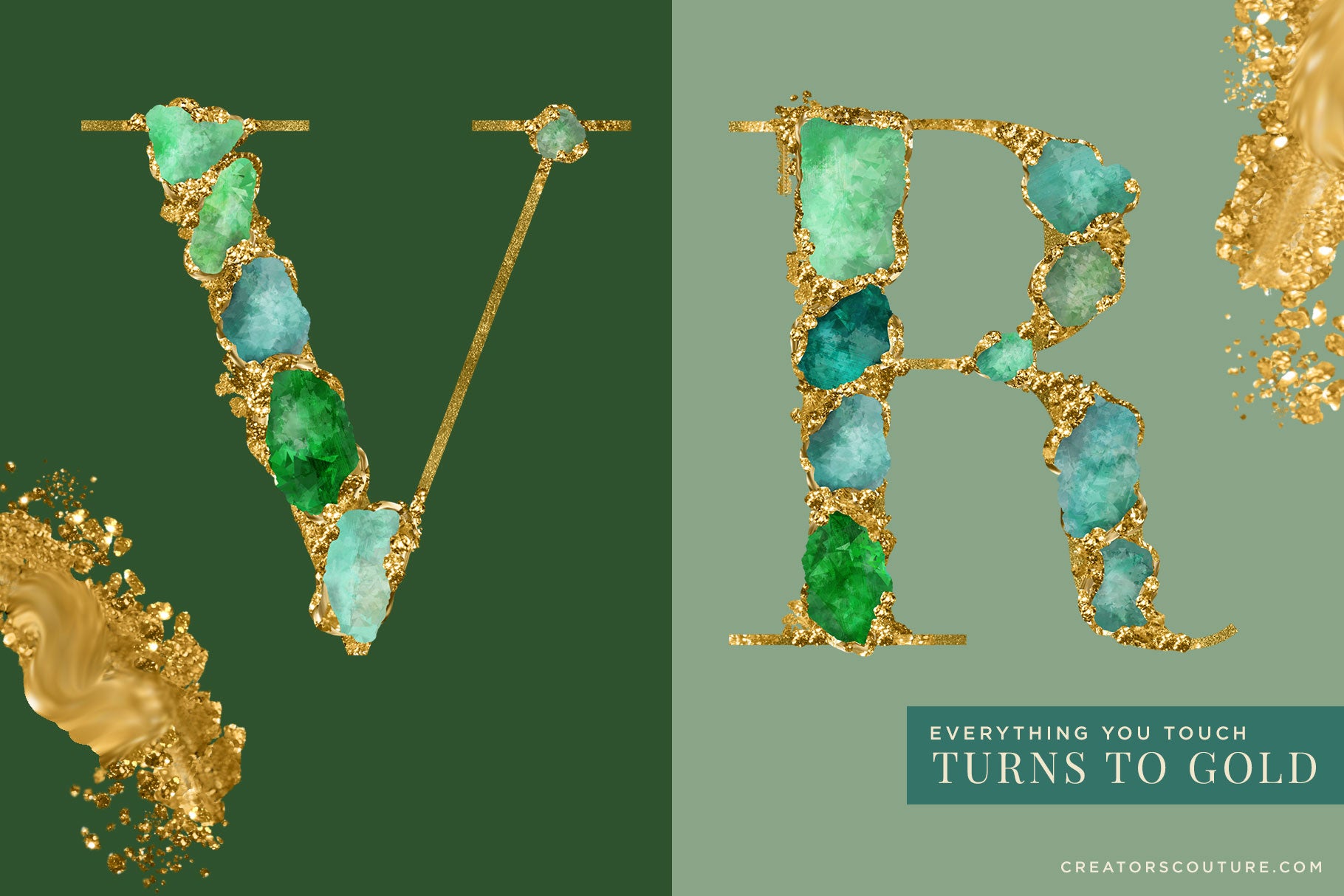
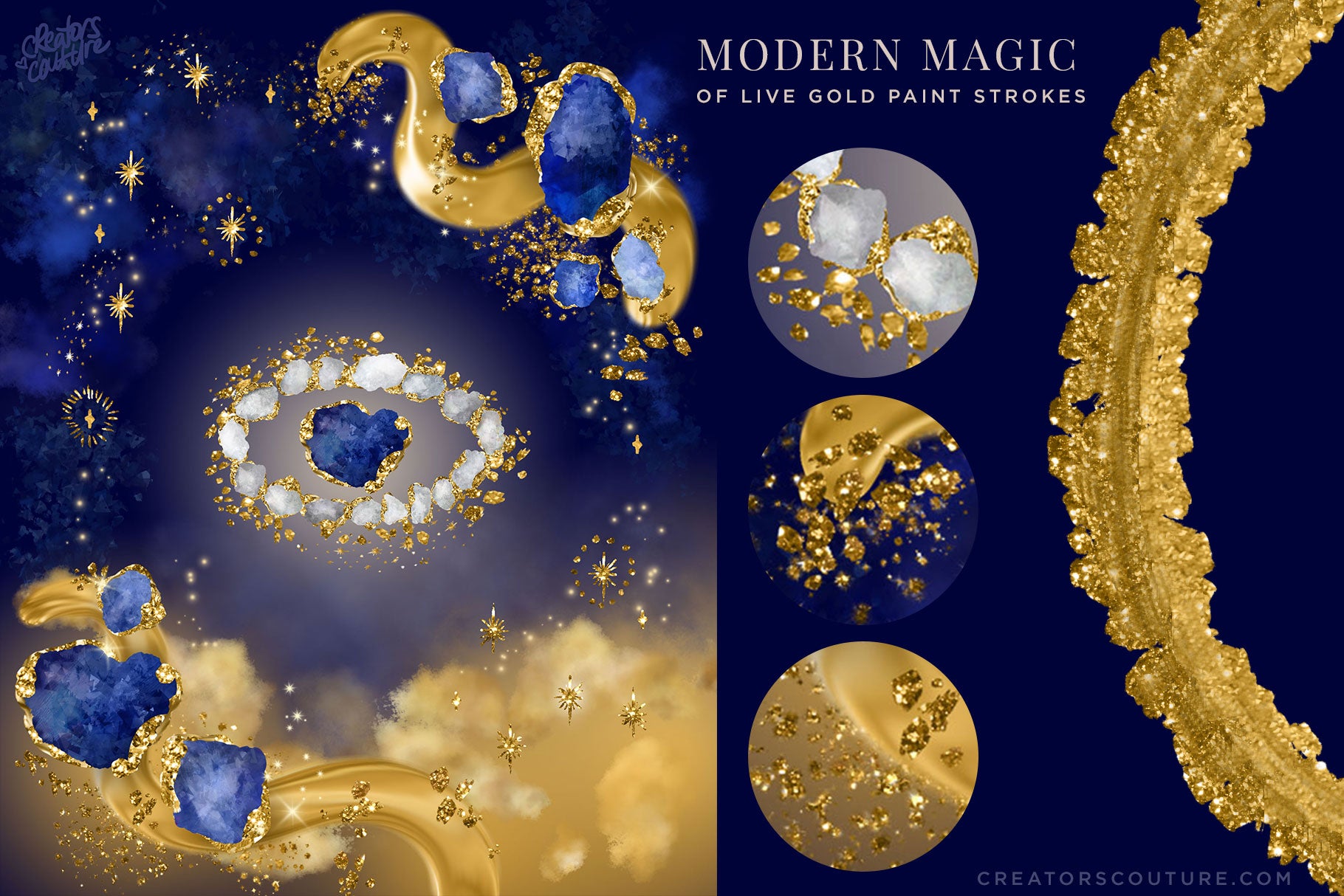
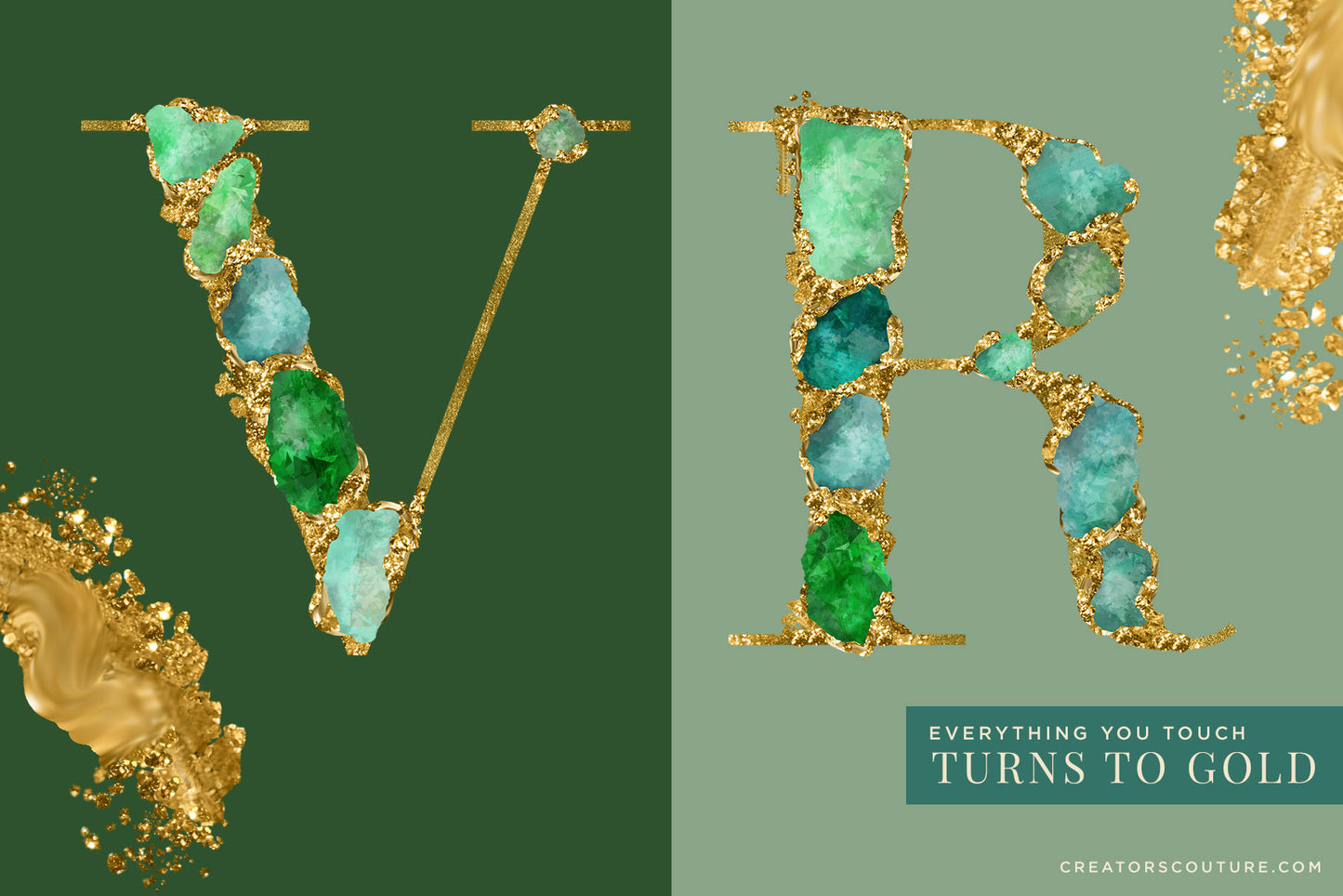
Check out the brushes in action below... just remember, this demo was made for the complete collection, but you can get the idea of what's in store for your brush sampler collection!
Generous Extended Use License: See the easy license page for a few common sense guidelines about creating items for sale!
Have a question? Send me a message!