
Skip to product information
1 of 30

Procreate Watercolor Tie-Dye Brushes: Multicolor Photoshop Brush Bonus

Procreate Watercolor Tie-Dye Brushes: Multicolor Photoshop Brush Bonus

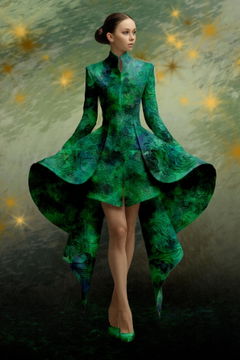
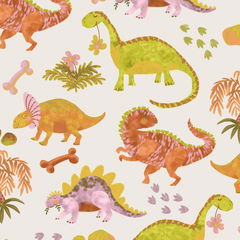
Realistic, modern, & refined tie-dye effects for Procreate! 😍

Regular price $ 14.99 USD
Regular price Sale price $ 14.99 USD
Sale Sold out
  • ❤️ Buy with confidence - 30 day money back guarantee! Learn more

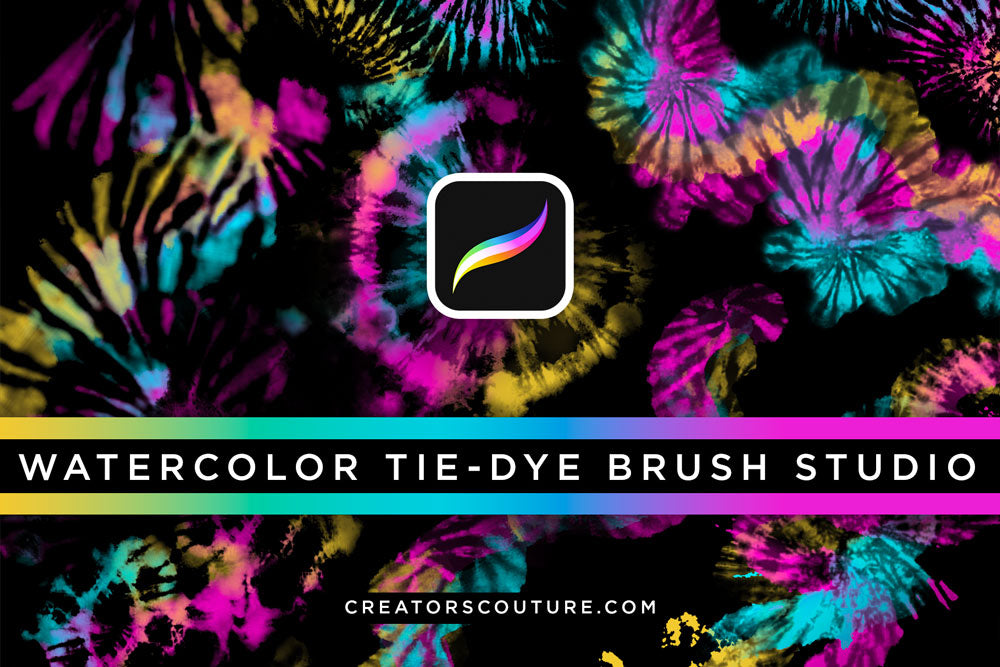
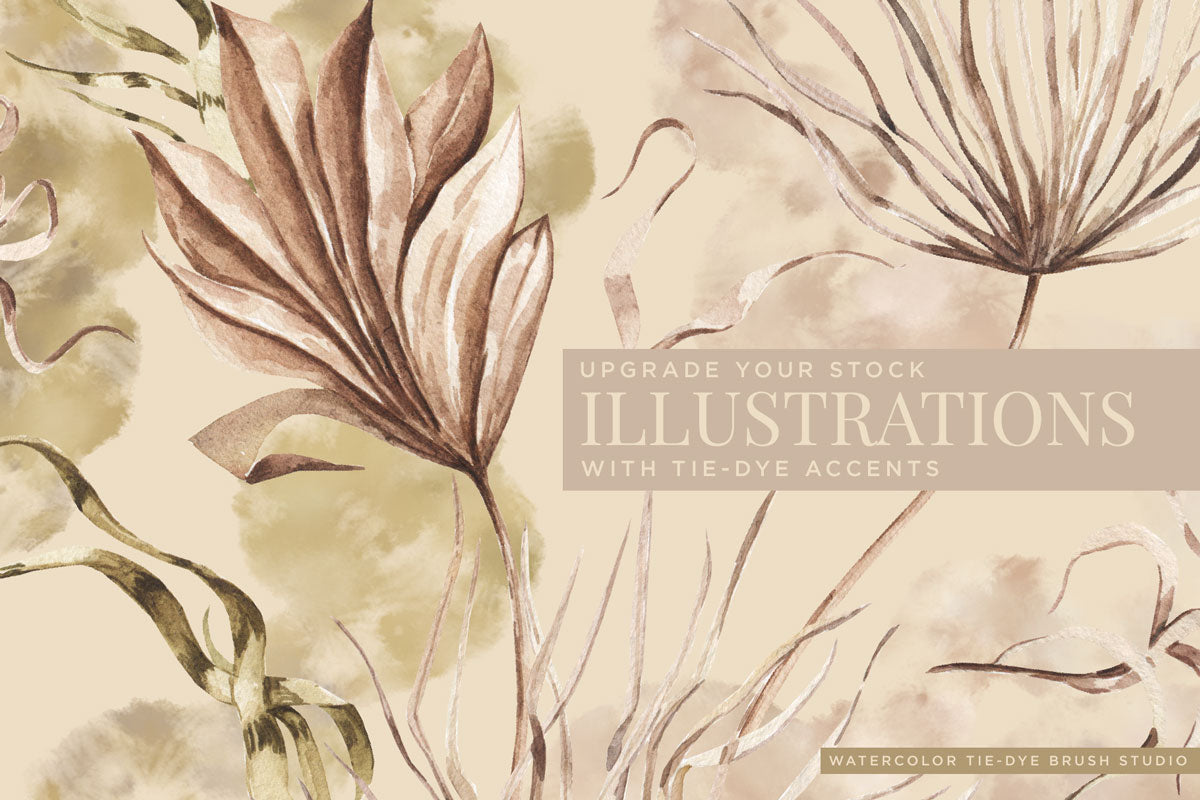
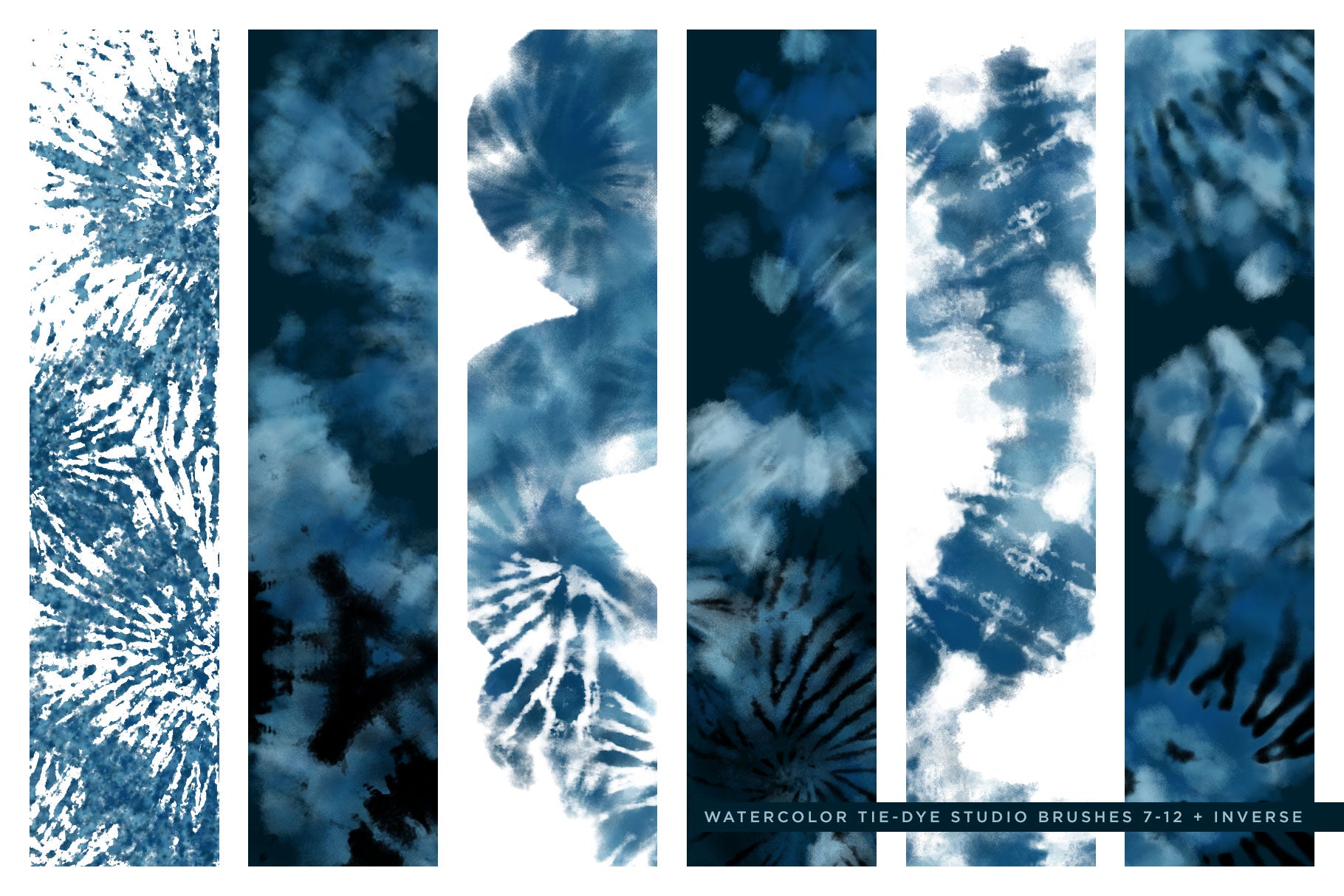
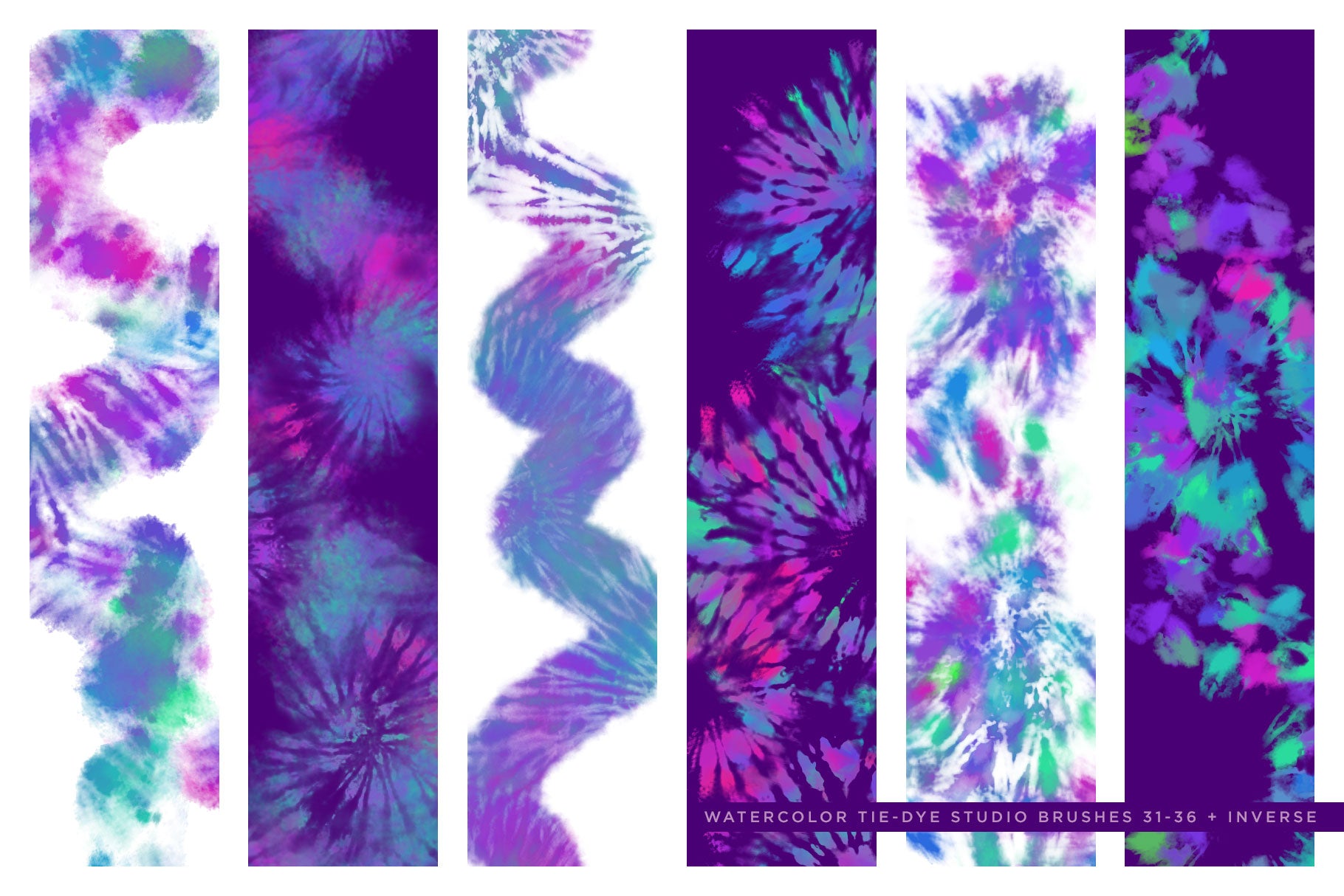
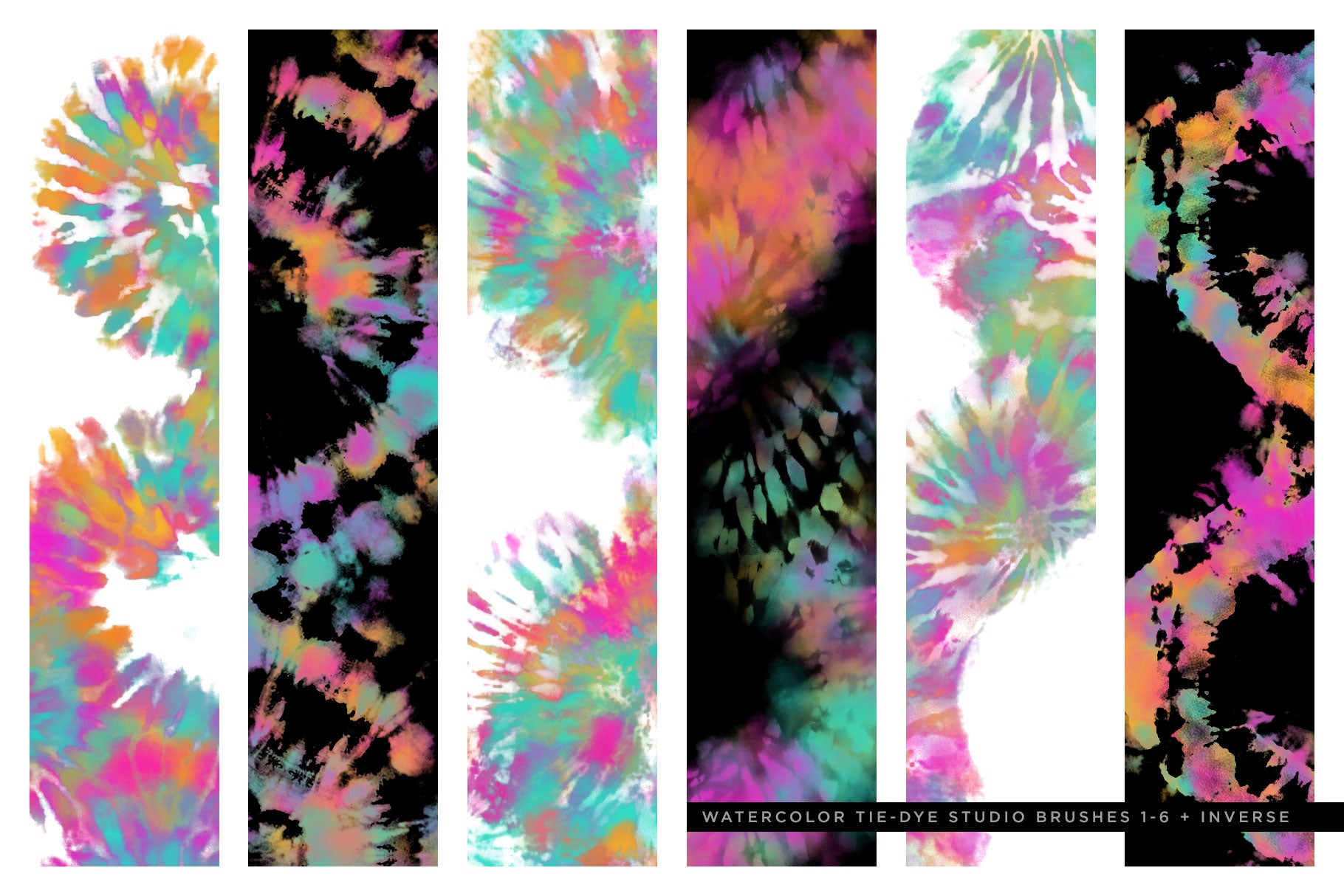
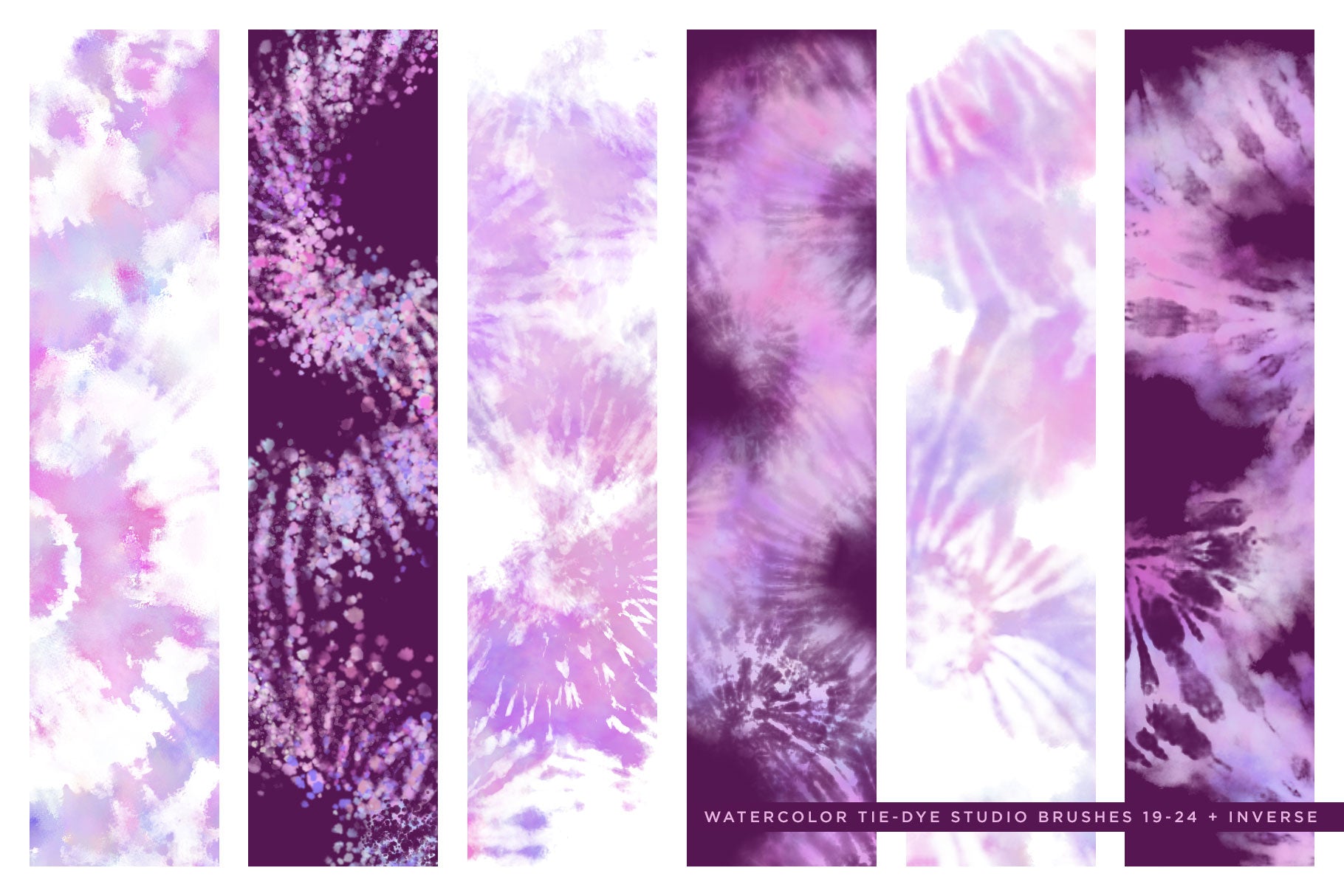
After many requests, I've finally translated my best-selling multicolor Photoshop Tie-Dye brushes to Procreate! Modern Tie-Dye effects made effortless, now for Procreate!

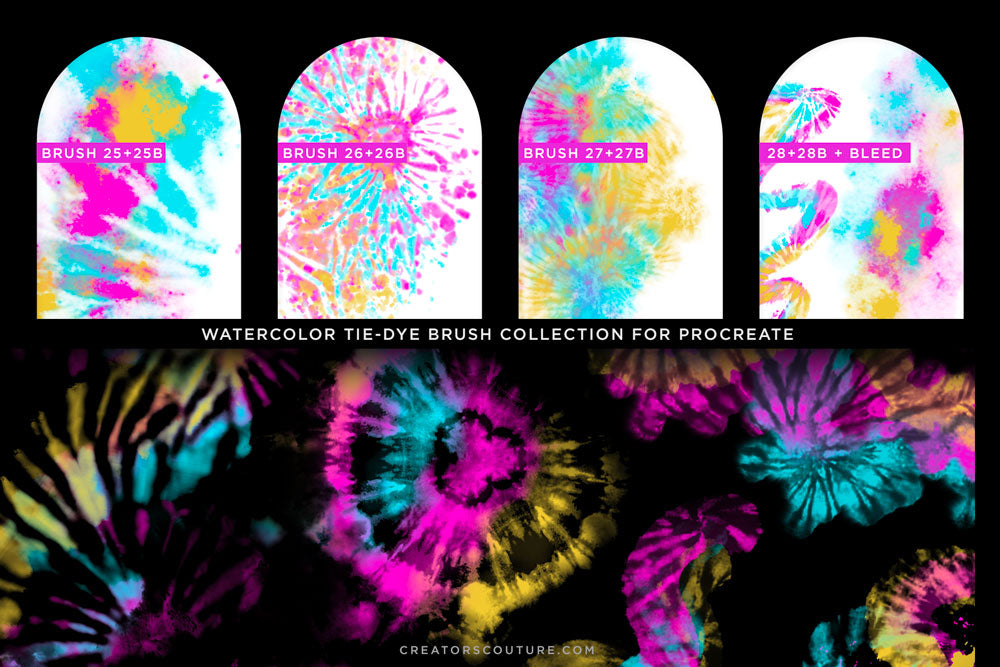
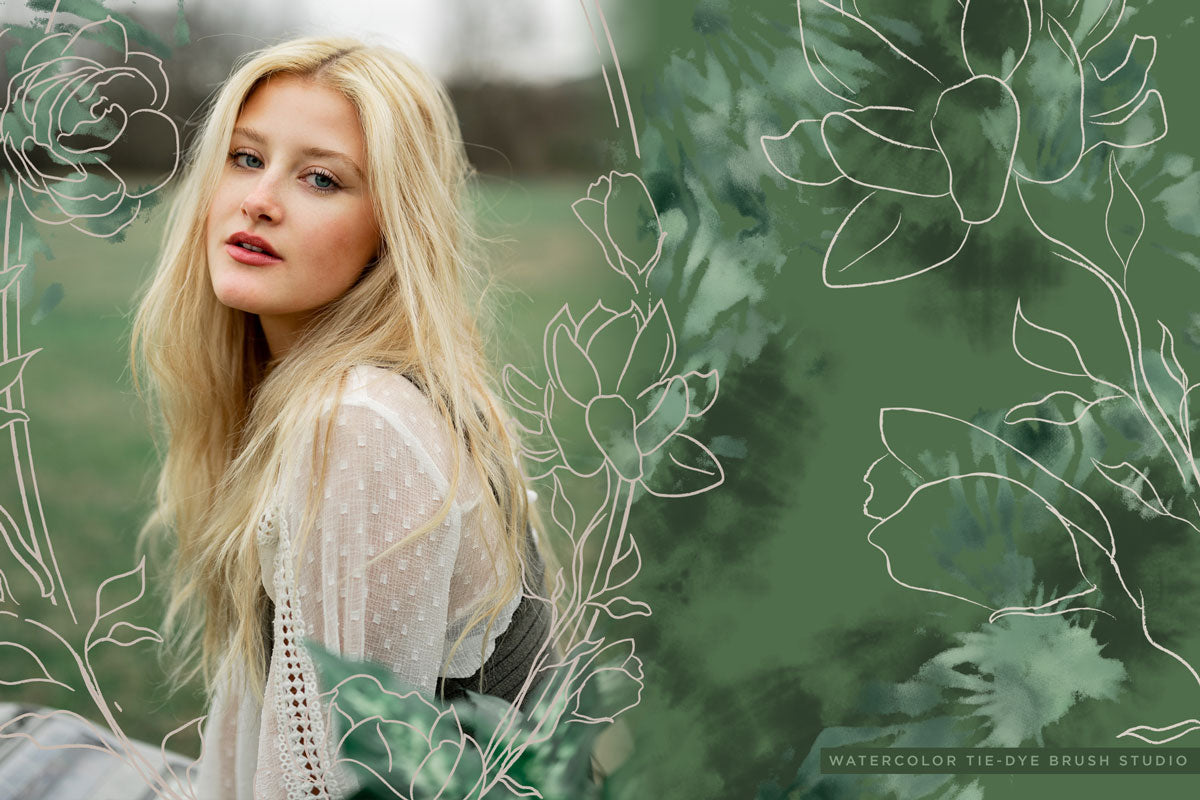
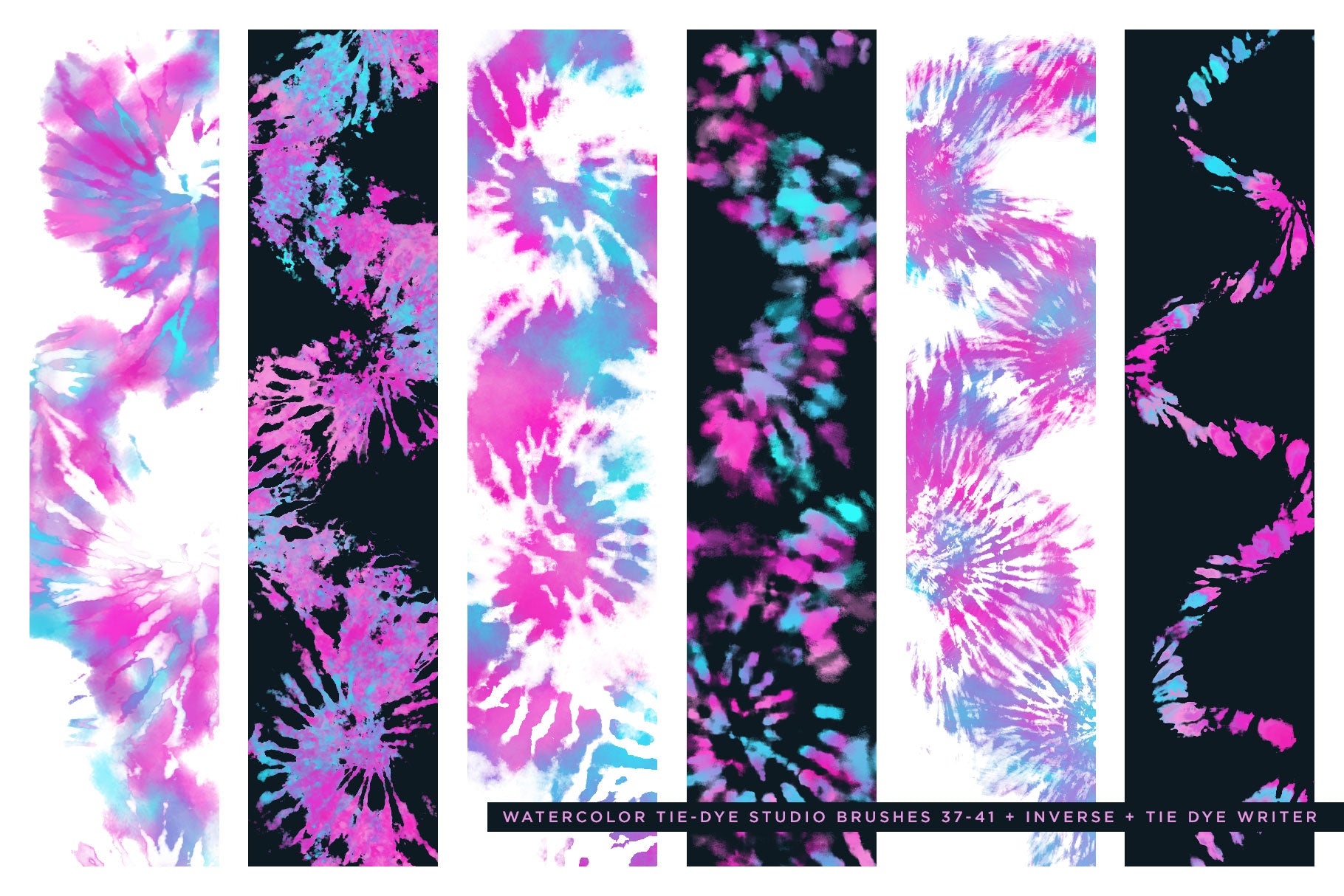
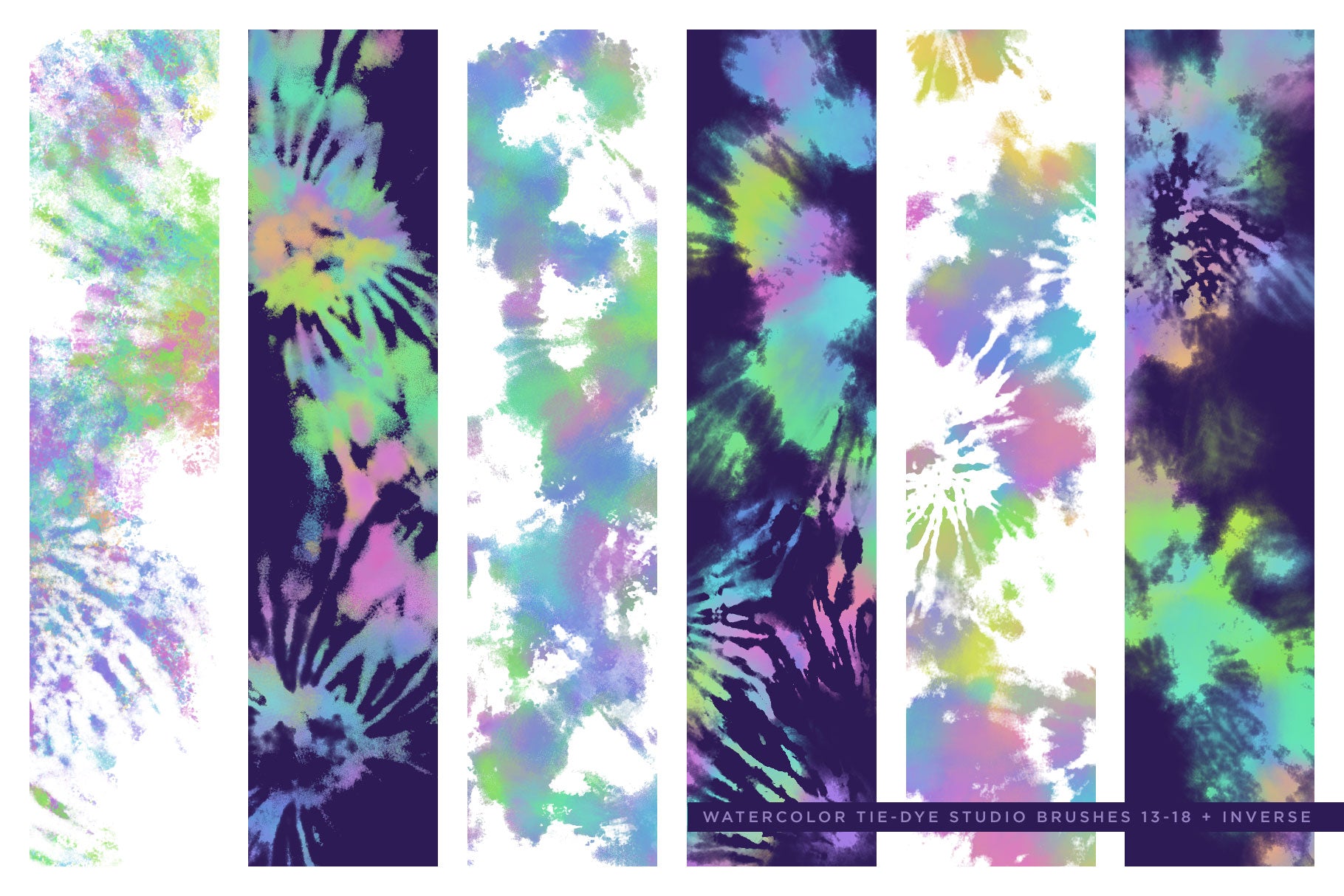
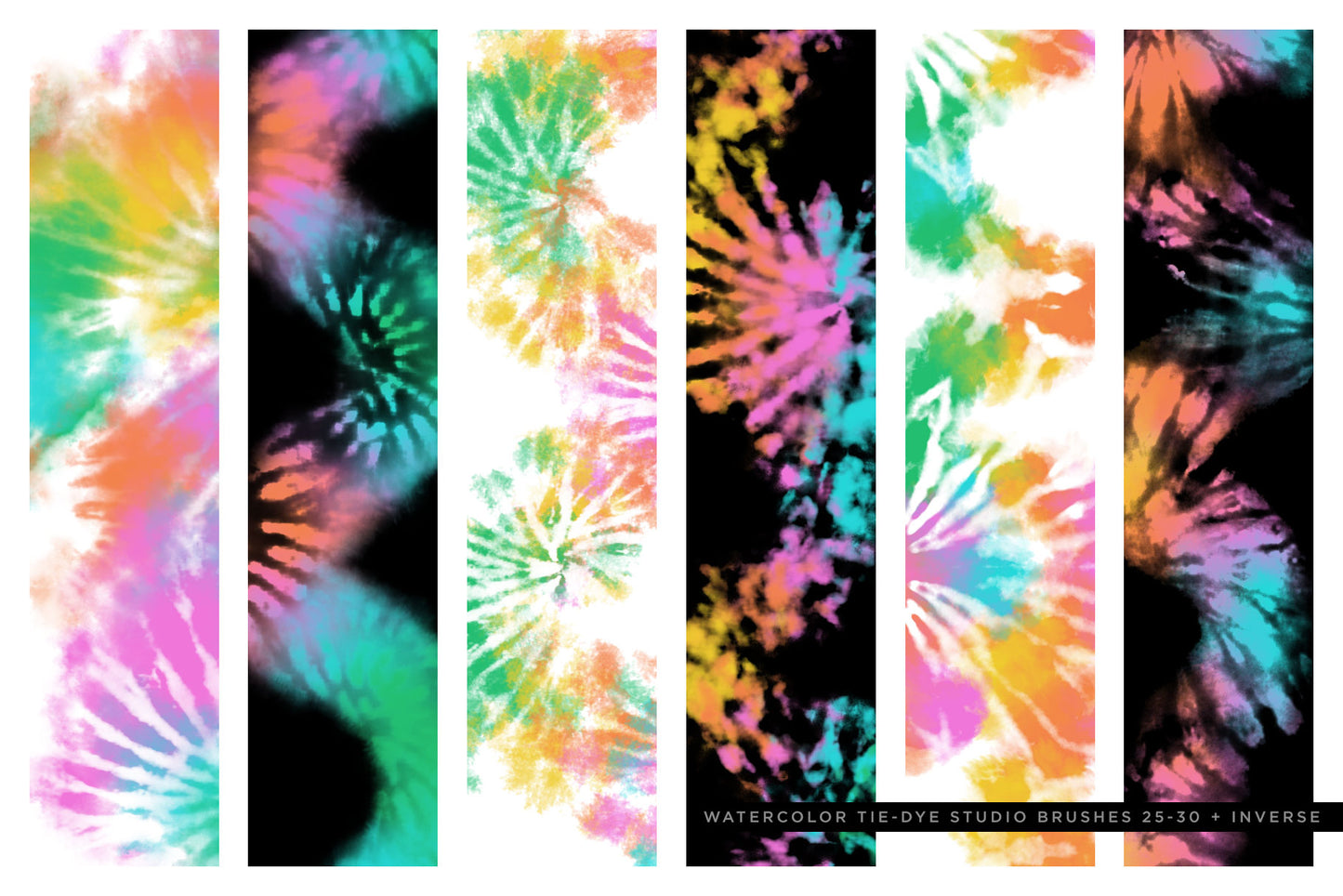
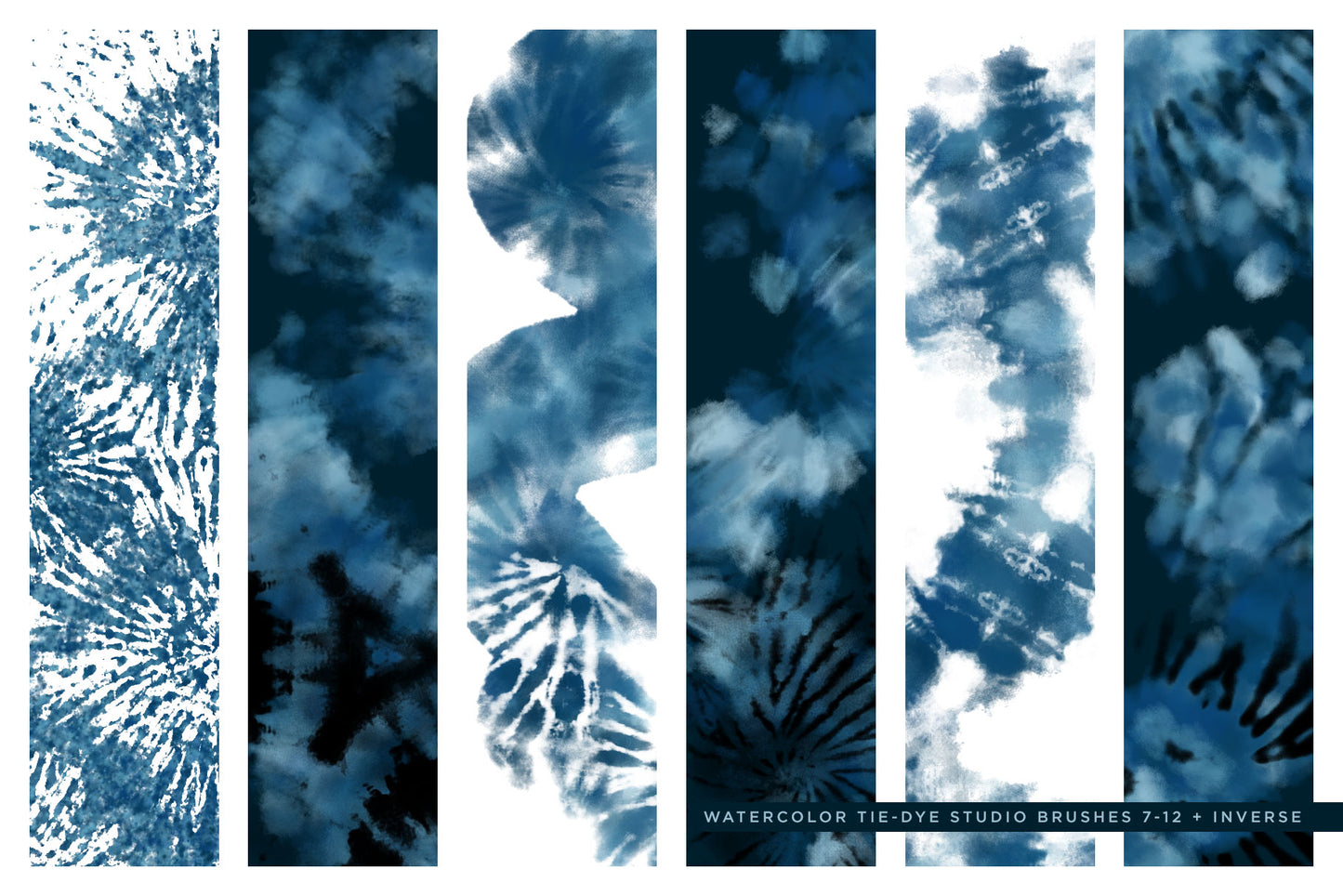
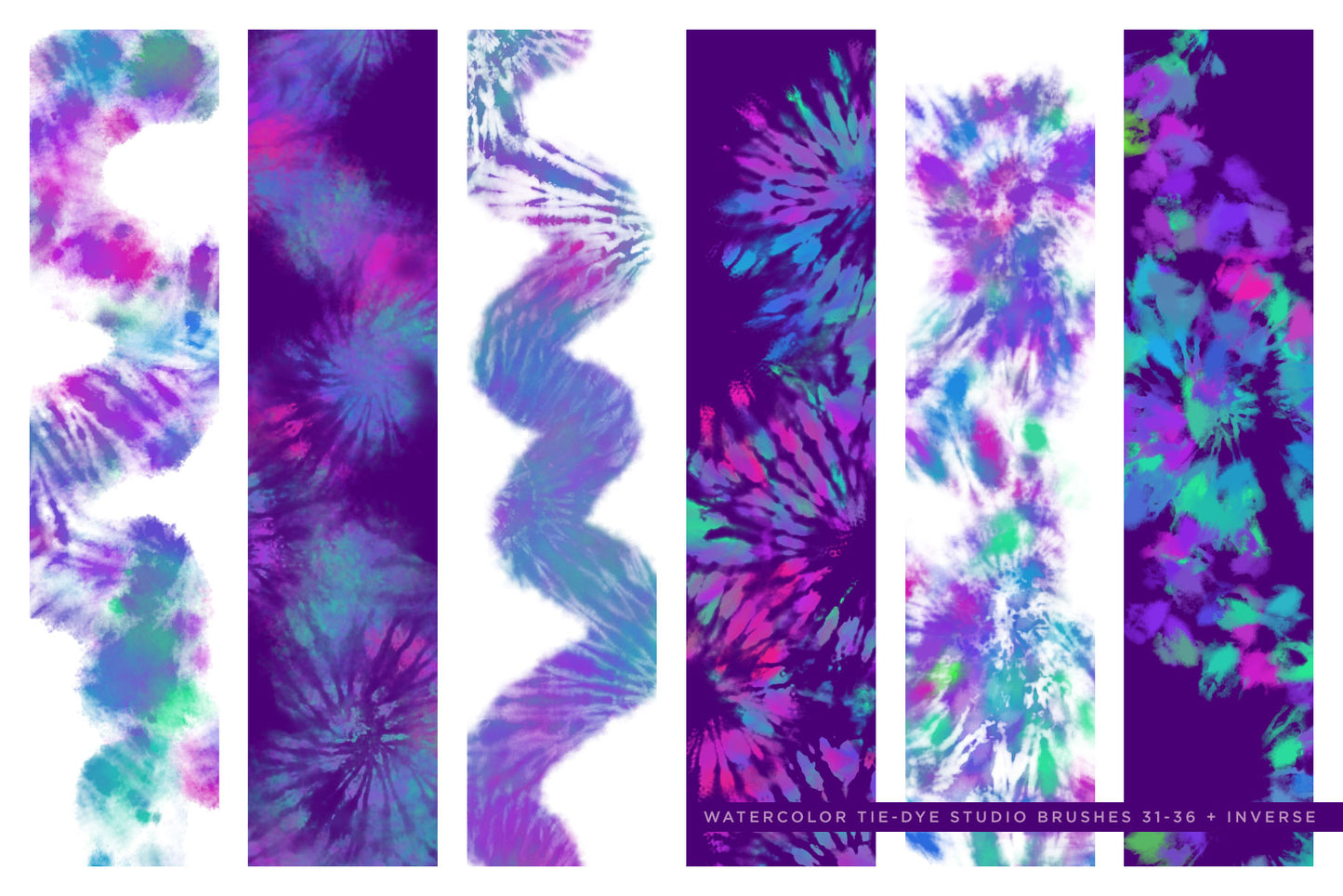
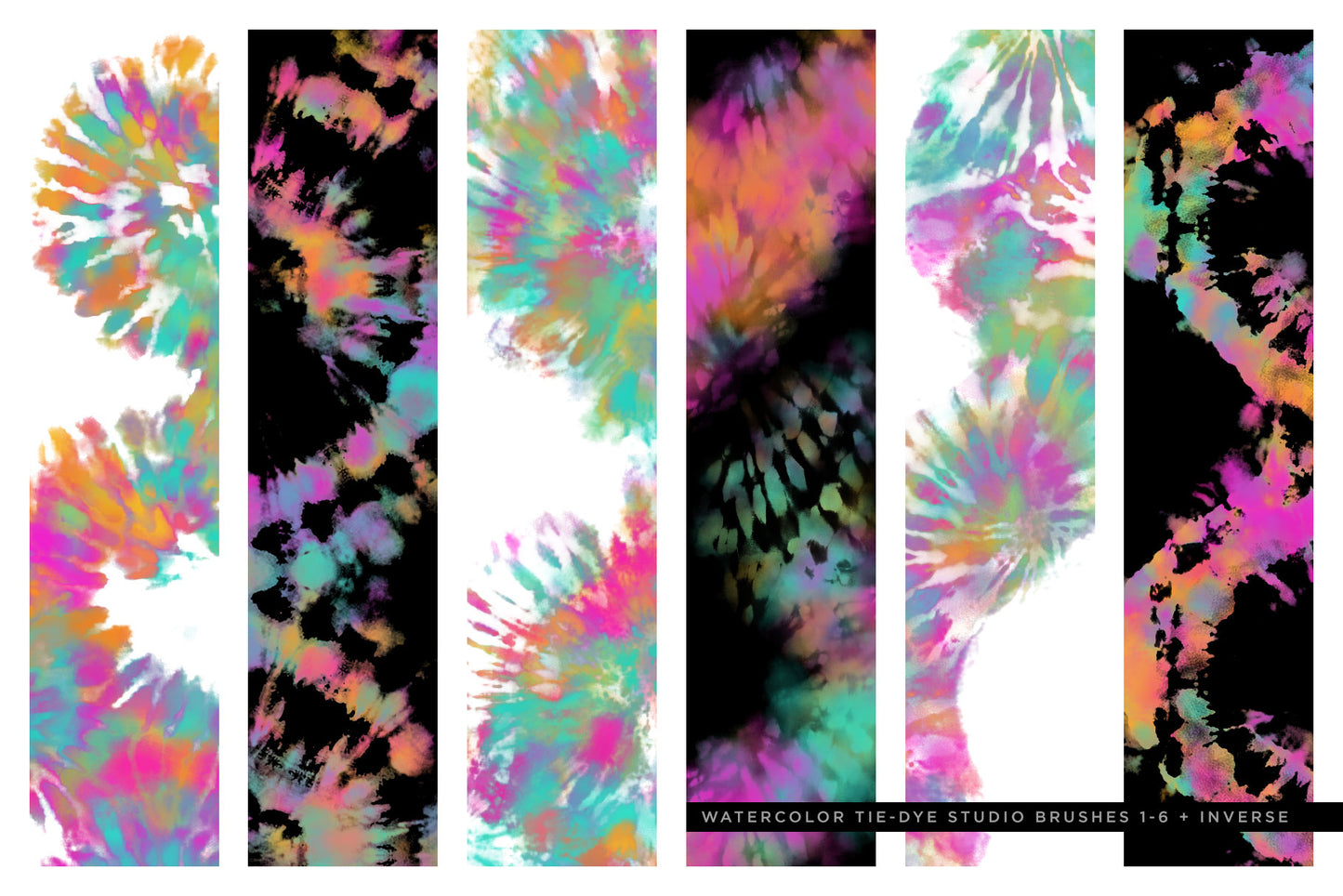
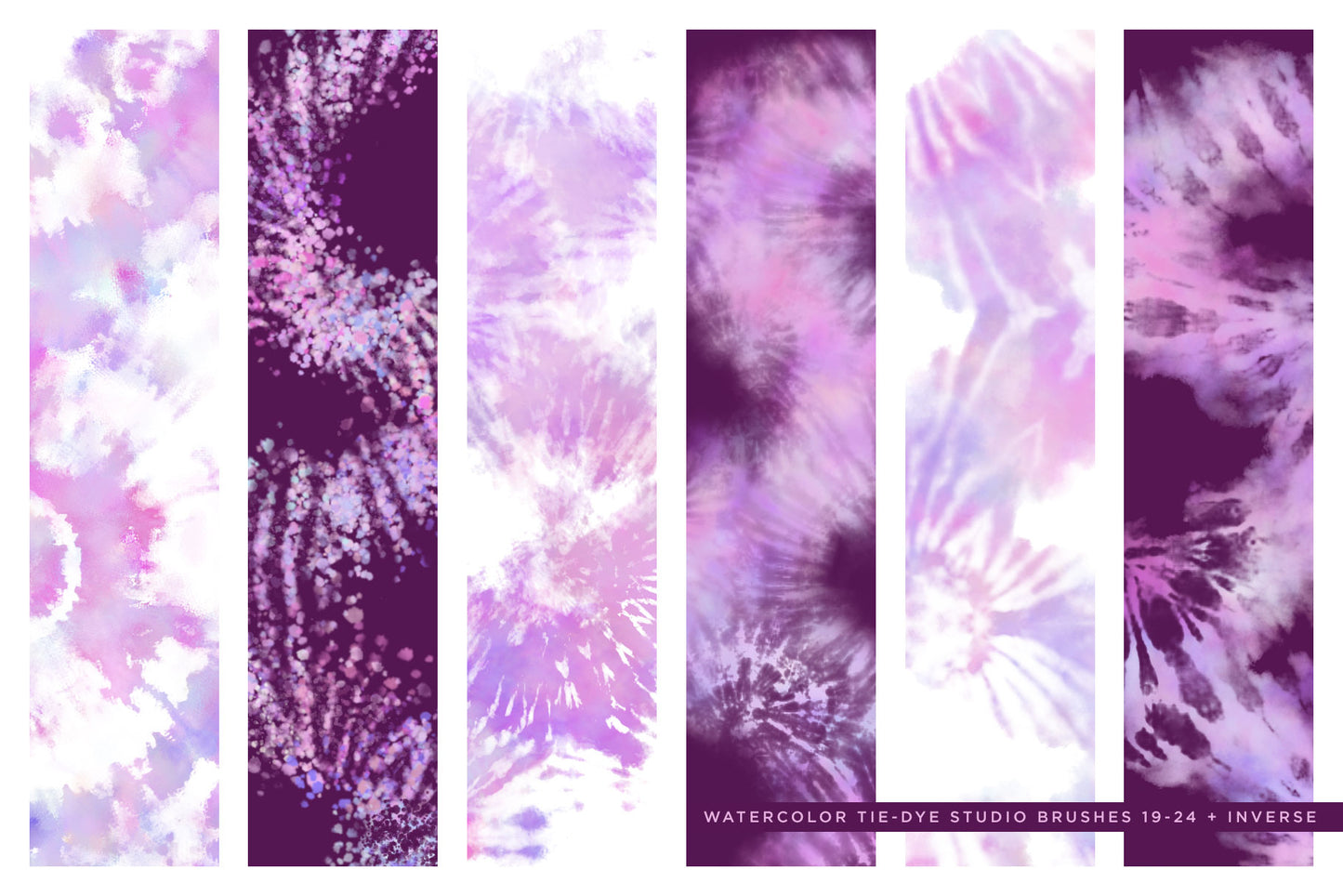
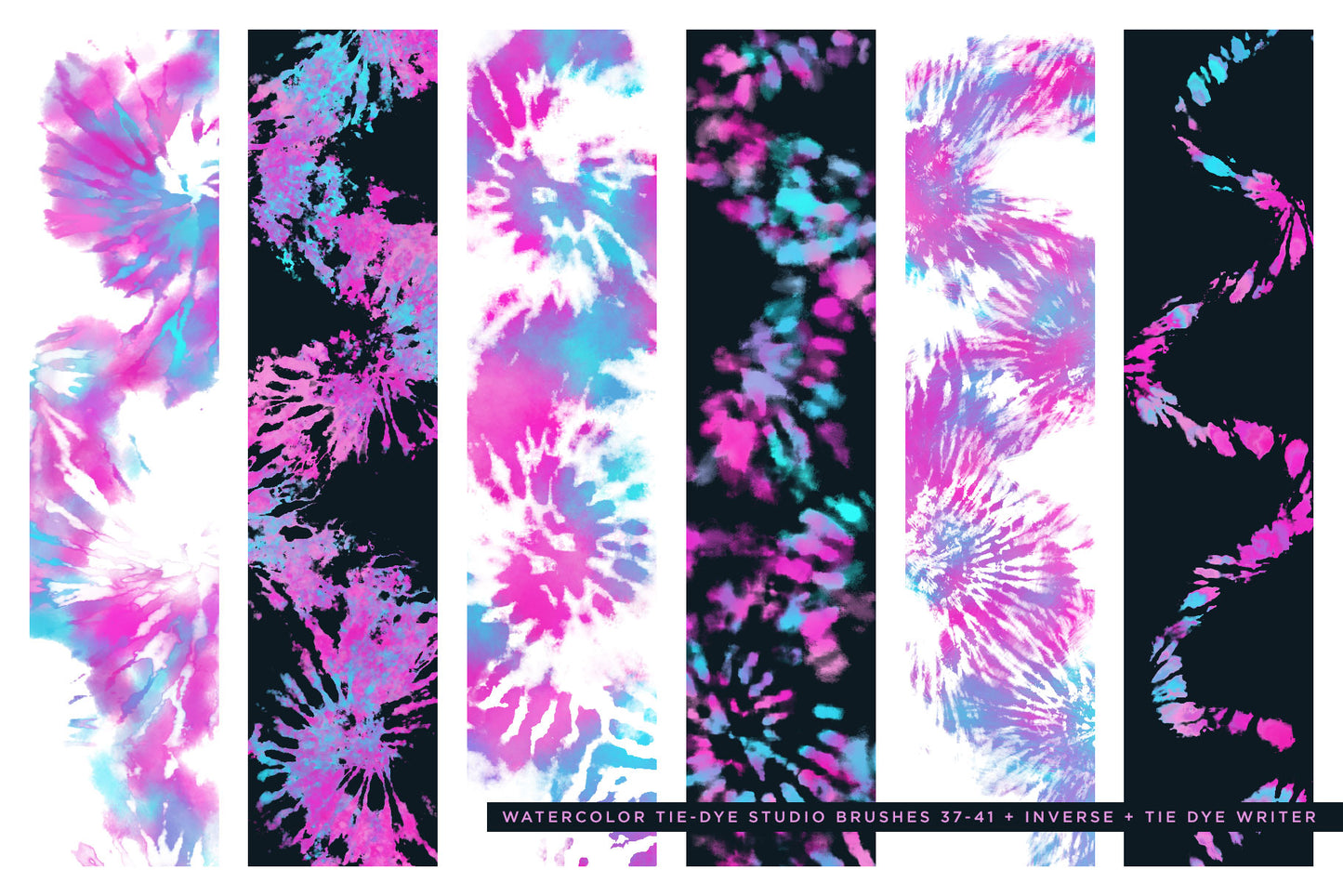
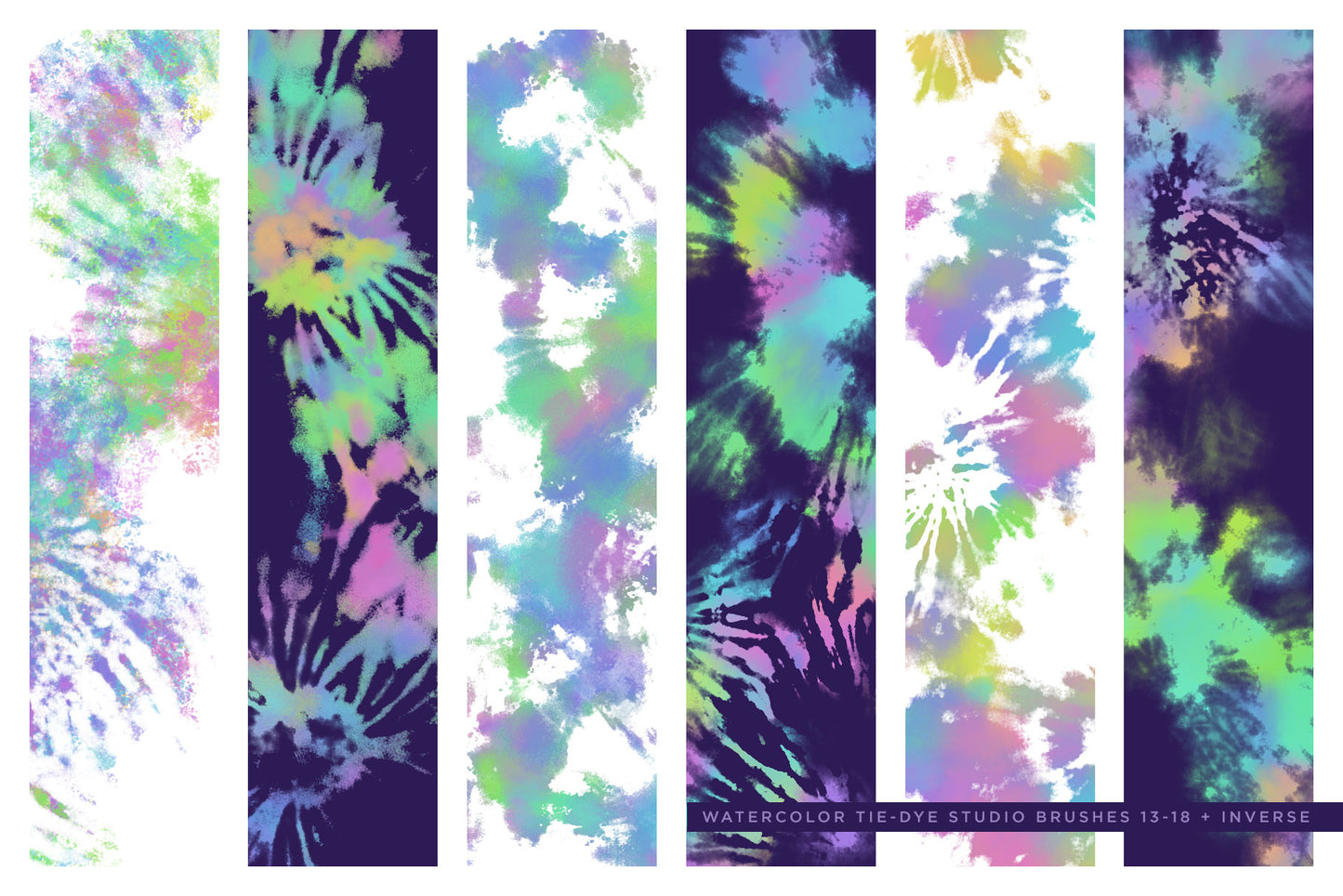
EFFORTLESS TIE-DYE in Procreate: I've actually scanned and sampled real tie-dye designs and patterns and used them as the base for the brush, so achieving a realistic effect doesn't depend on your 'skill' - it's already built into the brush! 

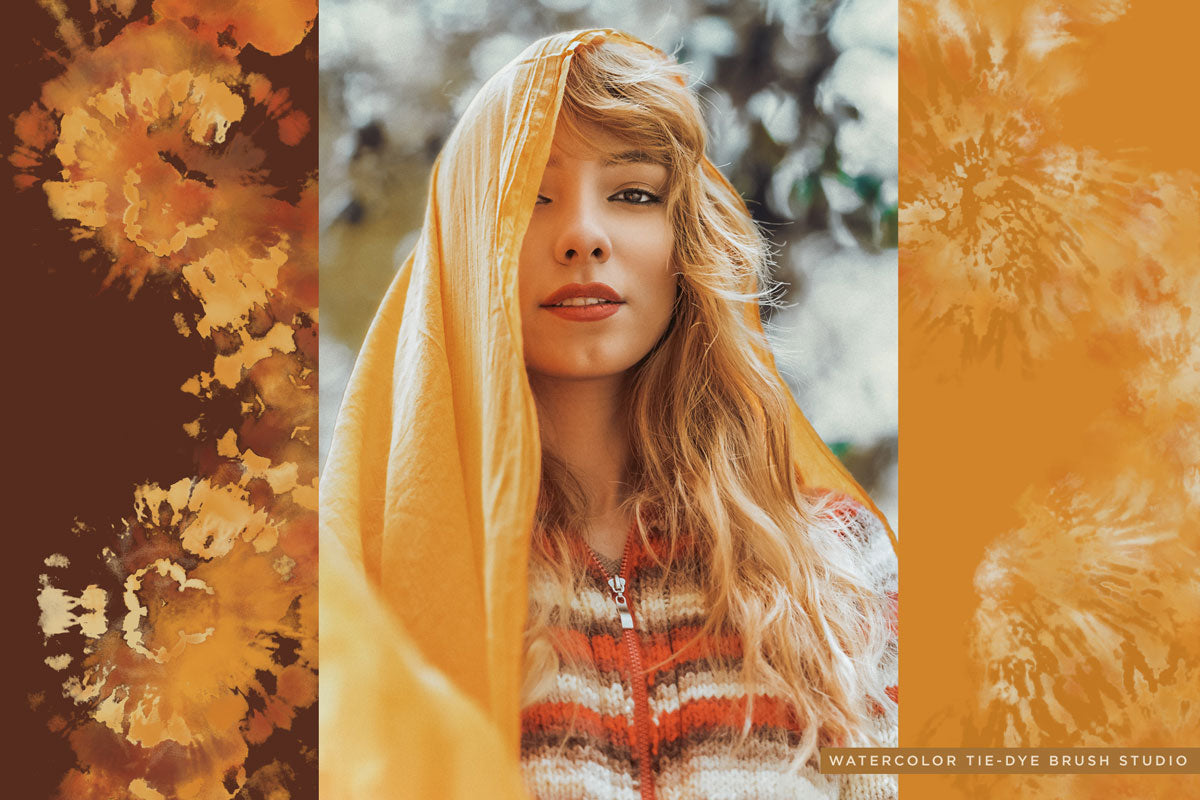
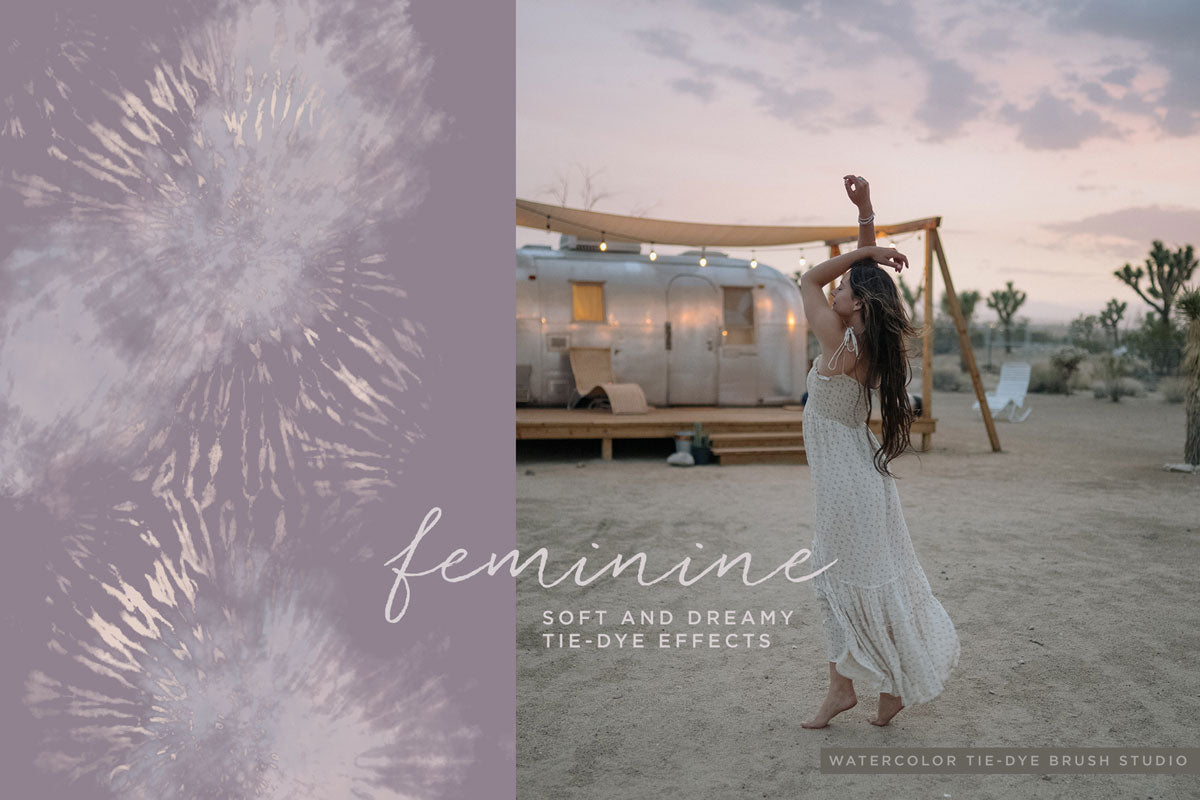
Not your mom's tie-dye! I've spent AGES not only refining these brushes, but carefully adapting them to procreate, so that you can create REFINED, realistic, and simply beautiful tie-dye designs! Tie-dye doesn't have to mean gaudy circles. If you notice, modern tie-dye is more subtle and elegant! 

Tie-Dye Brushes for Procreate: Realistic, modern & refined tie-dye effects are effortless with these amazing Procreate Brushes!

  • Digital Brushes inspired by tie-dye effects and watercolor for Procreate & Photoshop
  • Sophisticated pressure sensitivity built into the brushes
  • For Procreate & Photoshop users of all levels
  • Buy 1, Get 1 BONUS: This also includes the Photoshop version of this brush set! TWO collections for the price of ONE!
  • Photoshop version use my trademark multicolor technique featured by Adobe and others

Product Download Includes

Watercolor Tie-Dye Brushes for Procreate for Ipad

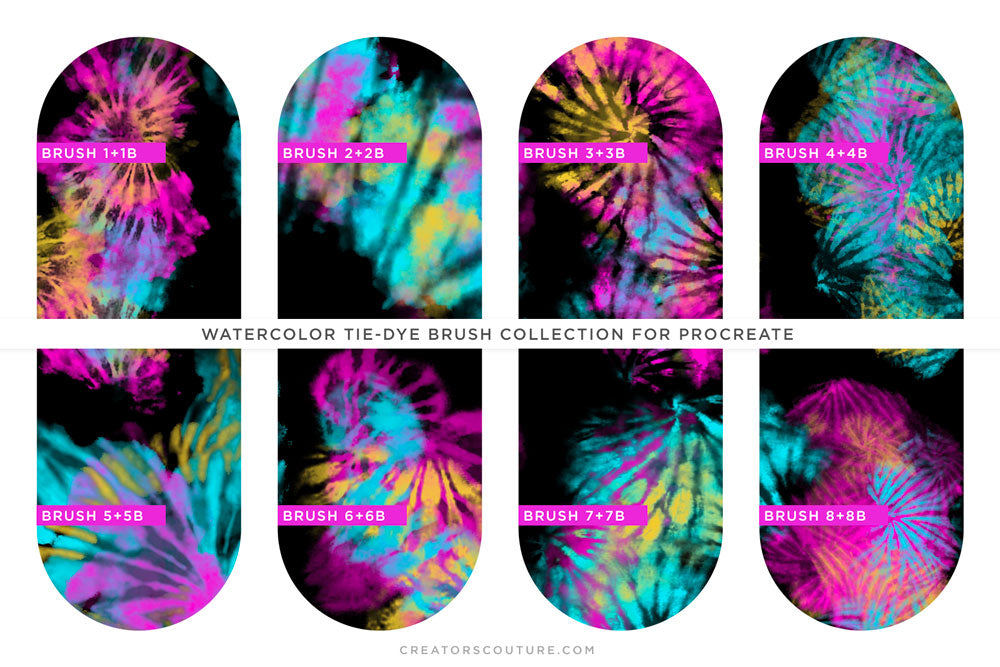
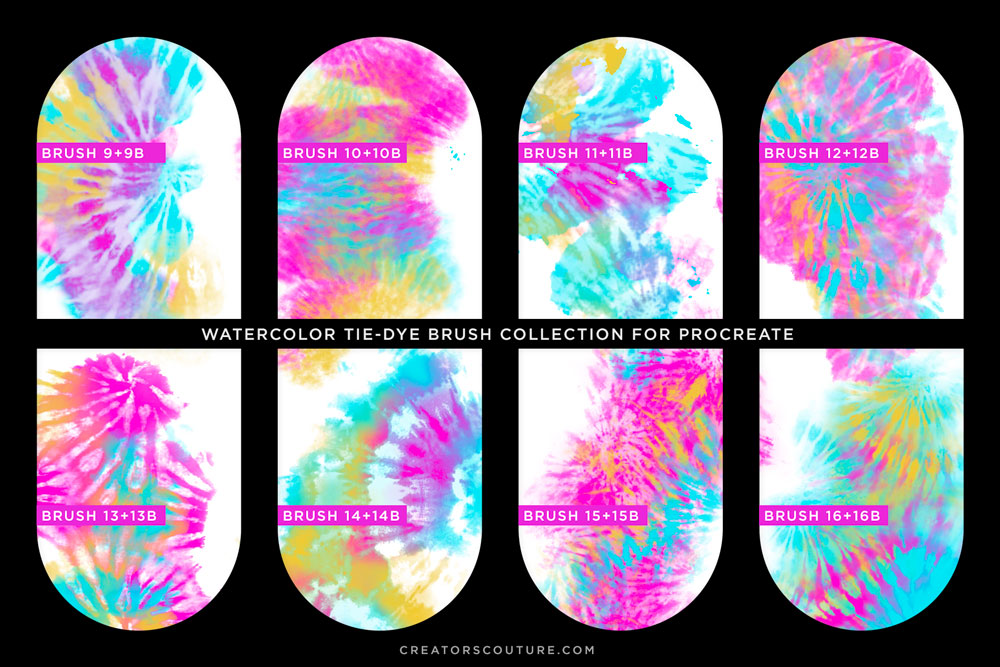
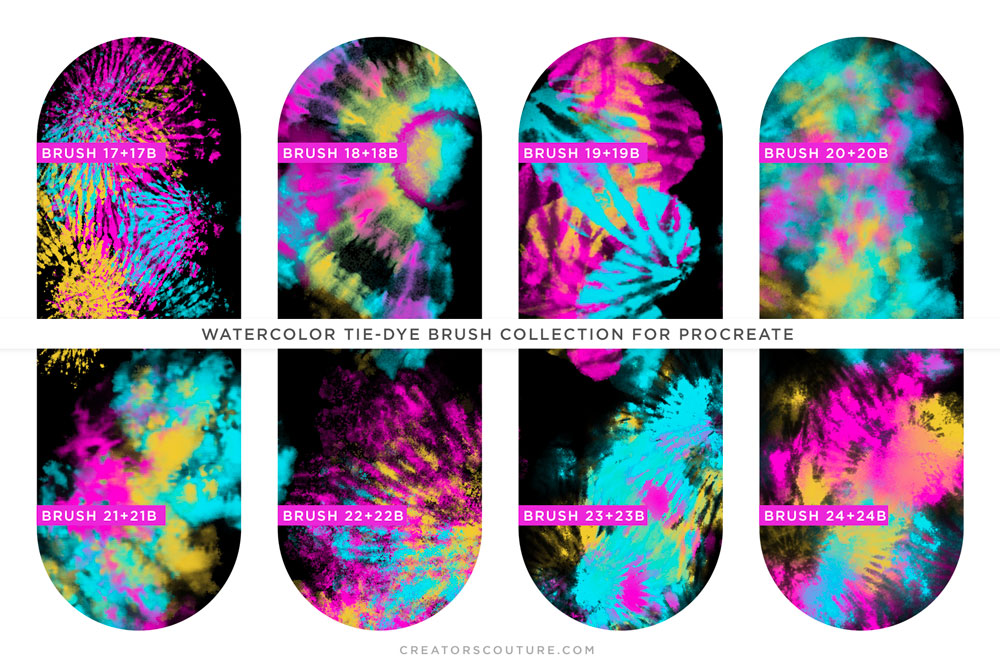
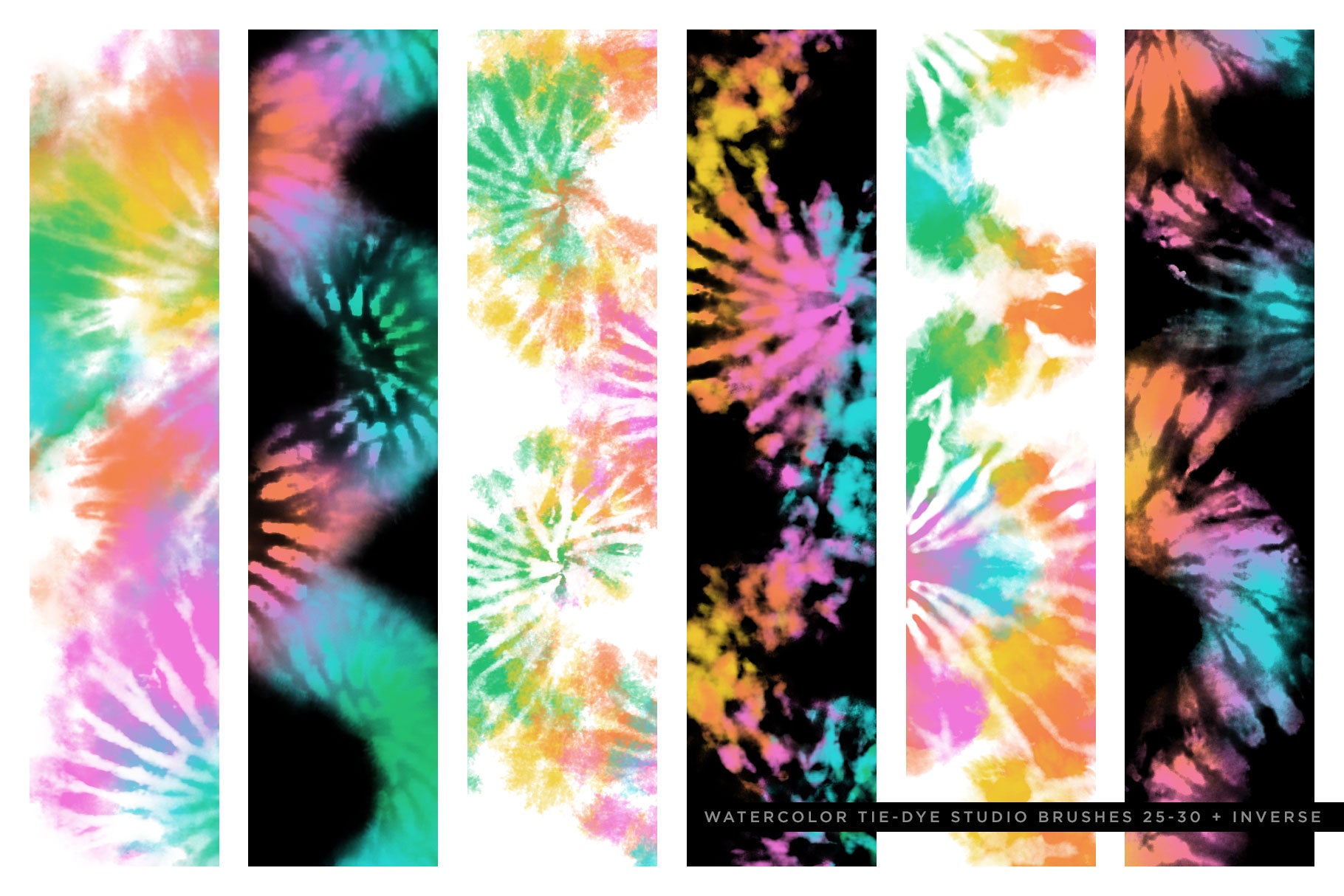
  • 57 Tie-Dye Watercolor Procreate Brushes:  28 dynamic procreate tie-dye brushes with INVERSE versions of each brush, plus a bonus 'tie-dye bleed' brush for extra realistic and modern touches. 57 Procreate Tie-dye brushes in total
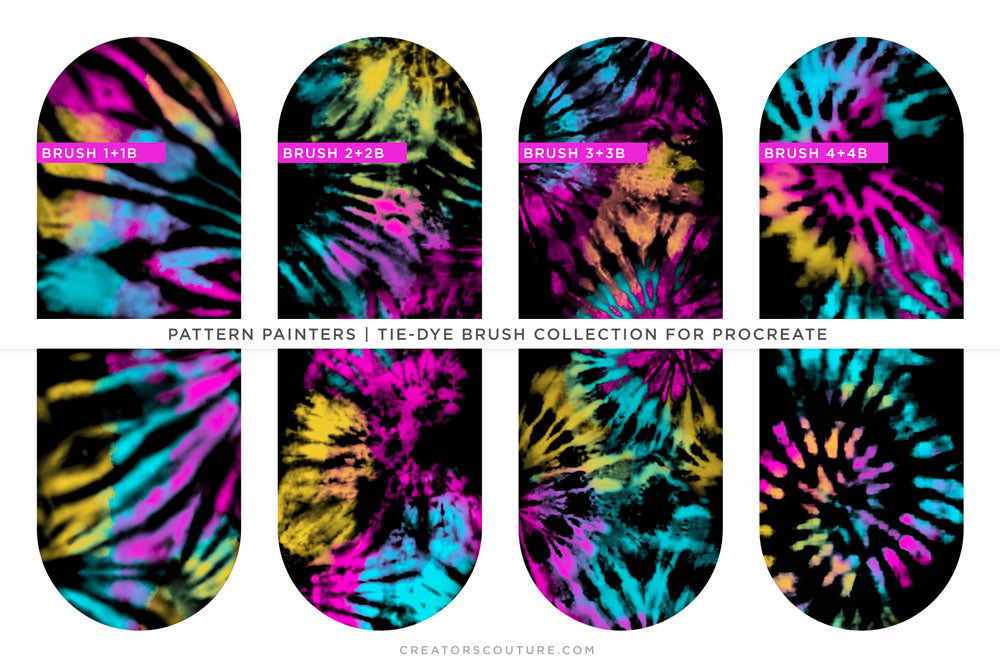
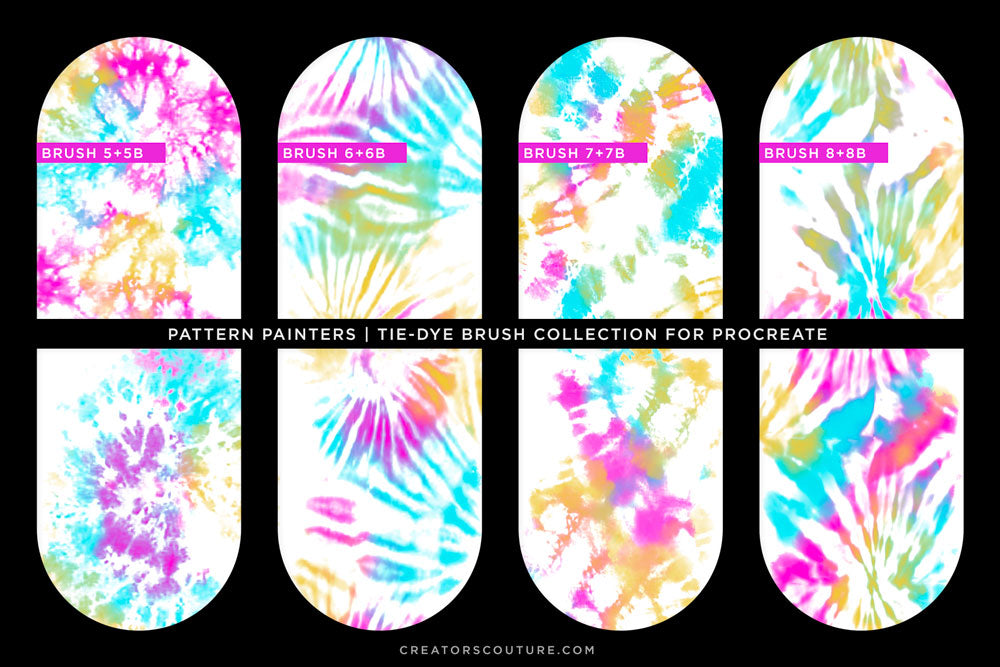
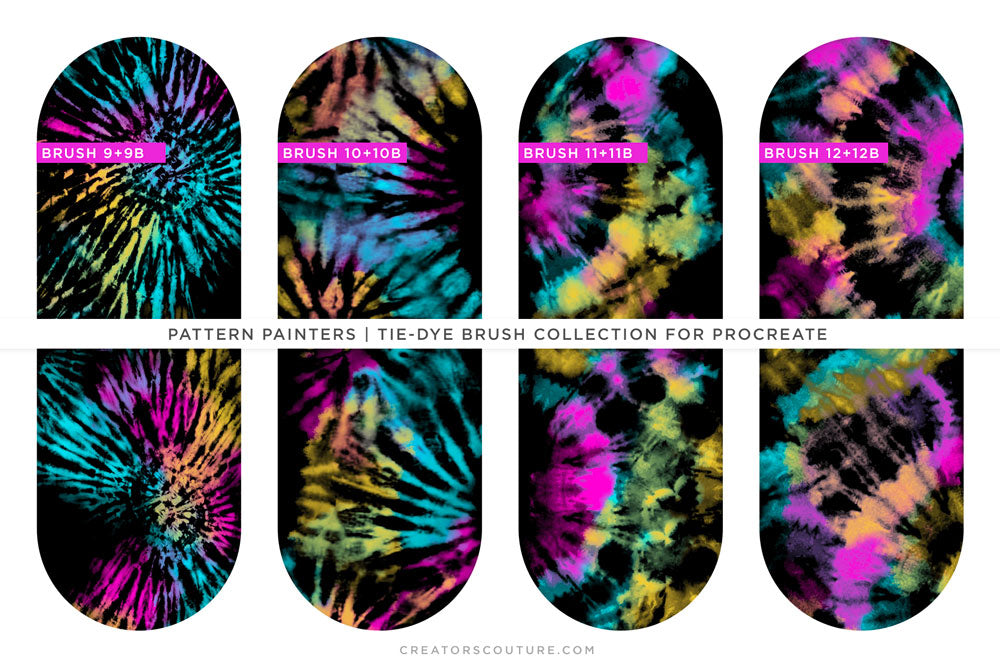
  • 24 Tie-Dye "Pattern Painters" Procreate Brushes: 12 Patterns and Inverse -- 24 Tie-Dye Pattern Brushes in Total
  • All Procreate Tie-dye brushes are dynamic and pressure sensitive

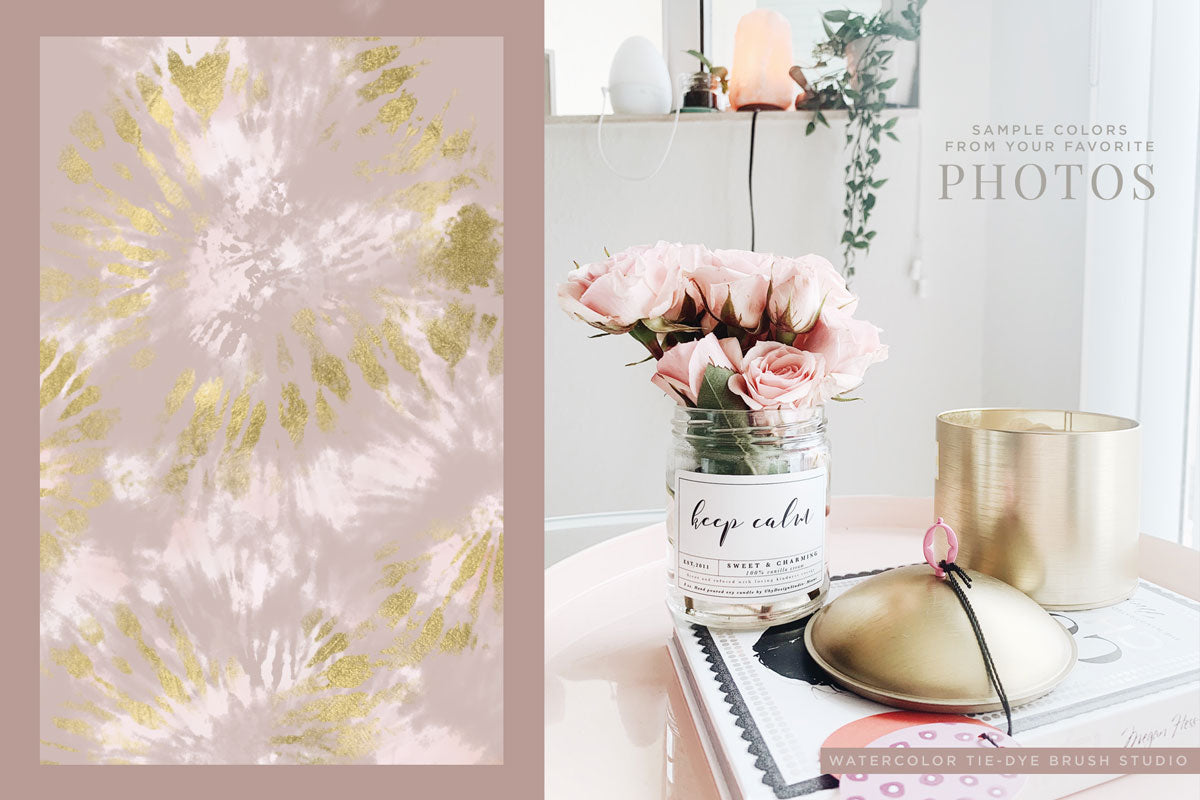
Bonus Color Palette: I also included my 3-color trio that I used to create most of the display images. I love this color trio, and by overlapping them, it creates amazing rainbow effects!

Watercolor Tie-Dye Brushes for Photoshop

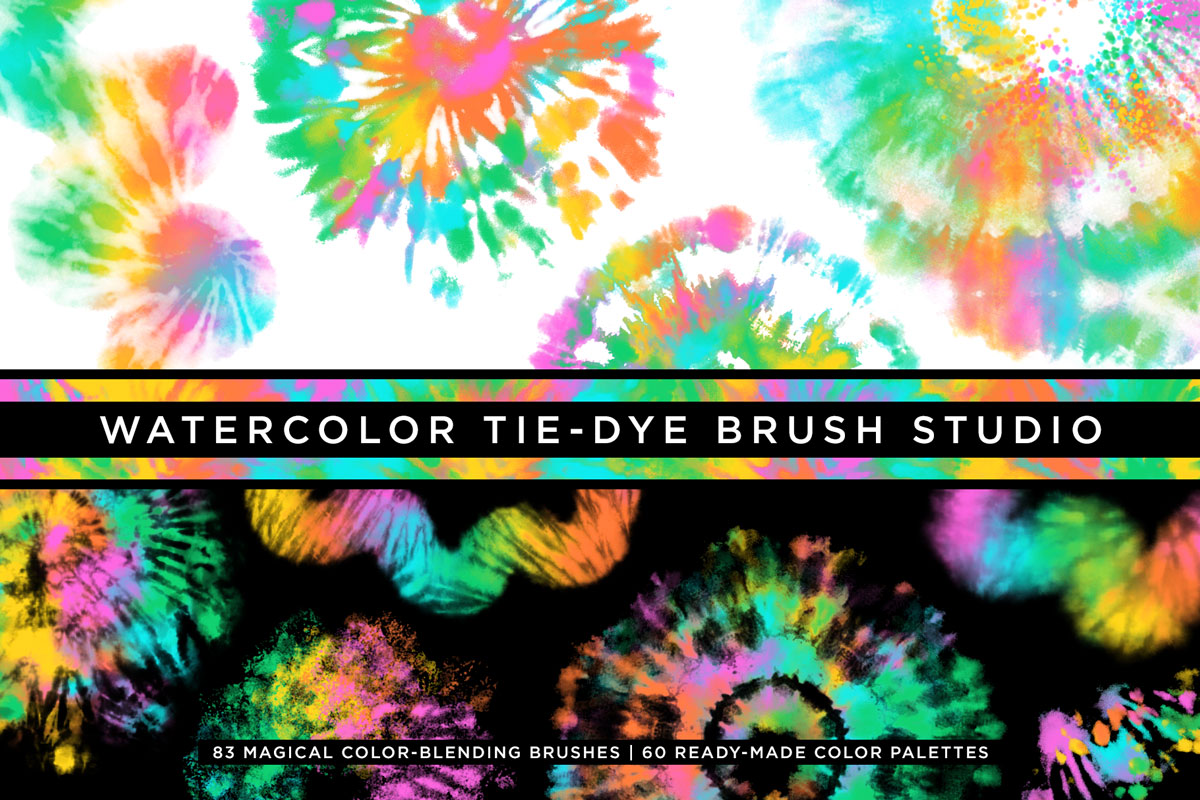
  • 83 Watercolor Tie-Dye Multicolor Photoshop brushes
  • 60 Impressionist Palettes: A .PAT Photoshop Pattern file to load and use with the Color Blending Impressionist Brushes or ANY of the Impressionist Brushes for Photoshop by Creators Couture. You can also make your OWN color palettes, and I show you how to do this in the tutorial video!

Don't forget you can mix and match color palettes and brushes from ALL of my Impressionist Brushes for Photoshop or make your own!

Software Compatibility

Procreate Brushes: These brushes are designed for Procreate for Ipad.

Photoshop version brushes are designed for Photoshop CS6+

The multicolor pattern stamp technique is only available on Photoshop desktop, not Adobe Fresco or Photoshop for Ipad.

Product Tutorial

PHOTOSHOP Tutorial Information:
These brushes use my innovative multicolor pattern stamp tool technique. If you are new to this technique, click the link below to see how to load and use your new multicolor Photoshop brushes!

Multicolor Impressionist Photoshop Brush Technique Tutorial

I have also created a tutorial playlist specifically for this these watercolor tie-dye brushes, the first video is the main tutorial.

PROCREATE Tutorial Information:
To use these procreate brushes, you must have a basic working knowledge of Procreate. If you are new to Procreate, they have a wonderful handbook HERE.

How to load the tie-dye Procreate brushes covered in the Procreate handbook HERE

To change the size of the pattern:
Duplicate your brush, then click on the new brush to enter the brush studio. On the left hand side, locate the GRAIN tab. Once your grain tab is selected, you can adjust the SCALE slider at the top to change the tie-dye pattern within the brush.

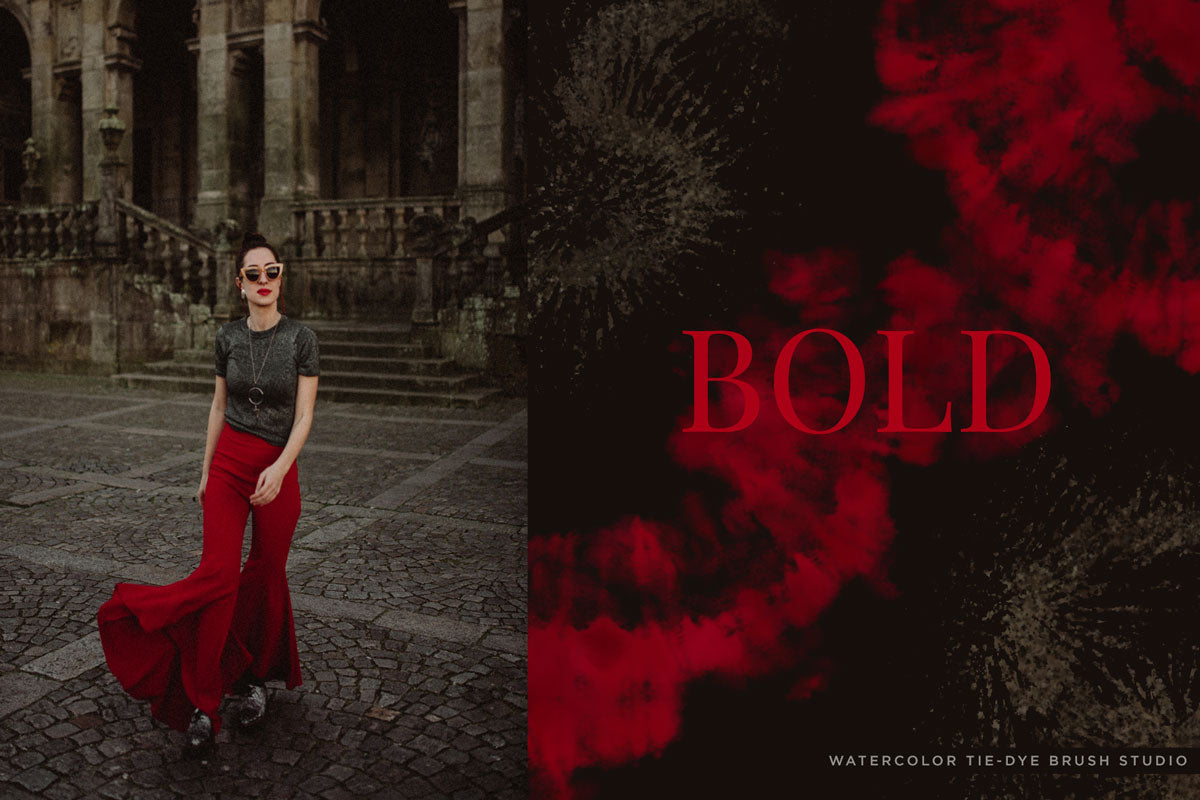
Multi-color Procreate Tie-Dye Brush Tip: Creating multi-color effects is so easy. You simply grab a brush and paint in some areas in a color. Then change colors and use the same brush to overlap the stroke a bit. You can use the inverse version of every brush to create cool effects or mask out and define the negative spaces to suit your design. 

Product Support

If you have a question about using your product, first consult the product tutorial. Product tutorials can be found via the Tutorials tab on the project page, as well as HERE.

If you need further product support after consulting the tutorial, please leave me a direct message via the chat box at the bottom of the page, or CLICK HERE to leave me a message via the Contact page!

Ideas For Use

Check out my TUTORIAL CATALOG for lots of ideas for what to do with your new brushes!

My multicolor Photoshop brushes are used by all types of creatives - both professional designers and illustrators, as well as hobbyists of all levels! Some ideas for use:

  • Digital illustrations
  • Graphic design projects
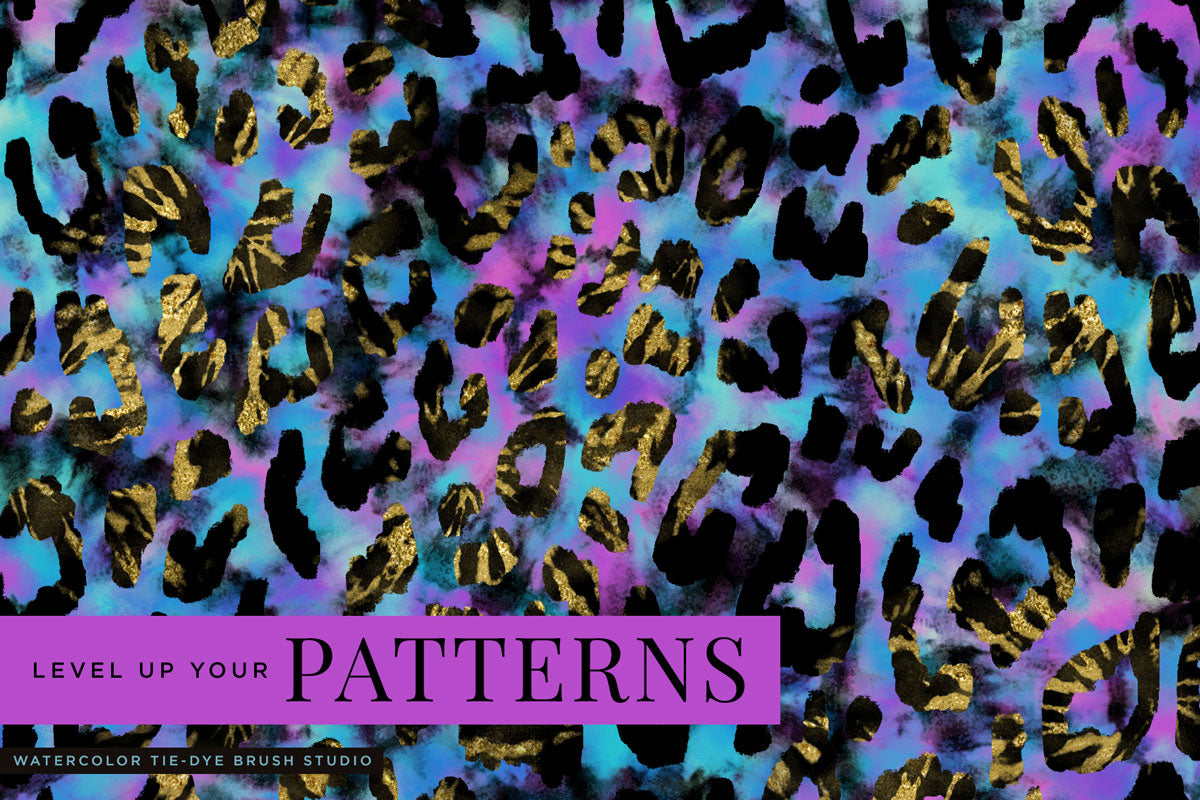
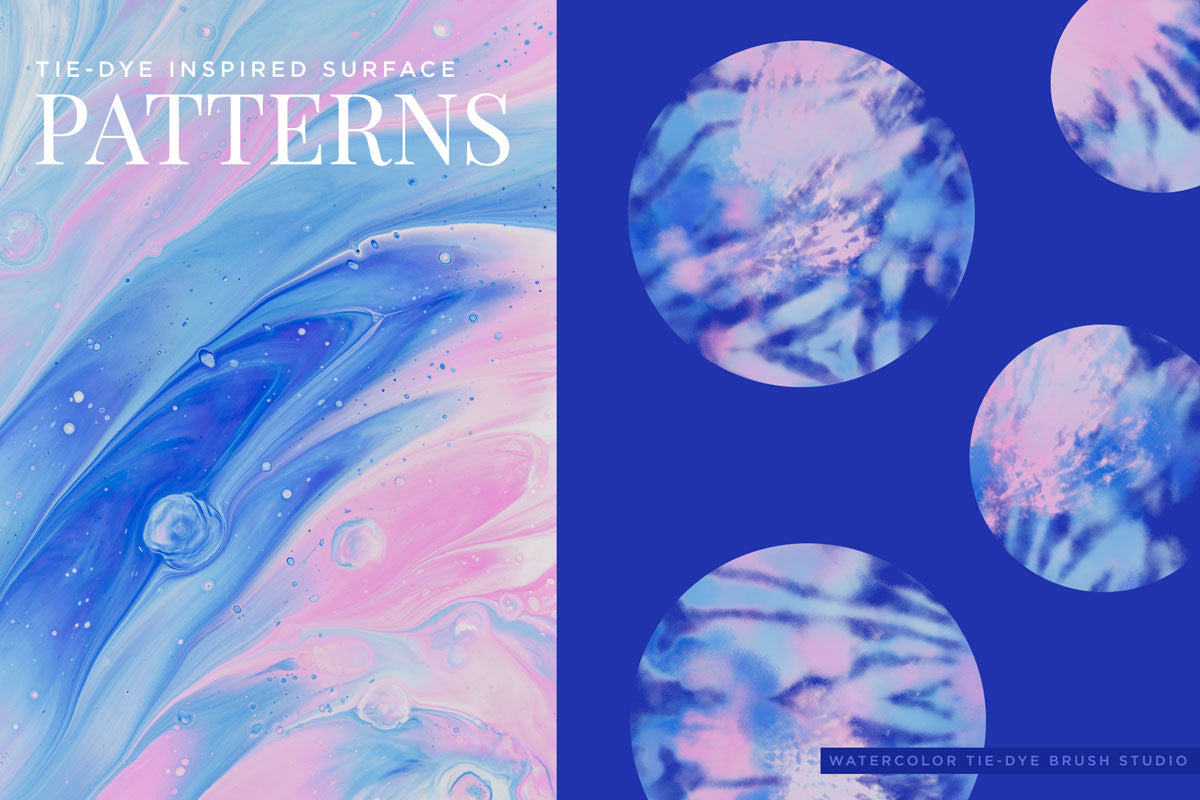
  • Surface pattern designs
  • Social media & blog graphics
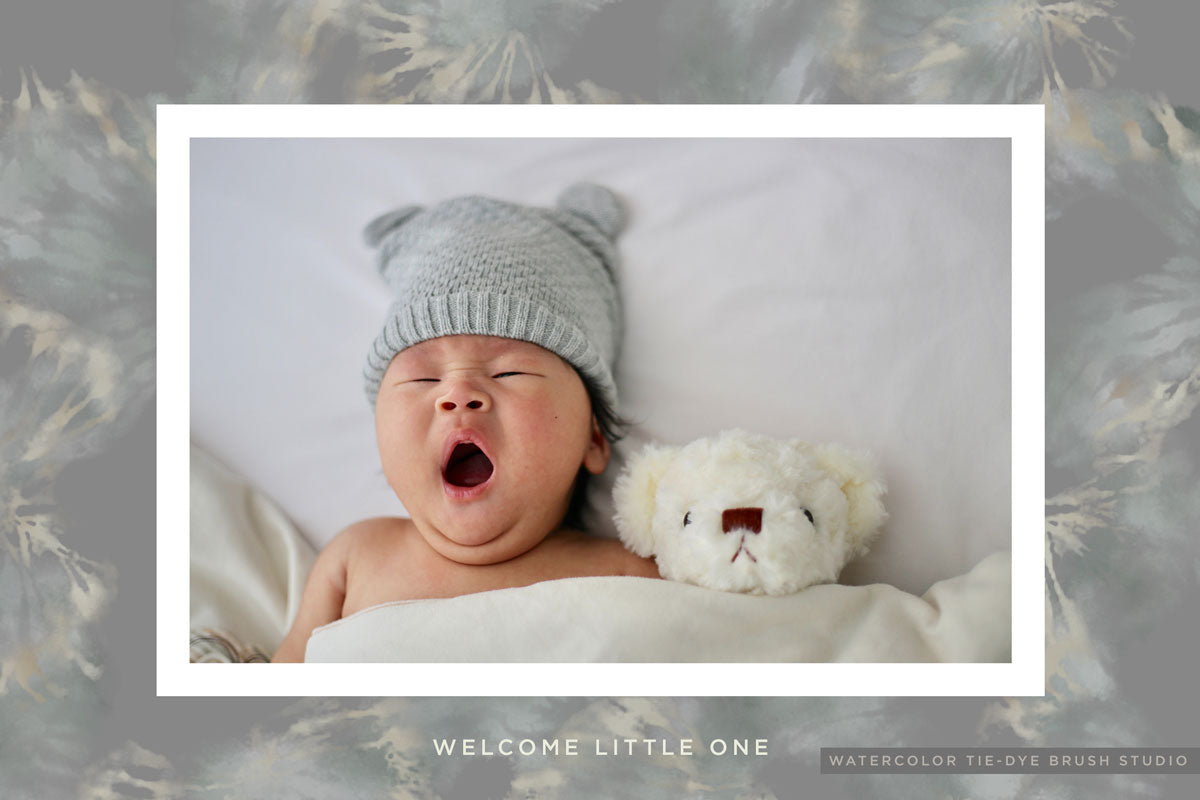
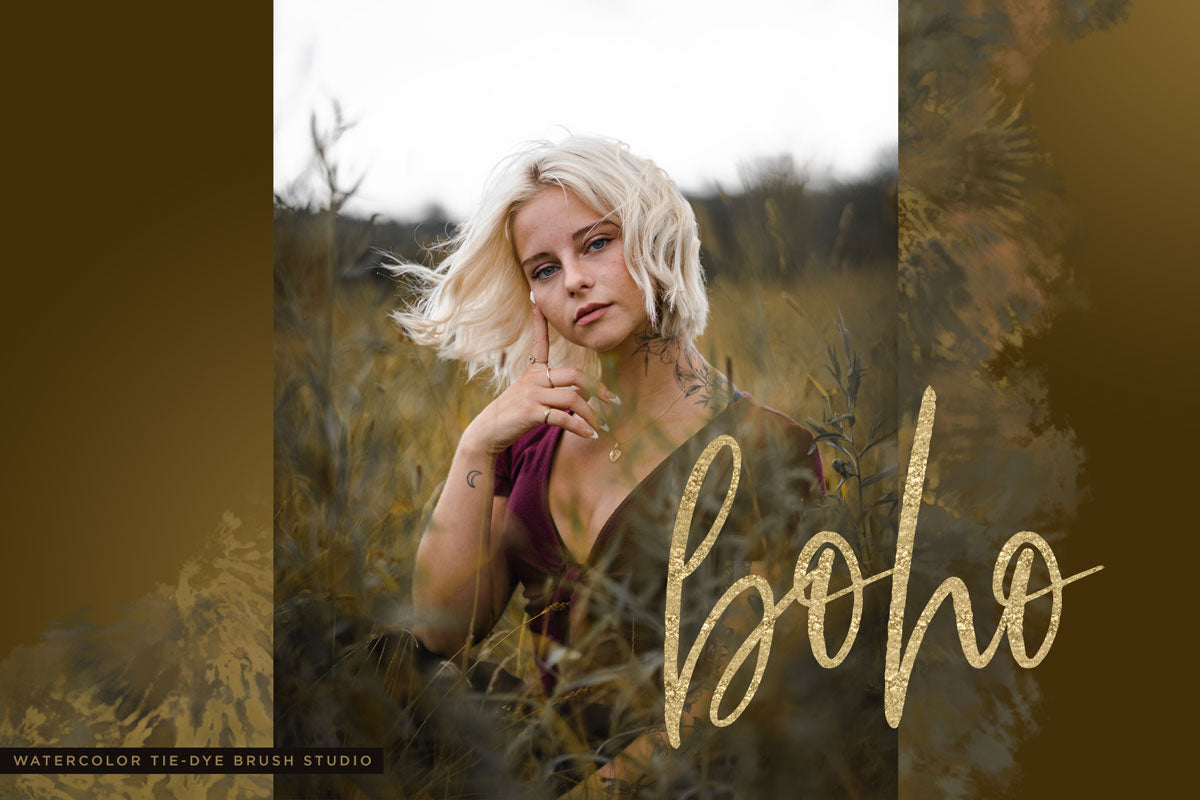
  • Creative photography edits
  • Digital collage

Product License

Generous Extended Use License!

As BRUSHES, these are one of the most versatile products with a generous extended use license! You can use these for your client work, personal projects, branding and design projects, printables, etc. You can create physical items for sale such as mugs, t-shirts and posters. You can even use these if you create digital products such as illustrations, patterns and templates for sale.

CLICK HERE for the Full License Overview

View full details