

Skip to product information
1 of 38

3D Metallic Gold Effect Photoshop Brushes

3D Metallic Gold Effect Photoshop Brushes

Artistic 3D gold ⚜️ effects are just a brushstroke away! 😮

Regular price $ 17.99 USD
Regular price Sale price $ 17.99 USD
Sale Sold out
Collection
  • ❤️ Buy with confidence - 30 day money back guarantee! Learn more

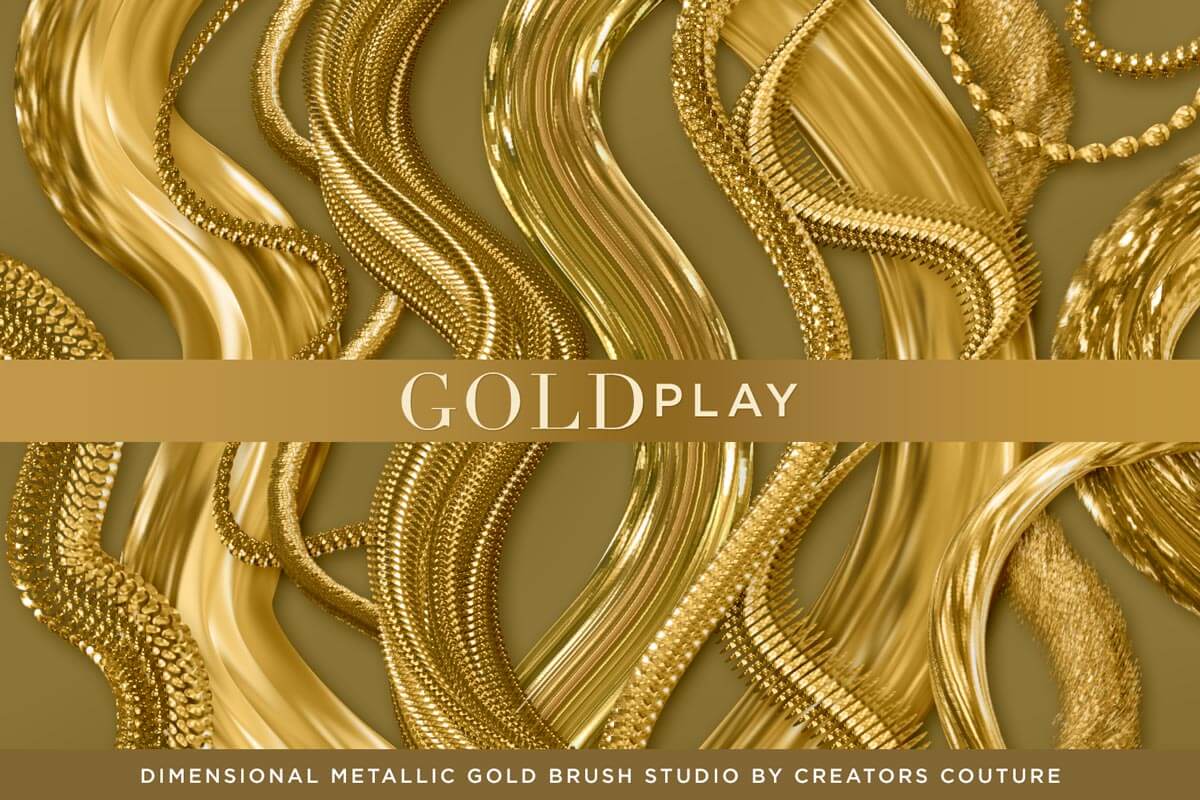
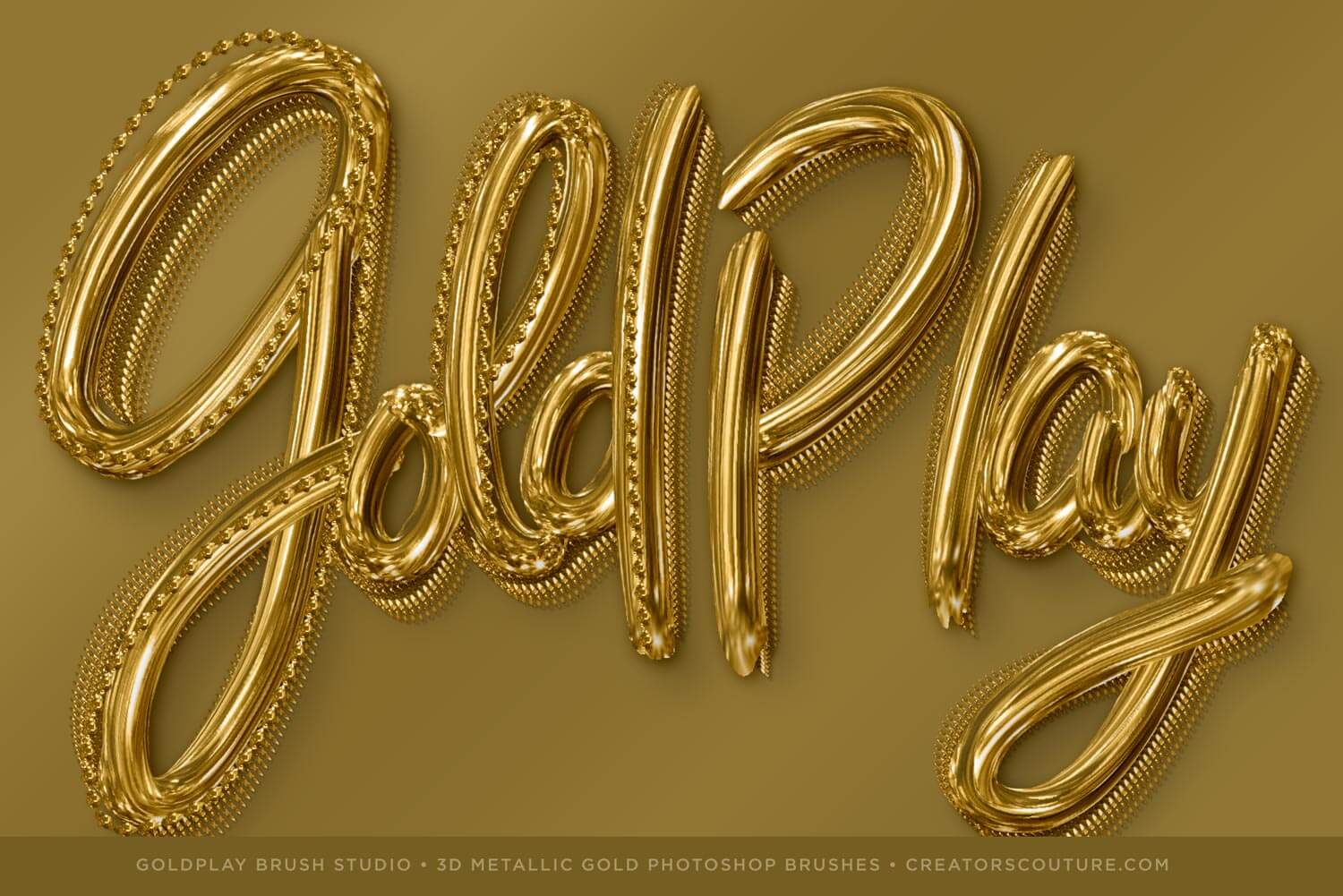
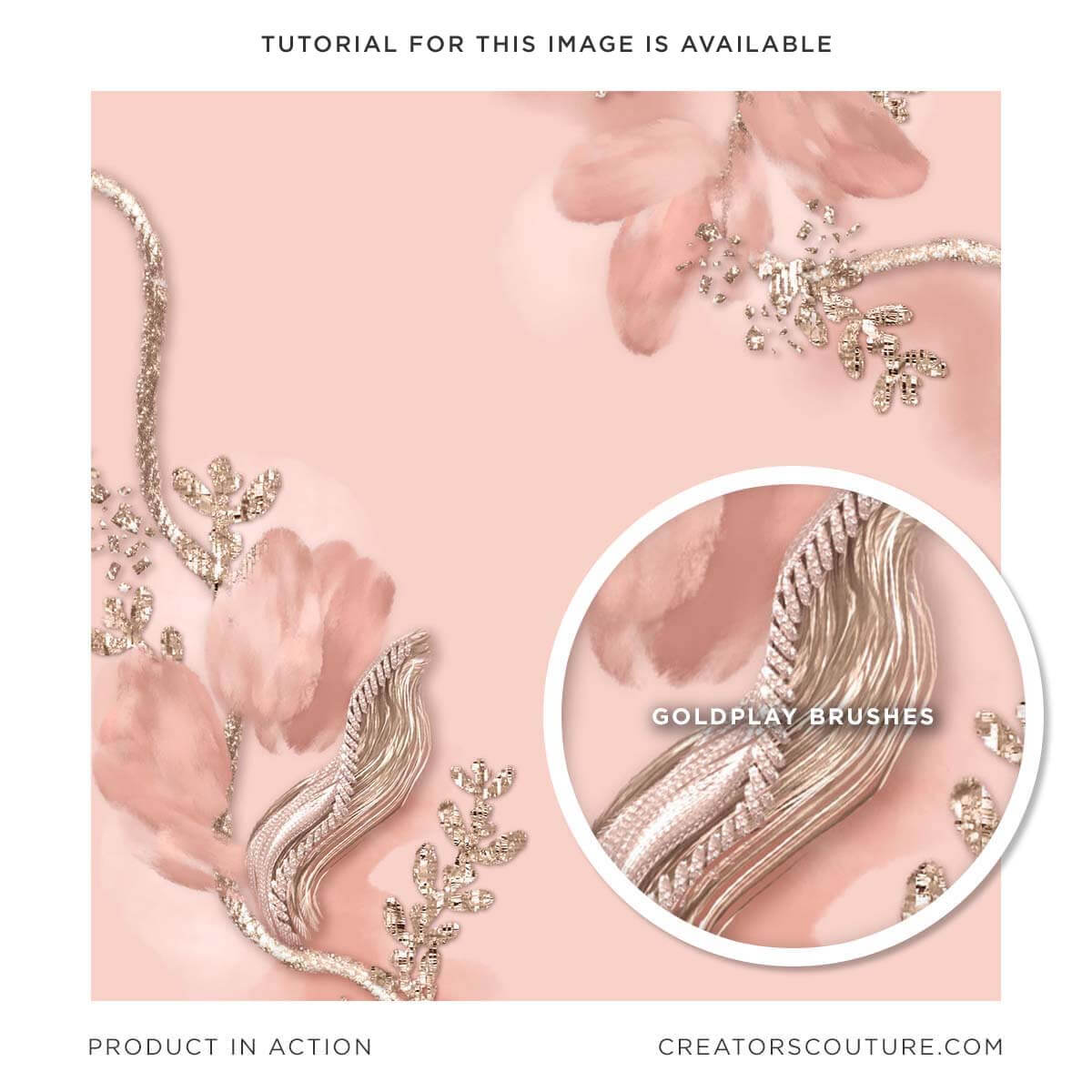
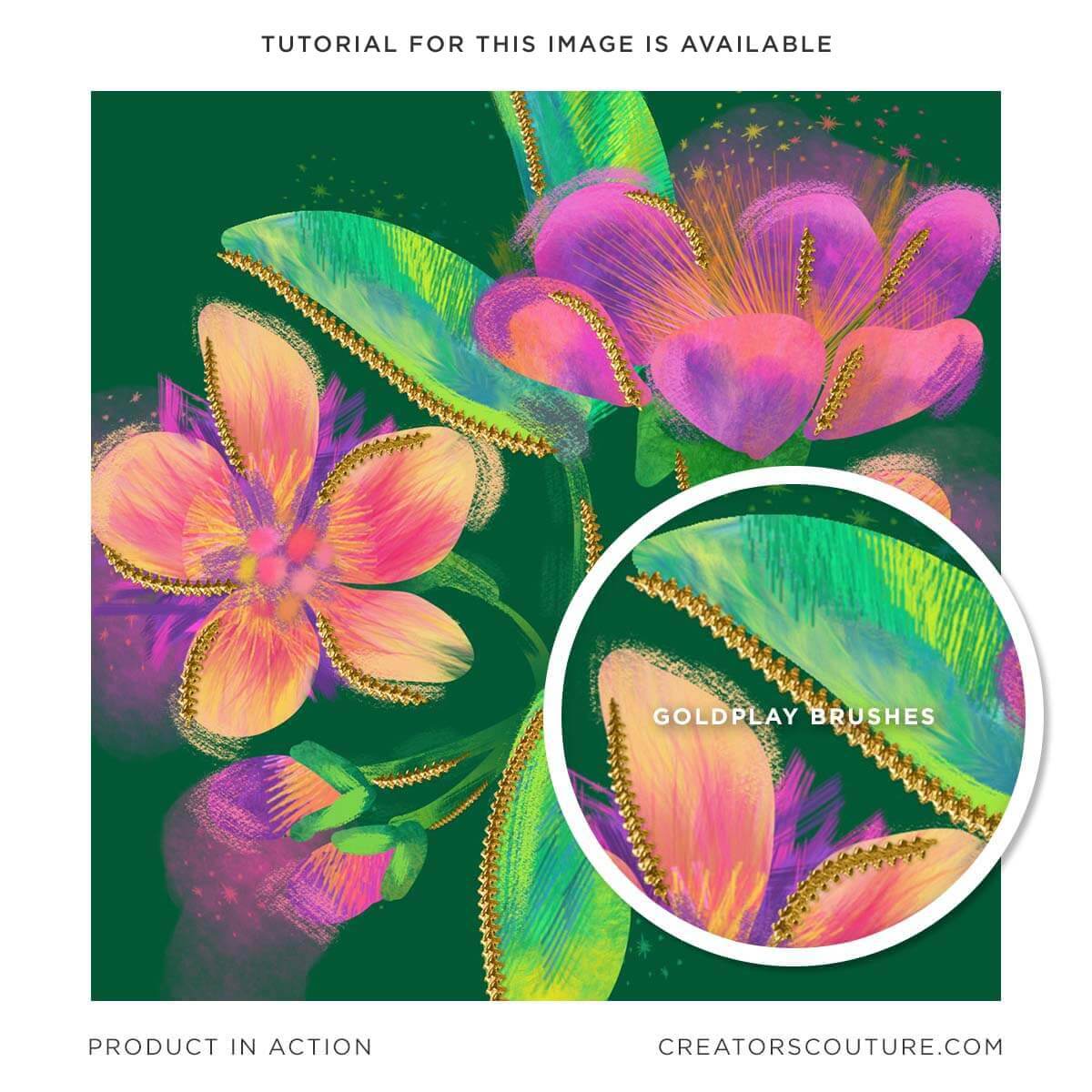
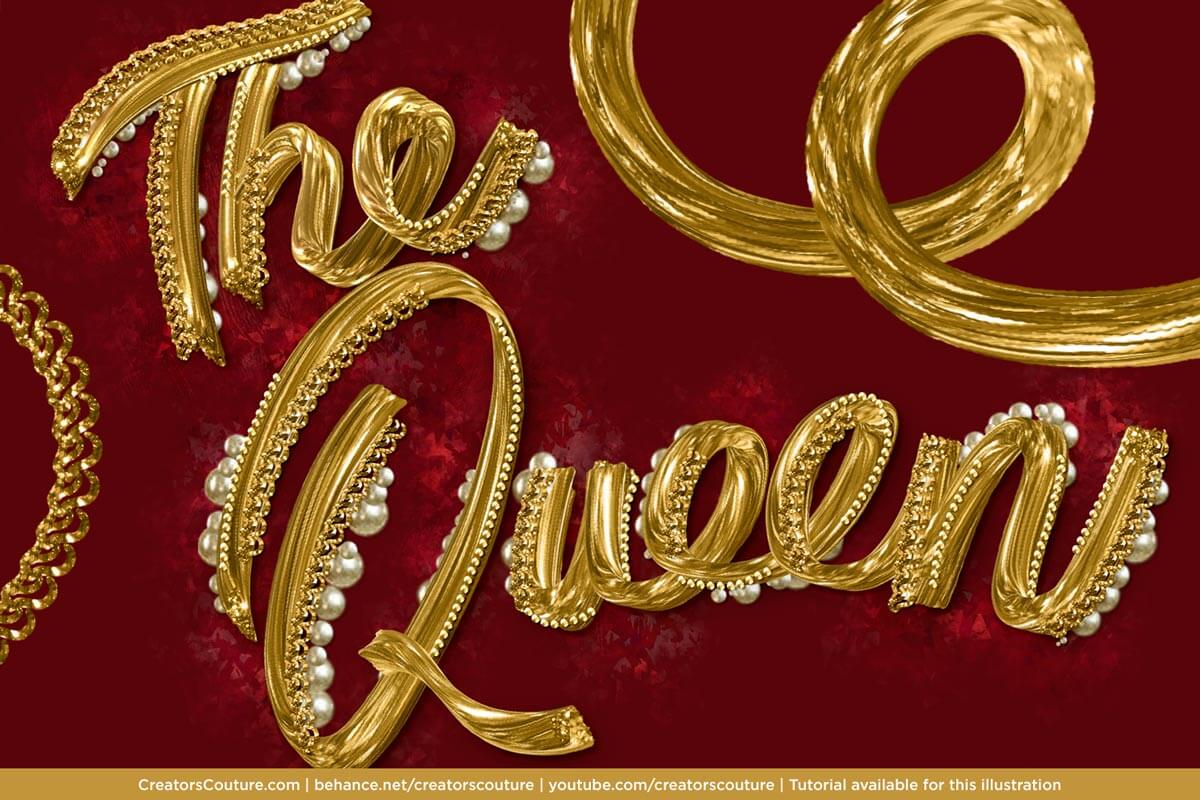
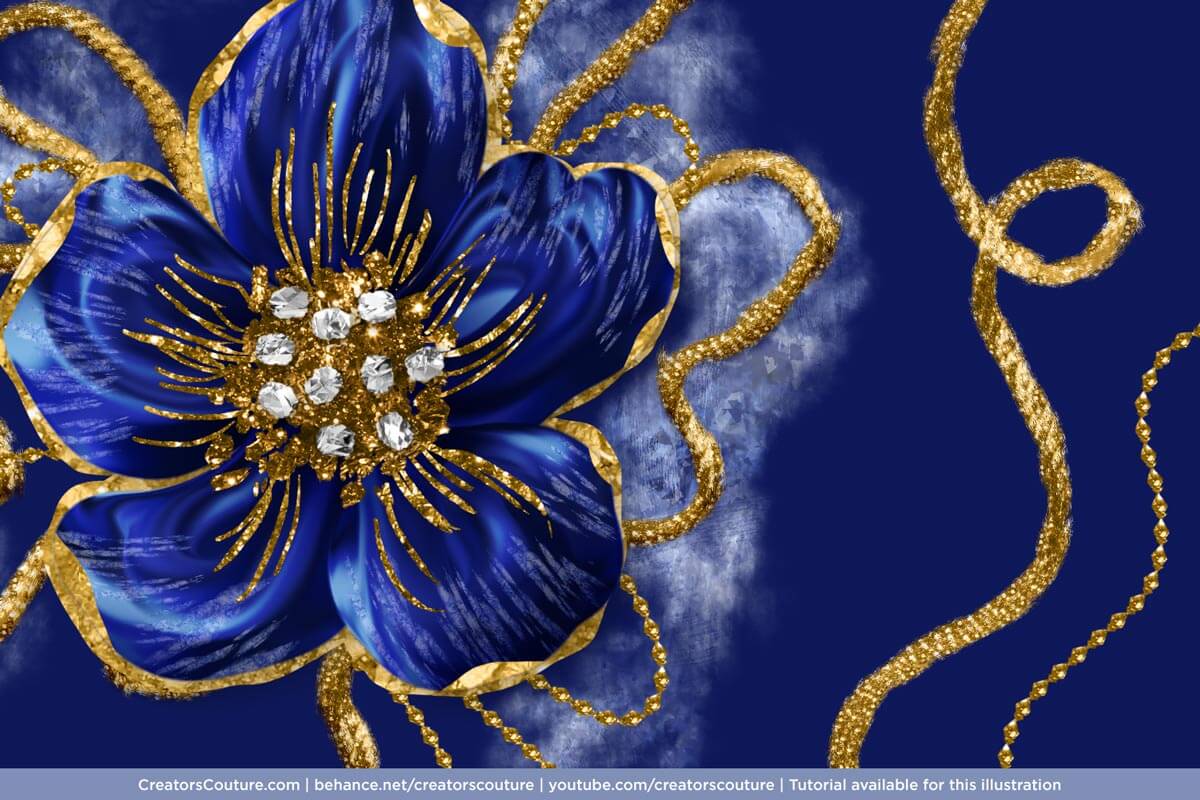
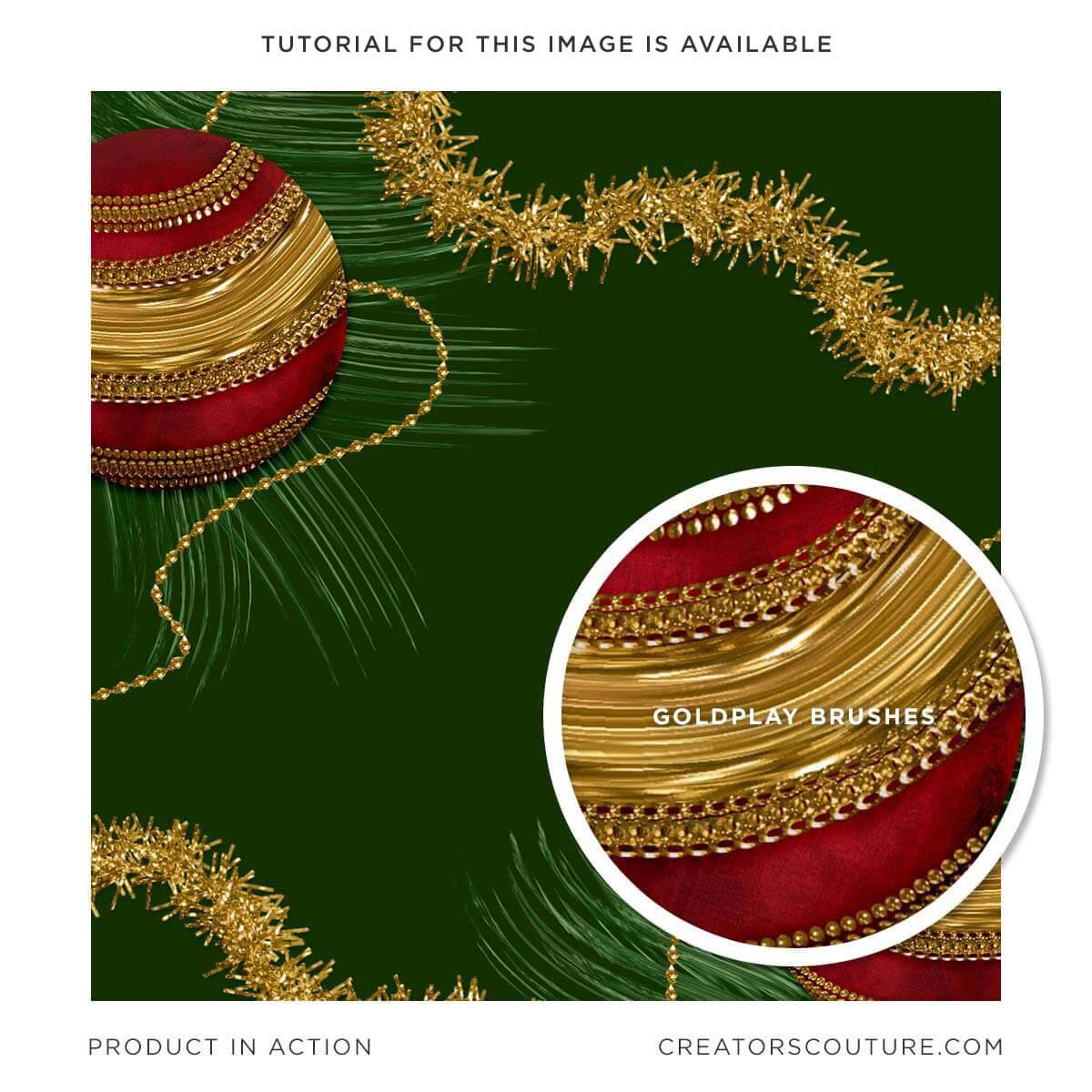
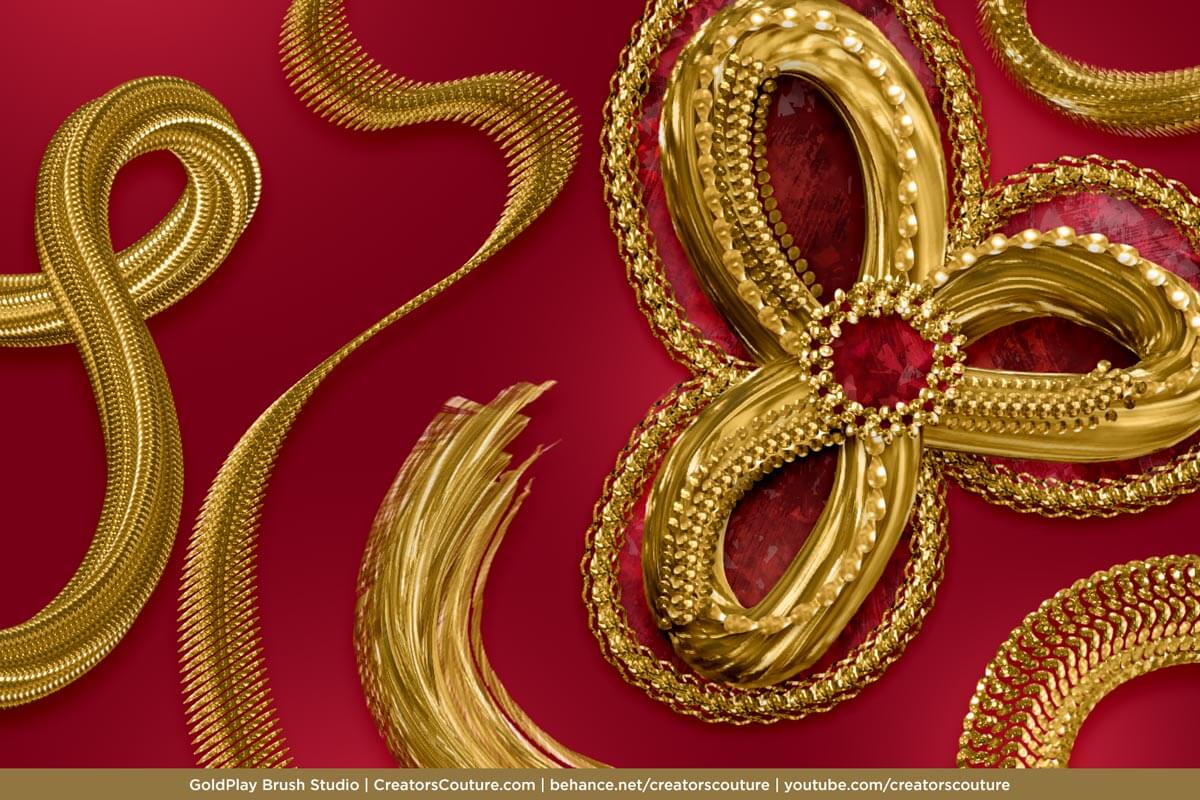
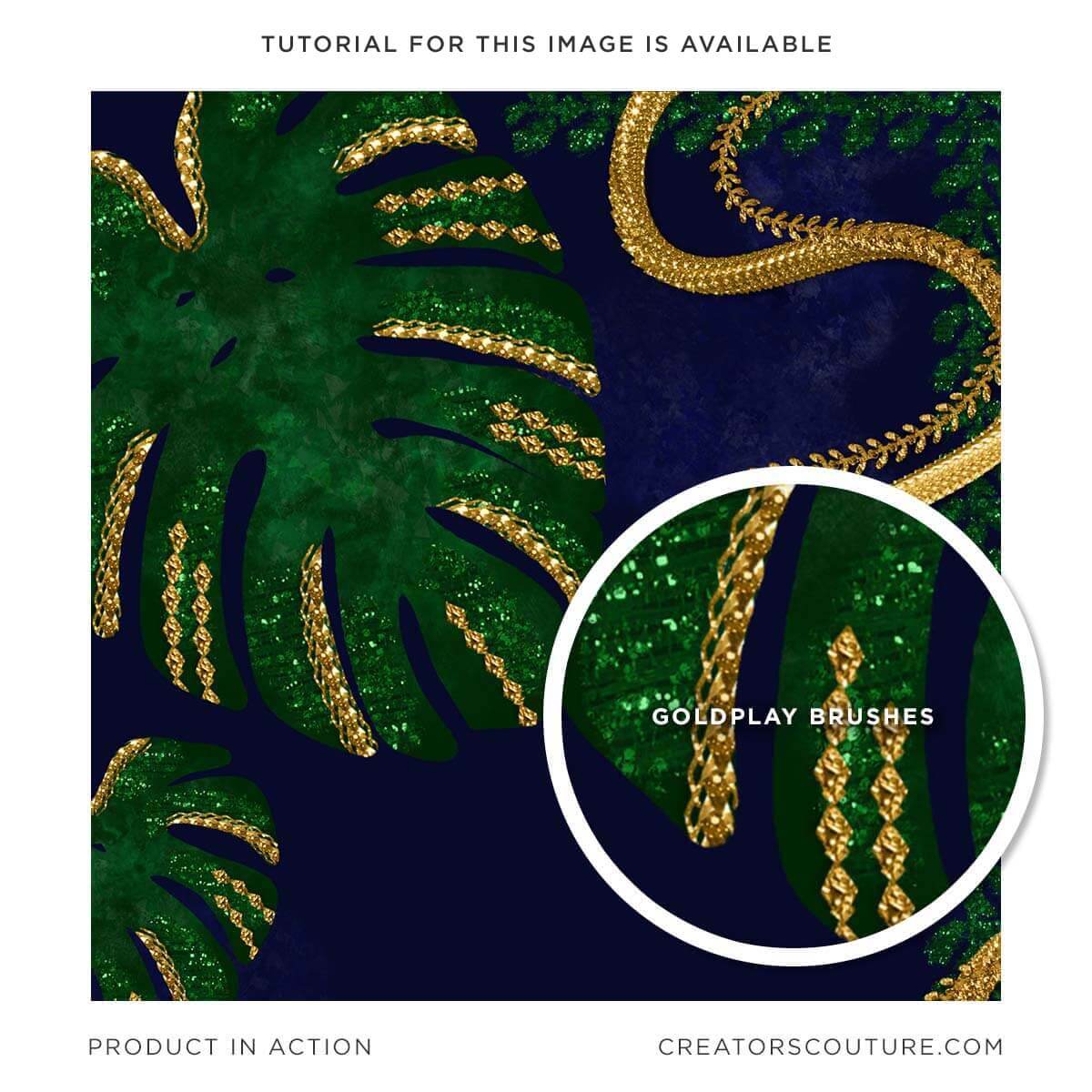
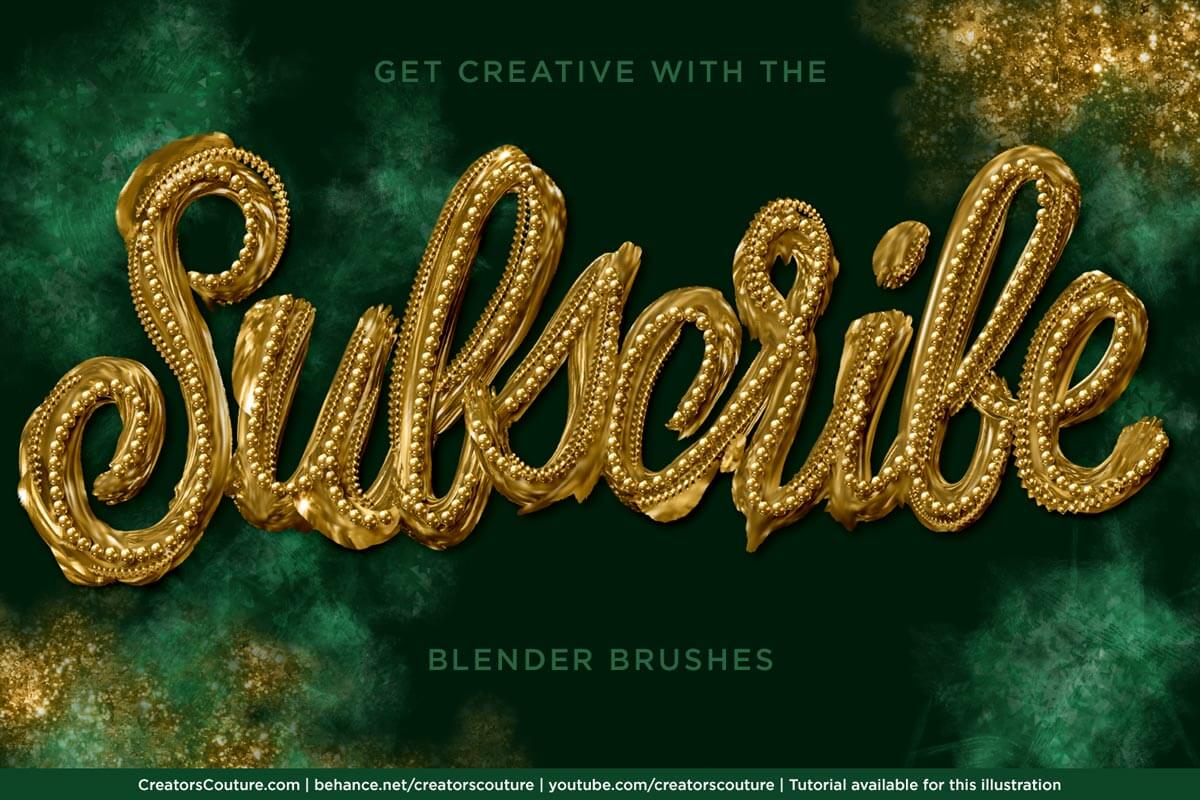
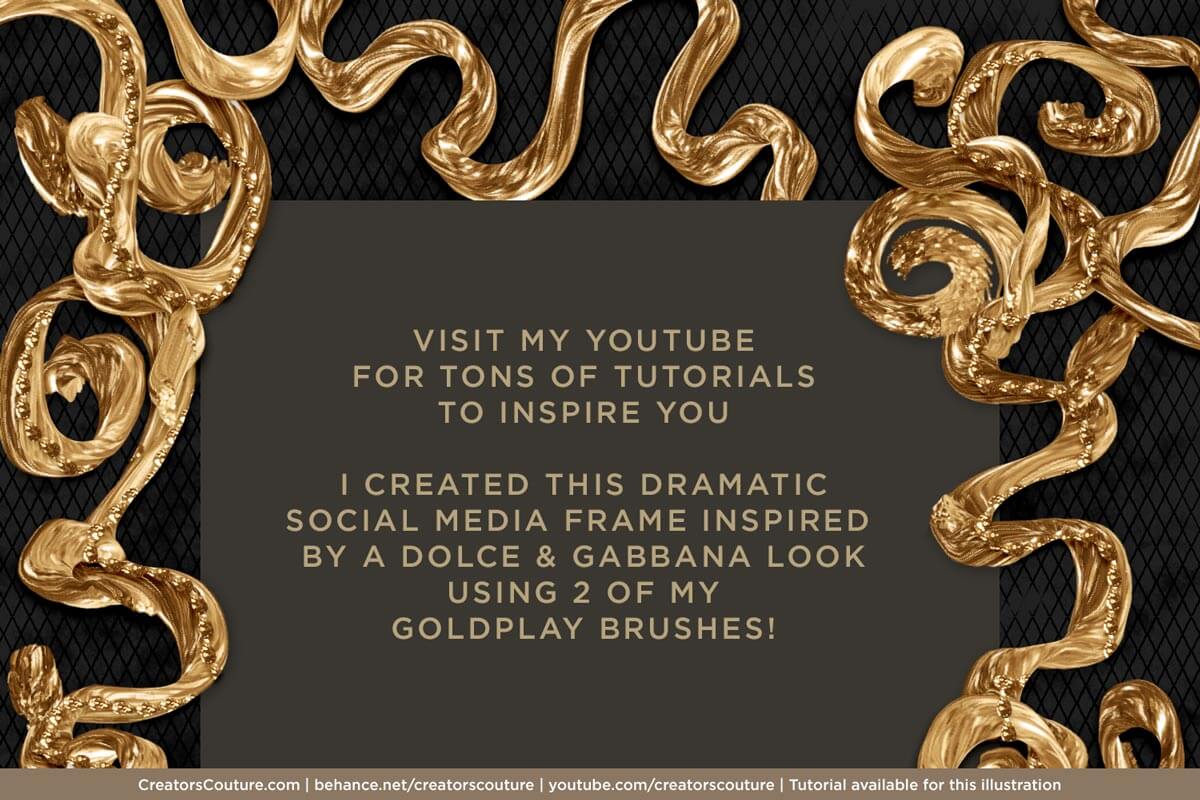
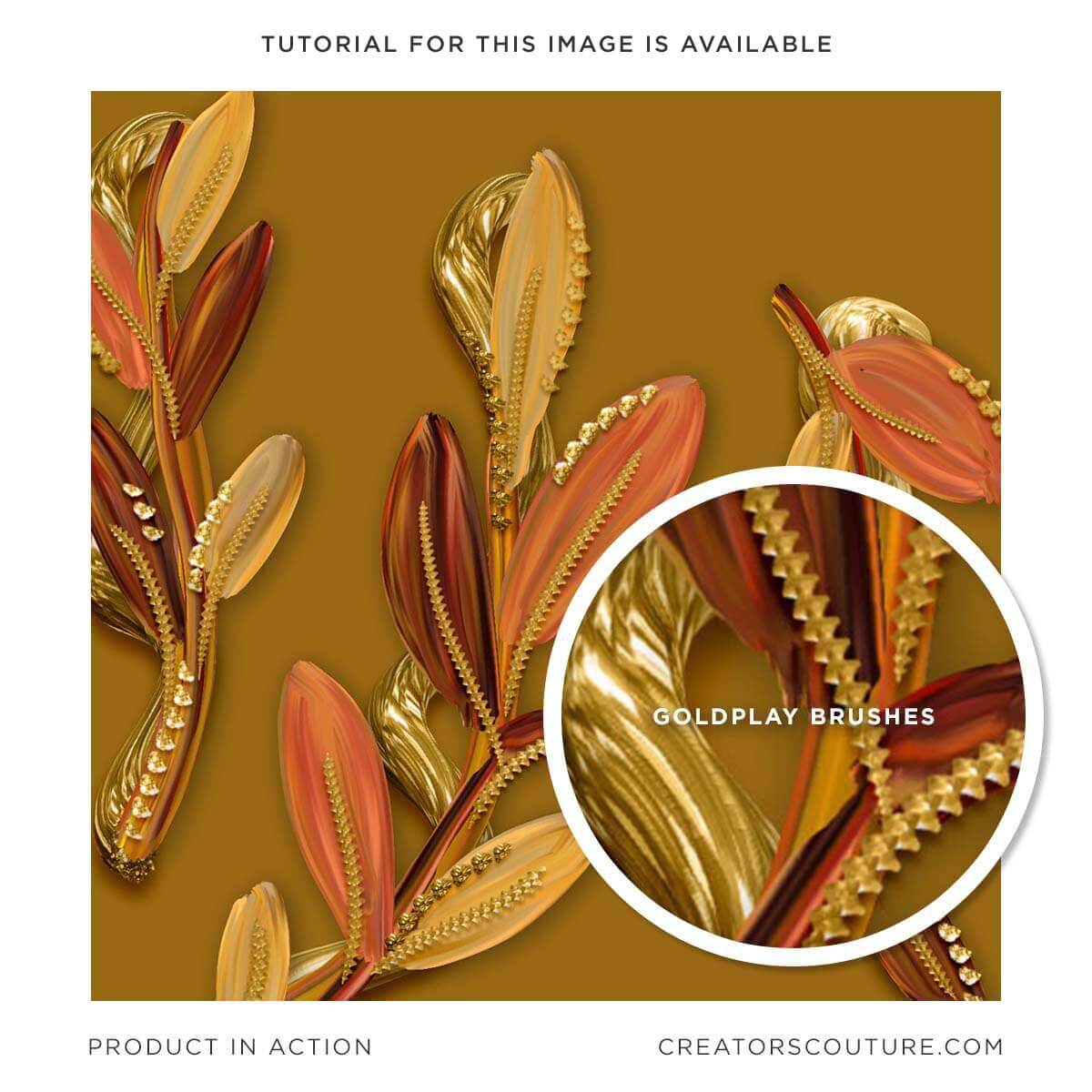
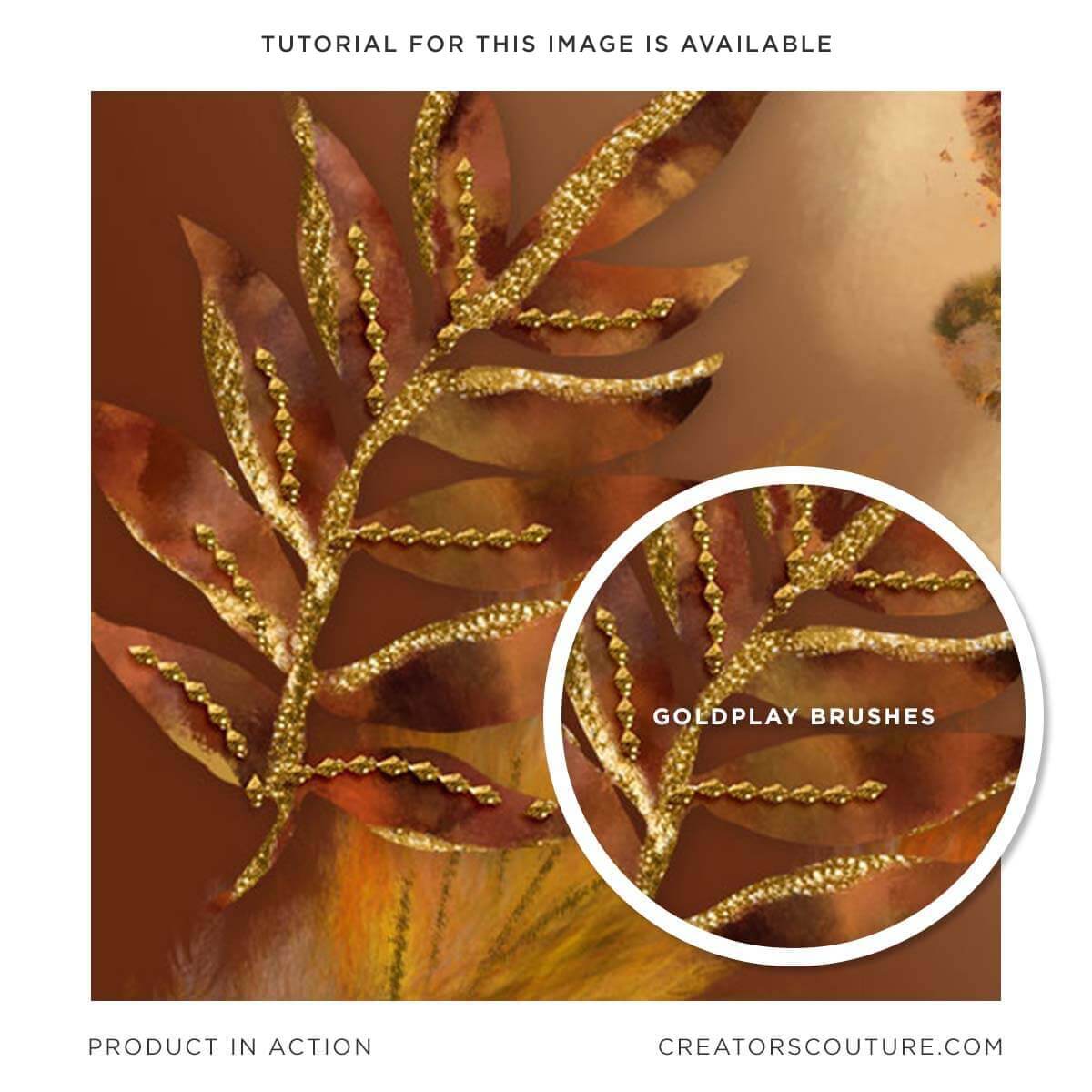
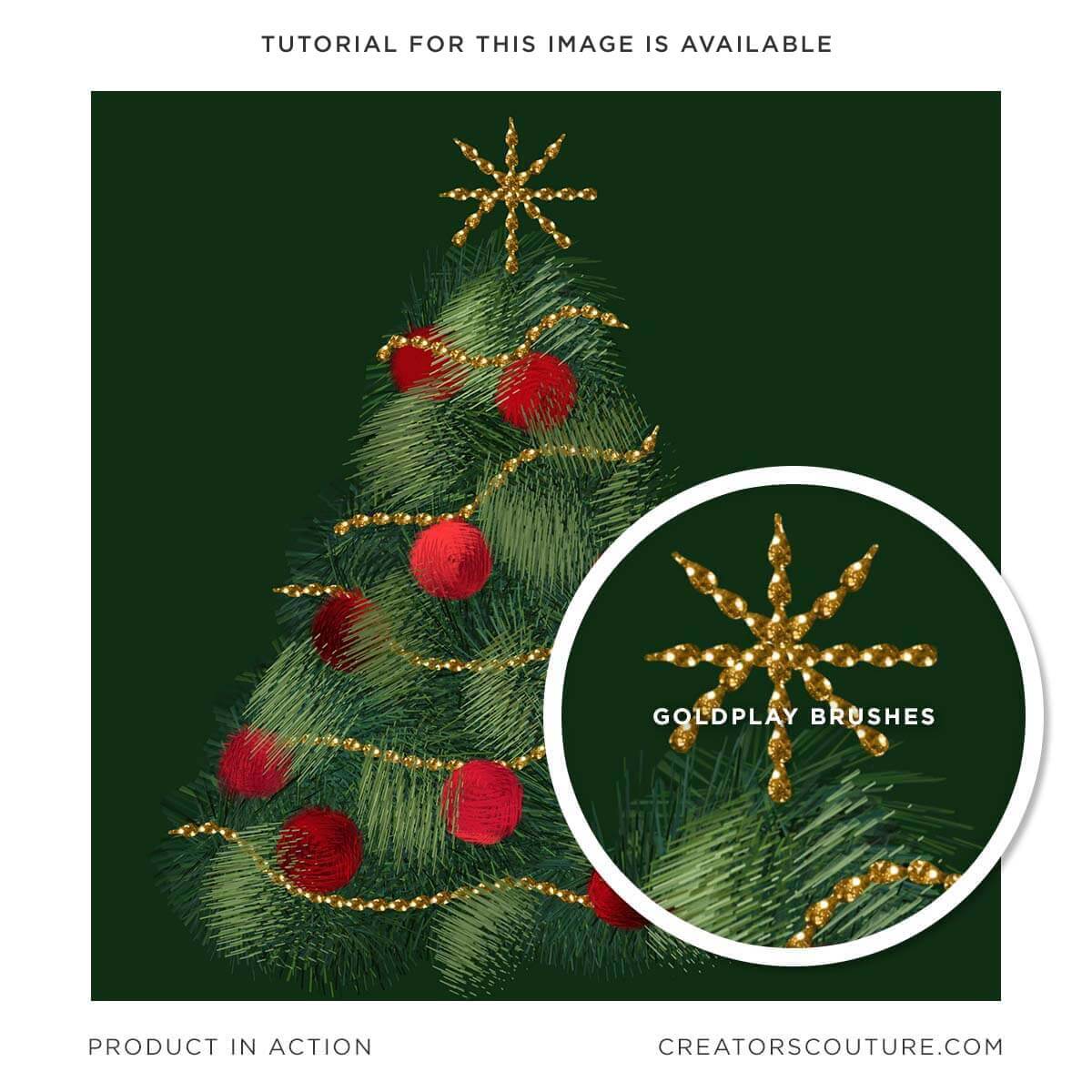
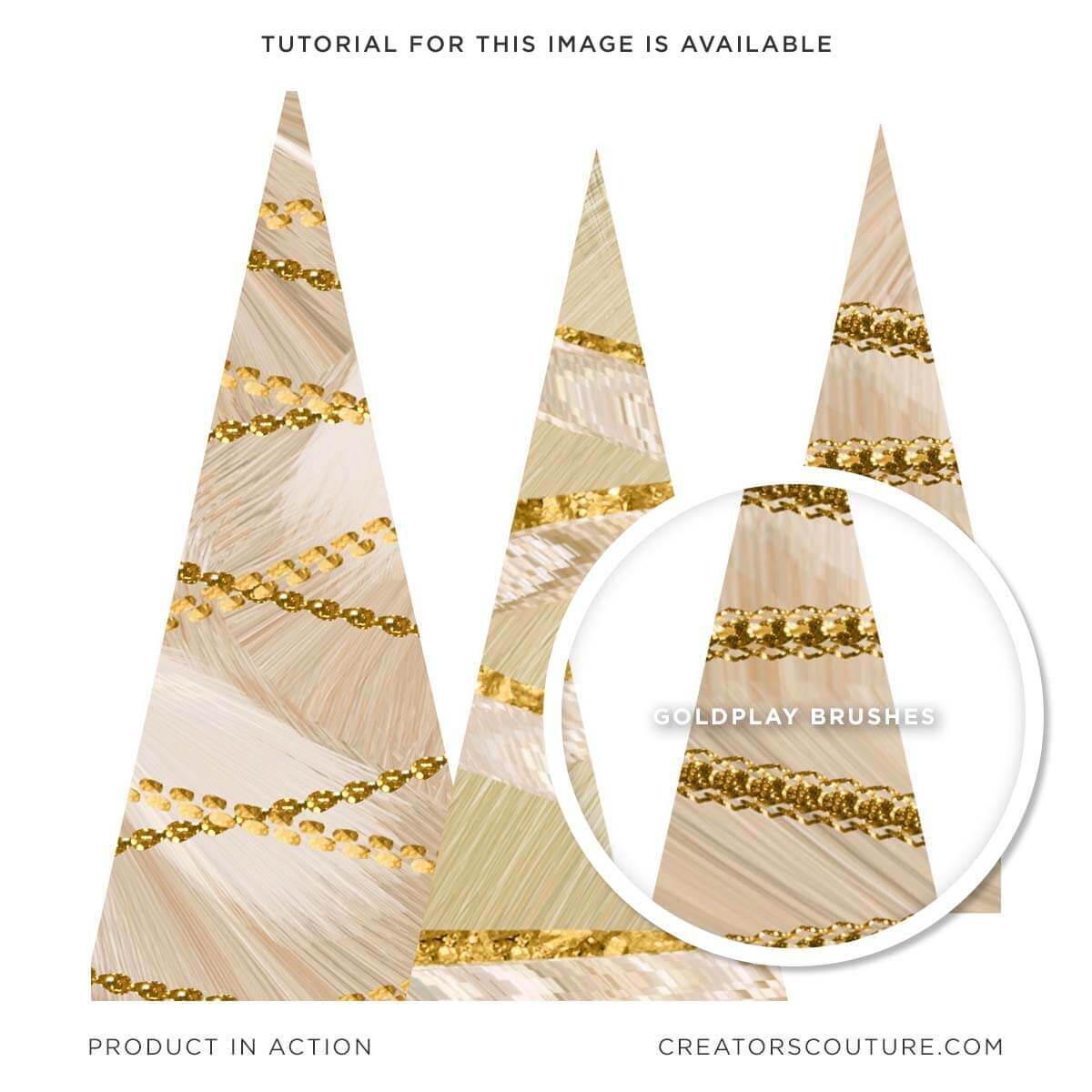
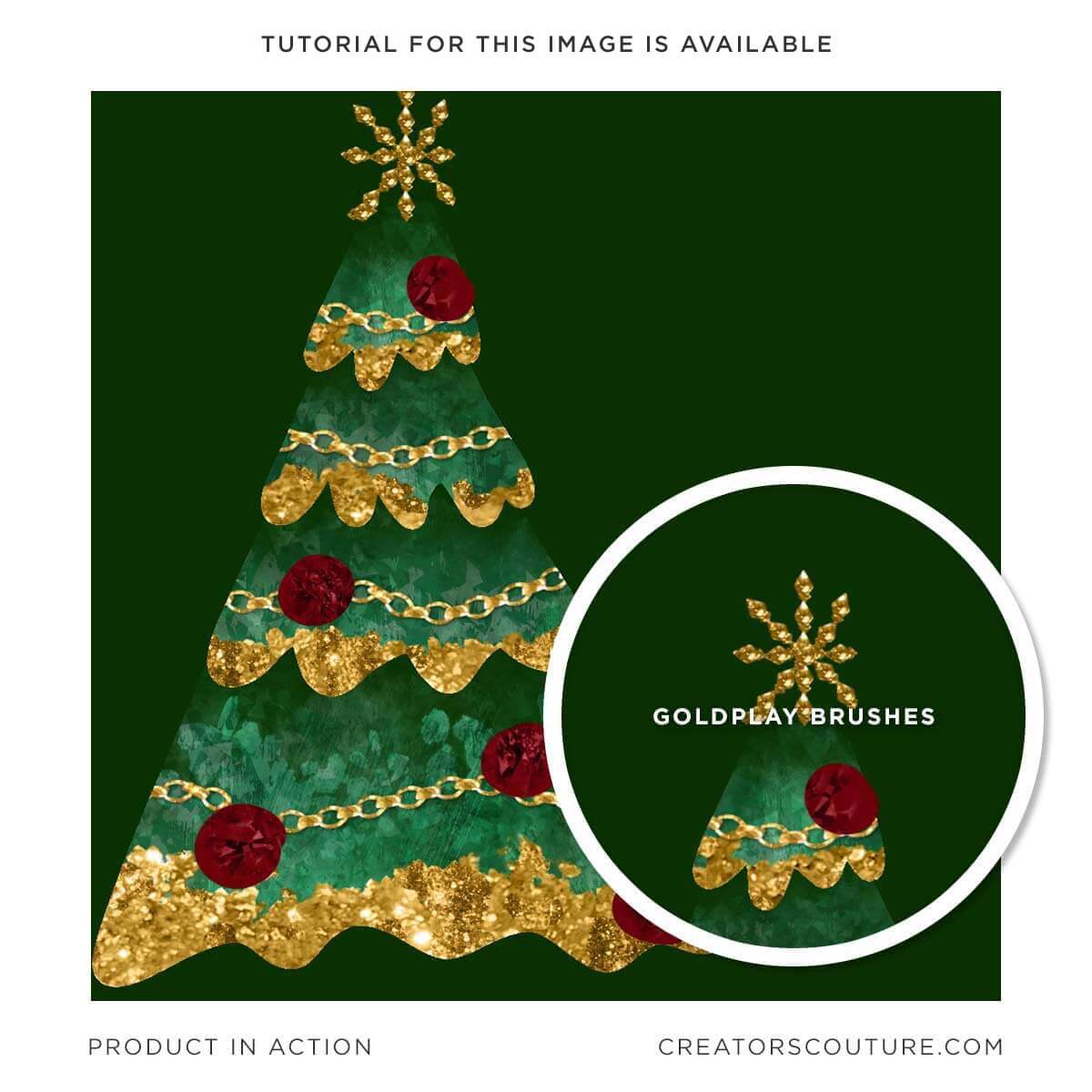
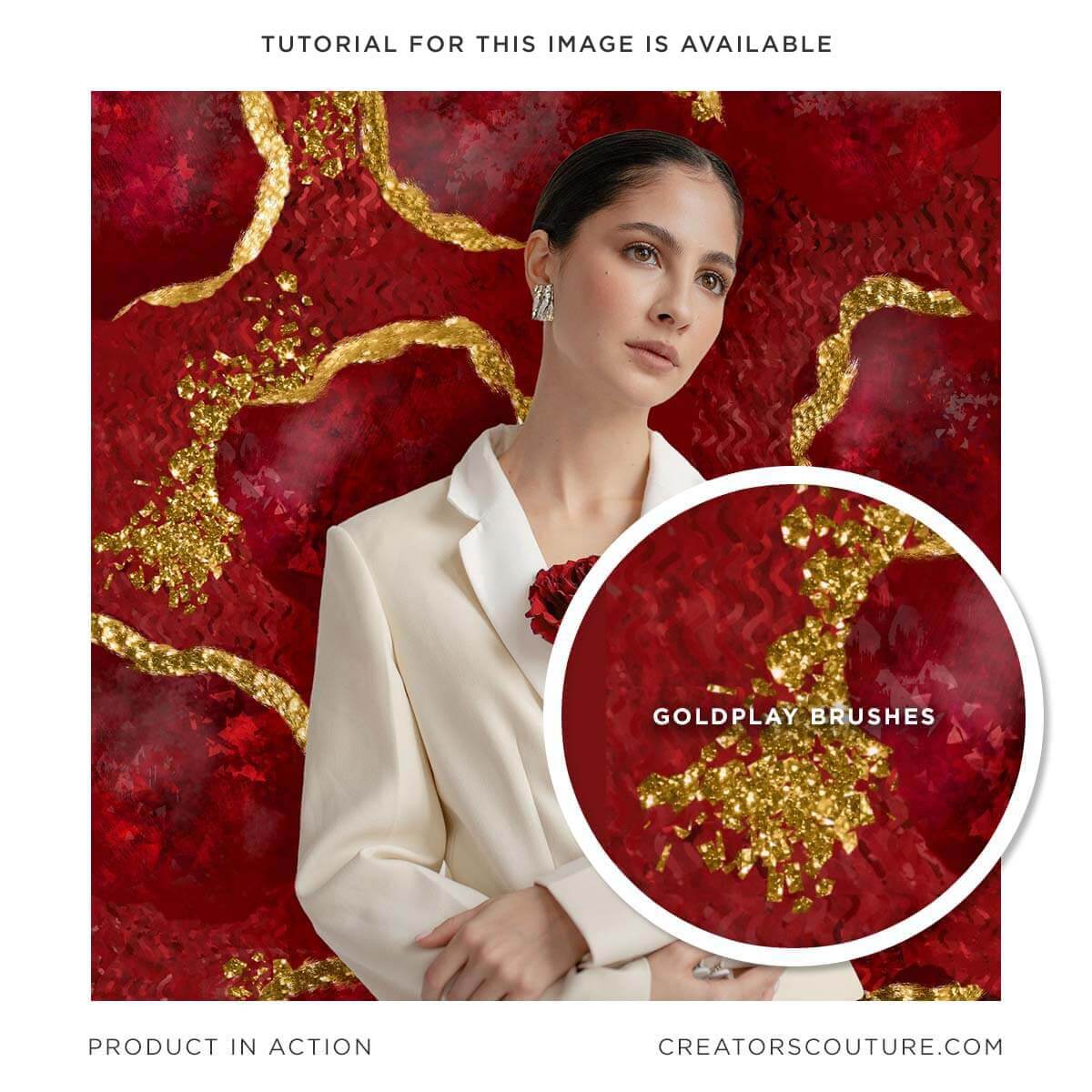
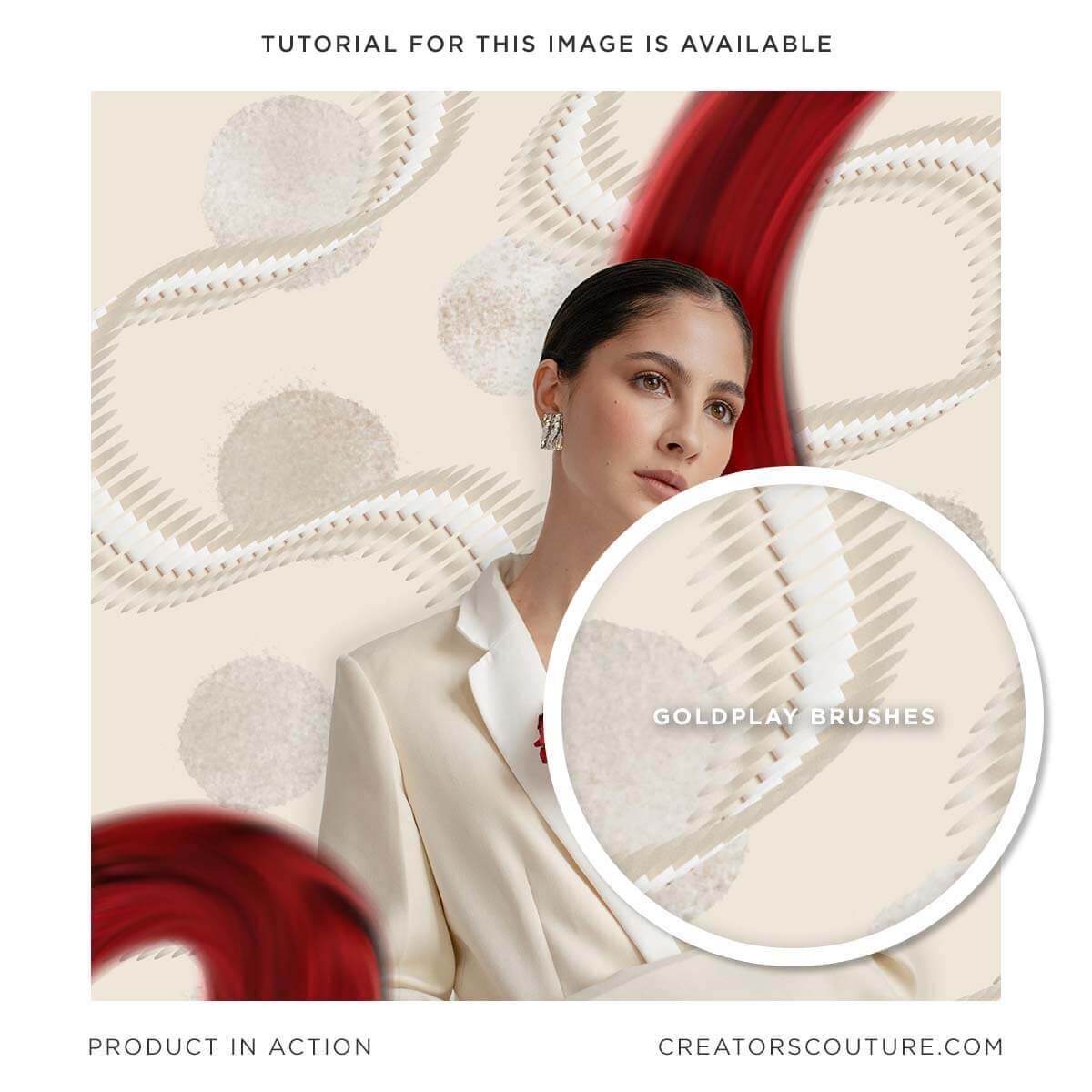
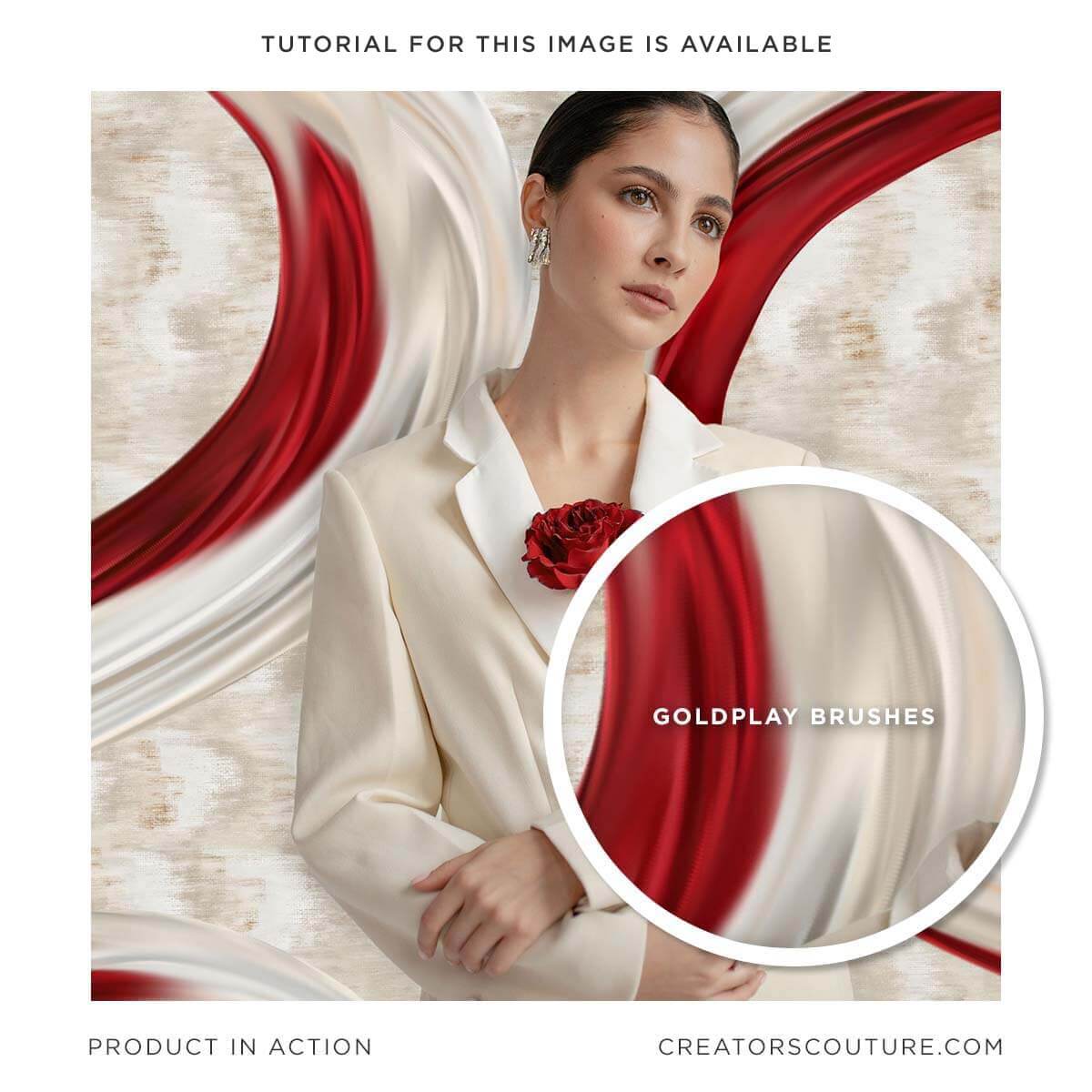
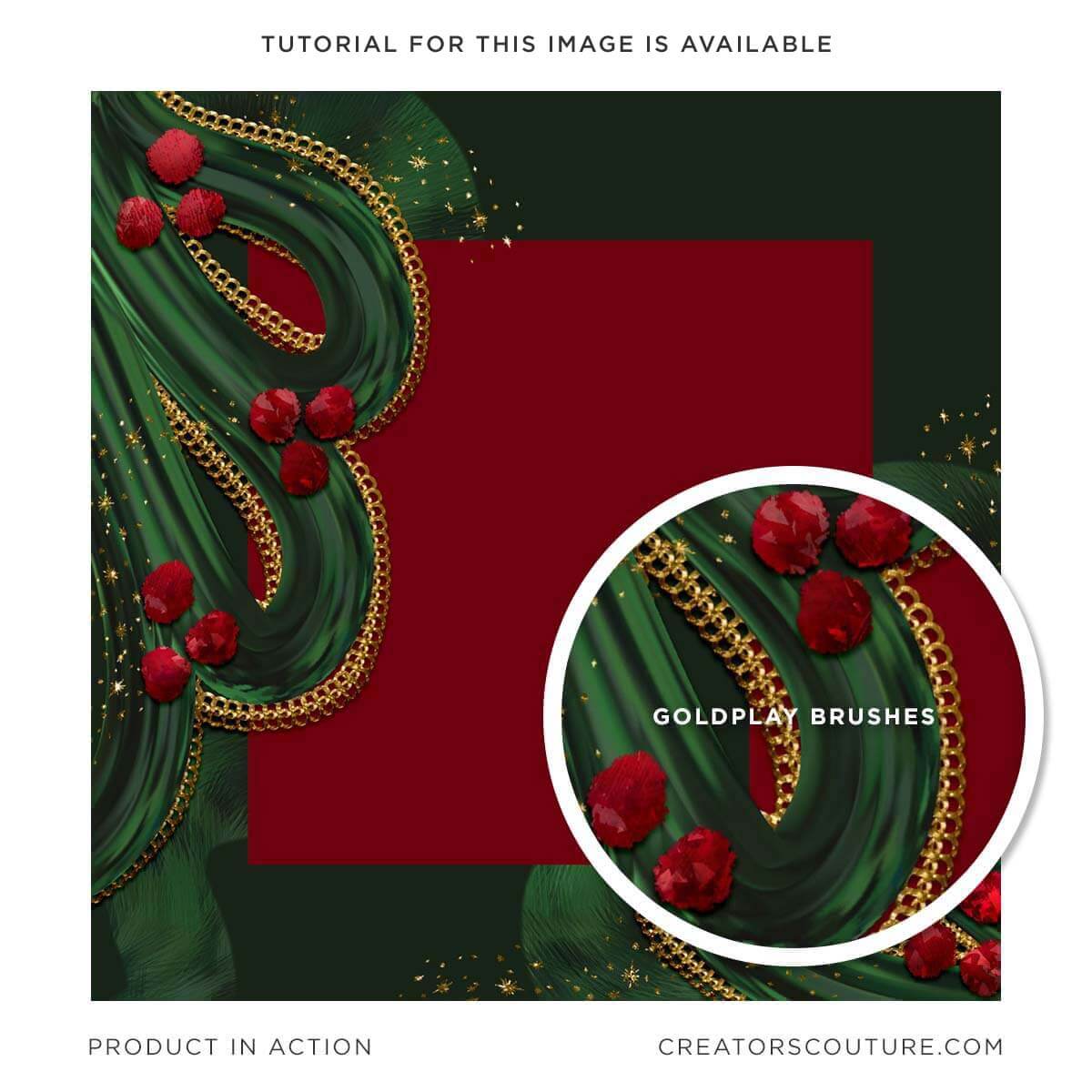
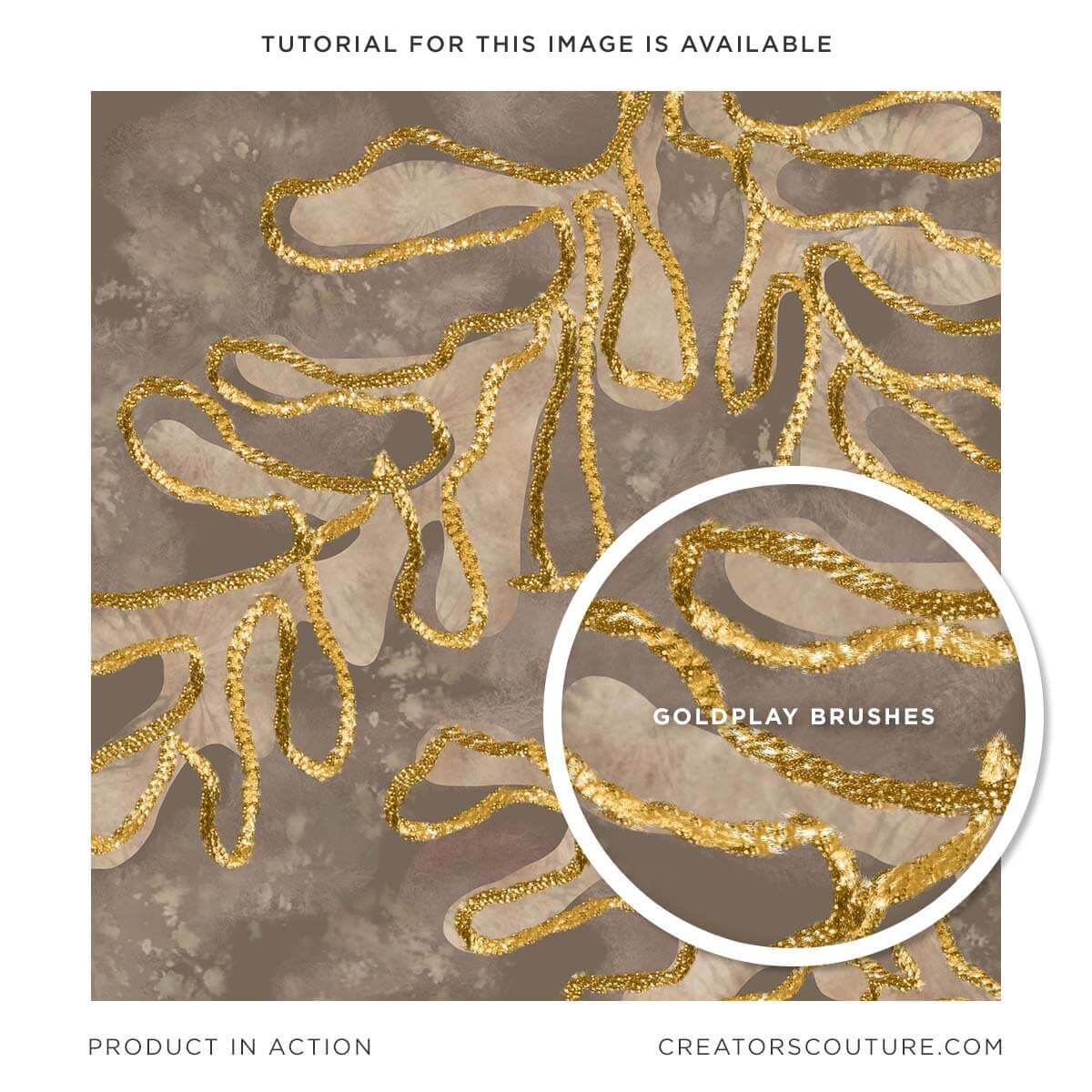
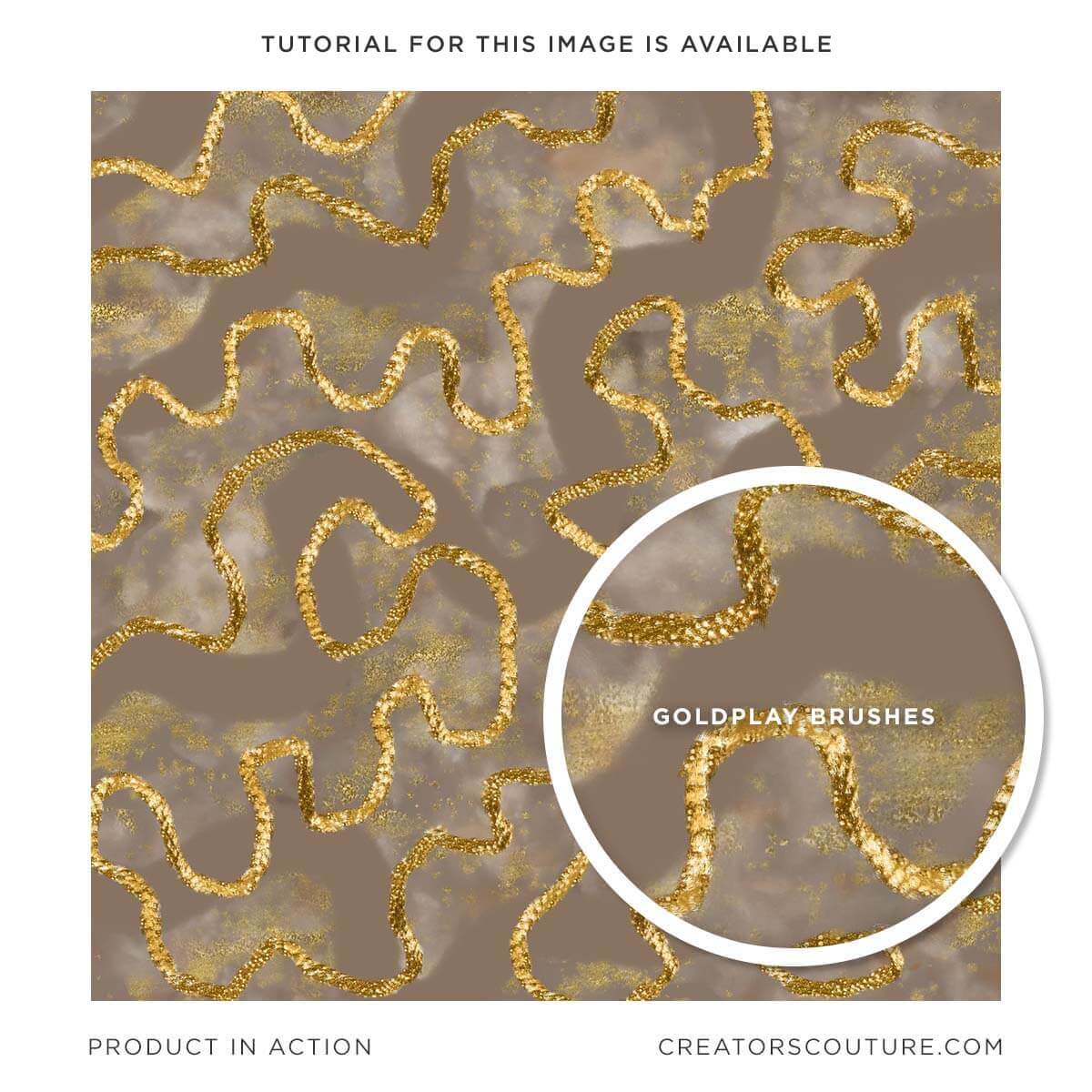
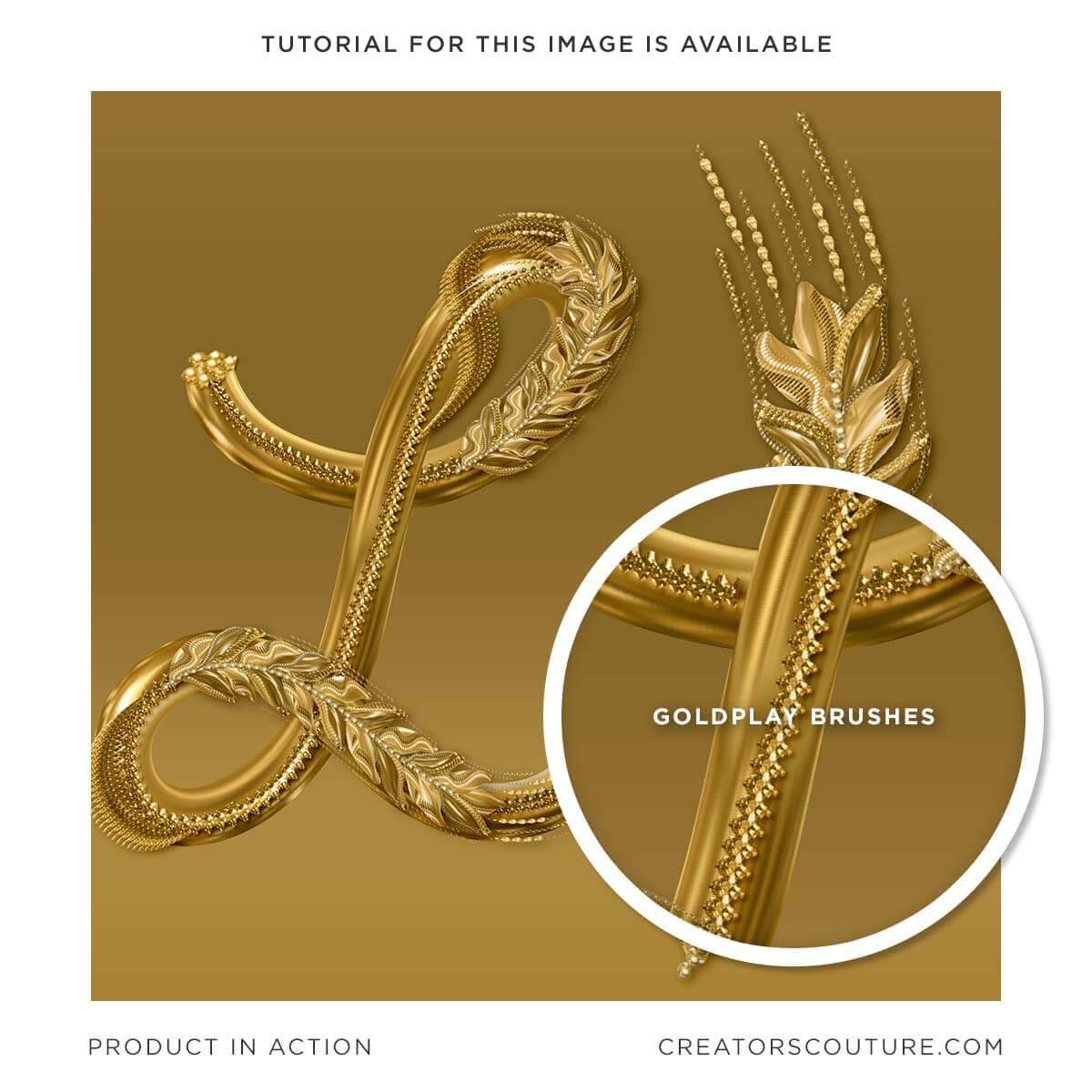
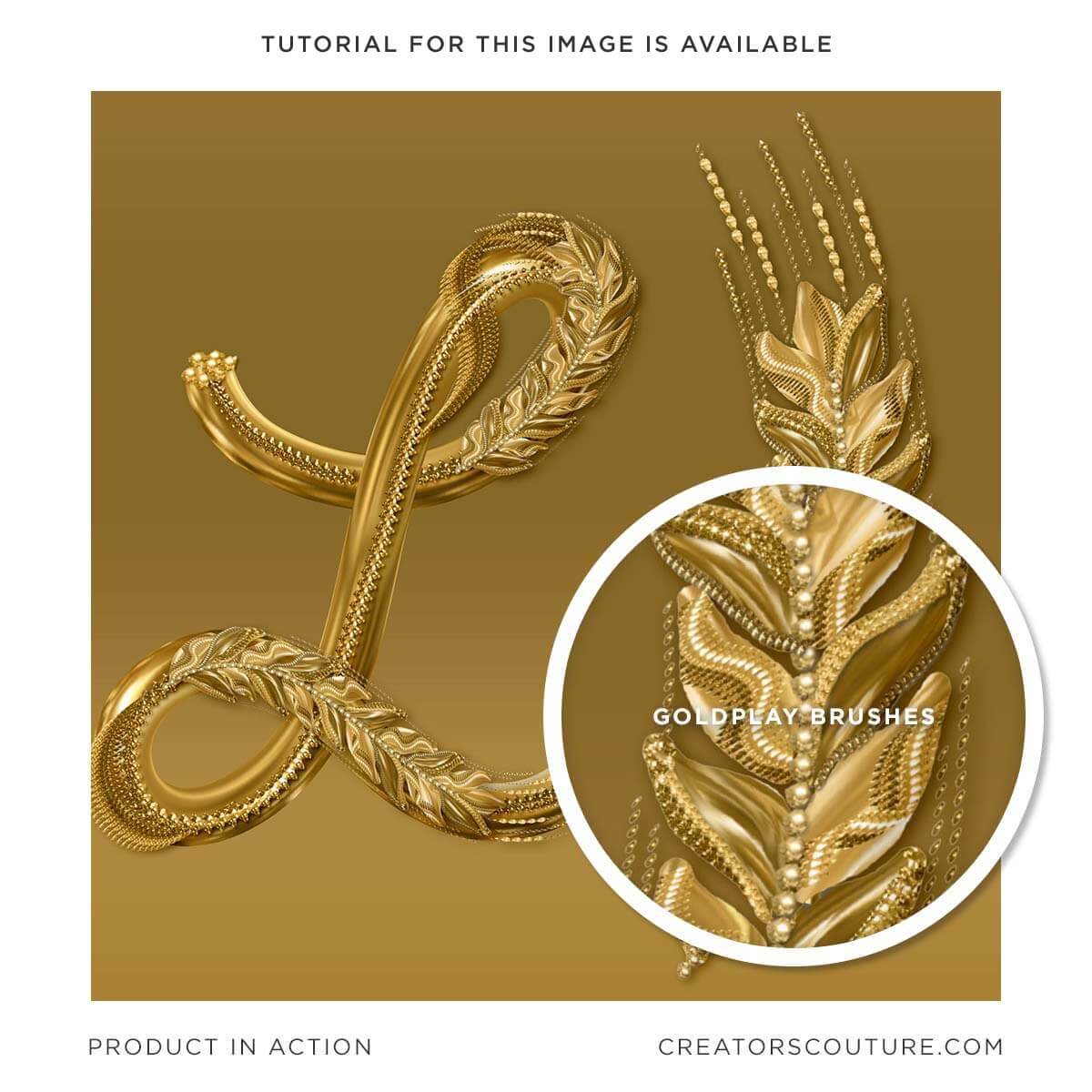
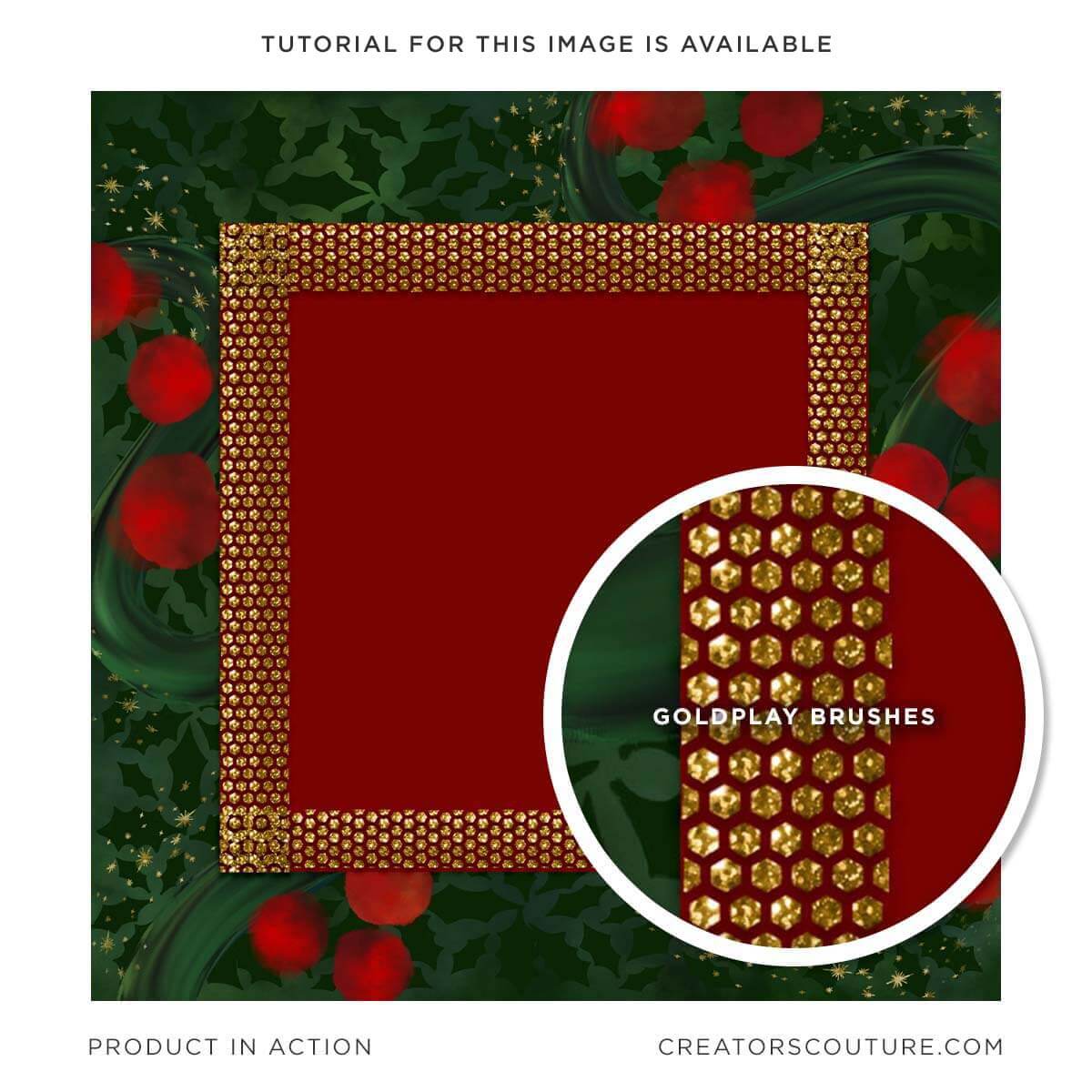
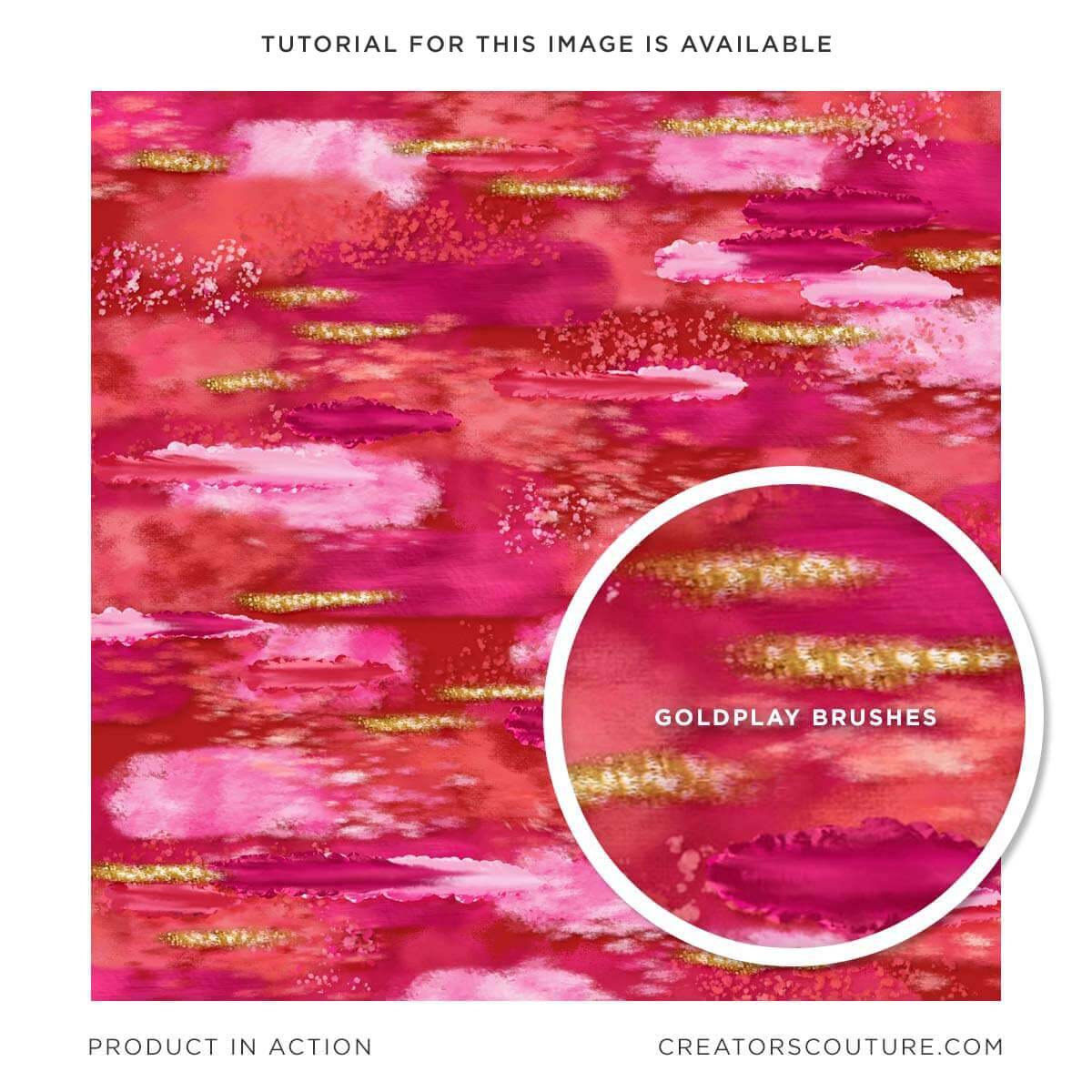
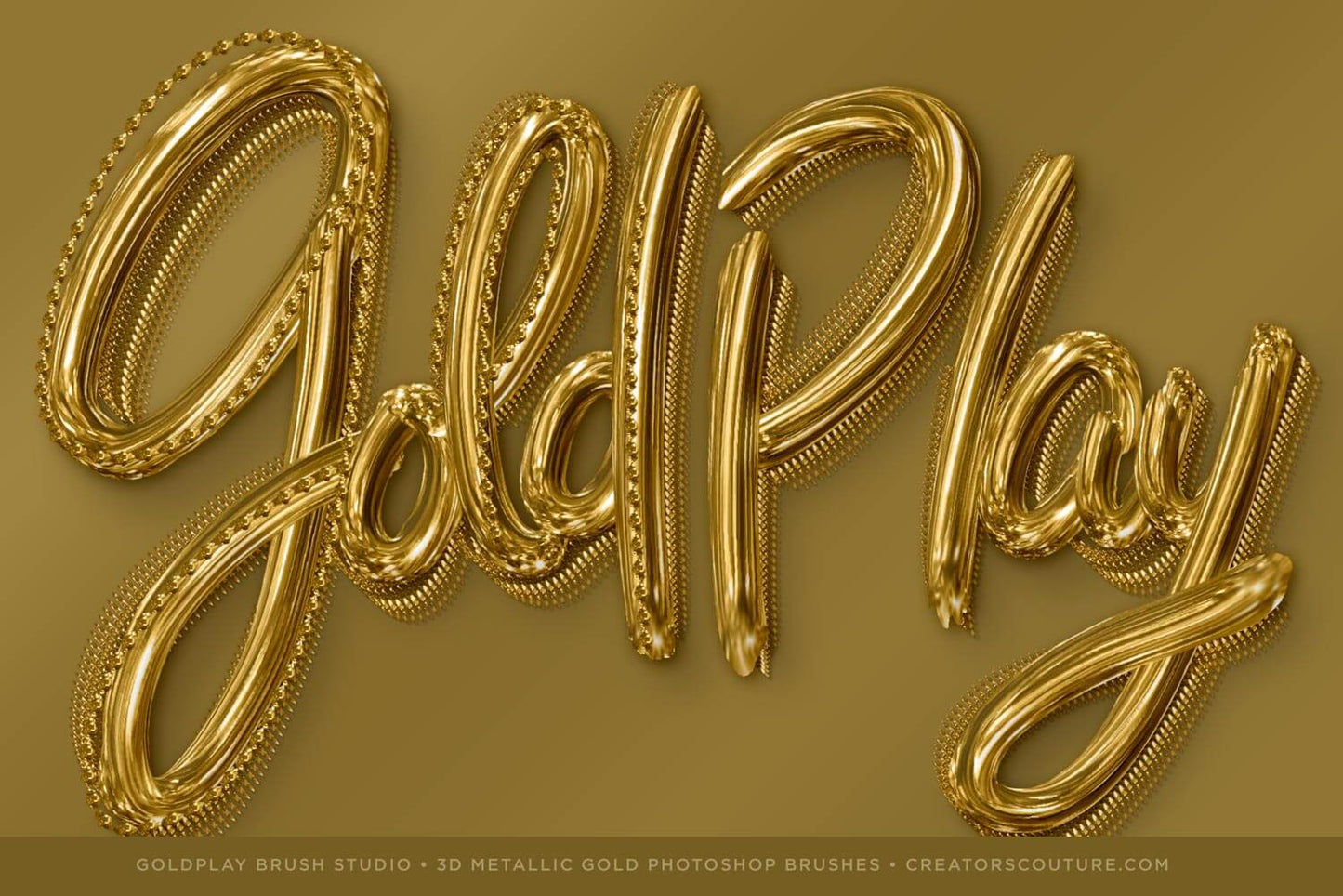
A whole new dimension of gold brush magic awaits! With this luxurious new set of Photoshop brushes, you can take your artwork to a whole new DIMENSION! Add touches of 3d gold effects to your artwork in Photoshop. These carefully designed brushes allow you create metallic effect artwork you could only dream of! 

Easily create amazing 3D Metallic gold digital art in Photoshop! 

  • Digital brushes specially designed to create 3D metallic gold effects for your digital art
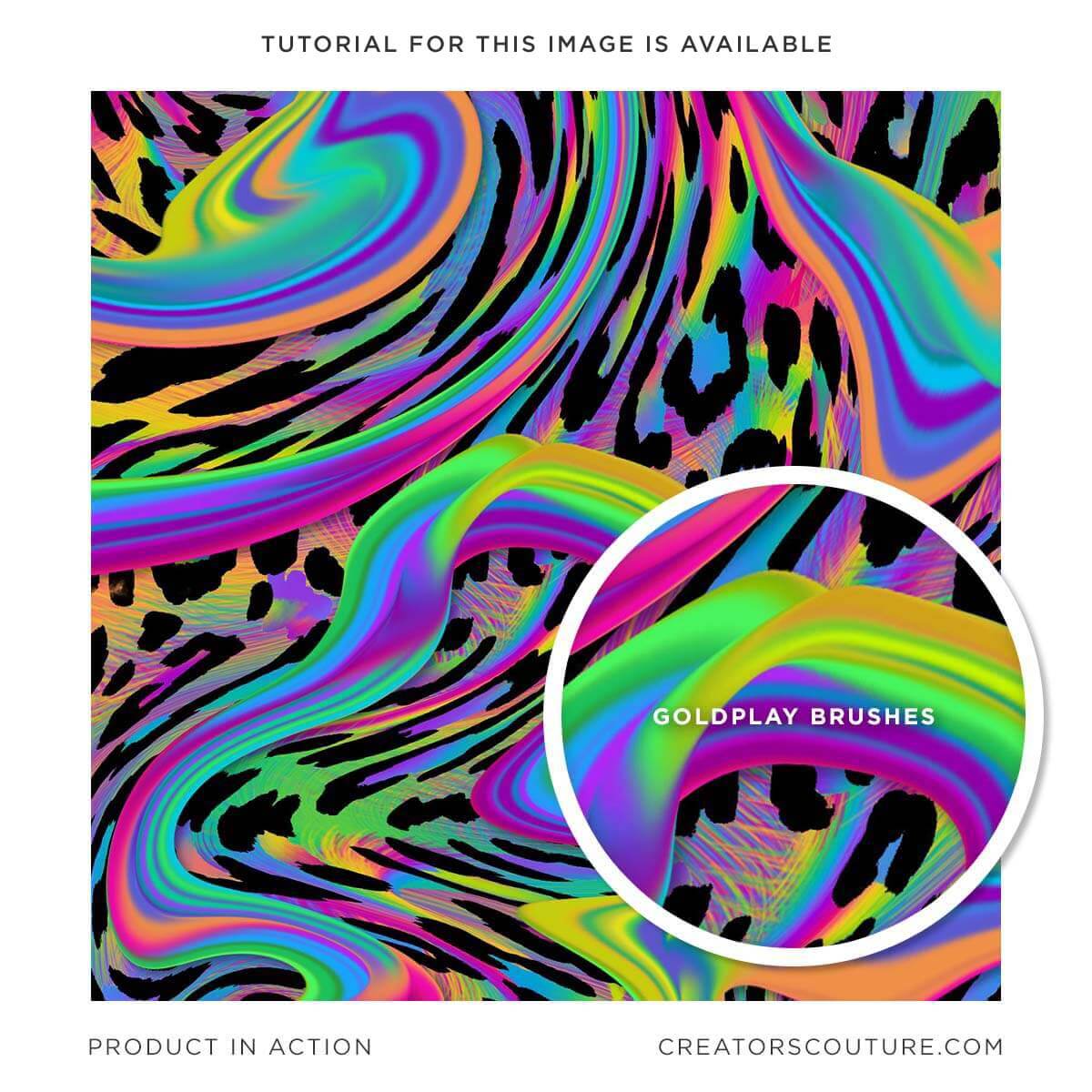
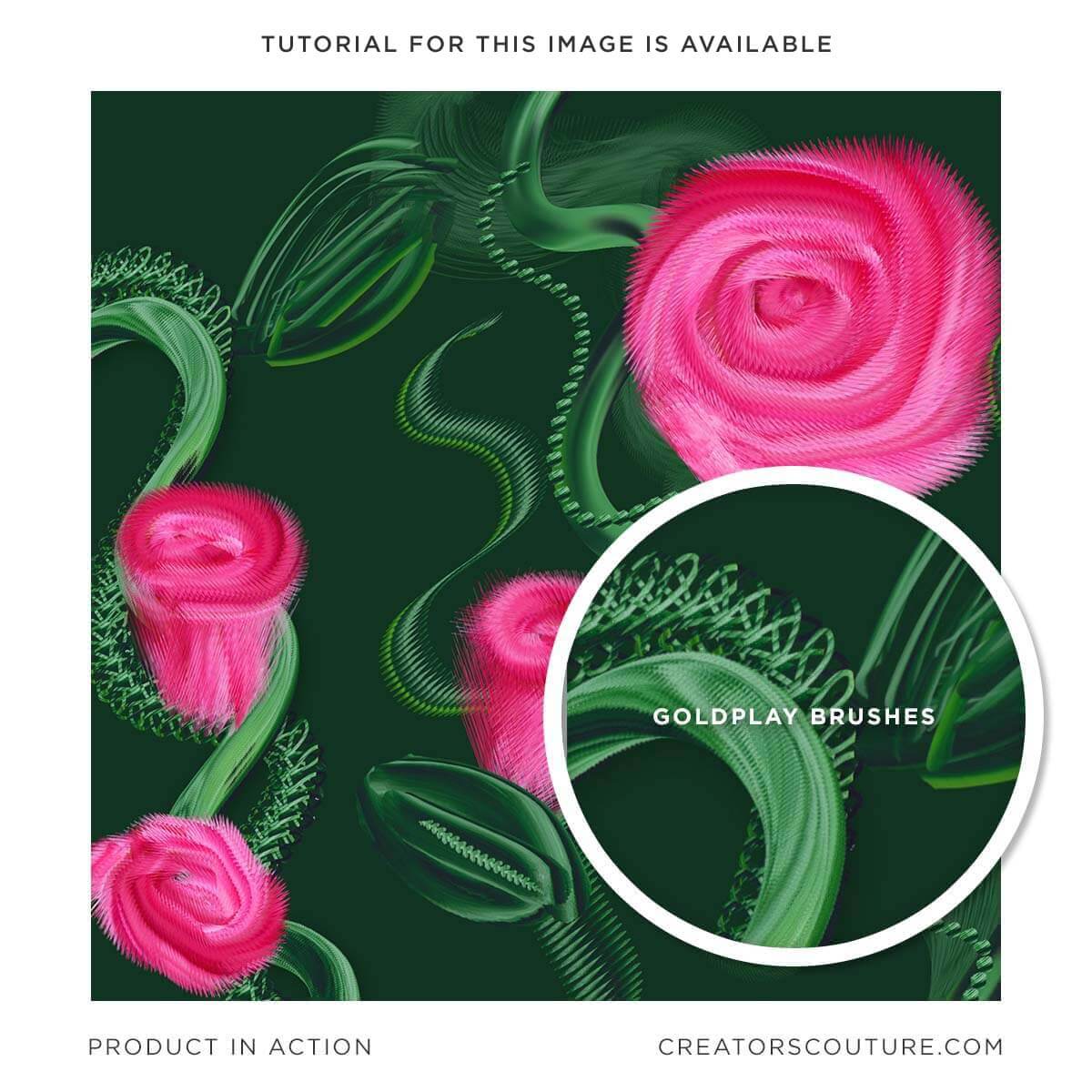
  • Paint in classic gold, silver, rose gold, copper, or ANY metallic color
  • Gold effects for your digital artwork that look hand illustrated and artistic, not 3D generated
  • These brushes use my trademark multicolor mixer brush technique featured by Adobe and others!
  • For Photoshop users of all levels

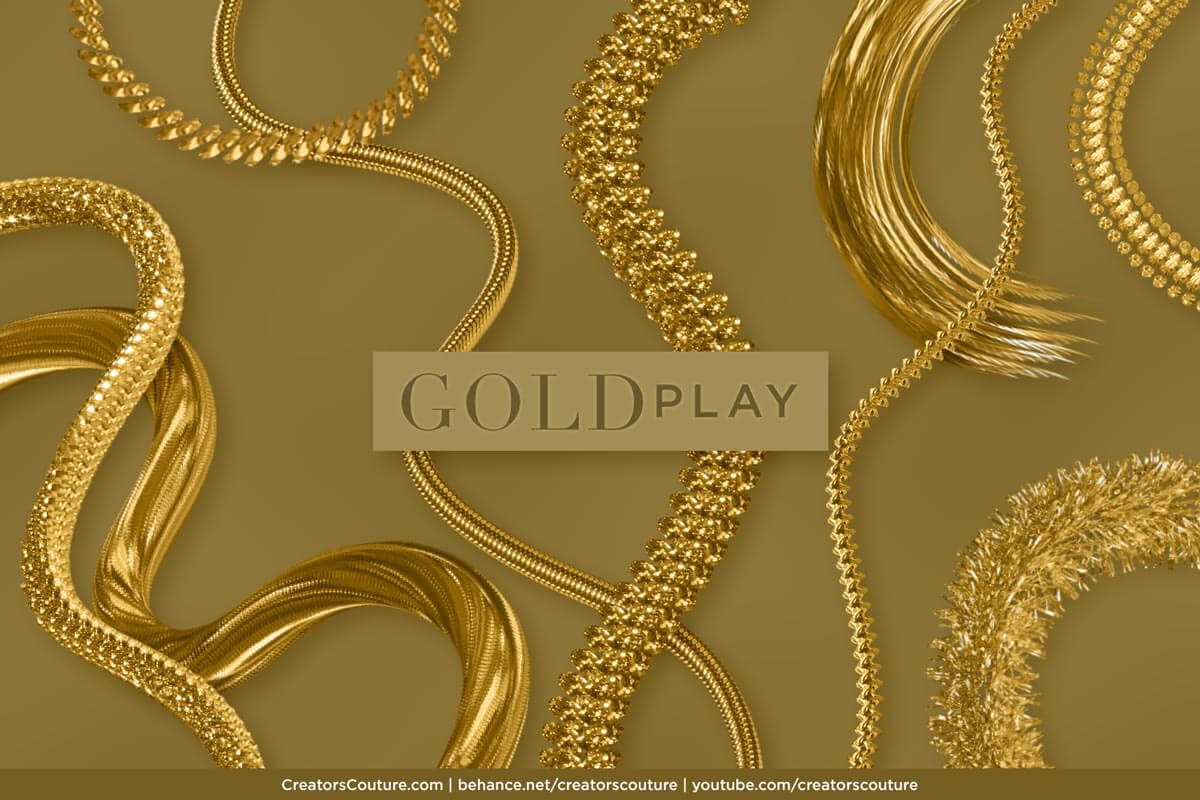
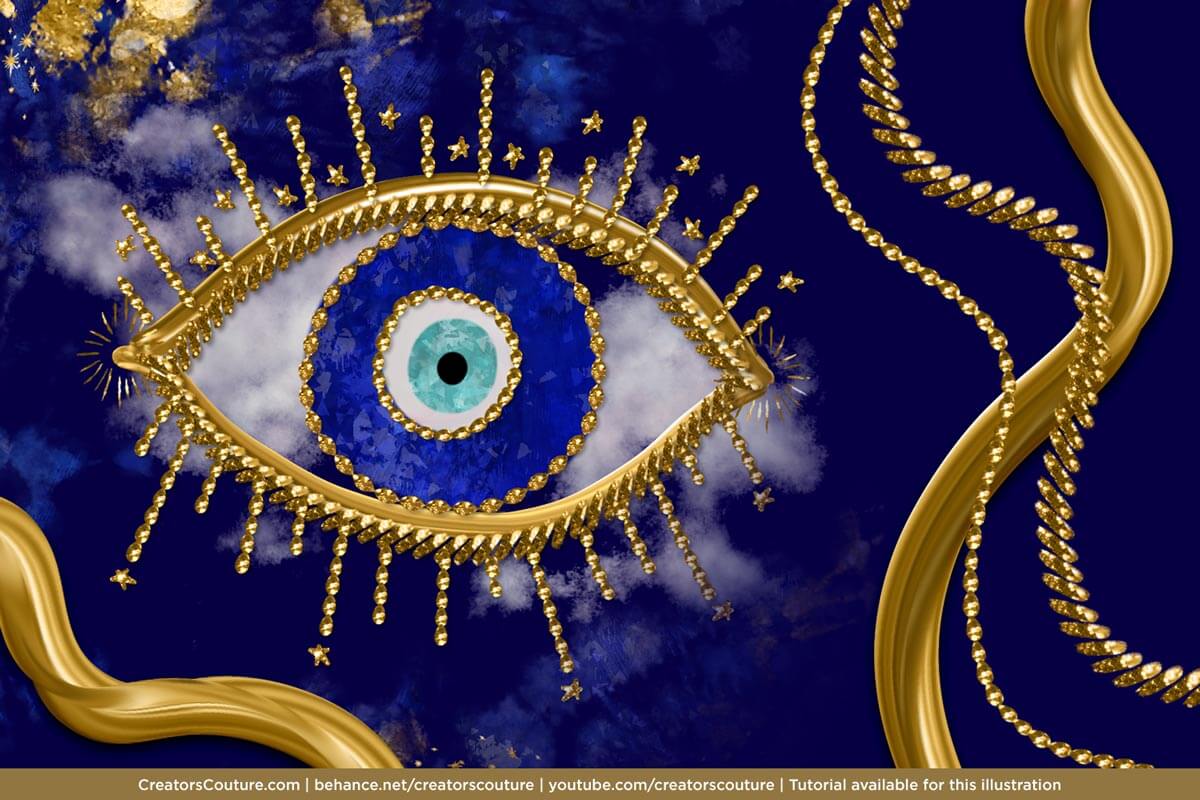
Create gold effects for your digital art, illustrations, and graphic designs inspired by liquid gold, gold chain jewelry, tinsel, furry and velour gold textures, gold pavé, and so much more. You can't get gold effects like this in real life... it's PURE GOLD FANTASY! 

Product Download Includes

Please note: there are 2 collection options to fit any project need or budget, see details below. 

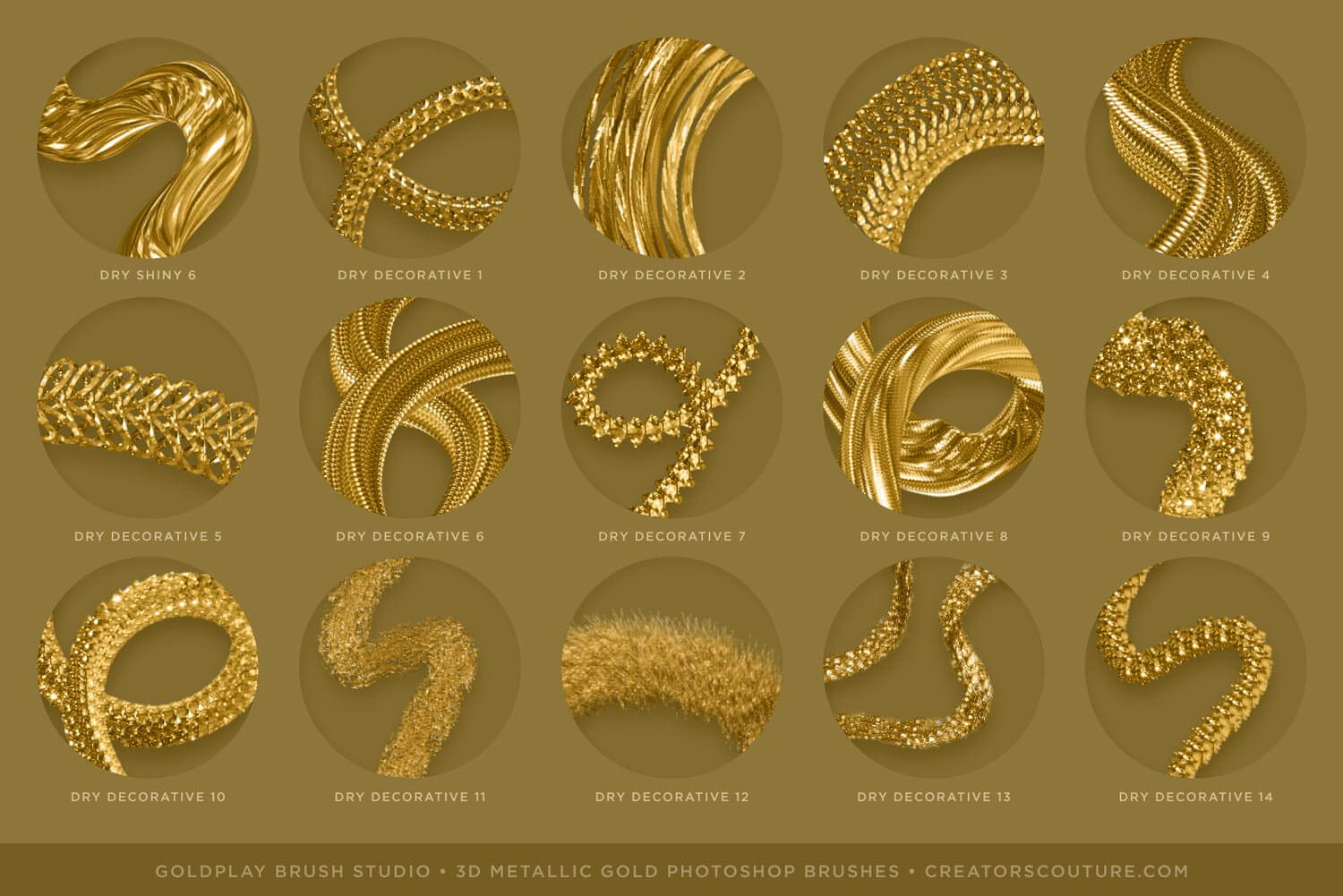
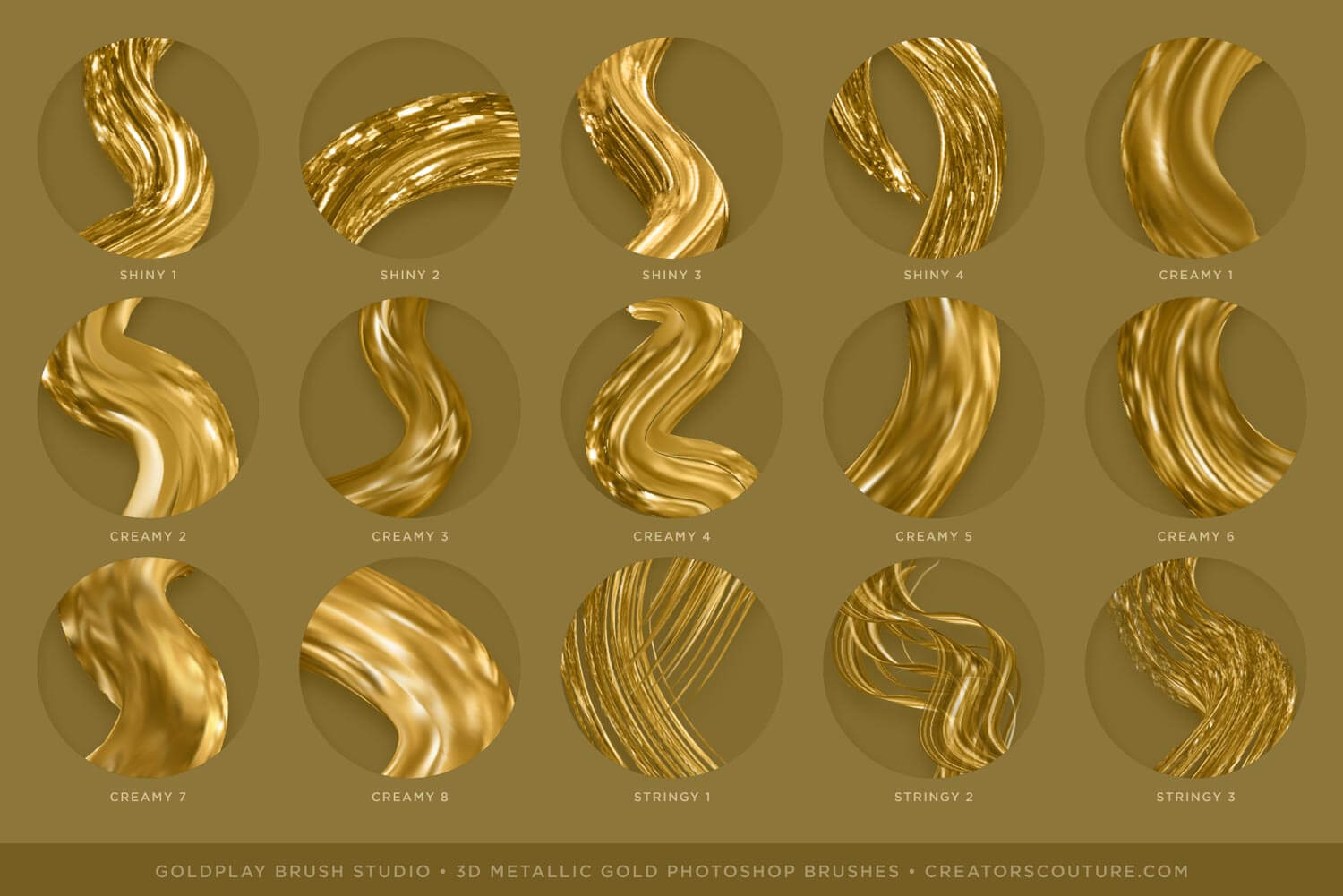
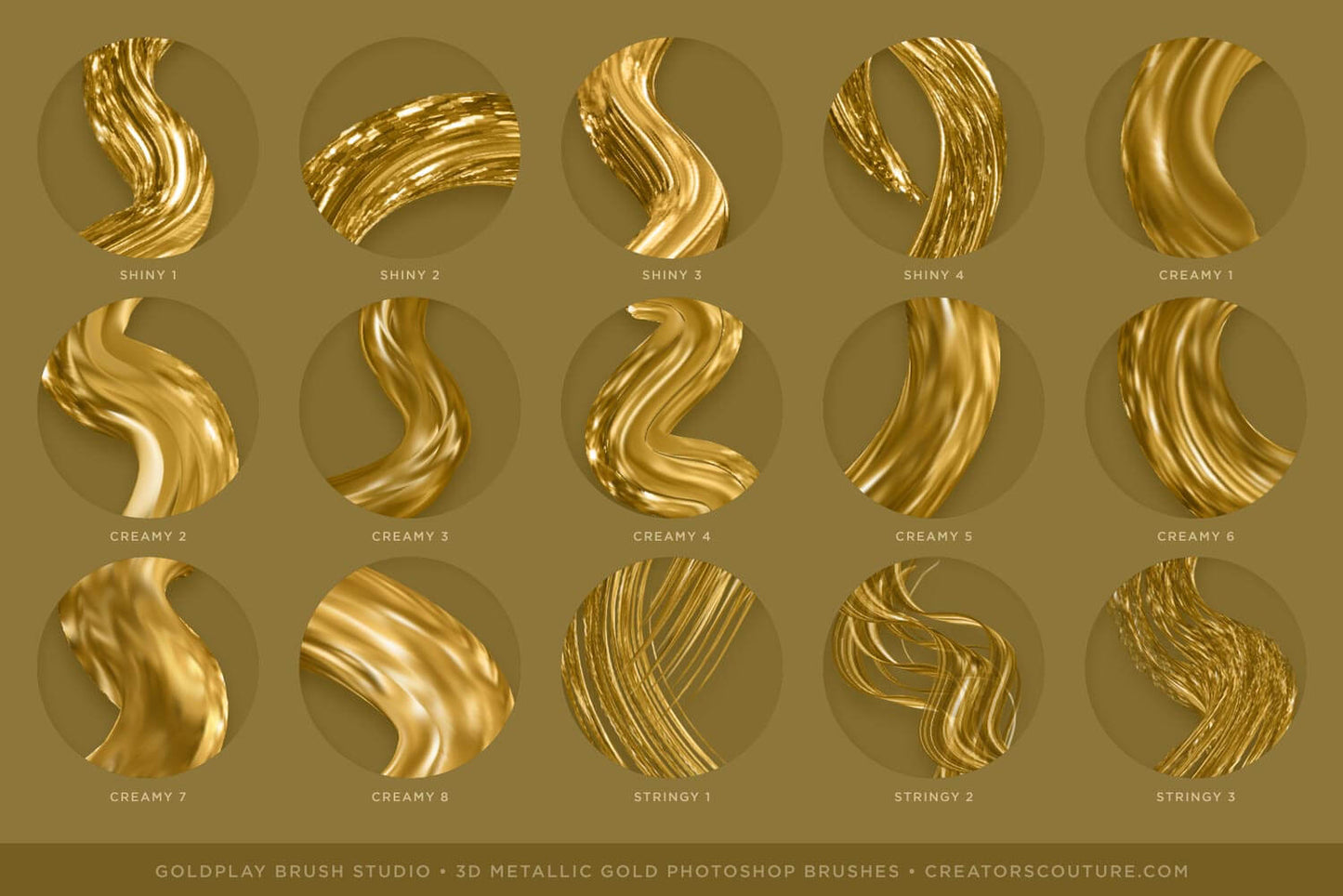
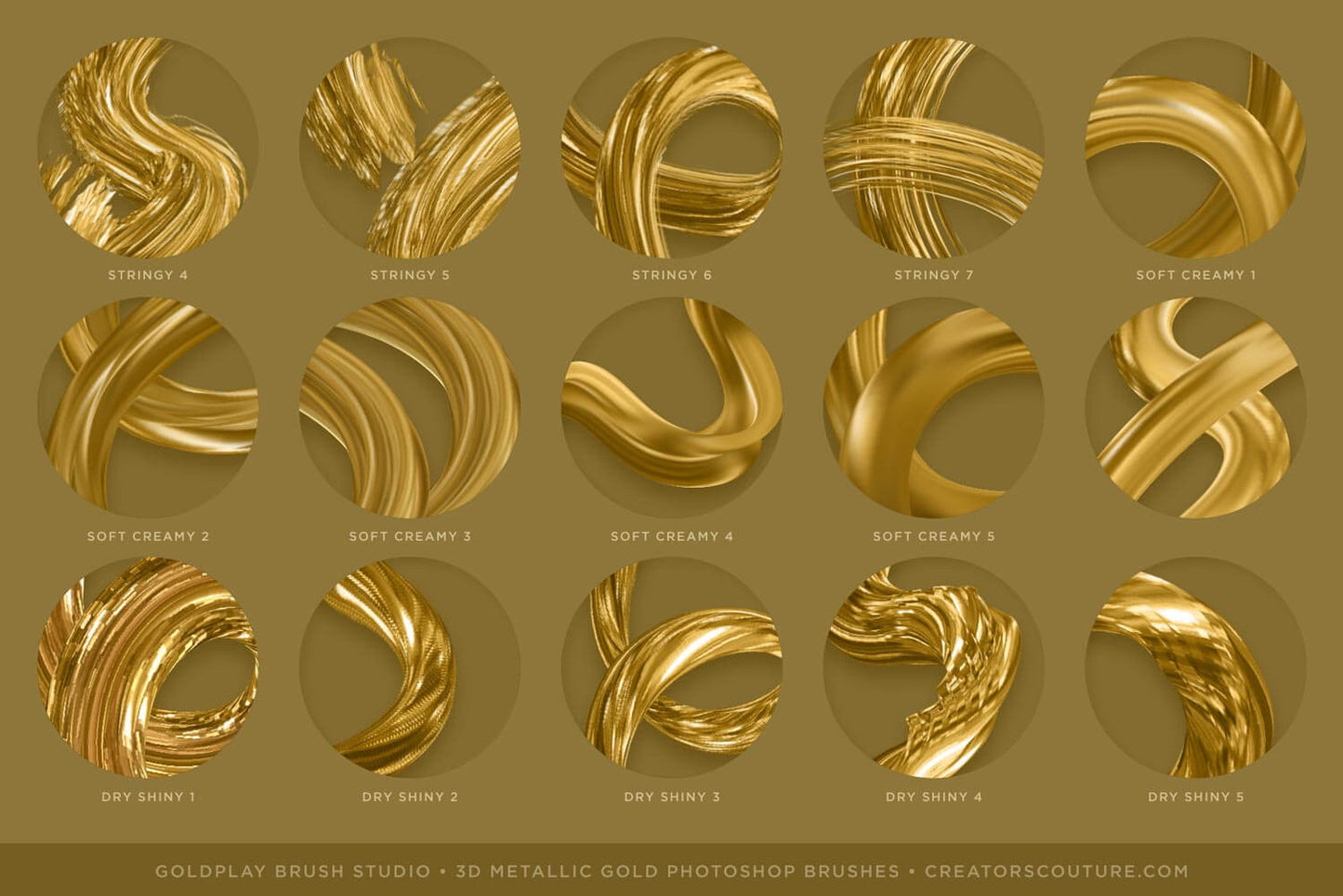
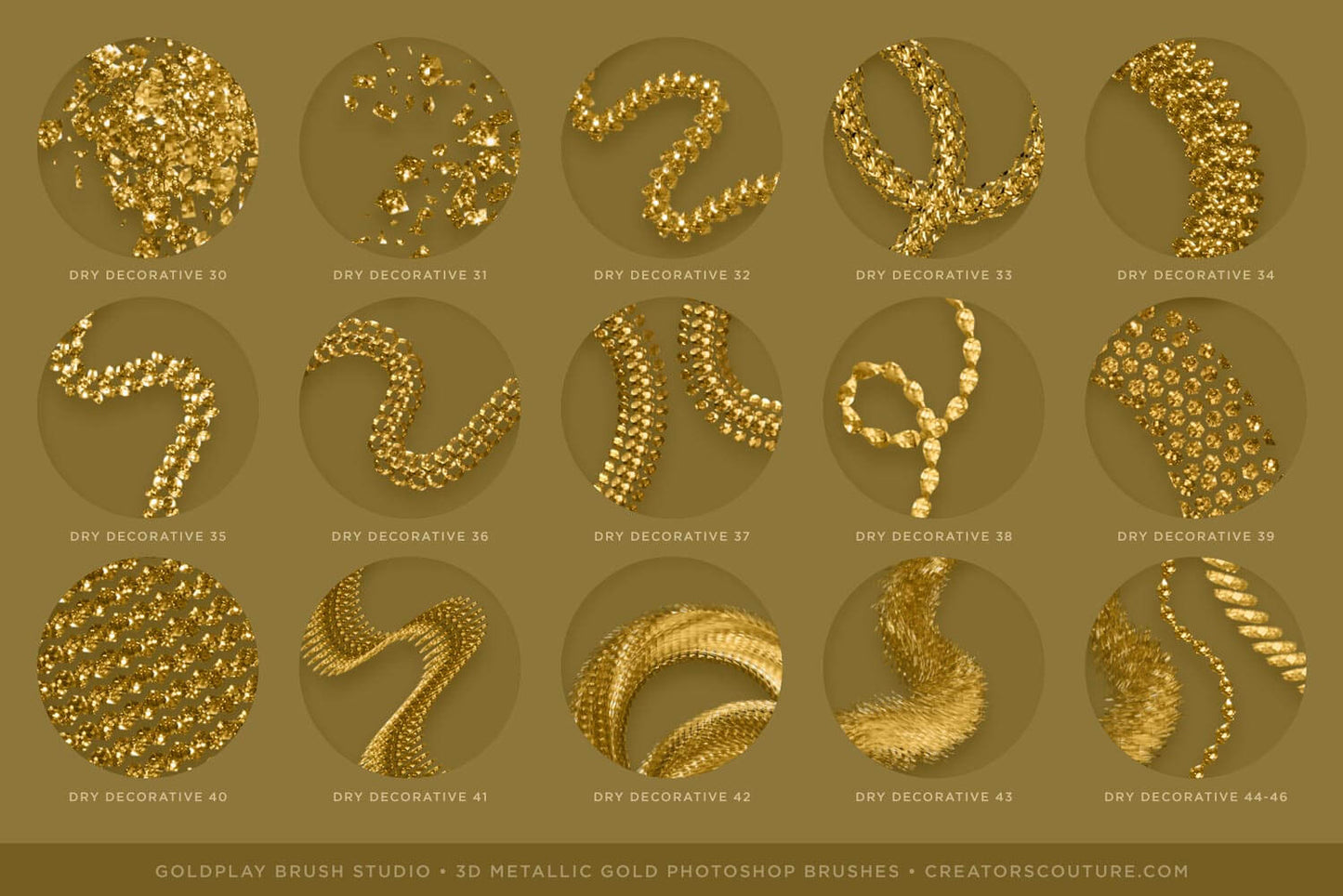
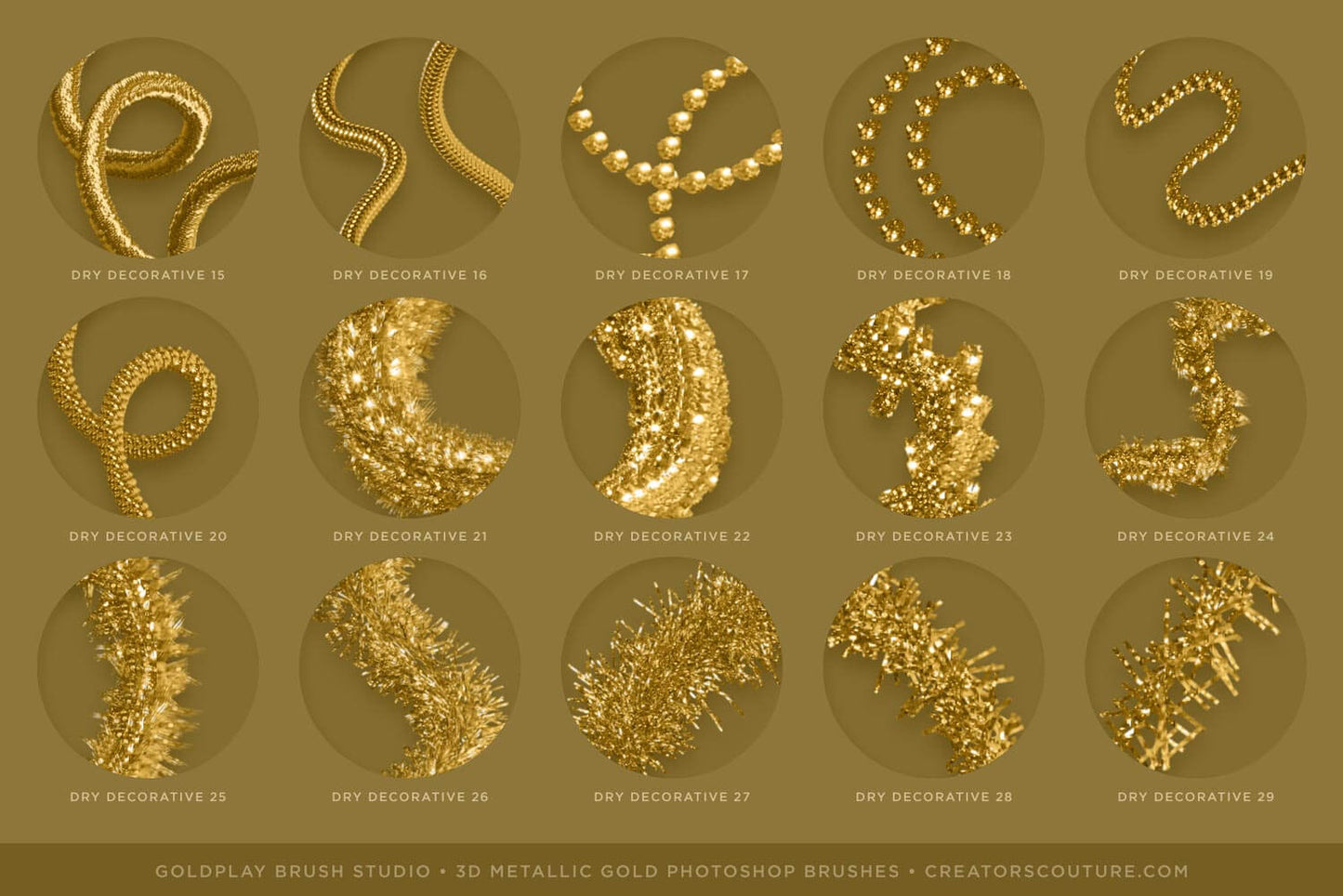
The Complete Collection has 77 dimensional, metallic gold Photoshop brushes: 

Included in the download is...

  • 77 Dimensional metallic gold Photoshop brushes
  • 10 Blender Brushes
  • Color Add-On Layer Styles: Change the gold brush strokes to other colors, warm and cool silver, copper, rose gold, and desaturated gold tones. 
  • Bevel and emboss layer styles that you can apply to give your metallic gold brush strokes extra dimensionality
  • Brush set provided as ABR for newer Photoshop users, and in TPL format for older Photoshop users (CS6+)
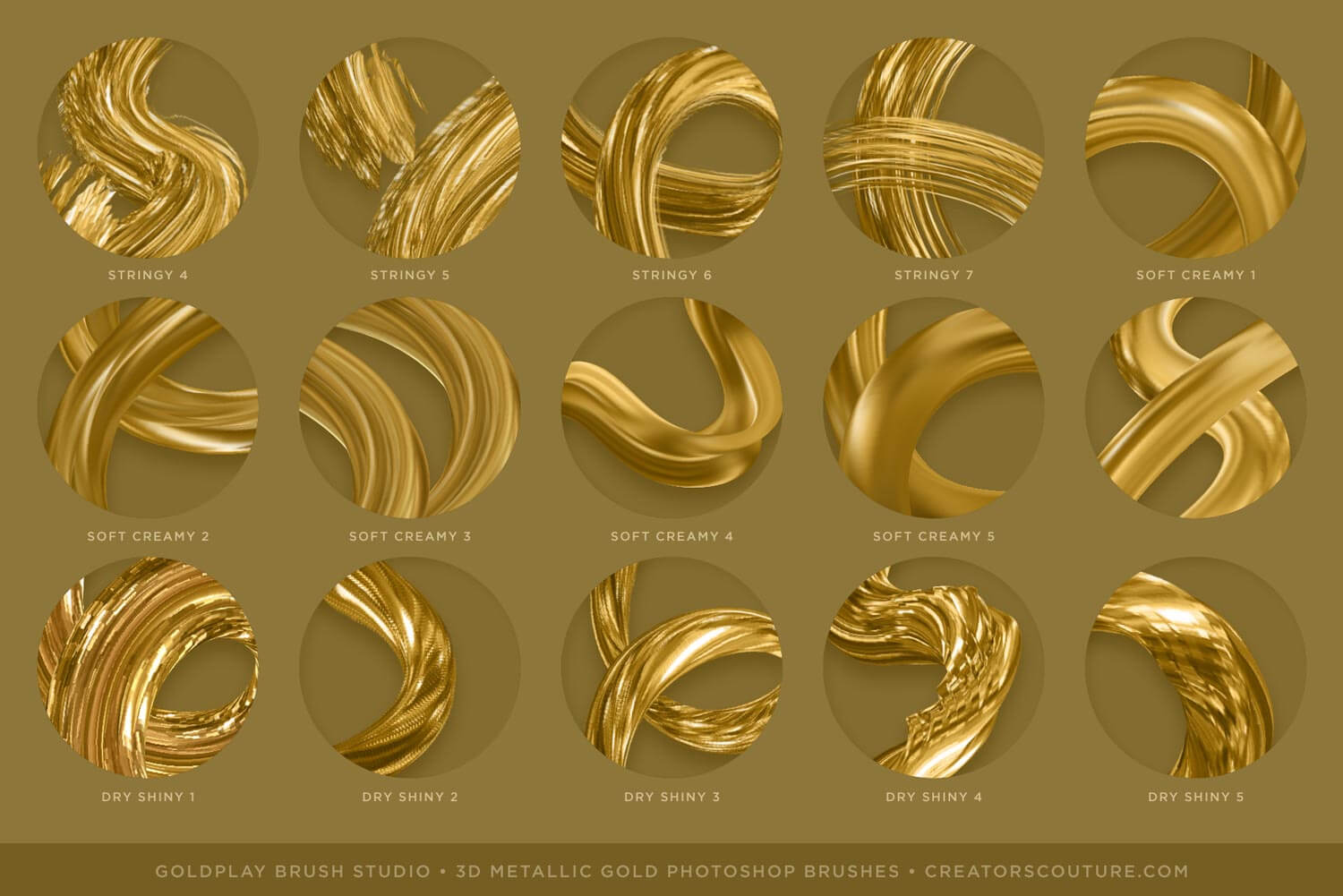
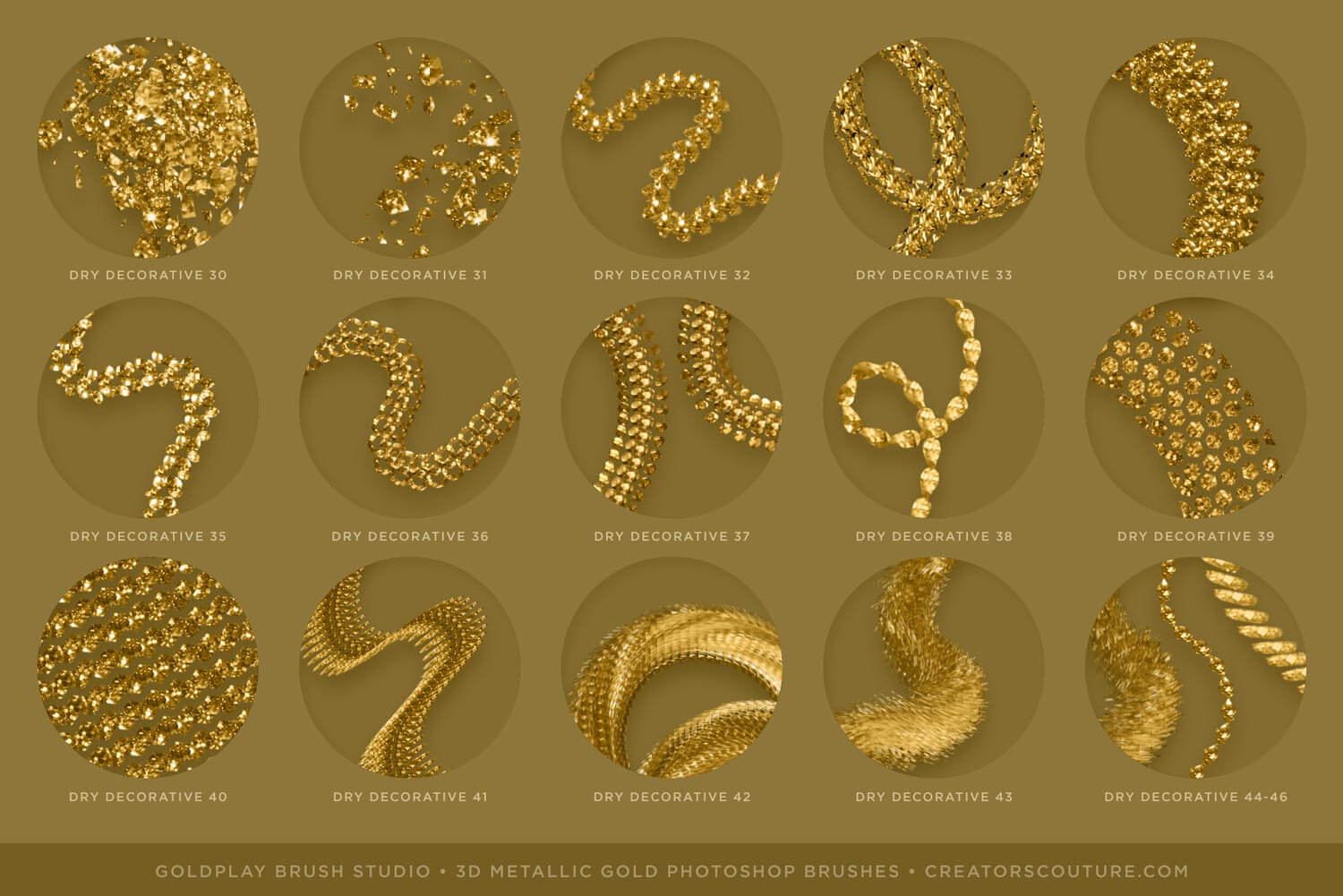
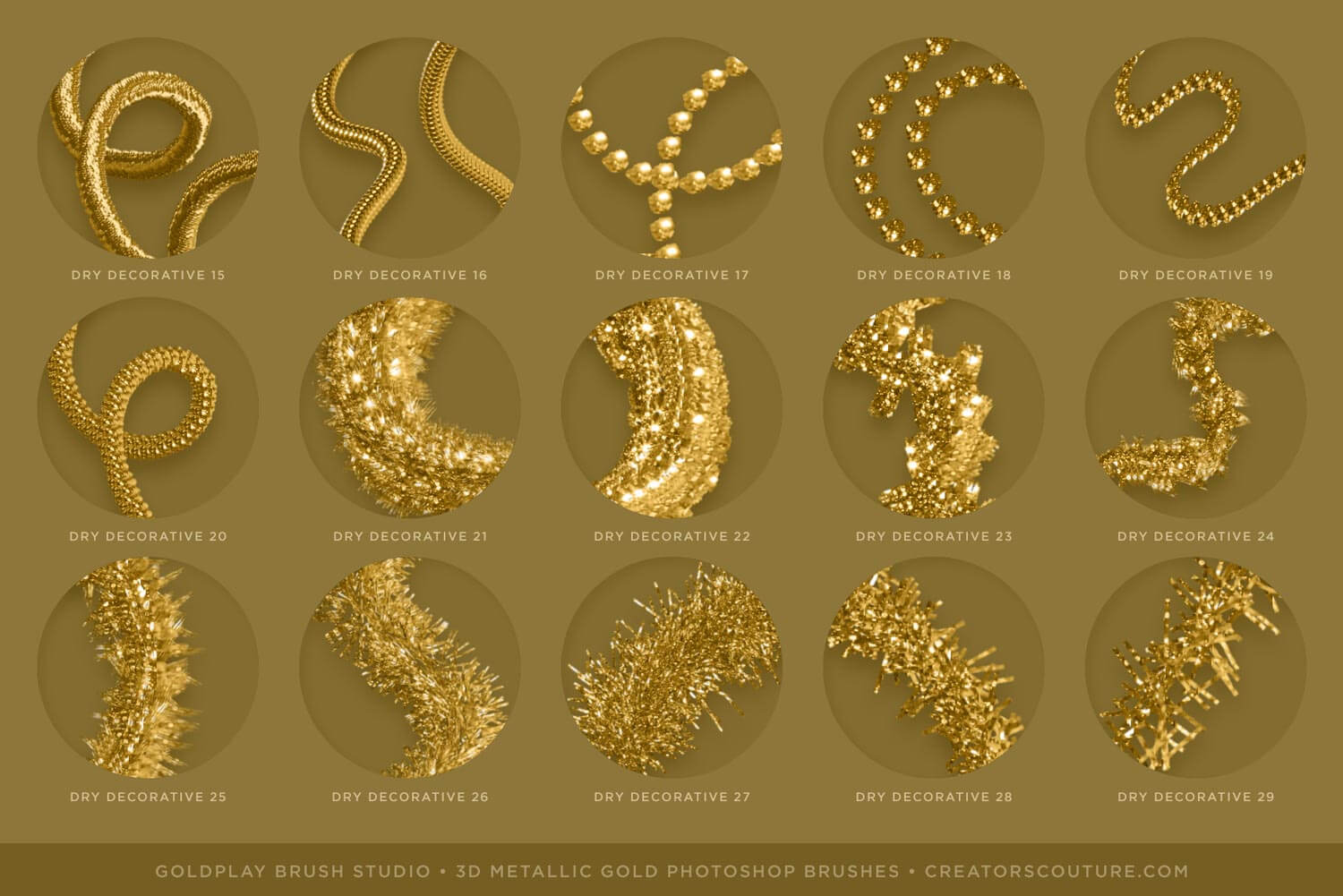
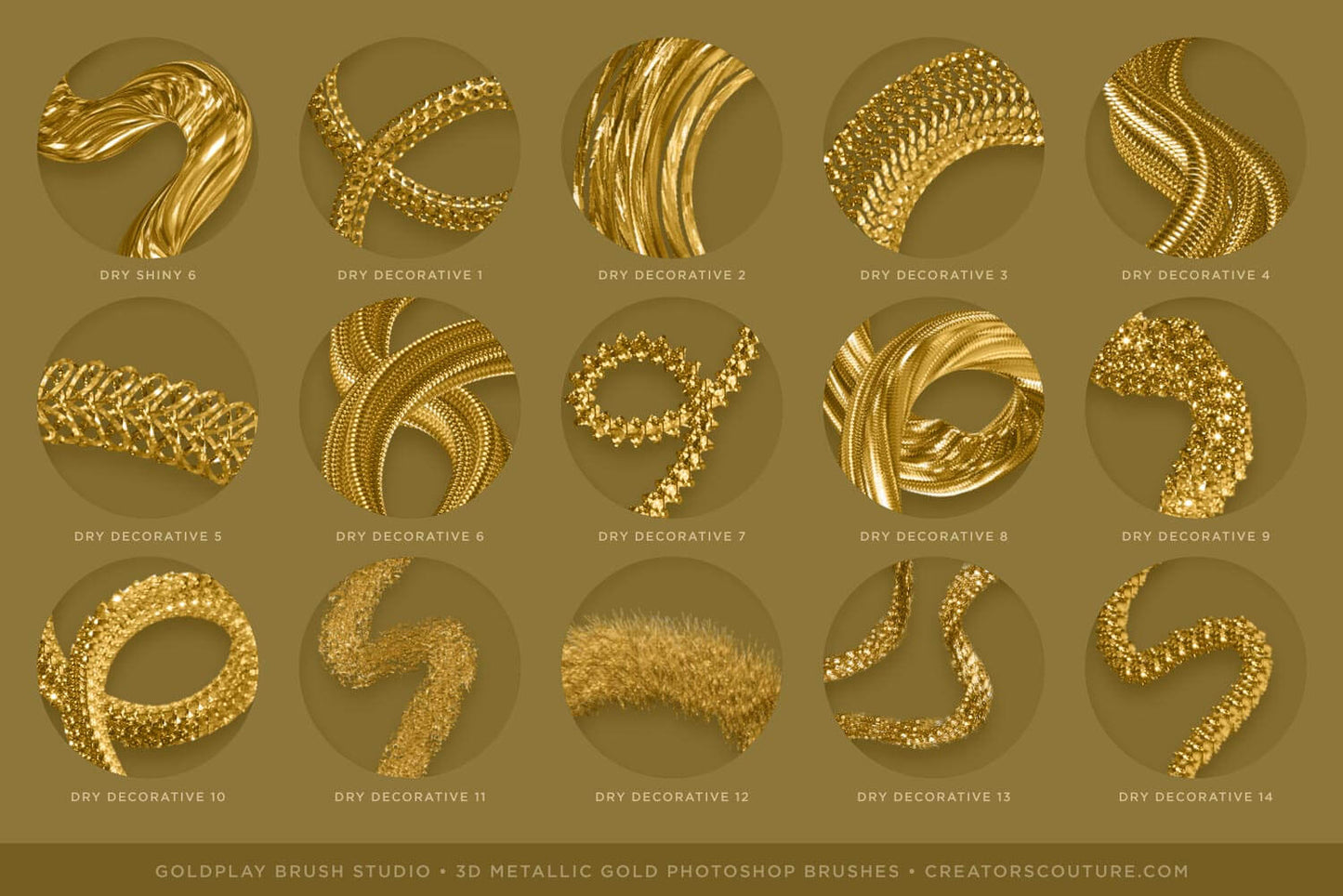
  • Brush reference charts: Handy labeled and organized JPEG charts with all of the brush strokes
  • A specially created sidebar metallic gold 'palette' PSD to sample from
  • An in-depth youtube tutorial playlist to get you started, no matter what your level of Photoshop

The Sampler Collection has 20 dimensional, metallic gold Photoshop brushes: 

Included in the download is...

  • 20 Dimensional metallic gold Photoshop brushes
  • Brushes included in the sampler collection are brushes: shiny 4, creamy 2 & 8, stringy 5 & 7, soft creamy 2 & 4, dry shiny 1 & 3, and dry decorative 4, 7, 9, 13, 29, 34, 37, 38, 41, 43, & 46
  • 10 Blender Brushes
  • Color Add-On Layer Styles: Change the gold brush strokes to other colors, warm and cool silver, copper, rose gold, and desaturated gold tones.
  • Bevel and emboss layer styles that you can apply to give your metallic gold brush strokes extra dimensionality
  • Brush set provided as ABR for newer Photoshop users, and in TPL format for older Photoshop users (CS6+)
  • Brush reference charts: Handy labeled and organized JPEG charts with all of the brush strokes
  • A specially created sidebar metallic gold 'palette' PSD to sample from
  • An in-depth youtube tutorial playlist to get you started, no matter what your level of Photoshop

Software Compatibility

These brushes are designed for Photoshop CS6+

The multicolor mixer brush technique is only available on Photoshop desktop, not Adobe Fresco or Photoshop for Ipad.

Sadly, Procreate does not have the brush engine capabilities for the multicolor effect. If you want to enjoy my brushes in Procreate, let them know HERE!

Product Tutorial

This product features a thorough tutorial playlist HERE! The first video is the main tutorial.

If you want to take advantage of the pressure sensitive brush settings to achieve thick to thin brush strokes, you need a wacom tablet or similar, but you can absolutely use the brushes with only a mouse as well!

Brush Note: Using the brushes with a mouse instead of pen tablet
A FEW of these brushes will behave differently or paint a much lighter stroke if you are using a mouse instead of a pressure sensitive pen tablet. However, most of the brushes behave the same or have very small differences. One suggestion if you are using a mouse with a brush that is painting lighter is with the brush selected, go to Windows > Brush Settings at the top Photoshop menu. This will bring up the Brush Settings window and you will see all the settings for that particular brush. Within the Brush Tip Shape section that opens up automatically, you will see the Bristle Brush settings at the bottom right of the window. You can increase the THICKNESS settings and it will make your selected brush paint darker with the mouse.

Product Support

If you have a question about using your product, first consult the product tutorial. Product tutorials can be found via the Tutorials tab on the project page, as well as HERE.

If you need further product support after consulting the tutorial, please leave me a direct message via the chat box at the bottom of the page, or CLICK HERE to leave me a message via the Contact page!

Ideas For Use

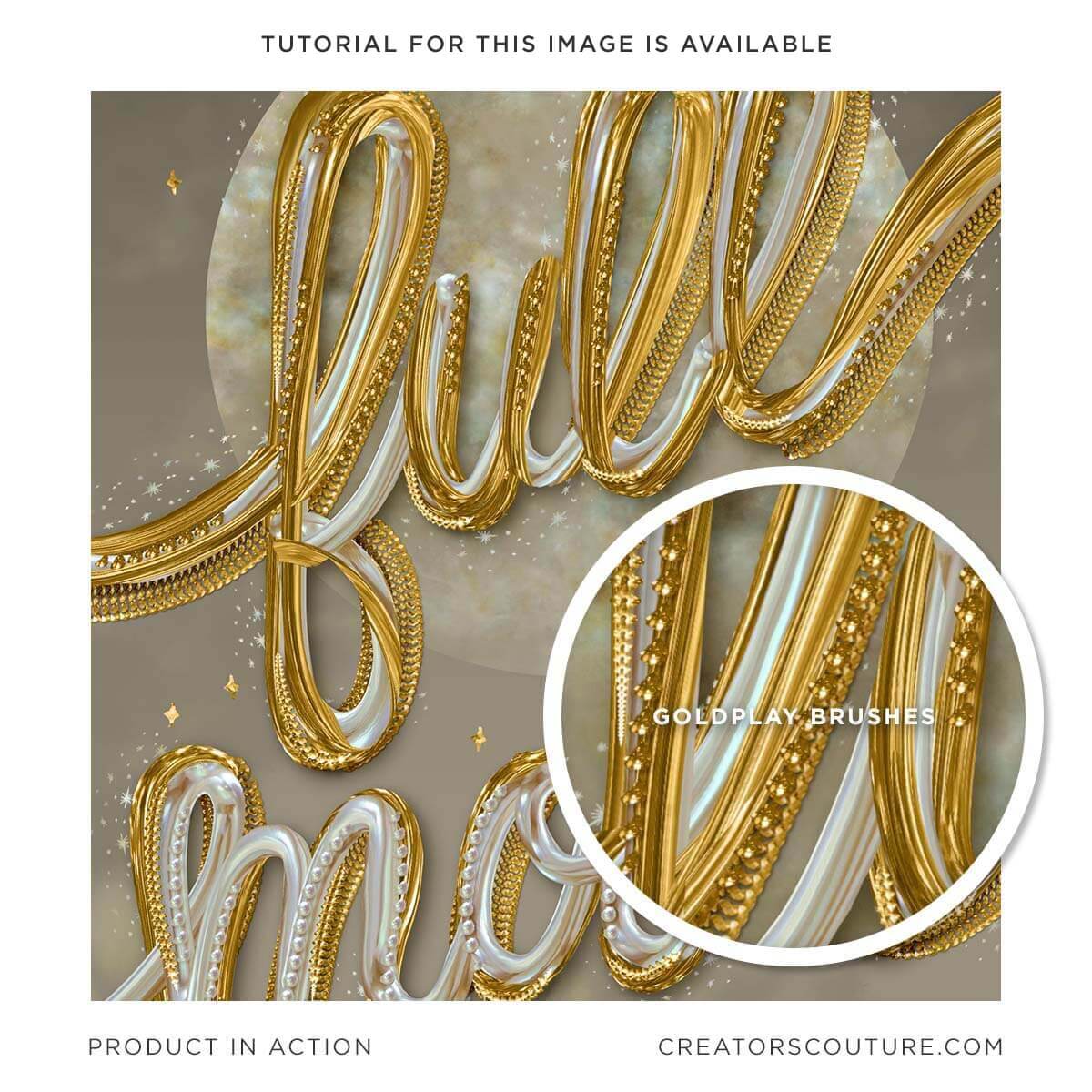
Check out my TUTORIAL CATALOG for lots of ideas for what to do with your new brushes!

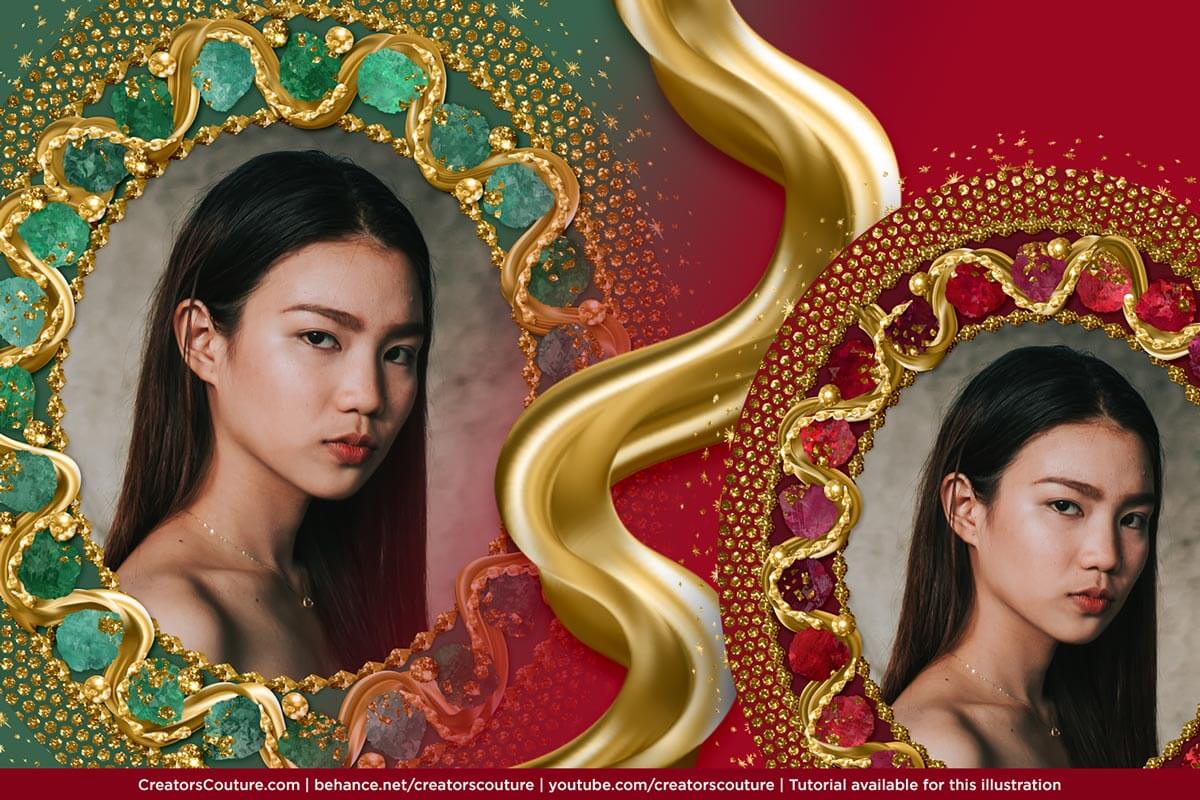
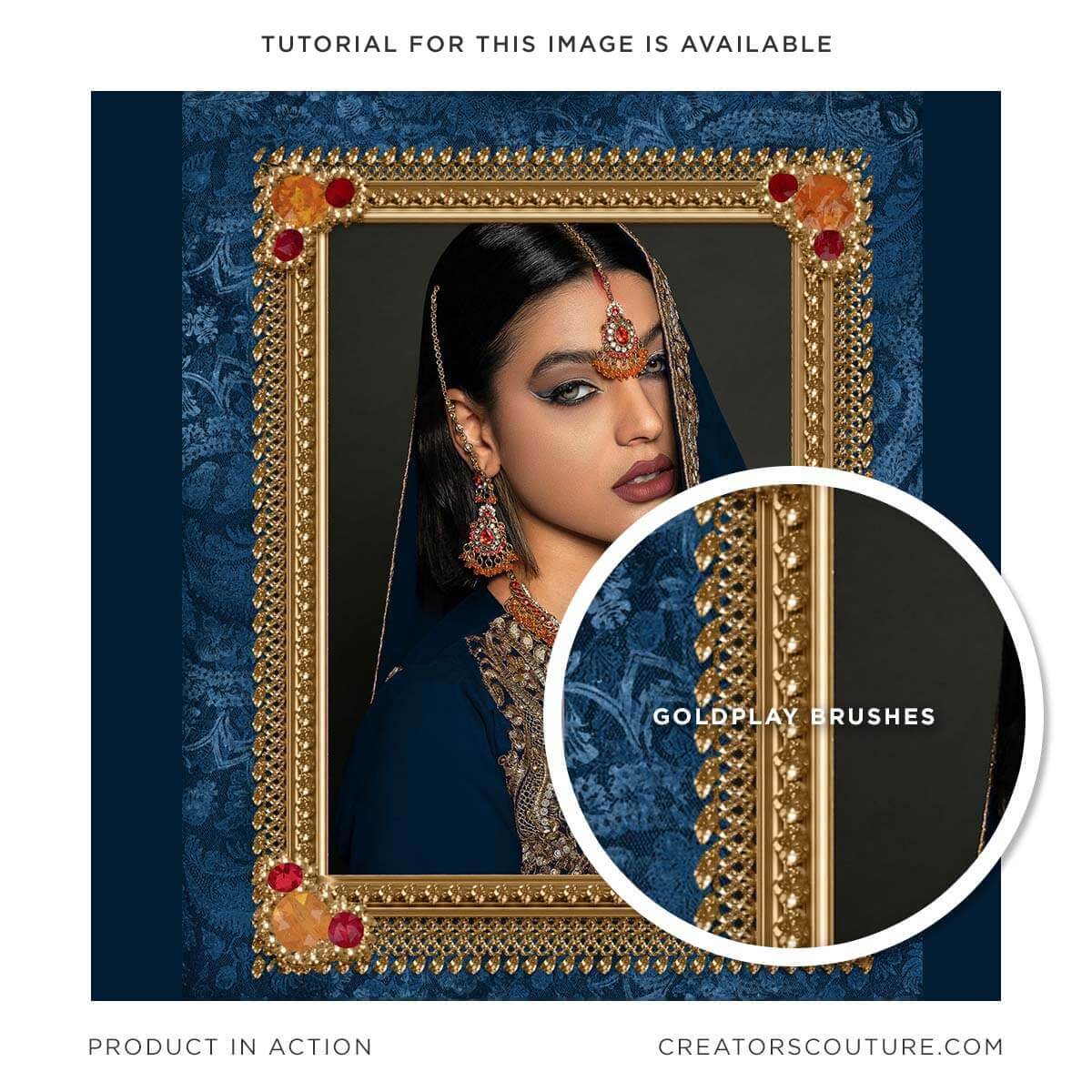
My multicolor Photoshop brushes are used by all types of creatives - both professional designers and illustrators, as well as hobbyists of all levels! Some ideas for use:

  • Digital illustrations
  • Graphic design projects
  • Surface pattern designs
  • Social media & blog graphics
  • Creative photography edits
  • Digital collage

Product License

Generous Extended Use License!

As BRUSHES, these are one of the most versatile products with a generous extended use license! You can use these for your client work, personal projects, branding and design projects, printables, etc. You can create physical items for sale such as mugs, t-shirts and posters. You can even use these if you create digital products such as illustrations, patterns and templates for sale.

CLICK HERE for the Full License Overview

View full details