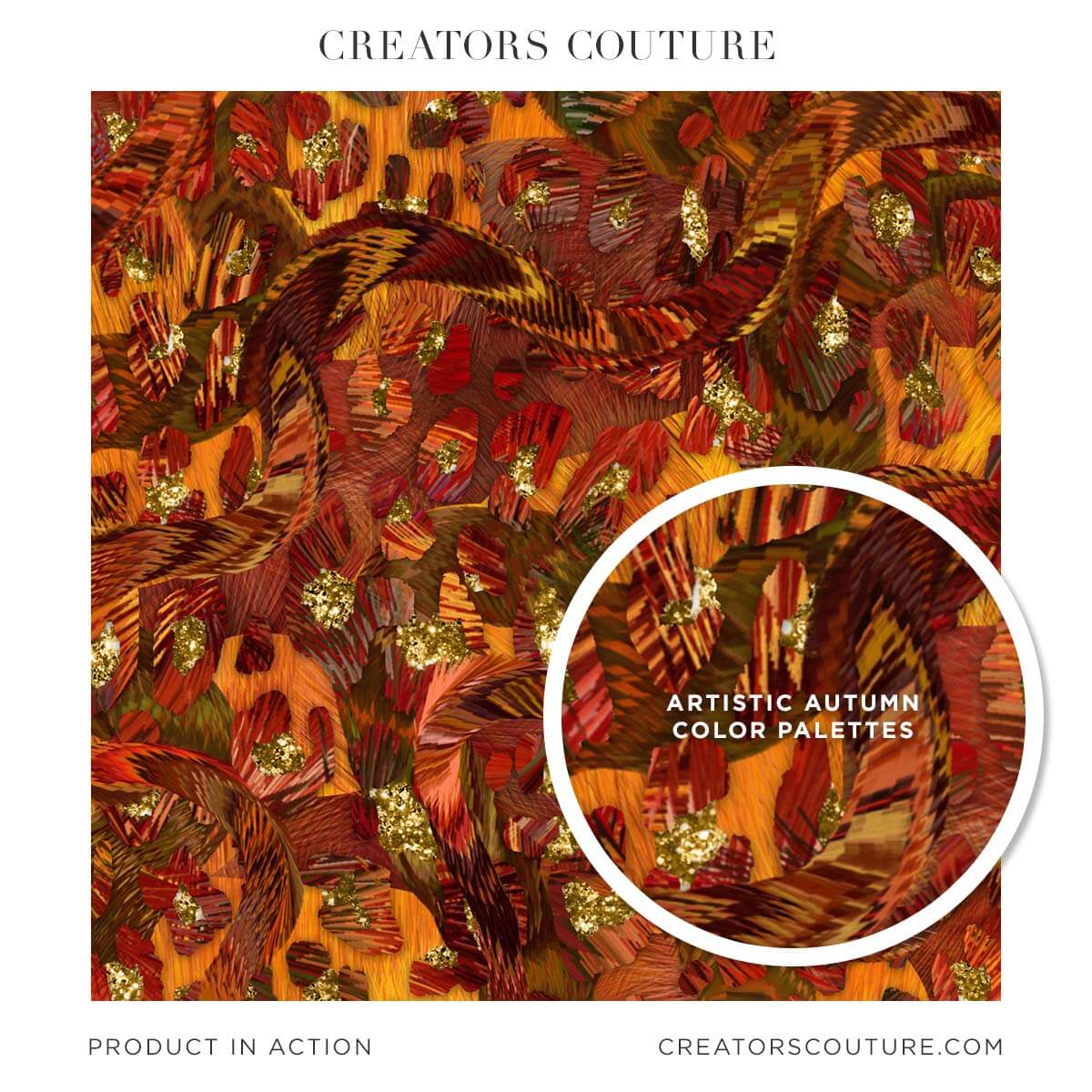
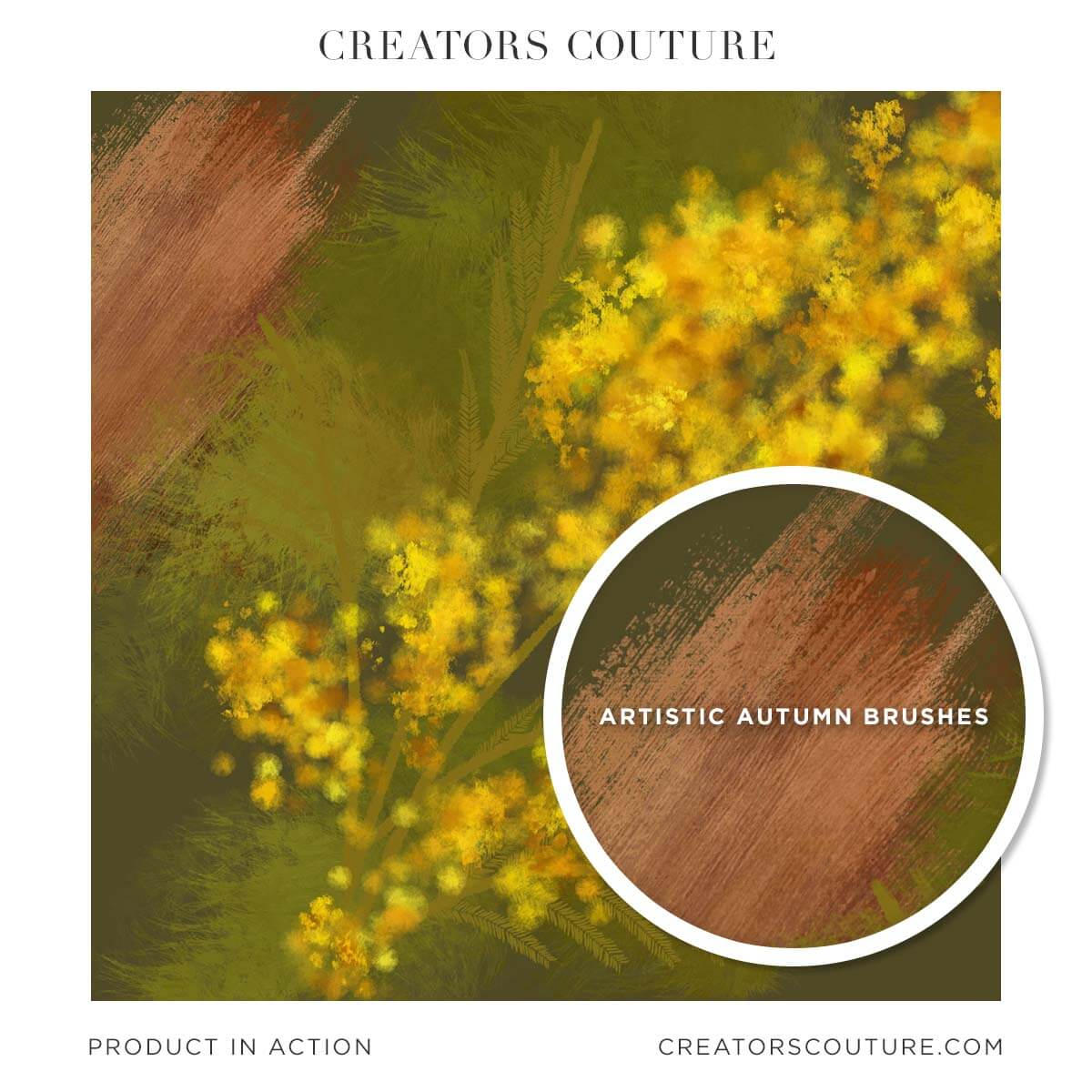
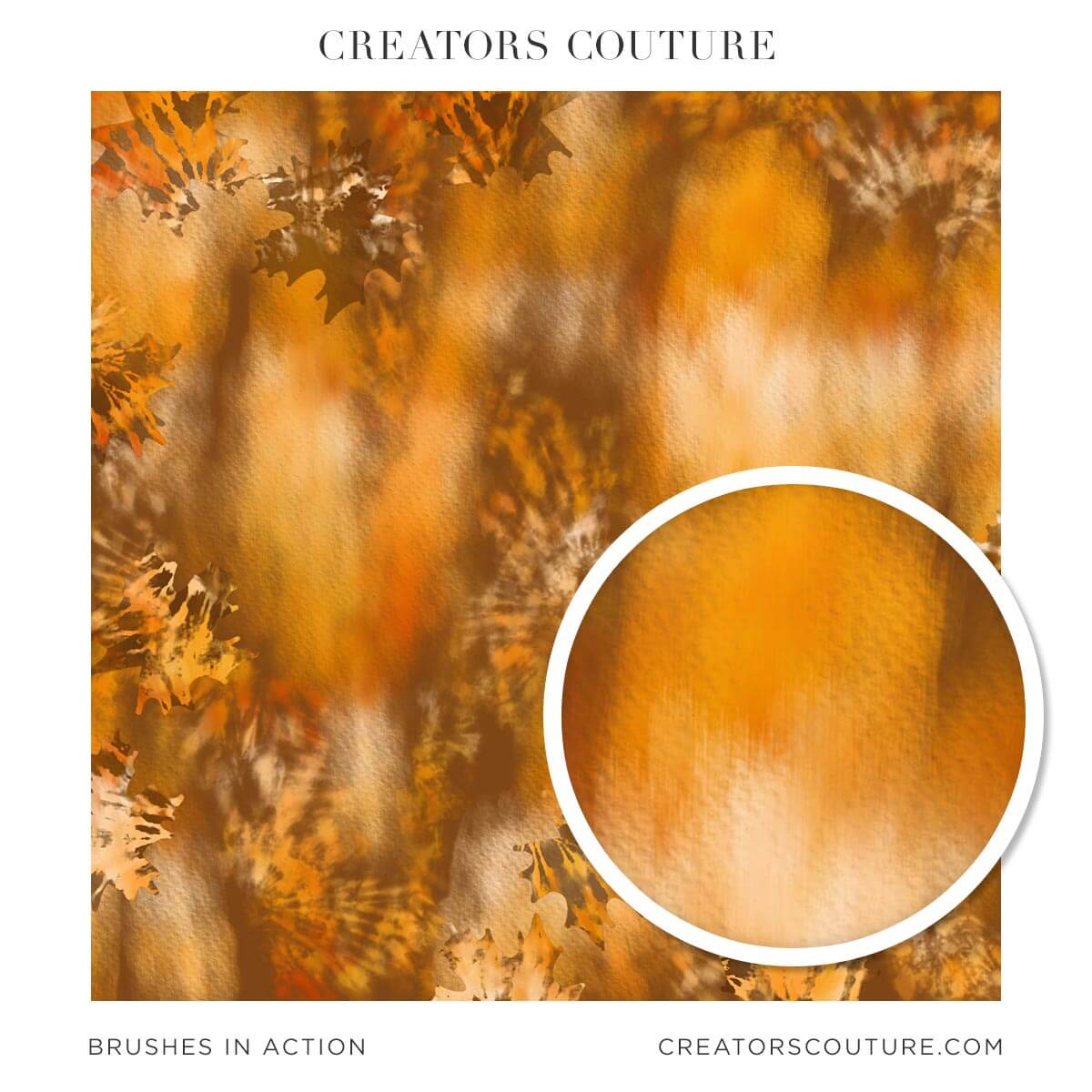
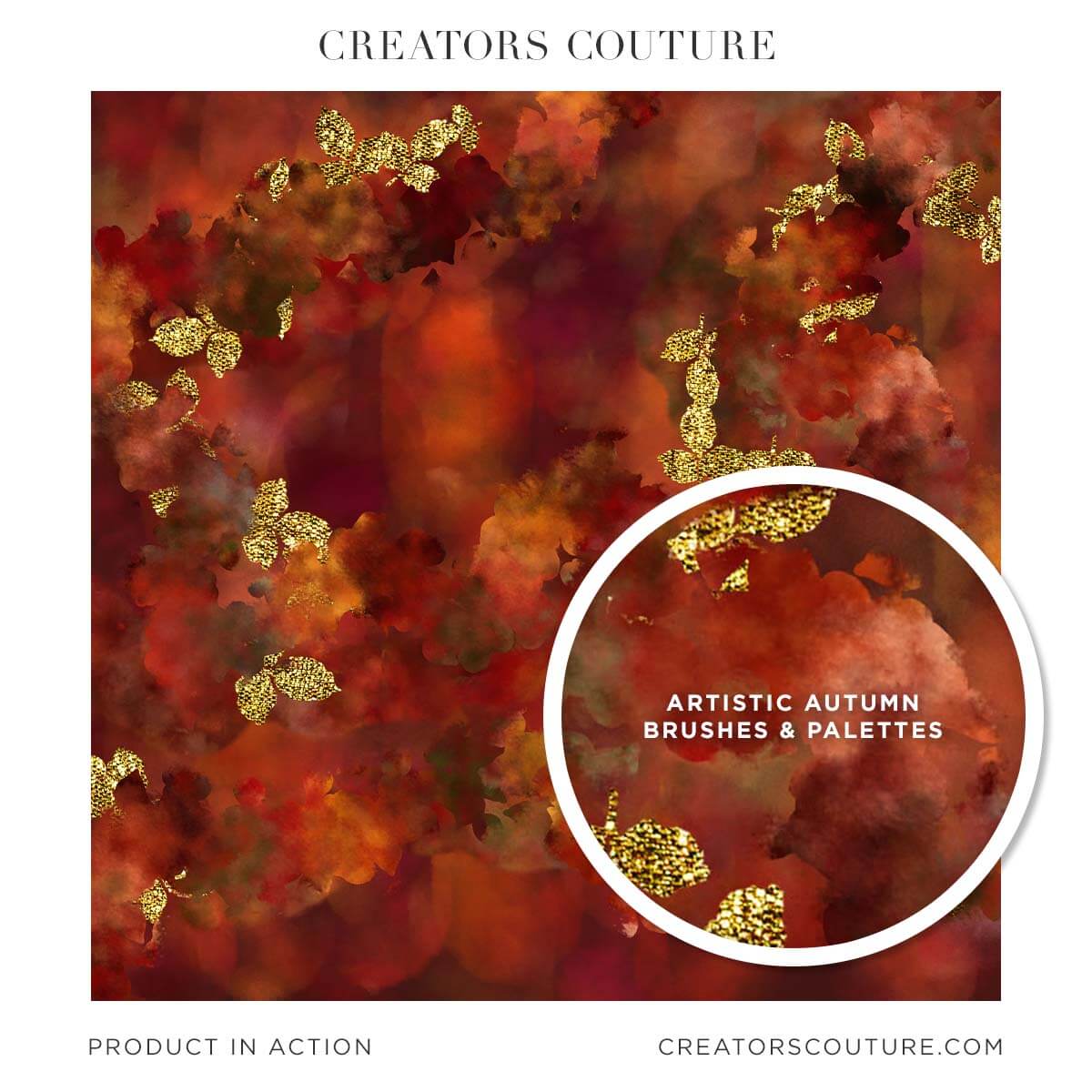
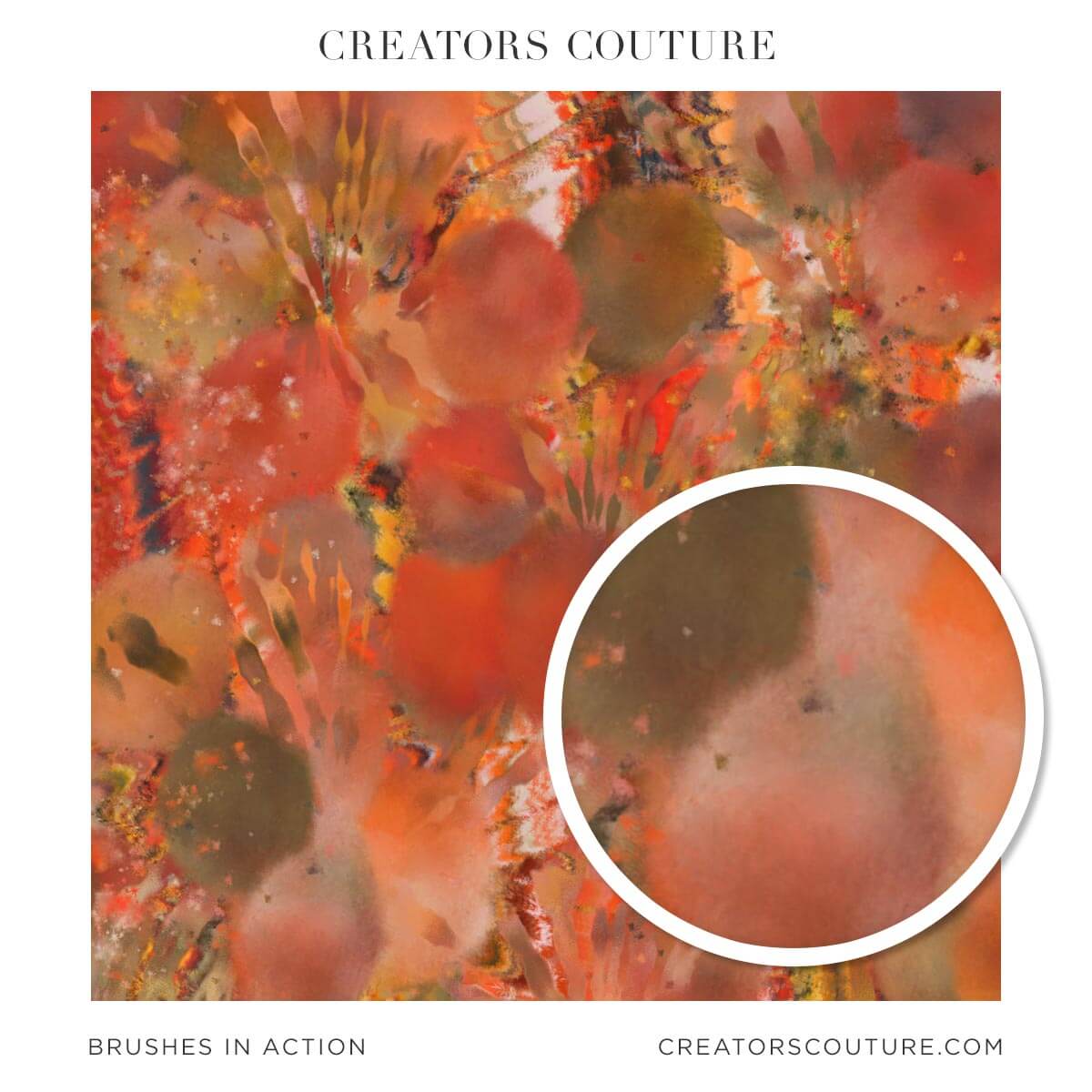
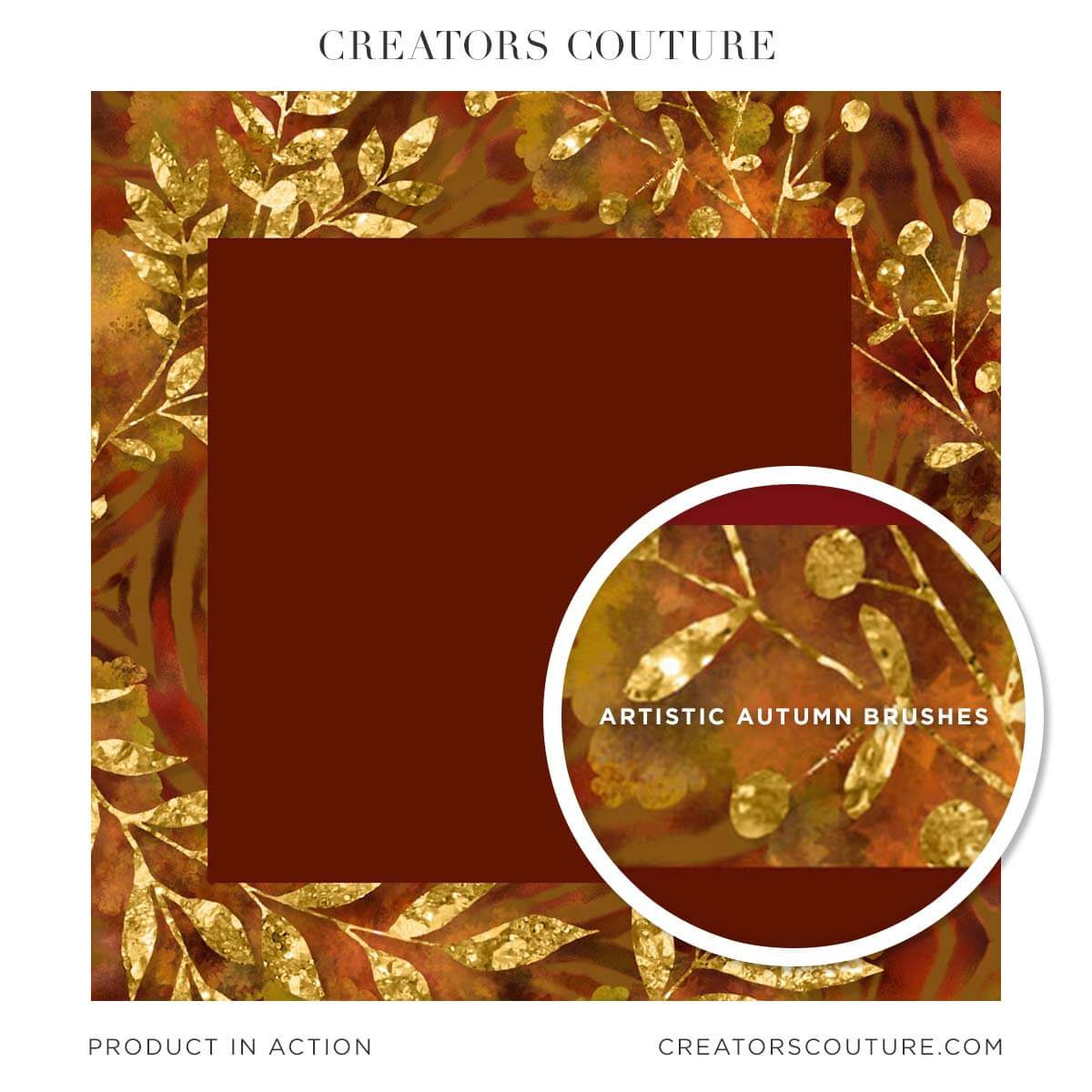
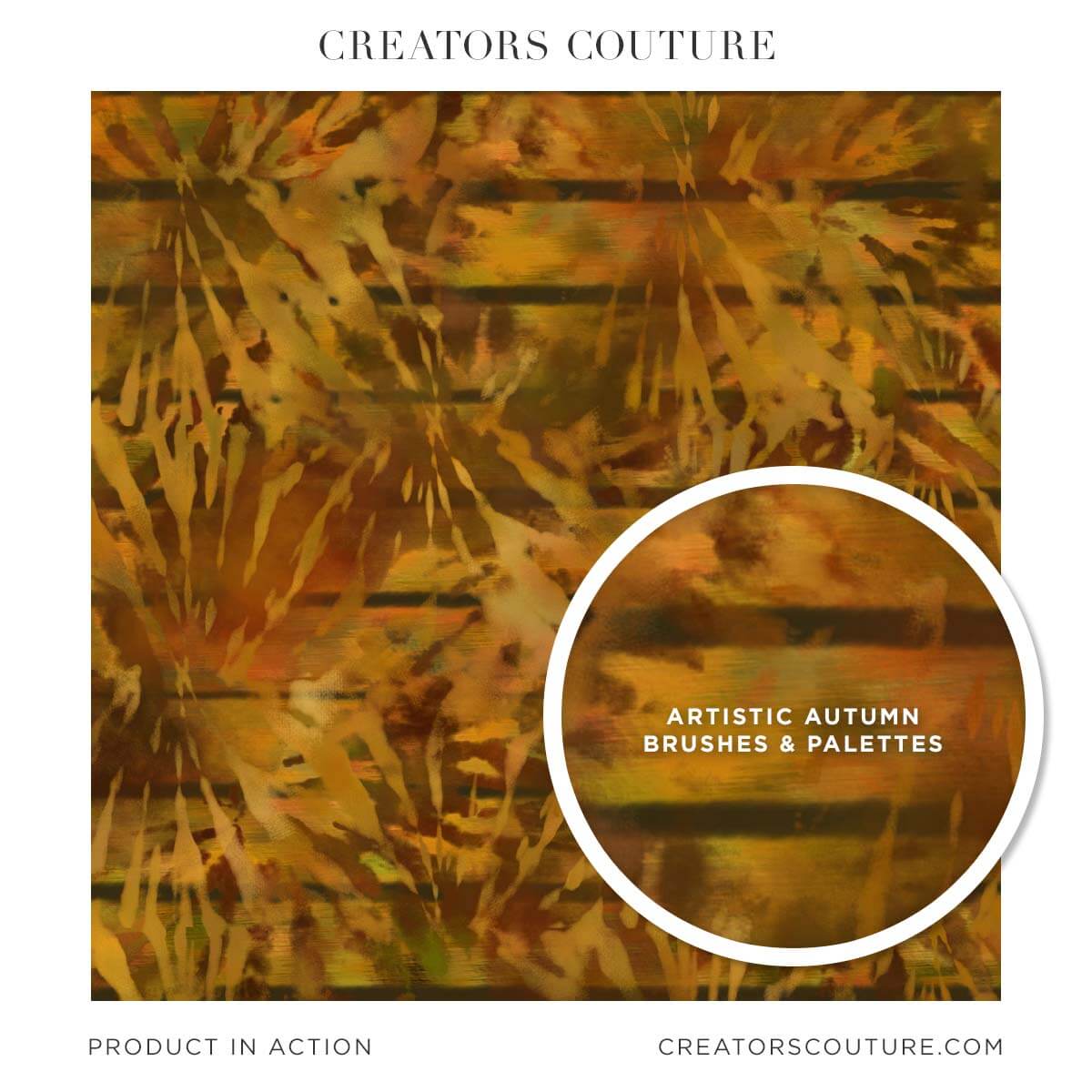
Don't let the name fool you, this is a seriously VERSATILE Brush Studio you can use ALL YEAR LONG! These brushes use my revolutionary color-blending technique that has been featured TWICE on Adobe Create!
UPDATE: I've refined the brushes to add pressure sensitivity and texture controls, which means you can apply the color-blending effect in a more subtle or bold way, depending on how much pressure you apply. The result is brush strokes that are much more versatile and REFINED!
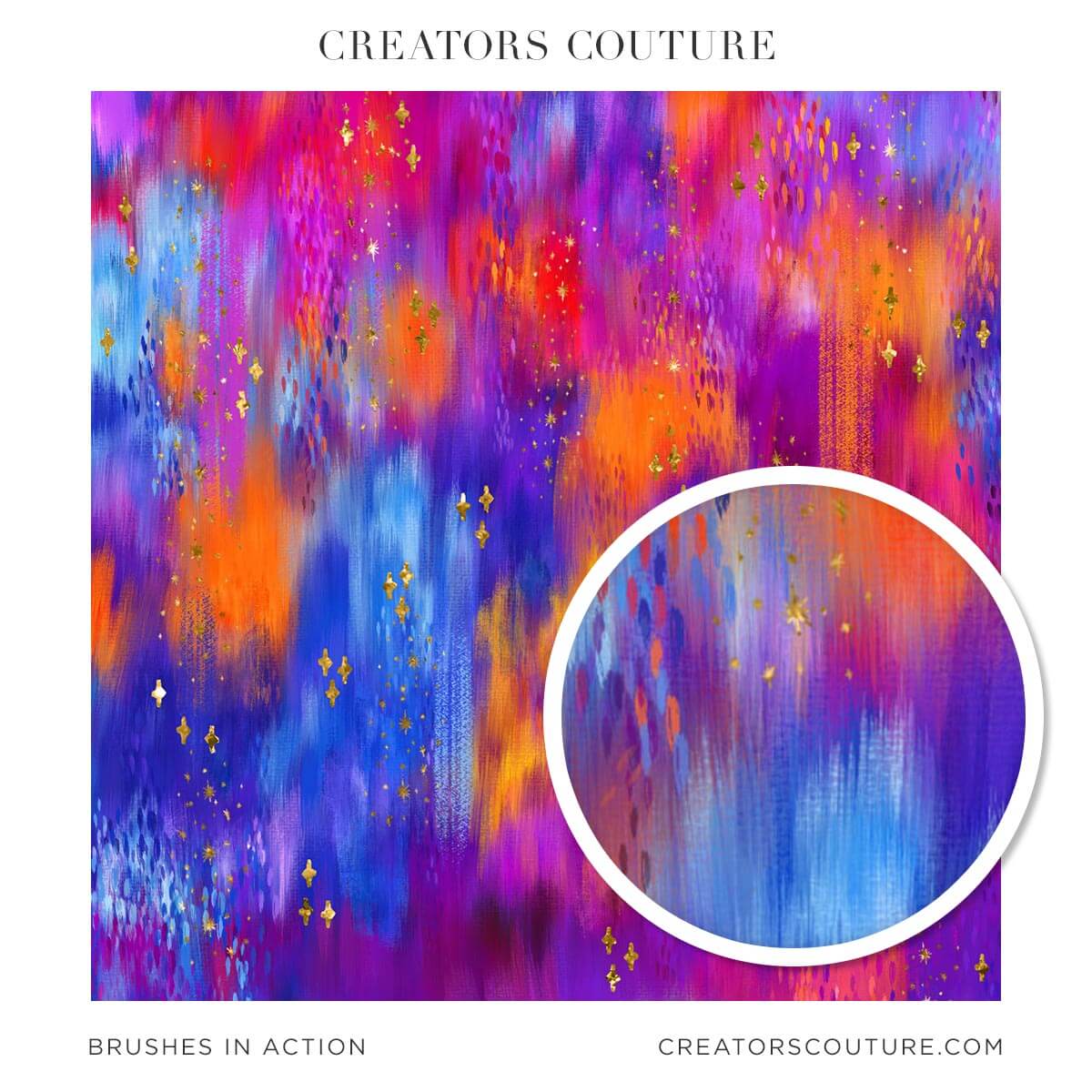
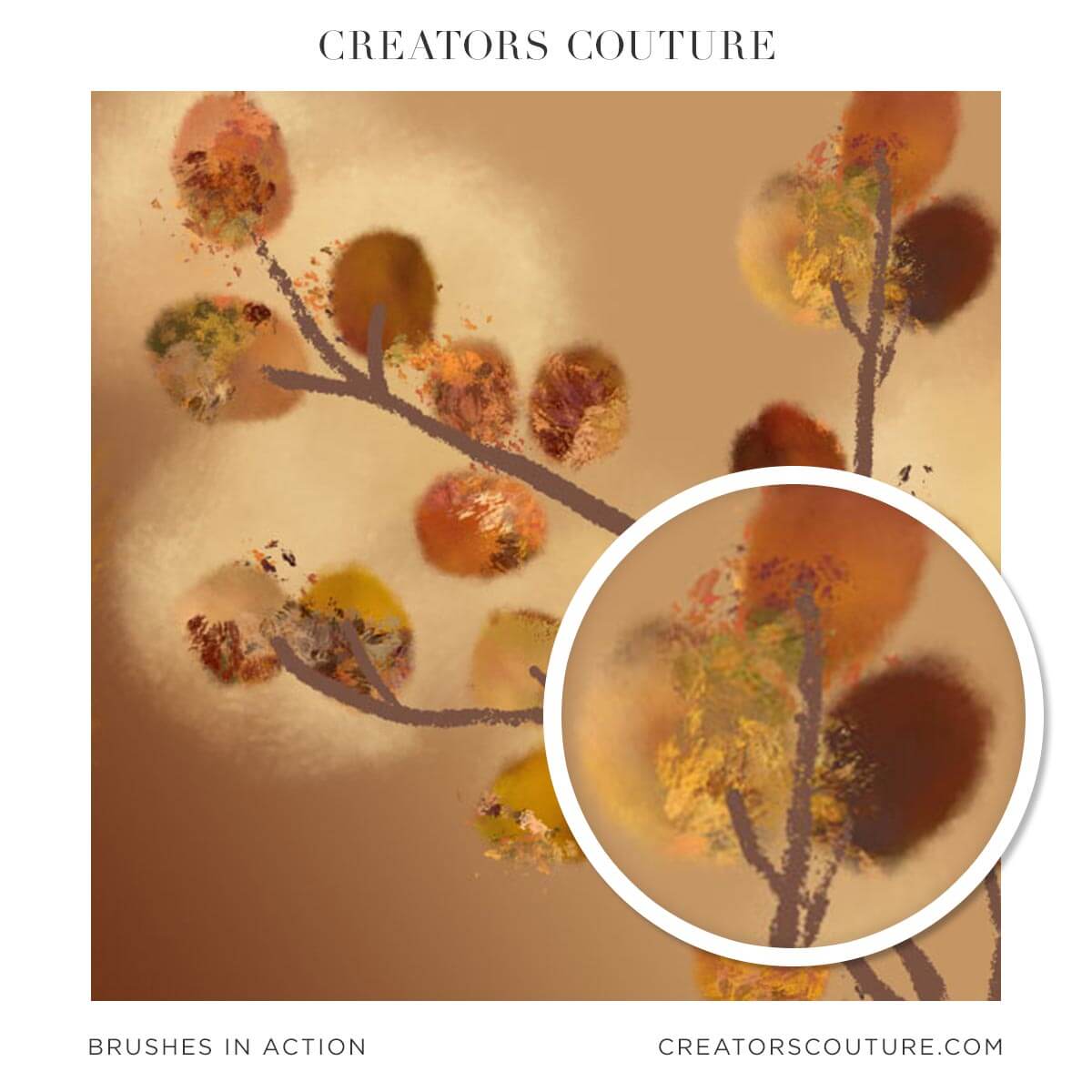
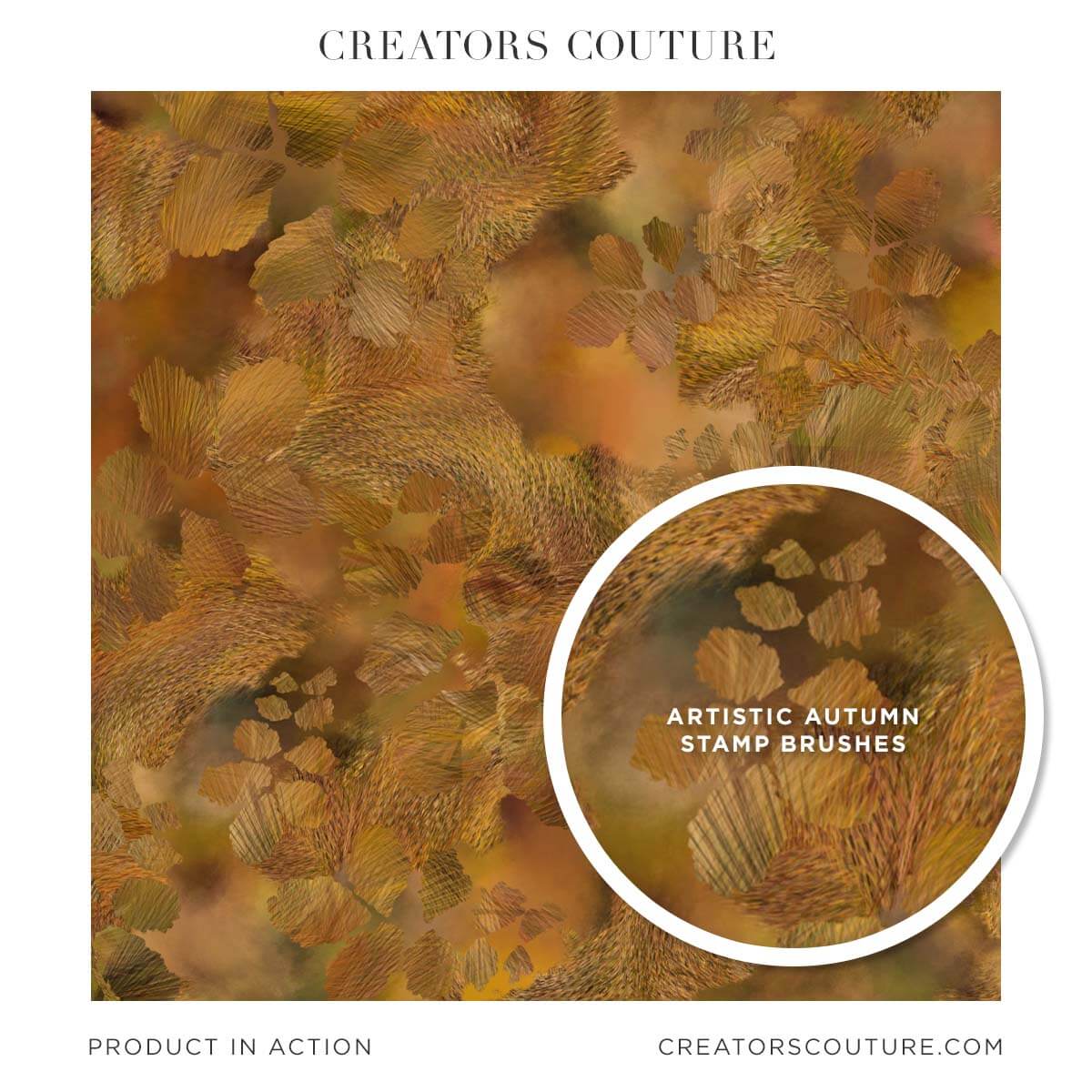
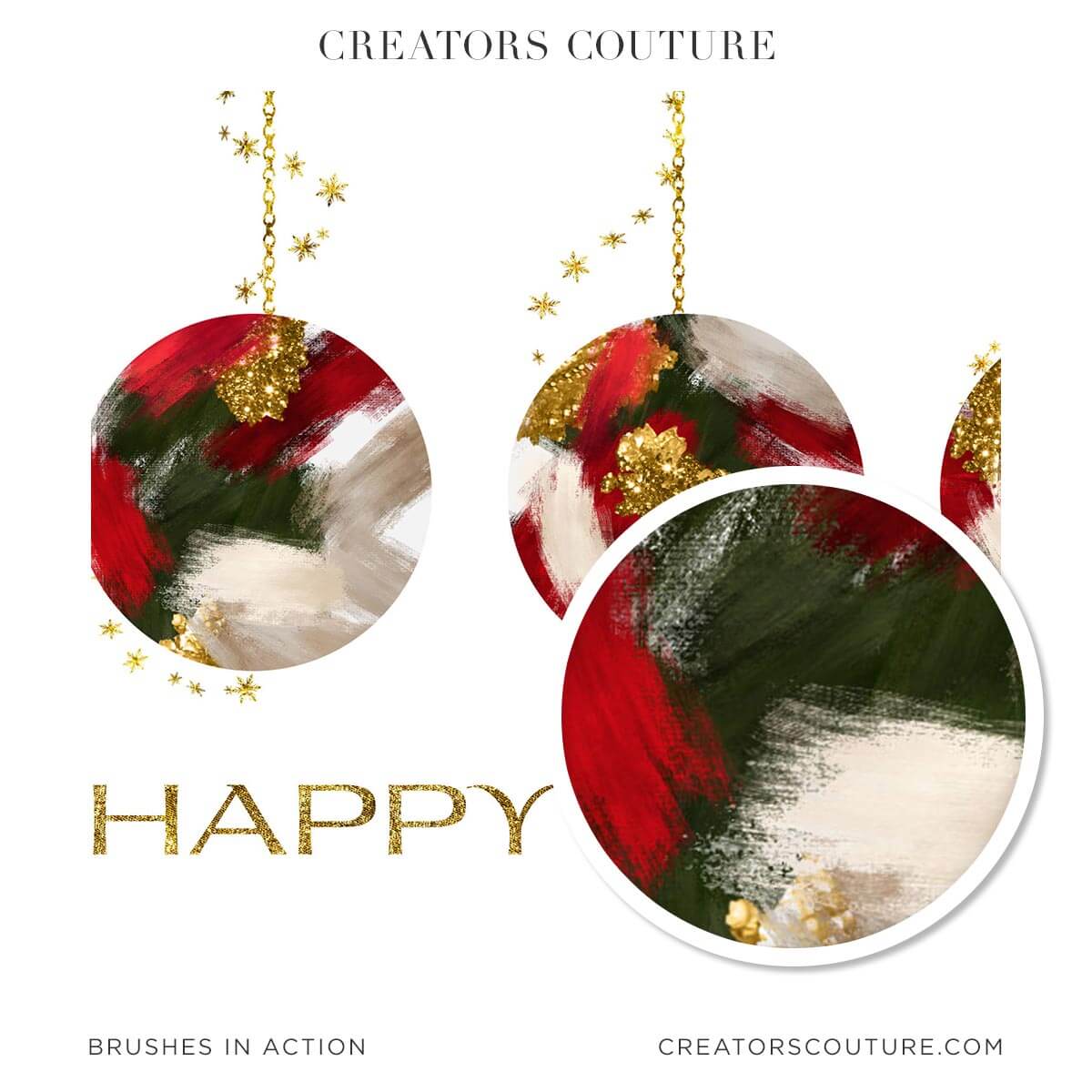
Use these artistic and autumn themed brushes to effortlessly create stunning digital papers, social media graphics, holiday designs, illustrations and MORE!
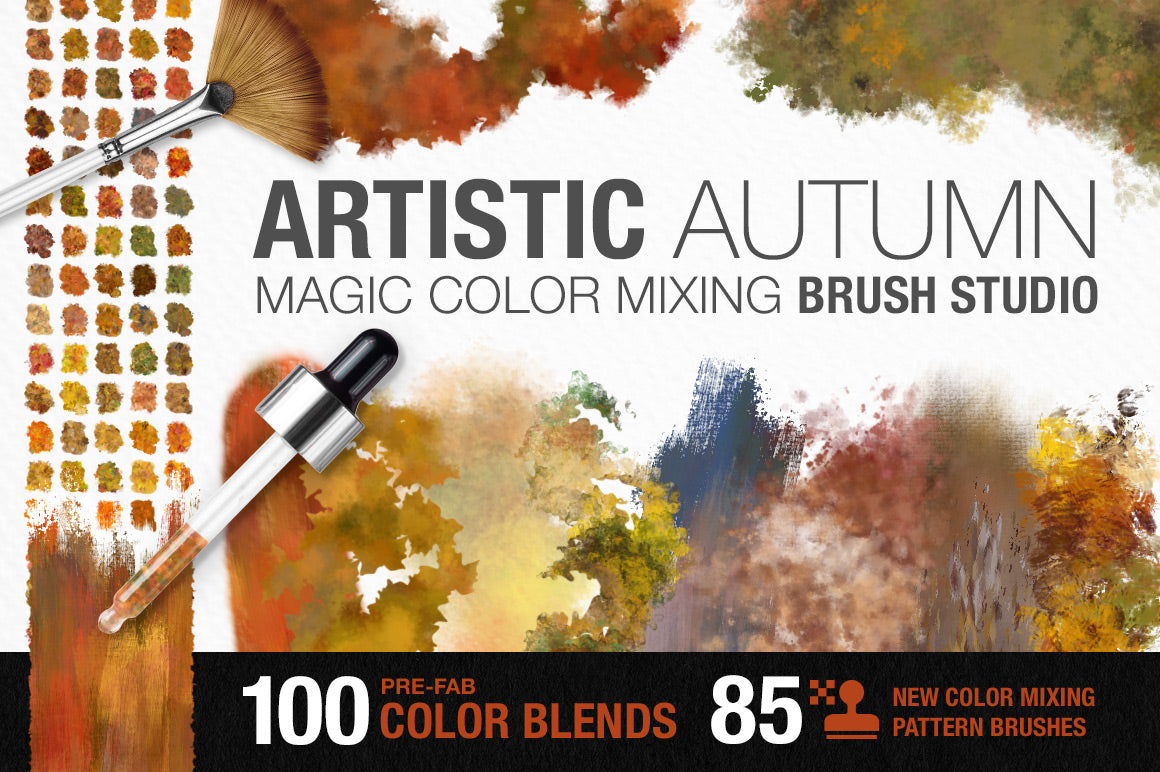
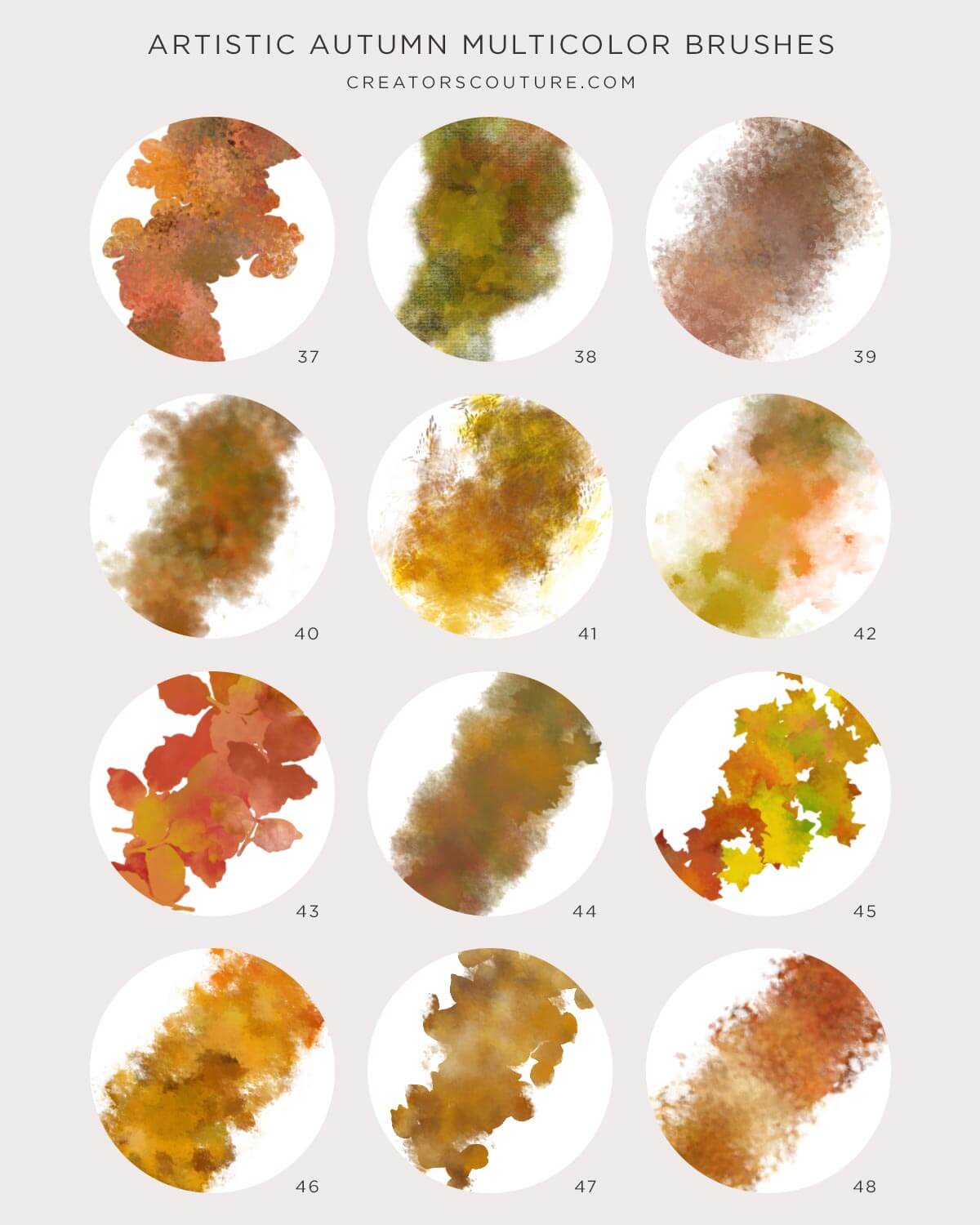
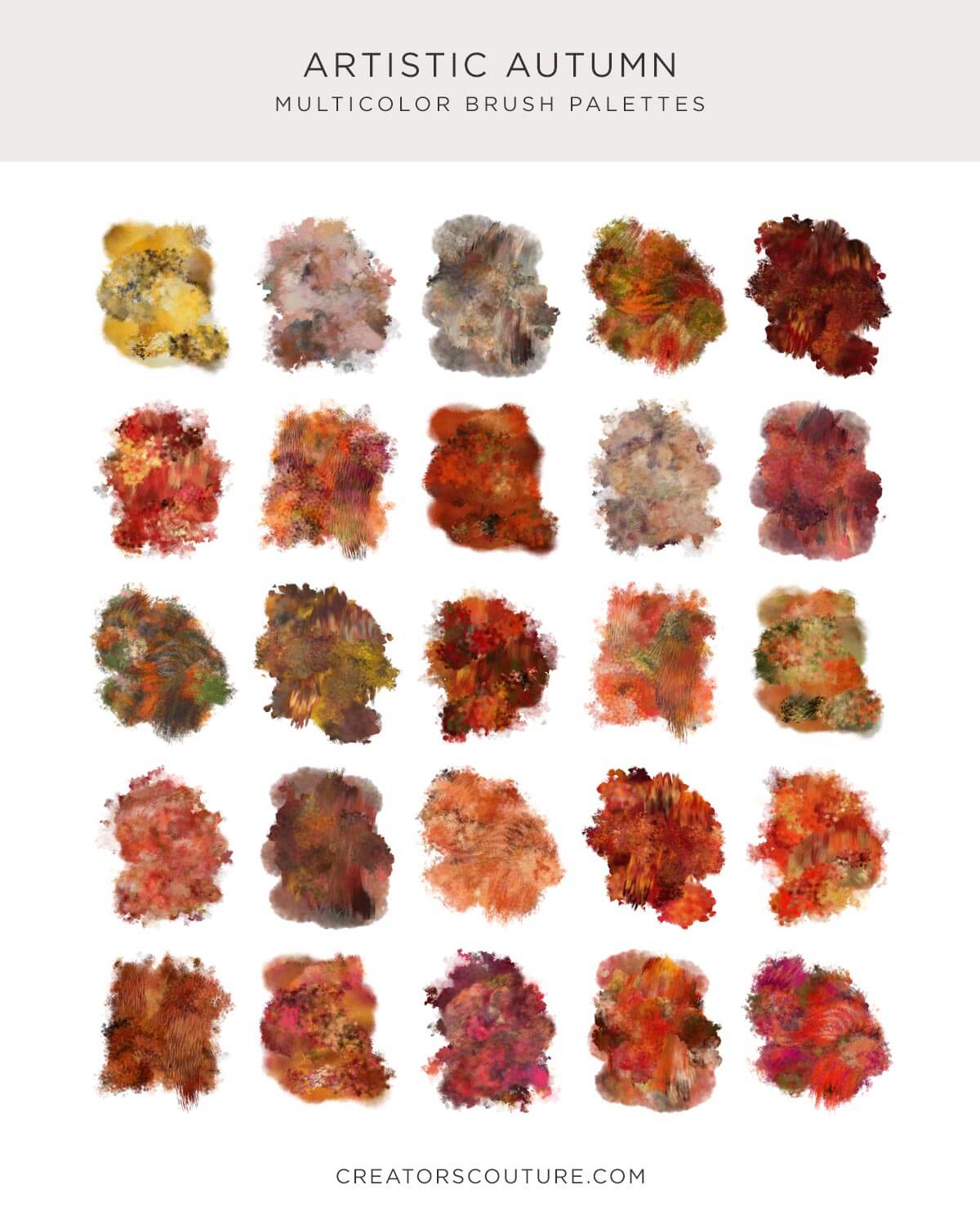
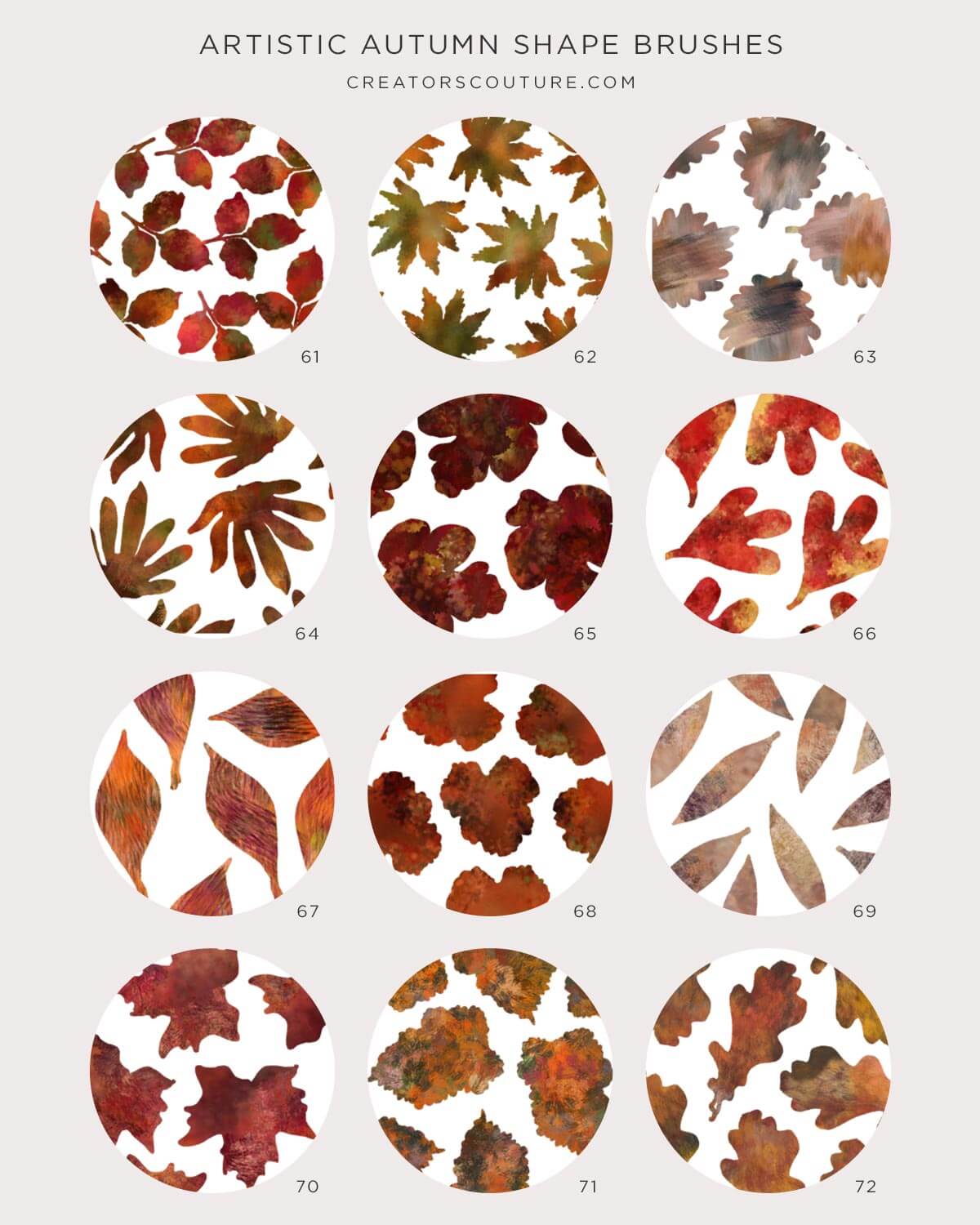
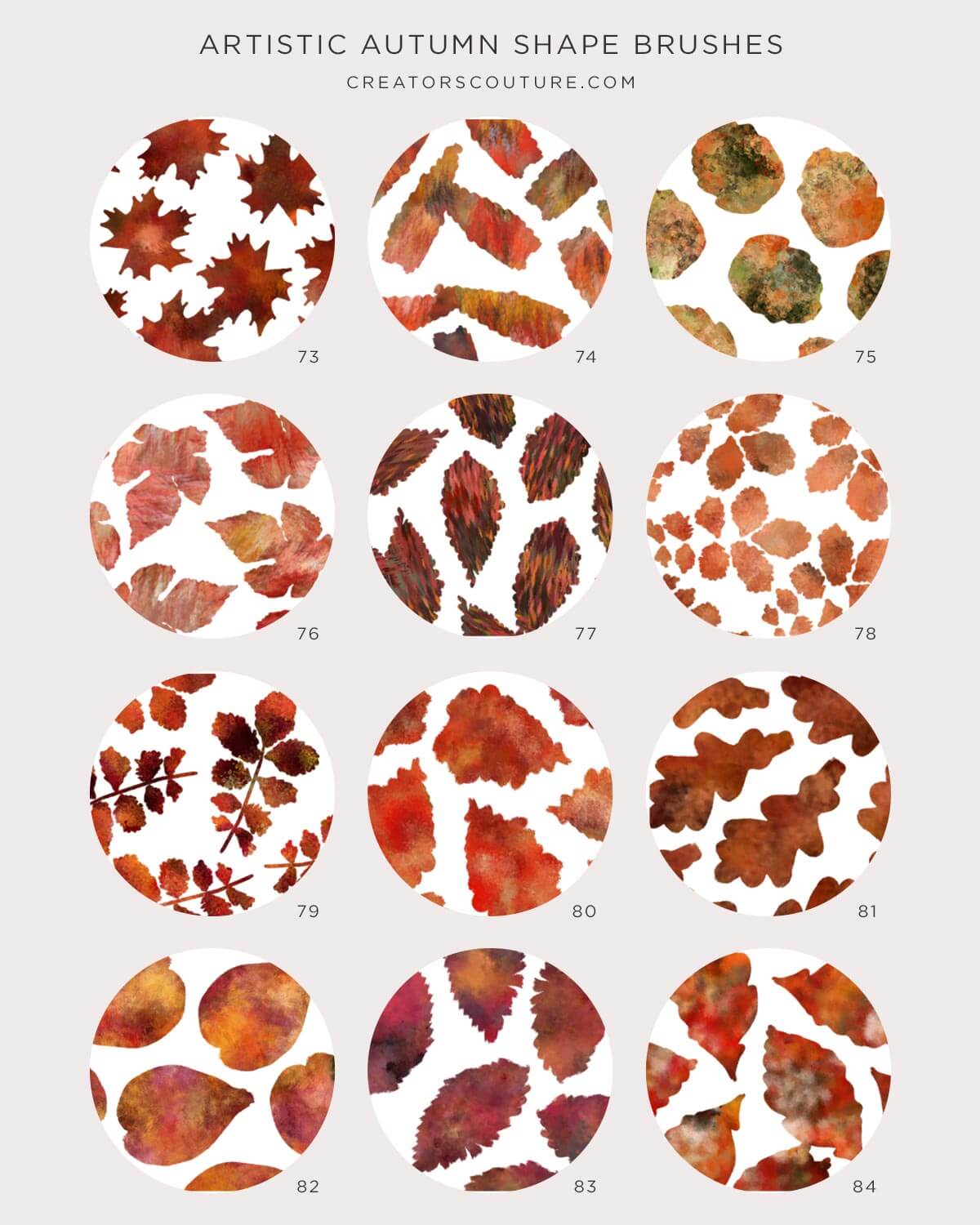
I am proud to introduce my most refined and artistic Impressionist color-mixing brush collection yet! This brush studio contains 85 ALL NEW color-mixing photoshop brushes of all shapes and styles. Not only that, there are 100 NEW color blends carefully selected from real photographs of fall foliage and flowers! These brushes and color blends are perfect for your Fall, Autumn, Halloween, and Thanksgiving designs, but thanks to the subtle and versatile brushes, you will be using this studio ALL YEAR LONG!
Don't forget you can mix and match color palettes and brushes from ALL of my Impressionist Brush + Color Blending Collections!
A Photoshop BRUSH REVOLUTION that will forever change the way you paint in Photoshop!
After discovering a NEW way to harness a little used Photoshop tool for my own illustration work, I created this REVOLUTIONARY NEW SYSTEM of Color Mixing Pattern Brushes and PreFAB Color Blends! Whether you are a print designer, web designer, illustrator or hobbyist, this BRUSH SYSTEM will revolutionize the way you BRUSH AND PAINT in Photoshop!
The Artistic Autumn Color Mixing PATTERN Brush Studio contains:
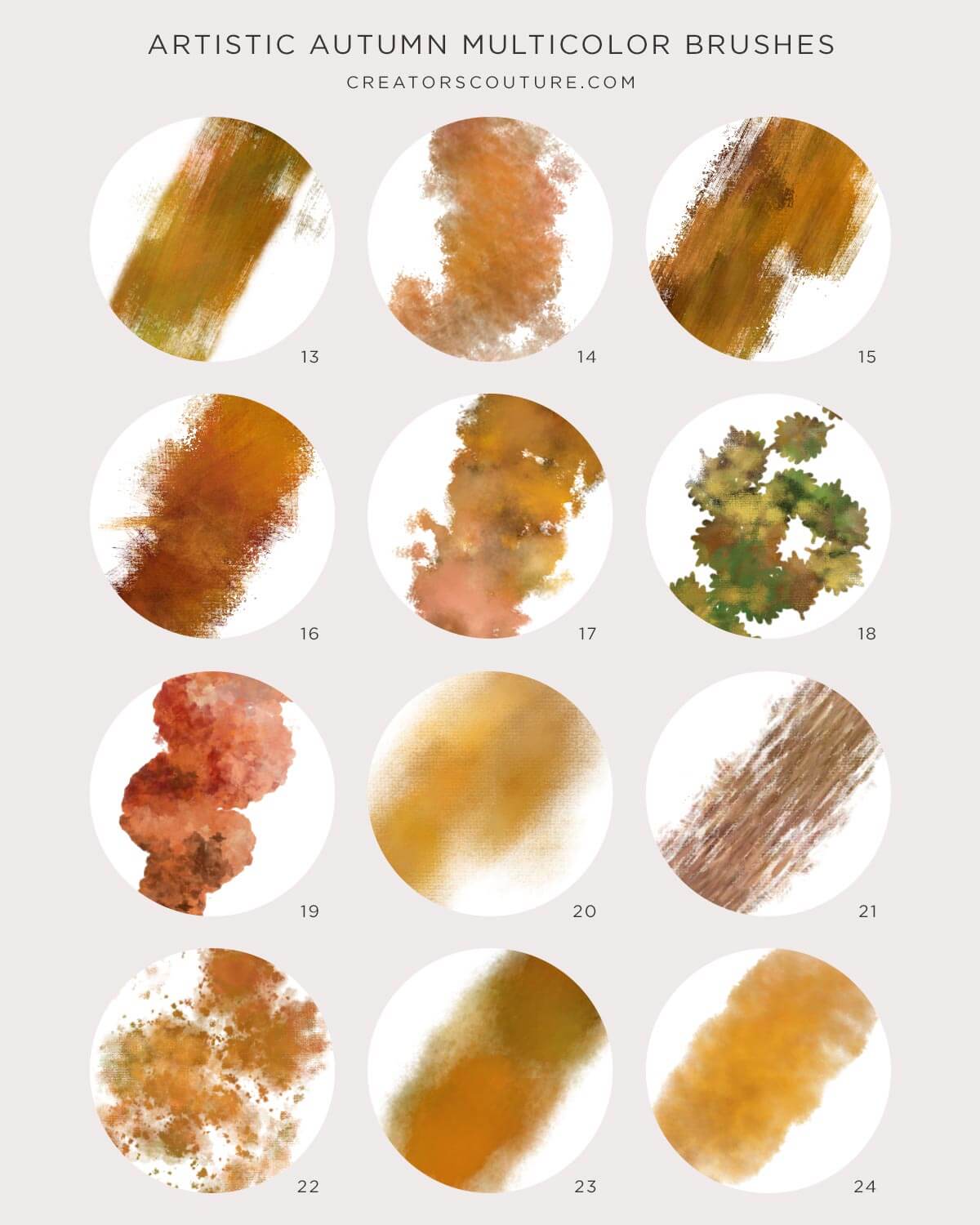
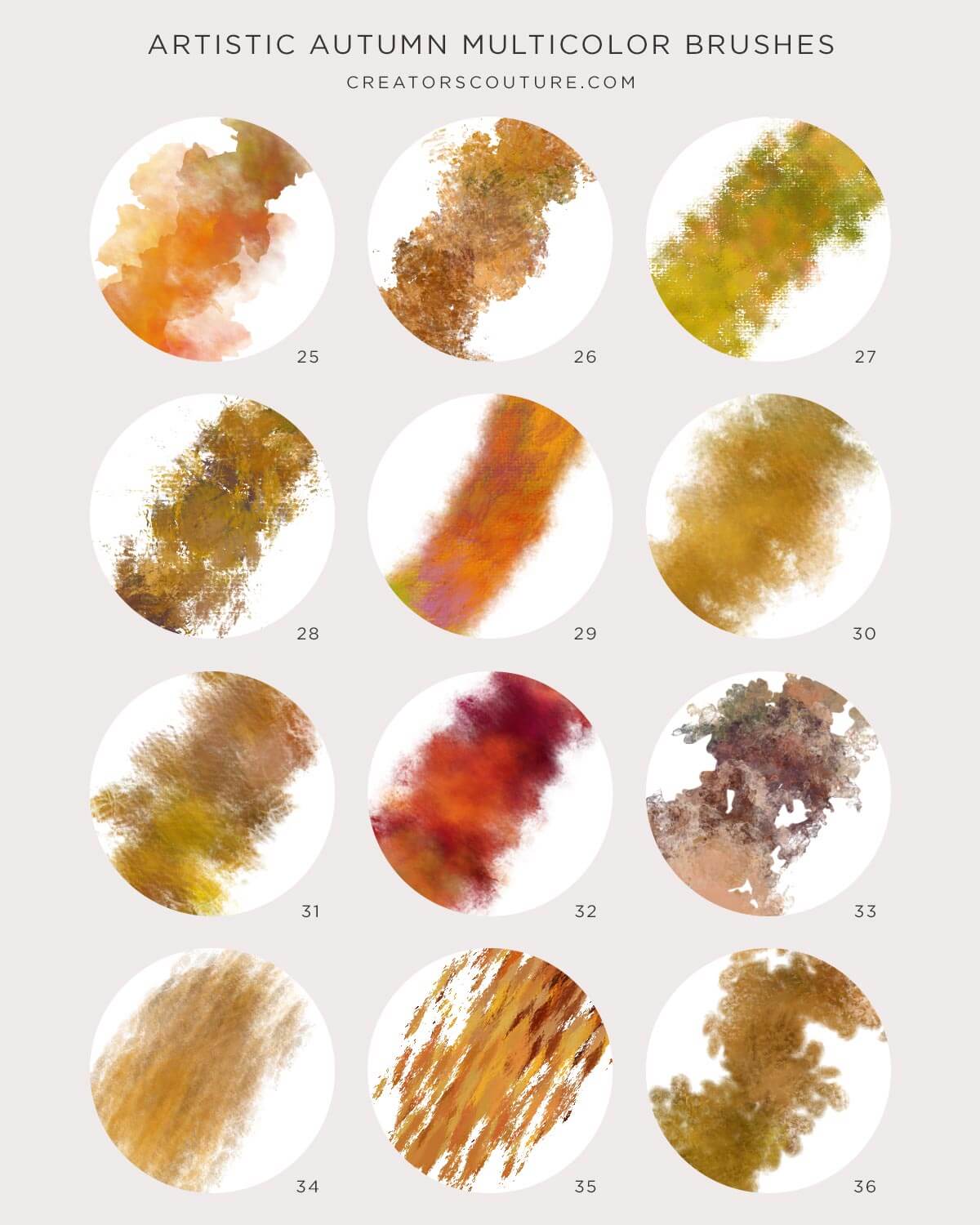
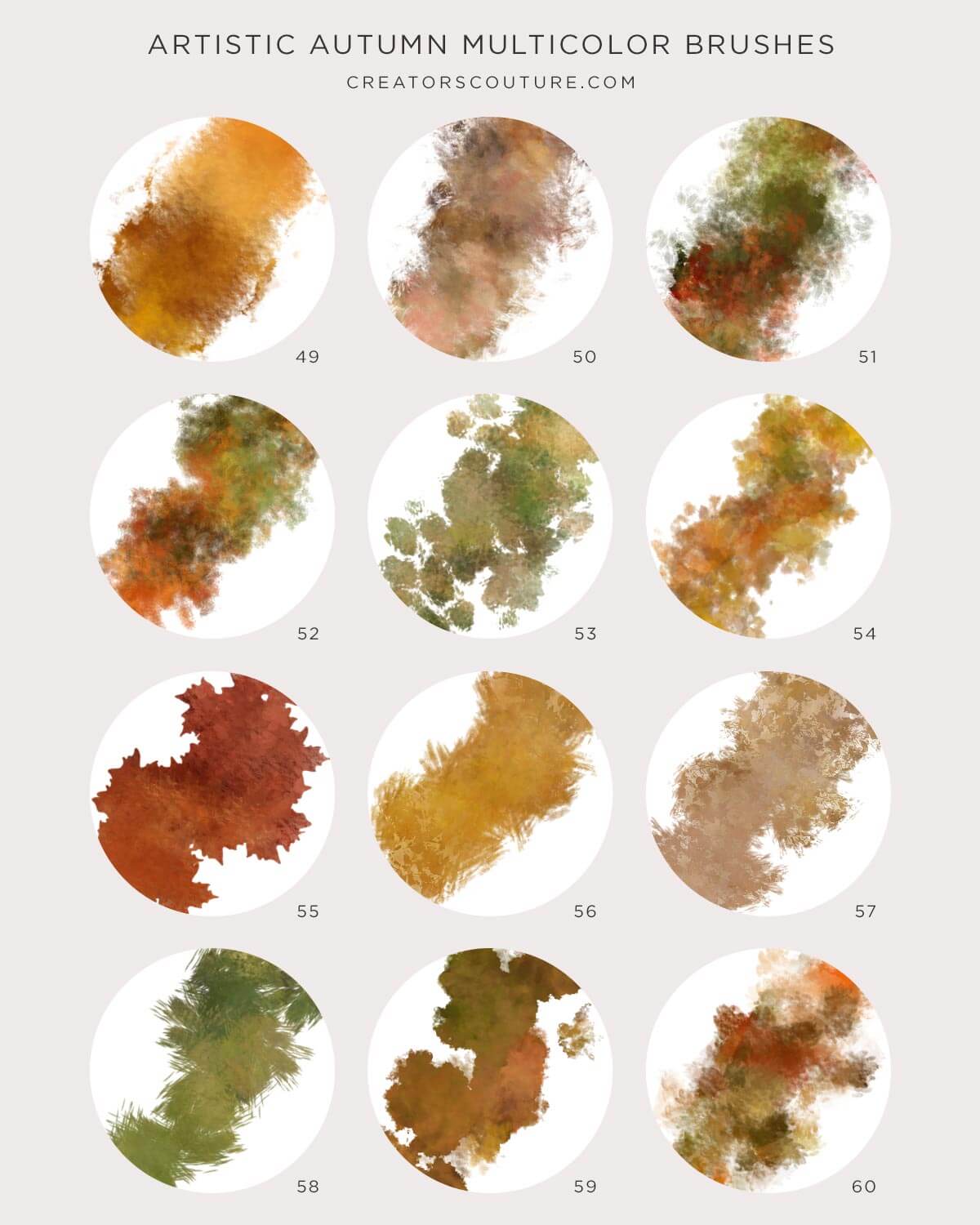
85 Color Mixing Pattern Brushes
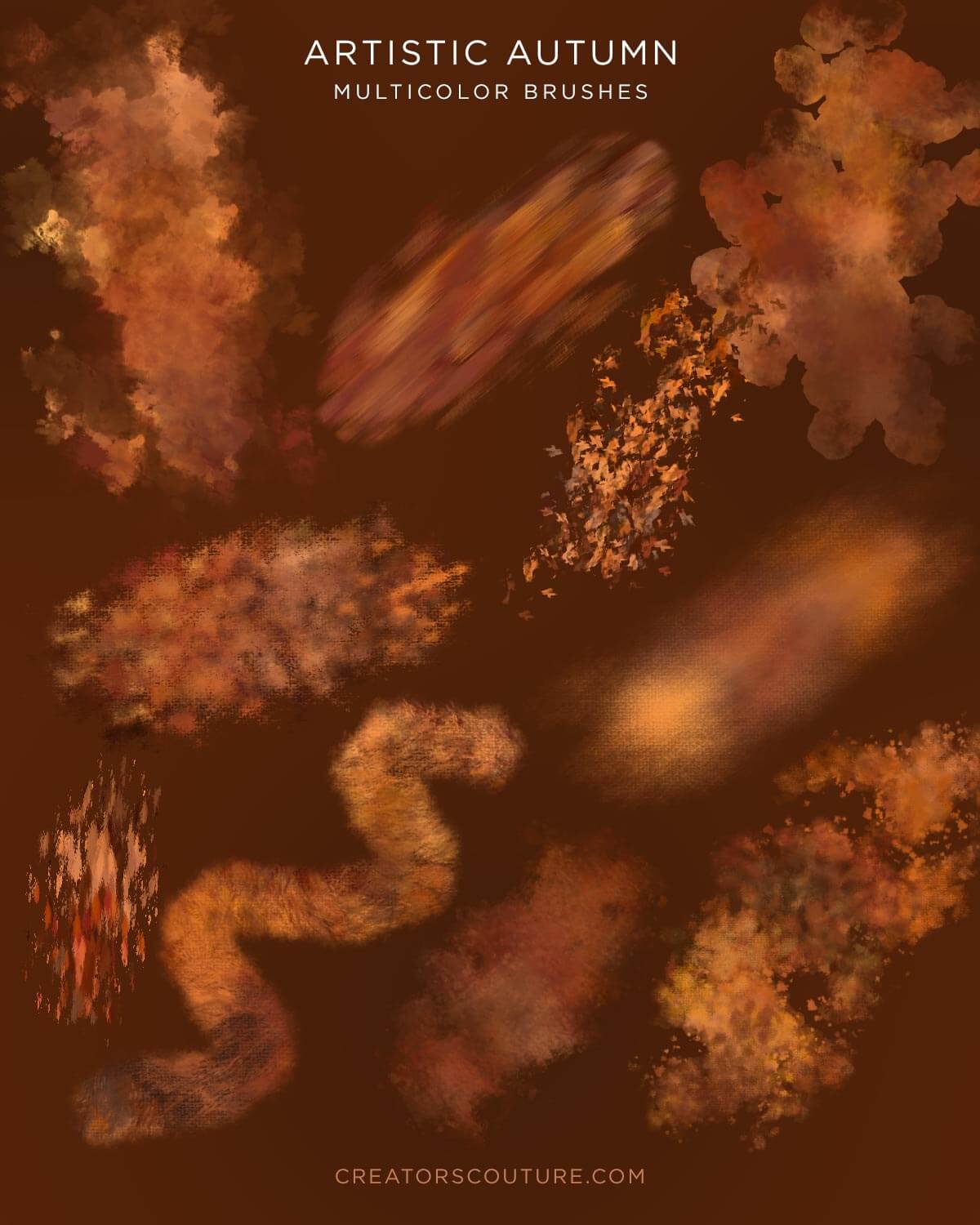
Carefully tuned Photoshop Brushes saved as a Pattern Stamp Tool Preset, so you are ready to pick up your brush and START PLAYING. These finely crafted brushes are designed to blend the PreFAB Color Blends in beautiful and different ways, each brush is different and versatile!
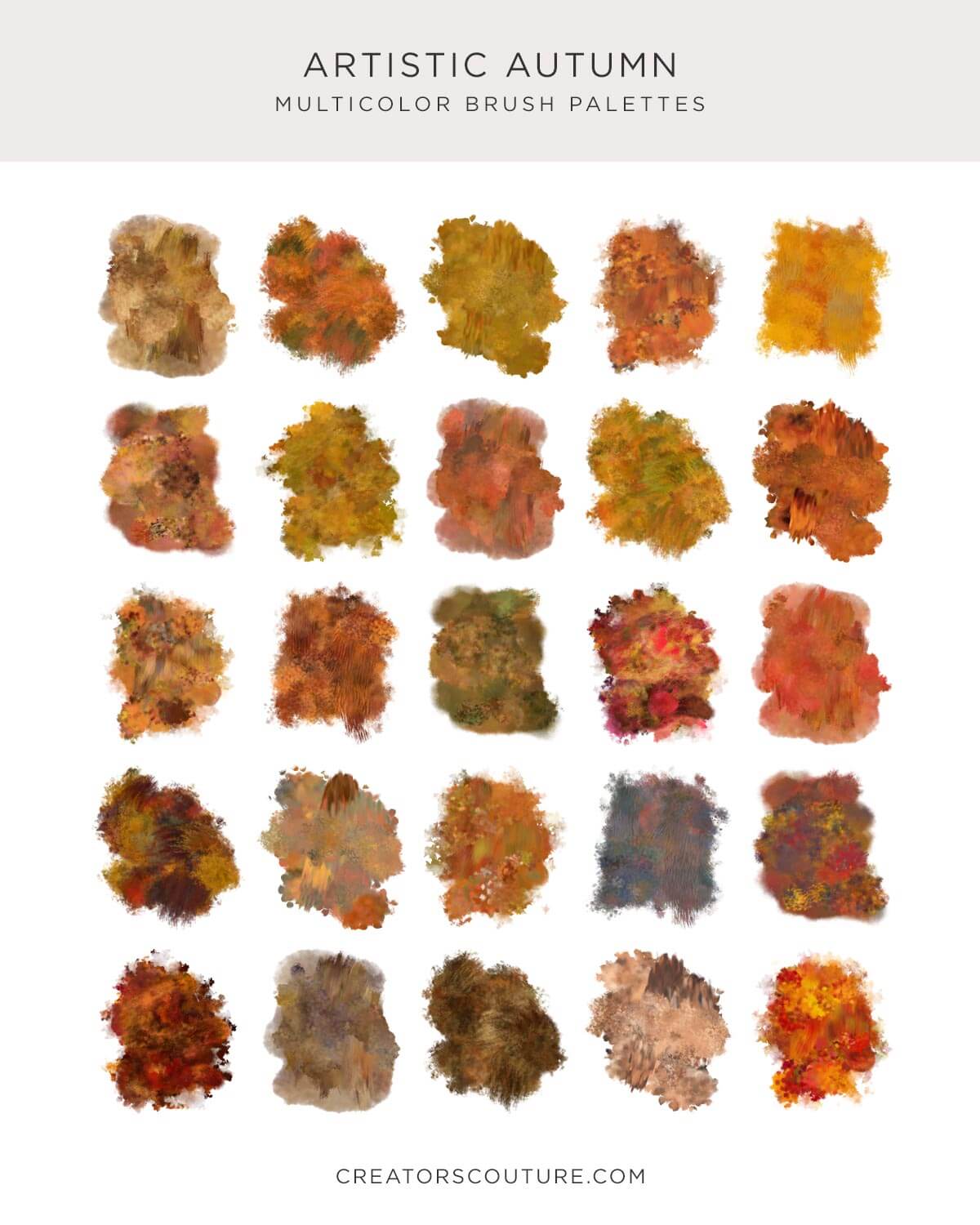
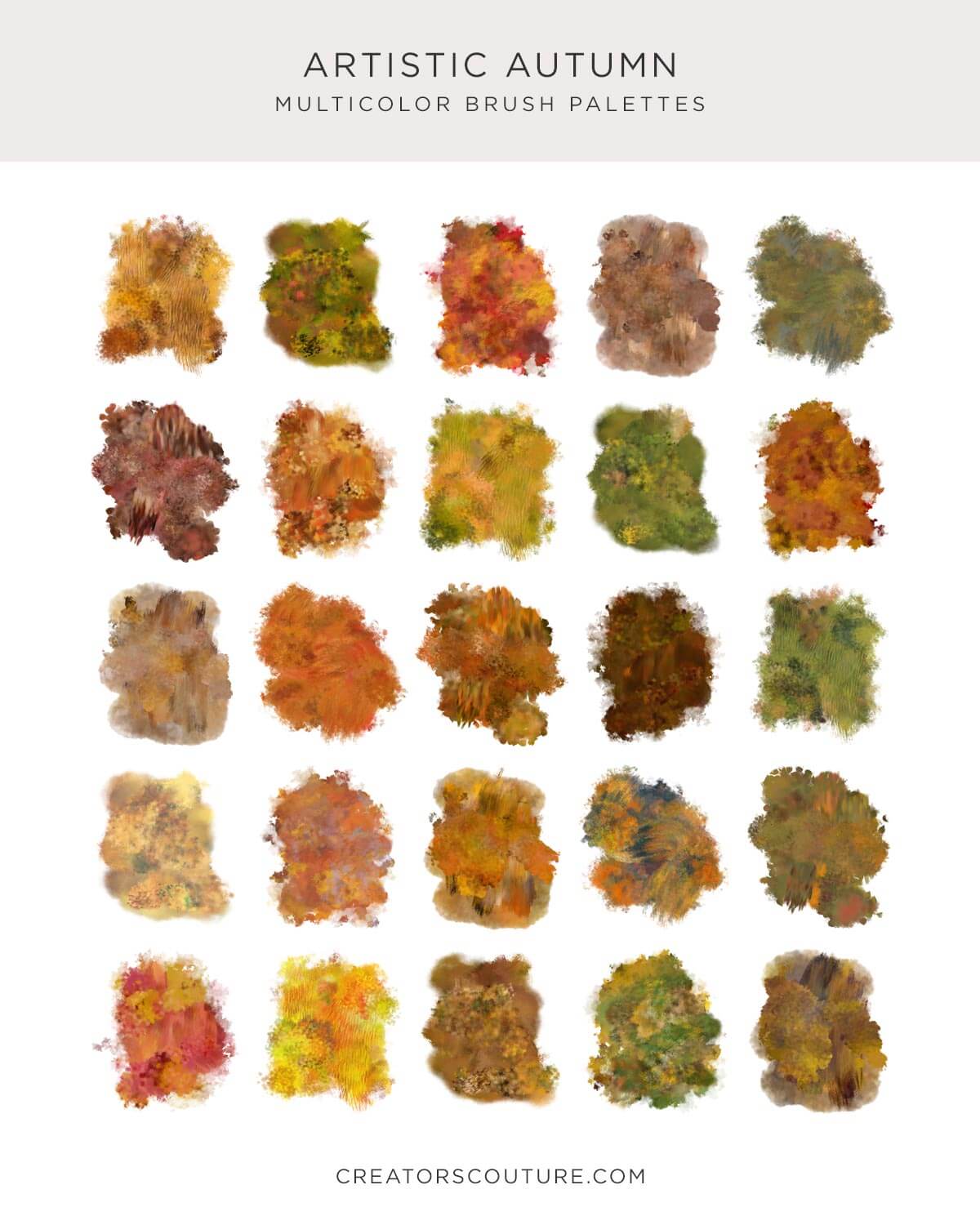
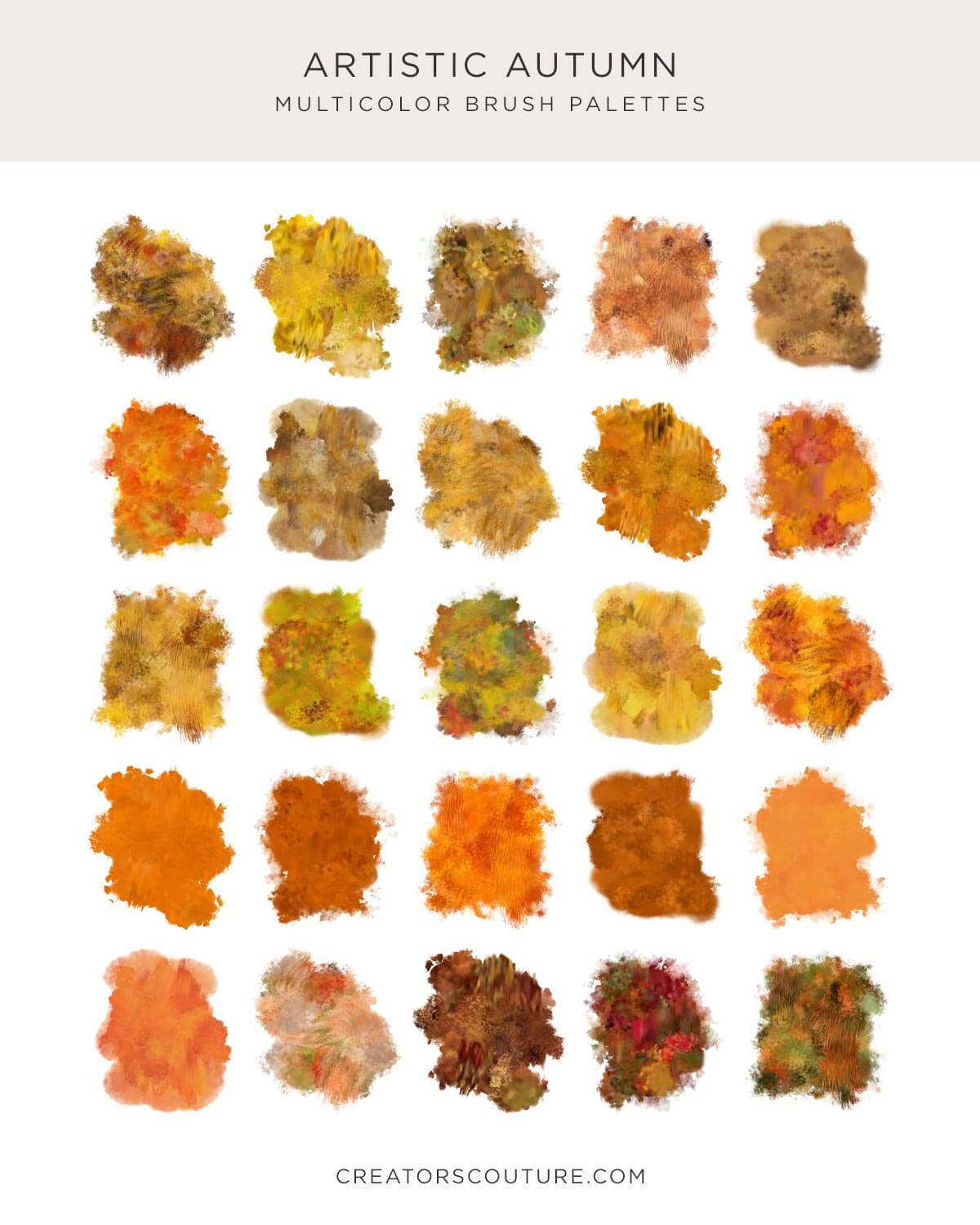
100 Pre-FAB Color Blends
I’ve spent MONTHS creating and fine-tuning these pre-blended color mixes, so that you can just pick a palette and start playing and painting in gorgeous blended colors. No MIXING required!
Video Tutorial ☞ Watch the tutorial on Youtube
There’s really no learning curve to use these brushes. You simply load them up, along with the patterns and start PLAYING. However, there is an exclusive tutorial for those who might not be familiar with loading brushes and patterns.
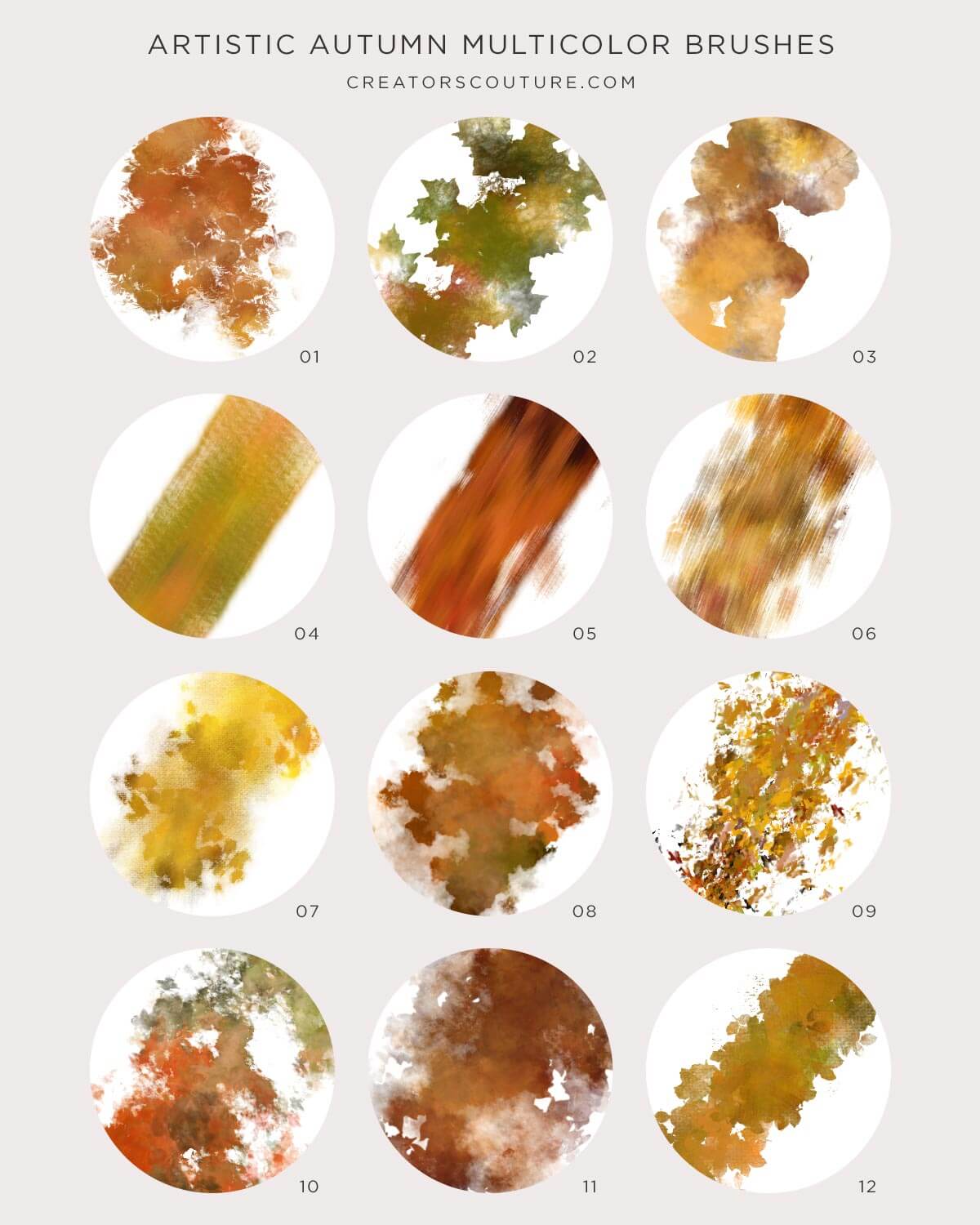
Reference Charts:
Handy labeled and organized JPEG charts with all of the brush strokes and color blends
Product REQUIREMENTS:
I recommend having Photoshop CS6+, CS5+ is the minimum requirement. I also highly recommend using these brushes with a graphics tablet such as a Wacom for maximum versatility. If you use a mouse, they will work just fine, but you won’t be able to get the thick to thin strokes on some of the brushes.
Ideas for Use:
- Instantly add multi-color strokes to your illustrations
- Create digital papers for sale
- Social Media Graphics
- Create templates for sale
- The list is endless... for more ideas, subscribe to my Youtube, and follow me on Instagram!
Generous Extended Use License: See the easy license page for a few common sense guidelines about creating items for sale!
Have a question? Send me a message!