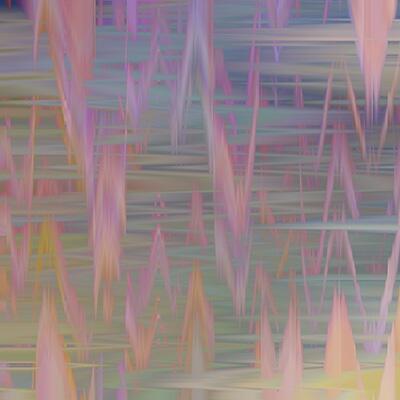
Digital Art Tutorial & Timelapse: Earthy Abstract Surface Pattern Design with Multicolor Brushes
In this tutorial, I'm using my Fantastic Fiber multicolor brushes to create an earthy abstract surface pattern design.
Quick Overview: The multicolor Textile & Fiber inspired brushes are great jumping off points for this earthy abstract surface pattern design. By using only TWO color blends, but mixing and matching different multicolor Photoshop brushes, I'm able to create a visually cohesive and expressive digital artwork.
Abstract digital artwork made fun and easy with multicolor brushes!
- I started with the Fantastic Fiber brushes for the main motifs and then had fun with a selection multicolor brushes from other collections as accents.
- Since the digital artwork is abstract, I tried to create a flow through the work by leaving negative space between the main shapes and adding the peach leaf motifs at the end to draw your eye diagonally across the canvas.
- Subscribers can download the TWO exclusive color palette blends used in the artwork, plus the loaded brushes and PSD source files, which let you follow along with the tutorial even faster and have more fun.
Download the Fantastic Fiber Brushes →

Download the Source Files / Tutorial Toolkit →
If you are already a subscriber, the files are already available in the monthly download document in the "Subscriber Benefits" post!
For direct links to the brushes used in this tutorial, scroll down 🖌️🎨